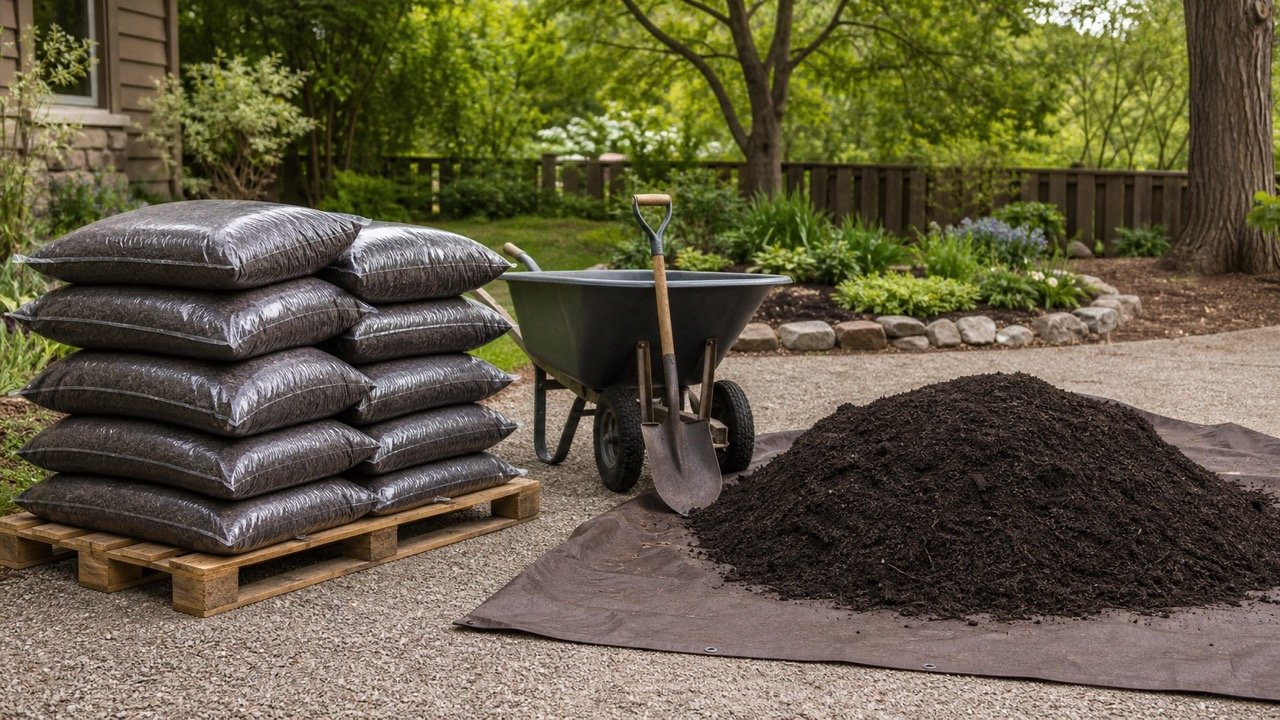
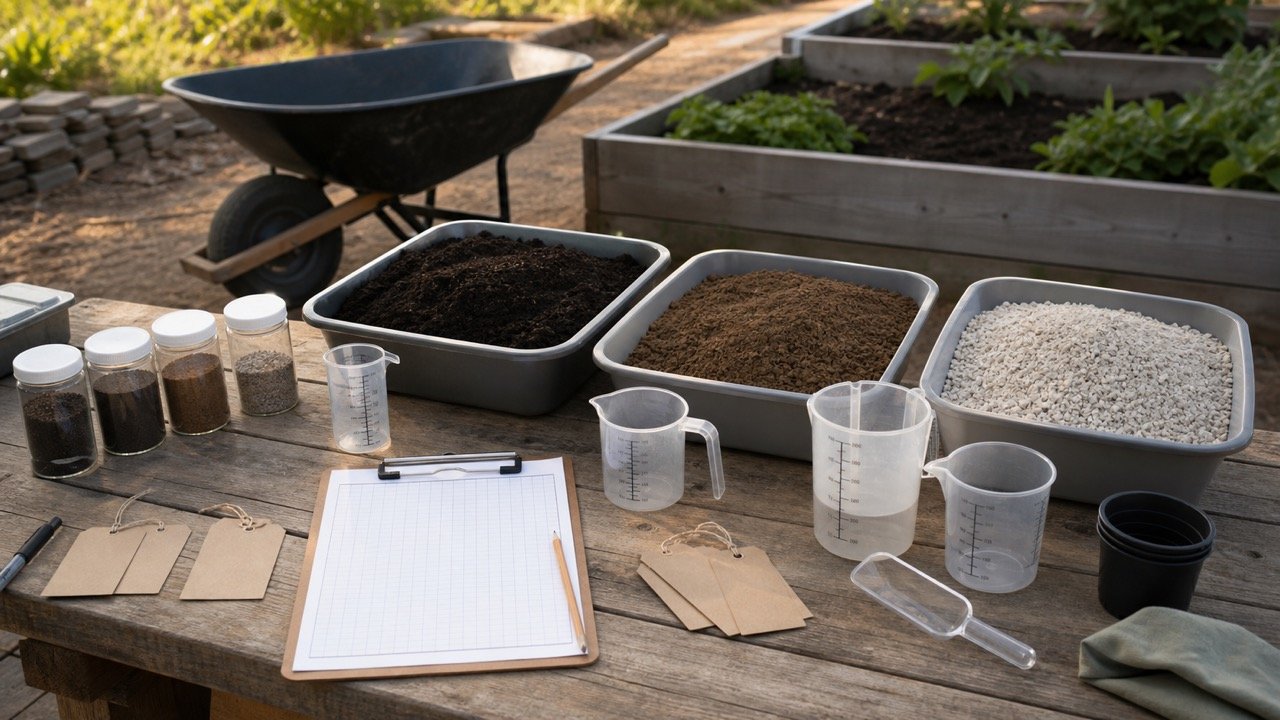
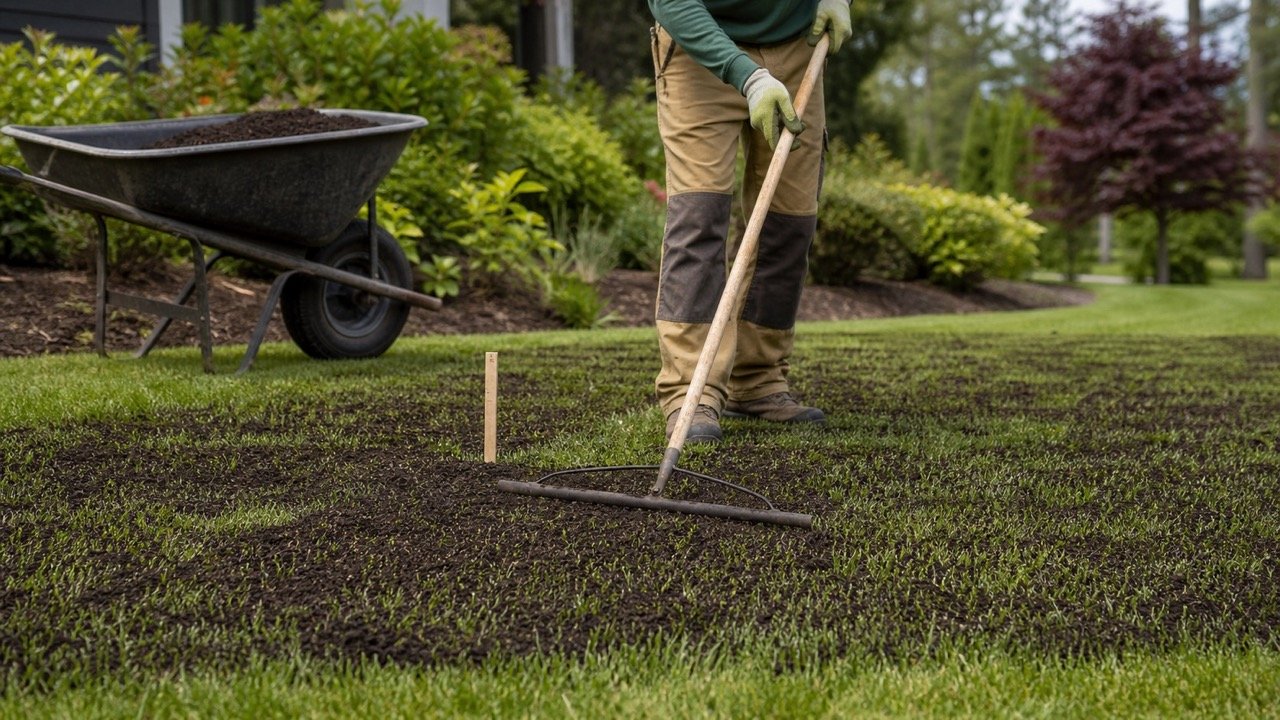
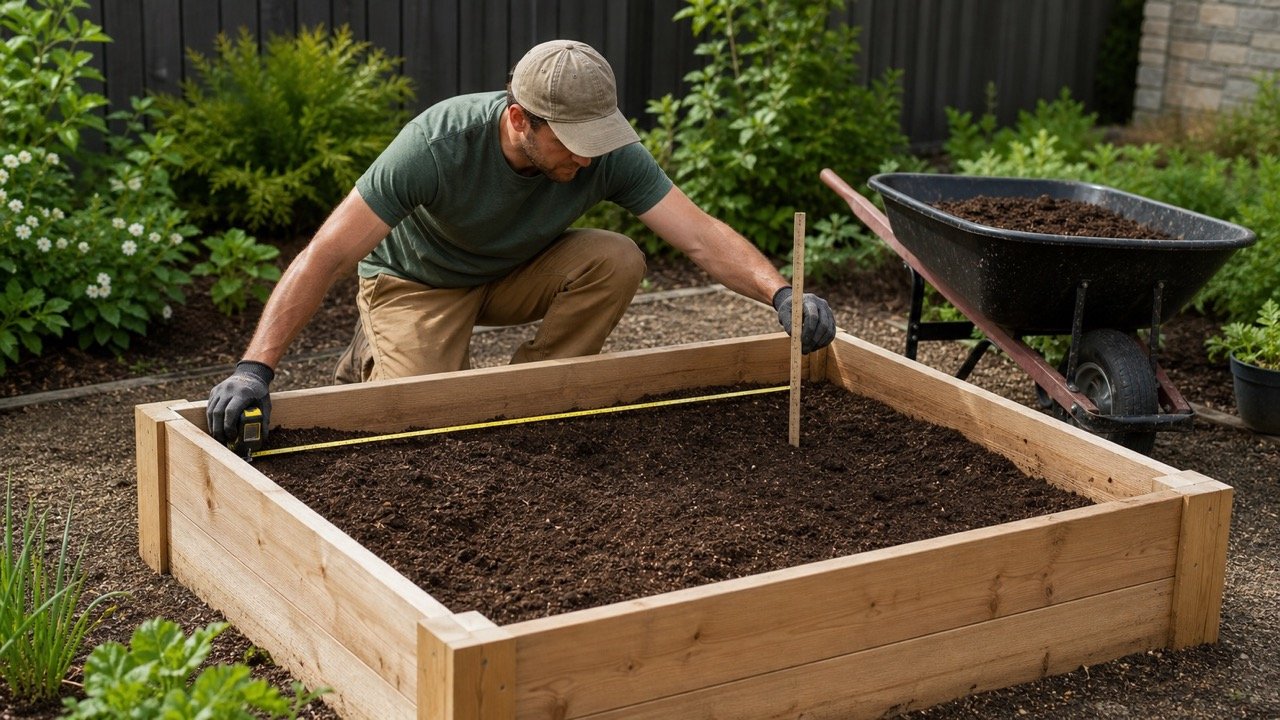
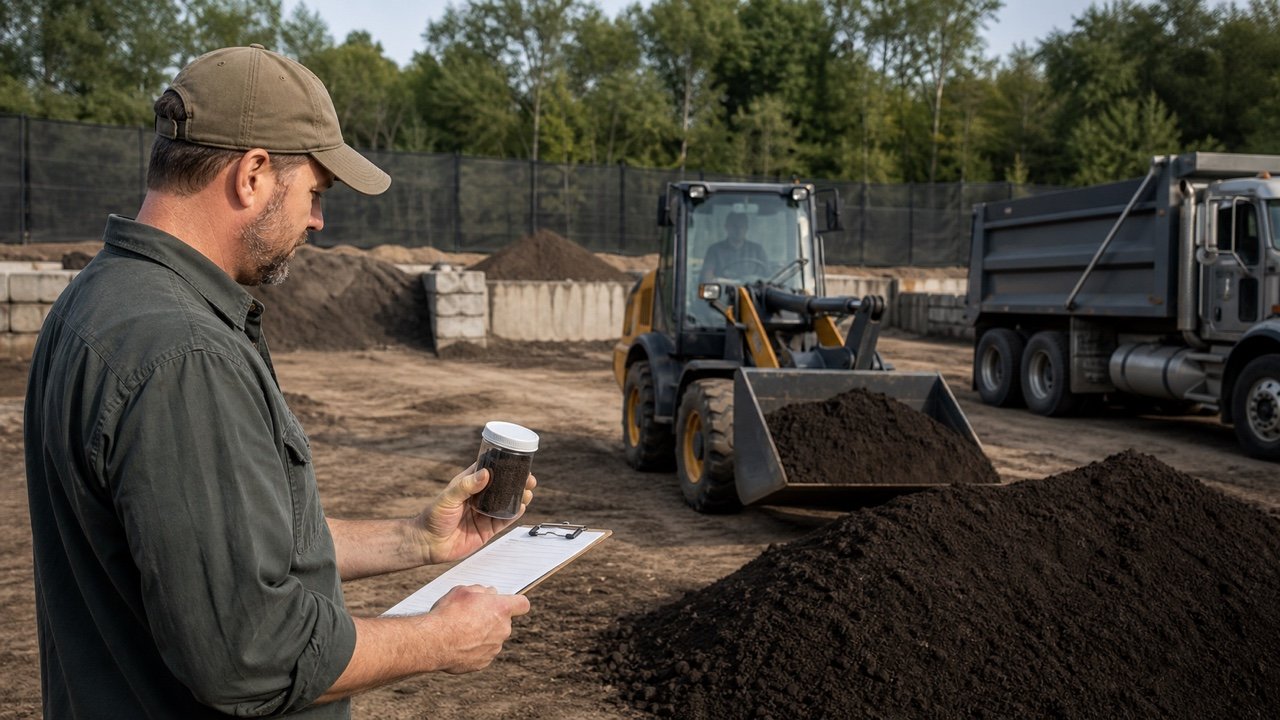
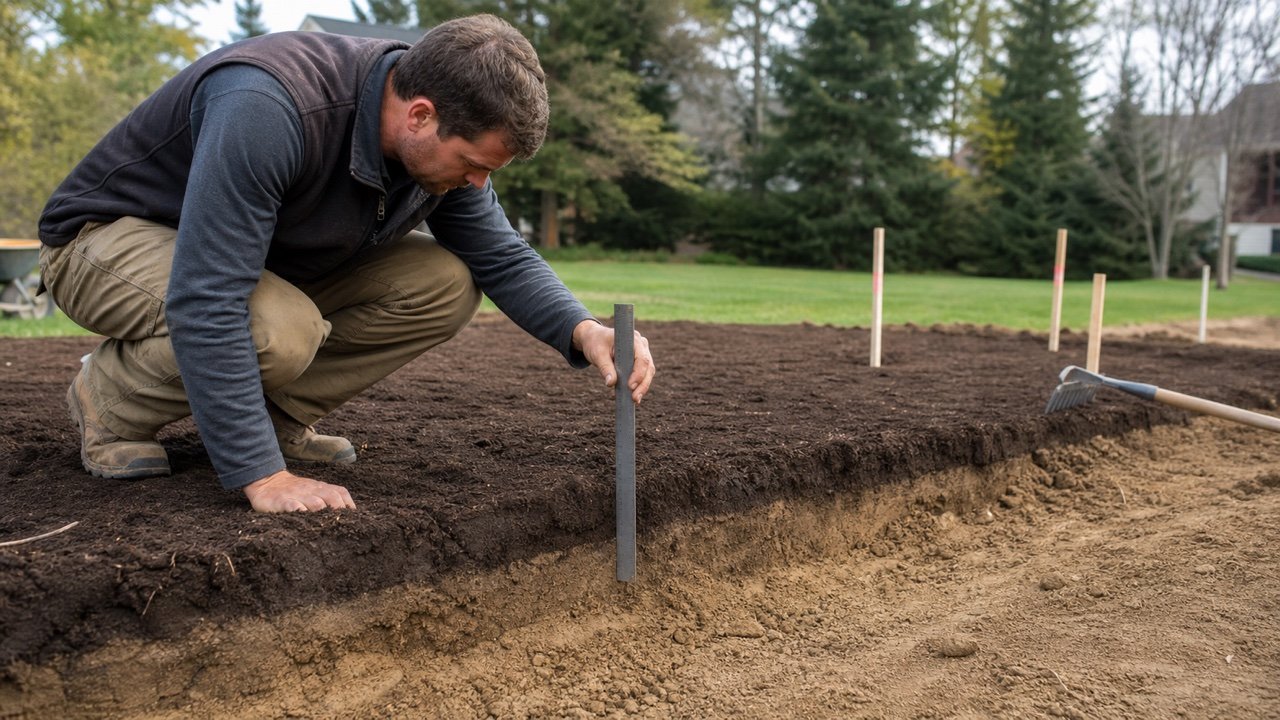
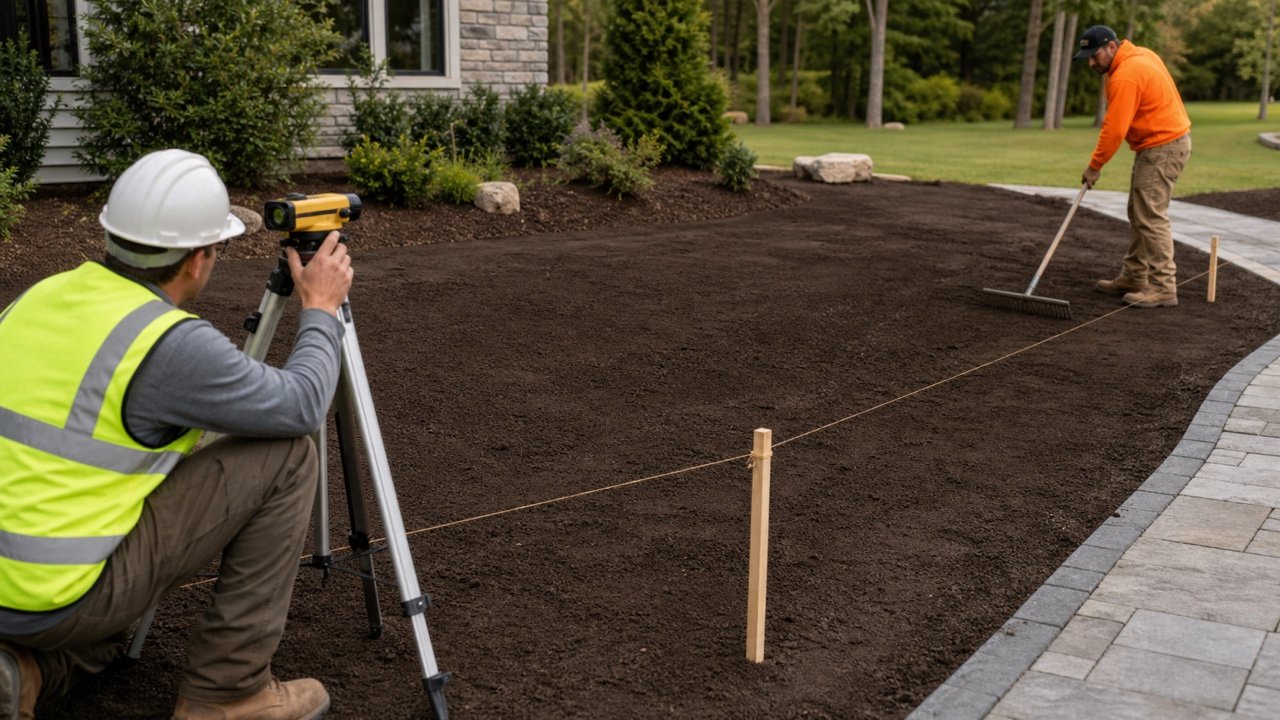
Landscape quantity planning starts with the area, the layer you need to add and the way the selected product is sold. Use the tools on this page to keep those stages separate instead of applying one generic conversion to every material.
Which landscaping calculator should you use?
Choose the calculator that matches the material and the job state you are measuring. The Mulch Calculator handles a new layer or a refresh over retained usable mulch. Soil, compost, fill and landscape-rock tools will appear here only after their own formulas, sources and field limits pass review.
| Planning task | Value to confirm first | Why it changes the result |
|---|
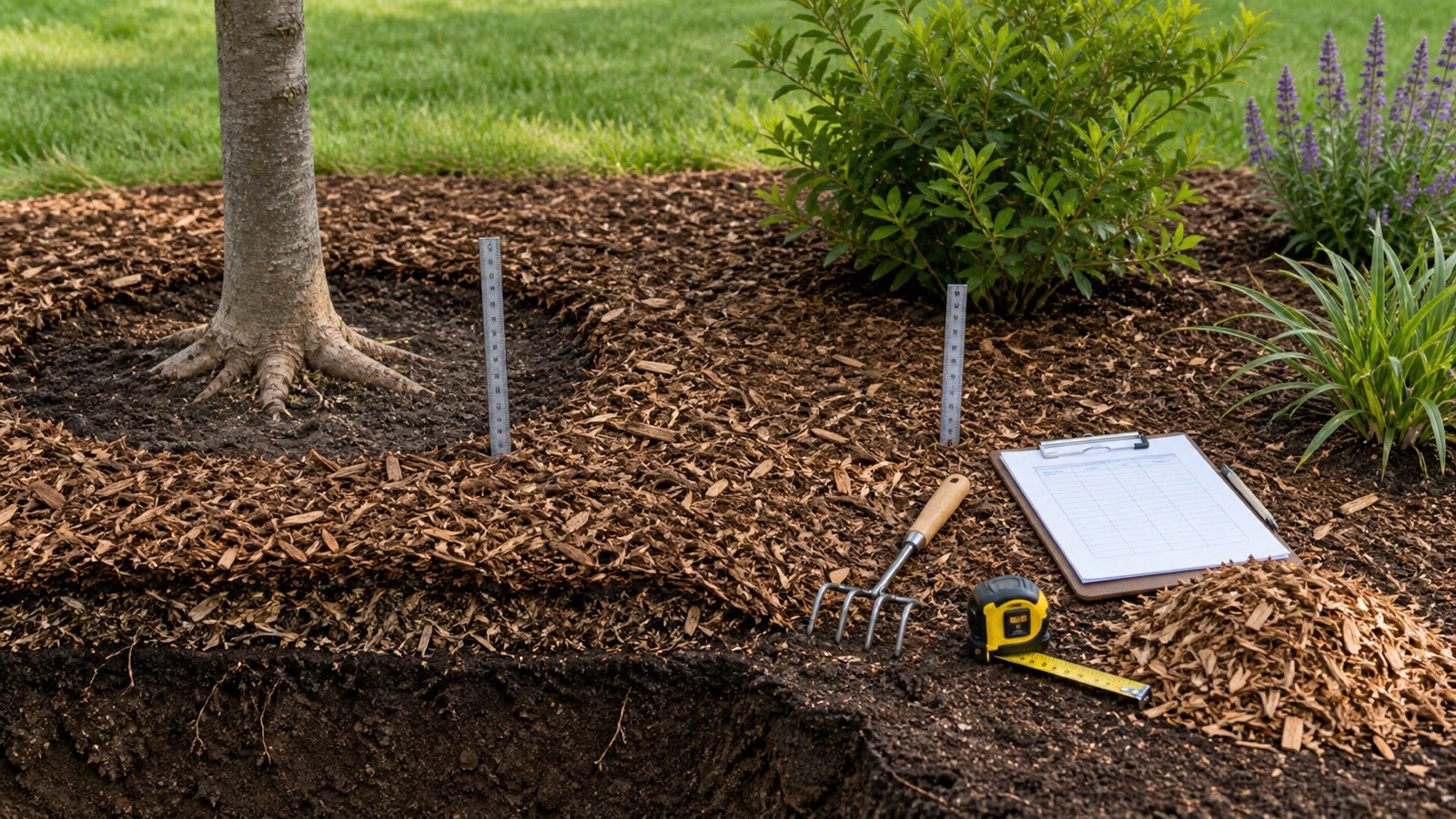
| Mulch refresh | Target depth and retained usable depth | Only the net depth still required belongs in the new order |
| Topsoil or compost layer | Required placed depth and material condition | Loose delivery volume may not equal the final placed volume |
| Fill work | Drawing, grade difference and compaction requirement | A simple surface layer may not represent changing excavation or fill depth |
| Landscape rock | Product size, specified depth and selling unit | Weight conversion depends on product and bulk condition |
How should you measure a landscape area?
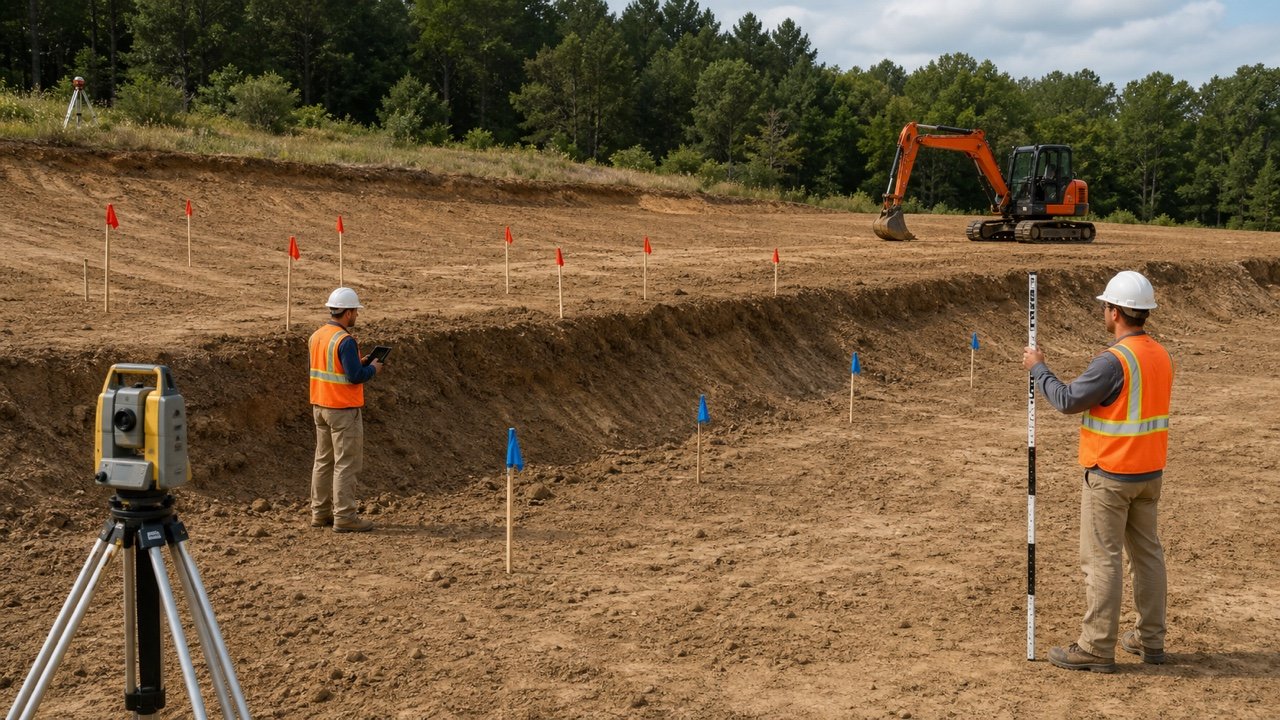
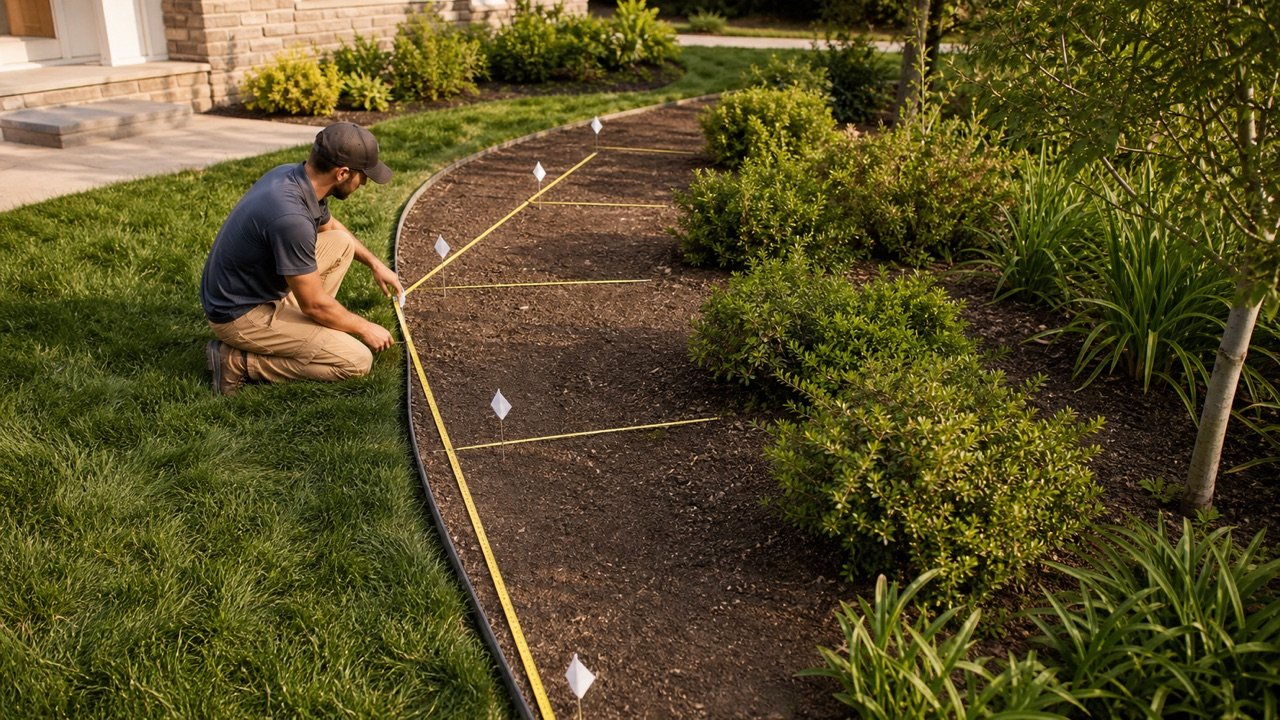
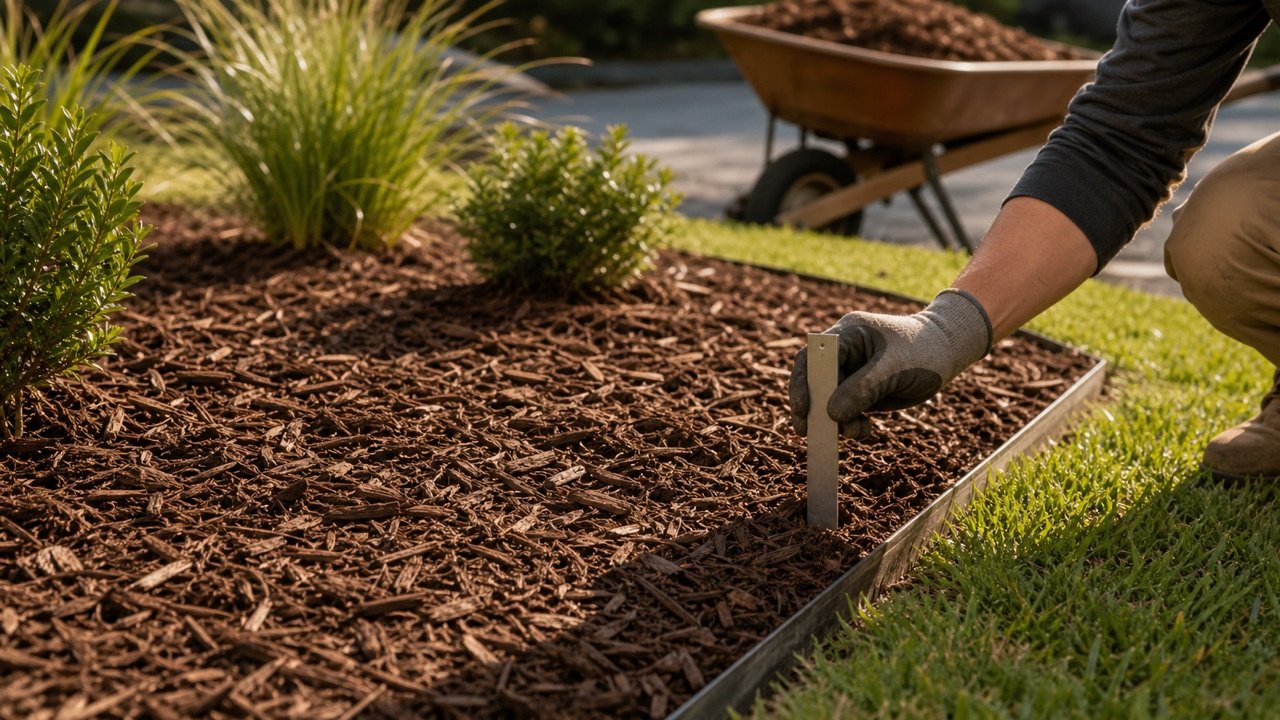
Measure simple rectangles and circles directly. Divide an irregular bed into smaller shapes, calculate each section, and add the unrounded results. Use a drawing or site note to record permanent openings and zones with different depths.
Keep different materials in separate calculations. A mulch bed, compost amendment and topsoil layer can share the same footprint but still require different depths, product data and ordering units.
Which quantity should you give the supplier?
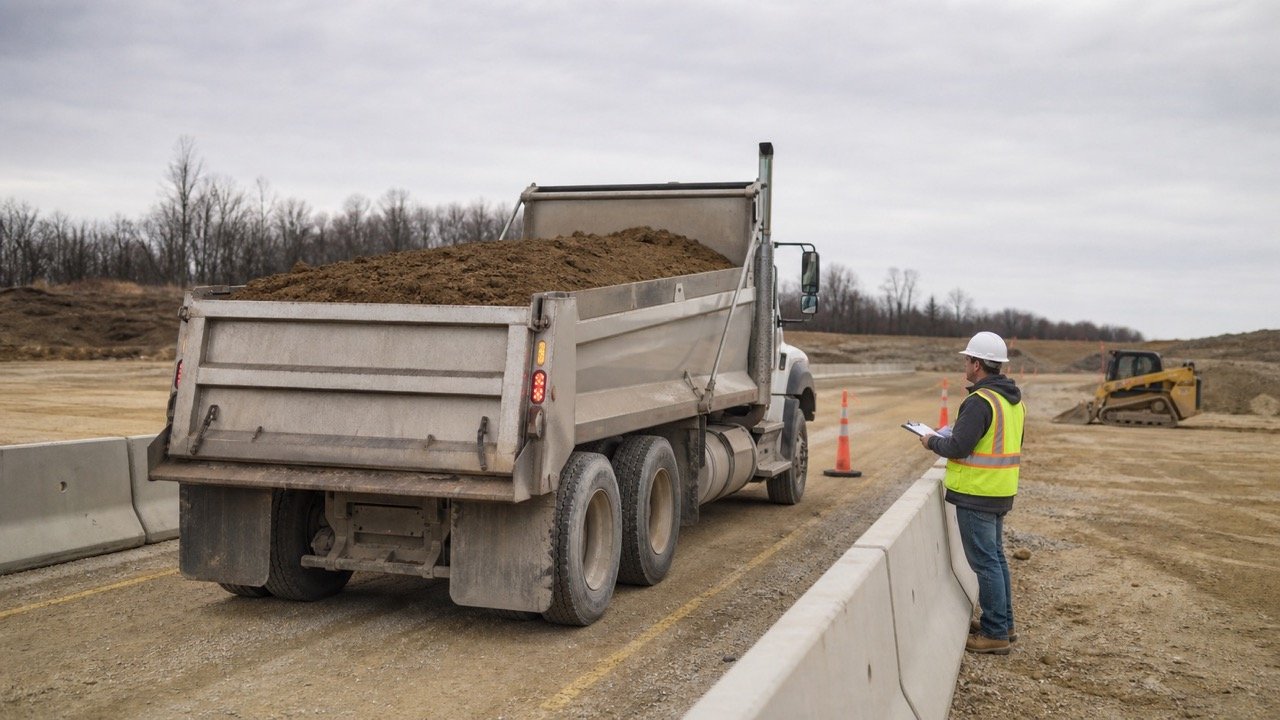
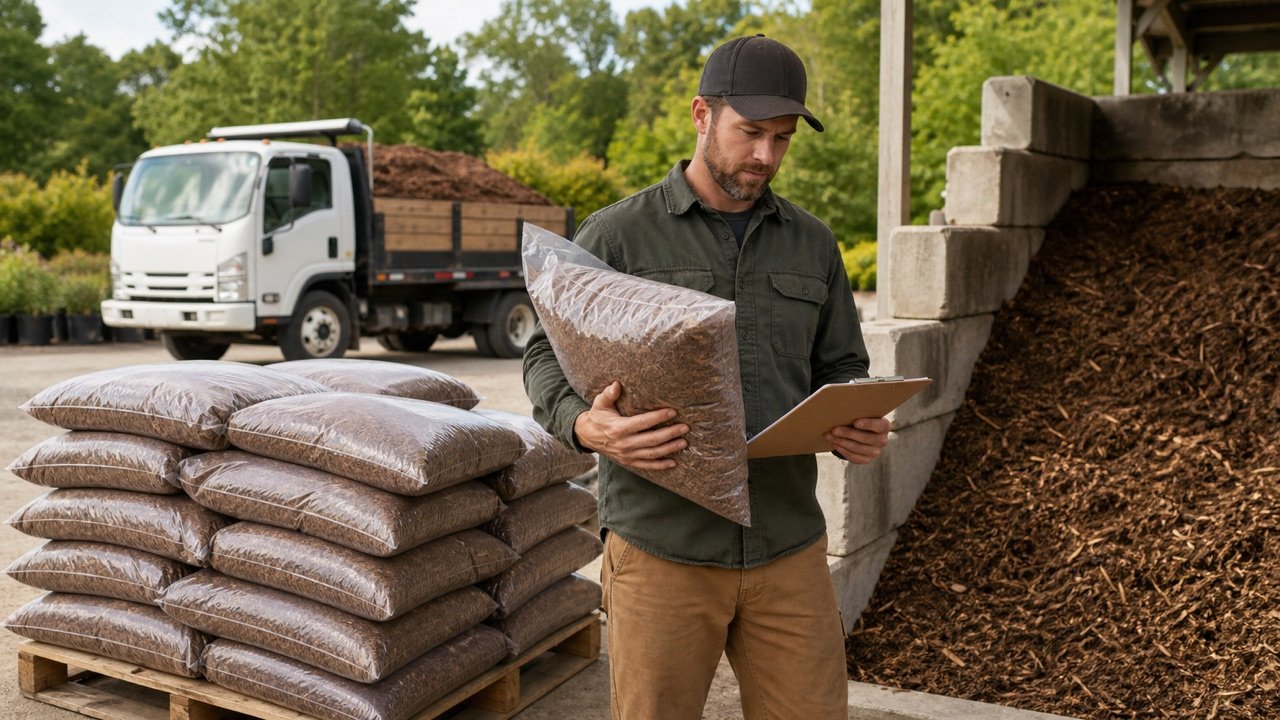
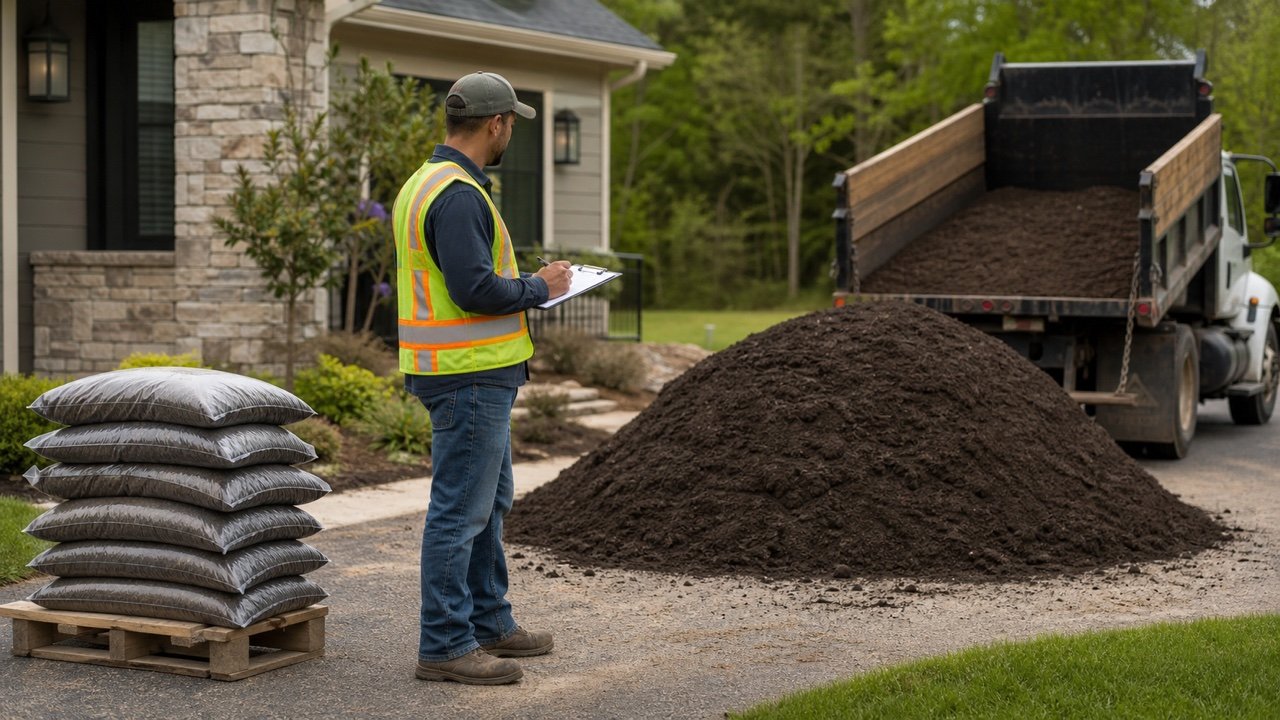
Give the supplier both the measured quantity and any separate planning quantity. Confirm the exact product, its current package volume or bulk selling unit, the supplier's order increment, delivery access and the condition the quoted quantity represents.
- Record the measured area and required depth.
- State whether the depth is new material, retained material or the total finished layer.
- Keep allowance visible and explain why it was added.
- Use the current package label for bag volume.
- Do not convert volume to weight with an unrelated internet density.
Why do material condition and timing matter?
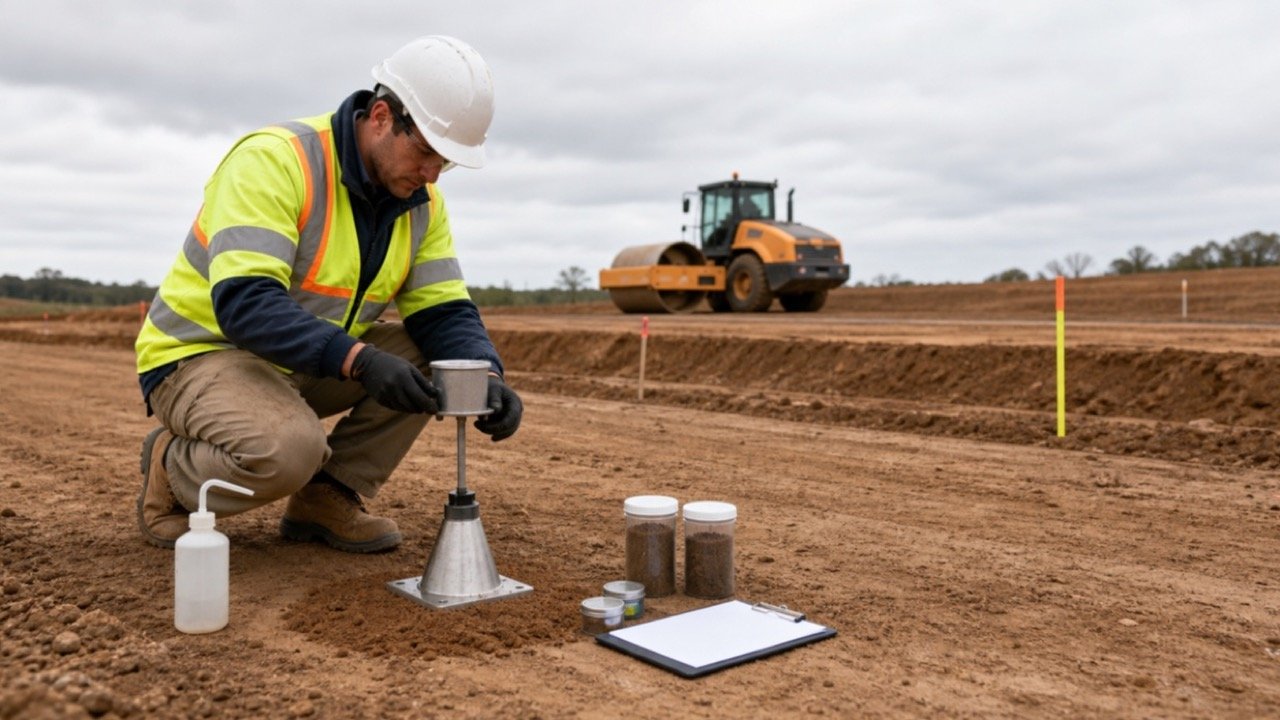
Organic materials can settle, decompose, retain moisture and vary by product. Soil and aggregate bulk volume can also change between stockpile, delivery, placement and compaction. Label the state of every input and result so the same number is not reused for a different stage.
Depth remains a project decision.Plant type, soil, climate, drainage, material, existing conditions and local guidance can change an appropriate depth. These tools calculate an entered depth; they do not prescribe one universal value.
What should you check before ordering?
- Walk the area and separate different shapes, depths and materials.
- Confirm the required finished condition from the project record or responsible source.
- Measure any retained layer that will remain useful.
- Calculate each zone and keep unrounded subtotals.
- Ask the supplier how the selected product is sold and rounded.
- Check access, unloading location, storage and weather exposure.
- Save the measurements, product record, quote date and final order increment.
Use the calculation methodology to see how BuildQuantities.com separates measured volume, planning allowance, product data and supplier rounding. Report a formula or source concern through the corrections route.