A mulch order should cover the material still needed, not automatically replace the whole finished layer. Measure the bed, choose the target total depth, and record any existing mulch that will remain usable.
This calculator keeps those values separate. It returns measured volume first, then applies only the allowance and package volume you enter for this project and product.
How much mulch do you need?
Multiply bed area by the net depth you still need to add. Net depth equals the target total depth minus retained usable depth, with a minimum result of zero.
Use rectangle, circle, or known-area mode. Metric mode reports cubic metres and litres. Imperial mode reports cubic yards and cubic feet. Enter the current net volume from a package label when you also need a whole-bag estimate.
What does the Mulch Calculator return?
The calculator shows the measured bed area, net depth to add, measured mulch volume, planning volume, and the equivalent in litres or cubic feet. If you enter a package volume, it also shows the exact package quotient and the next whole package.
| Result | Calculation | Use |
|---|---|---|
| Net depth to add | Maximum of target depth minus retained usable depth, or zero | Separates a refresh from a complete new layer |
| Measured volume | Area × net depth | Records the geometric quantity before planning assumptions |
| Planning volume | Measured volume × (1 + entered allowance ÷ 100) | Shows the effect of a documented allowance |
| Exact packages | Planning litres or cubic feet ÷ current package volume | Checks the conversion before rounding |
| Whole packages | Exact packages rounded up | Provides an orderable package count |
The tool has no preset depth, allowance, bag size, density, price, or delivery load. Those values depend on the bed, material, product, supplier, and project instructions.
Which measurements do you need?
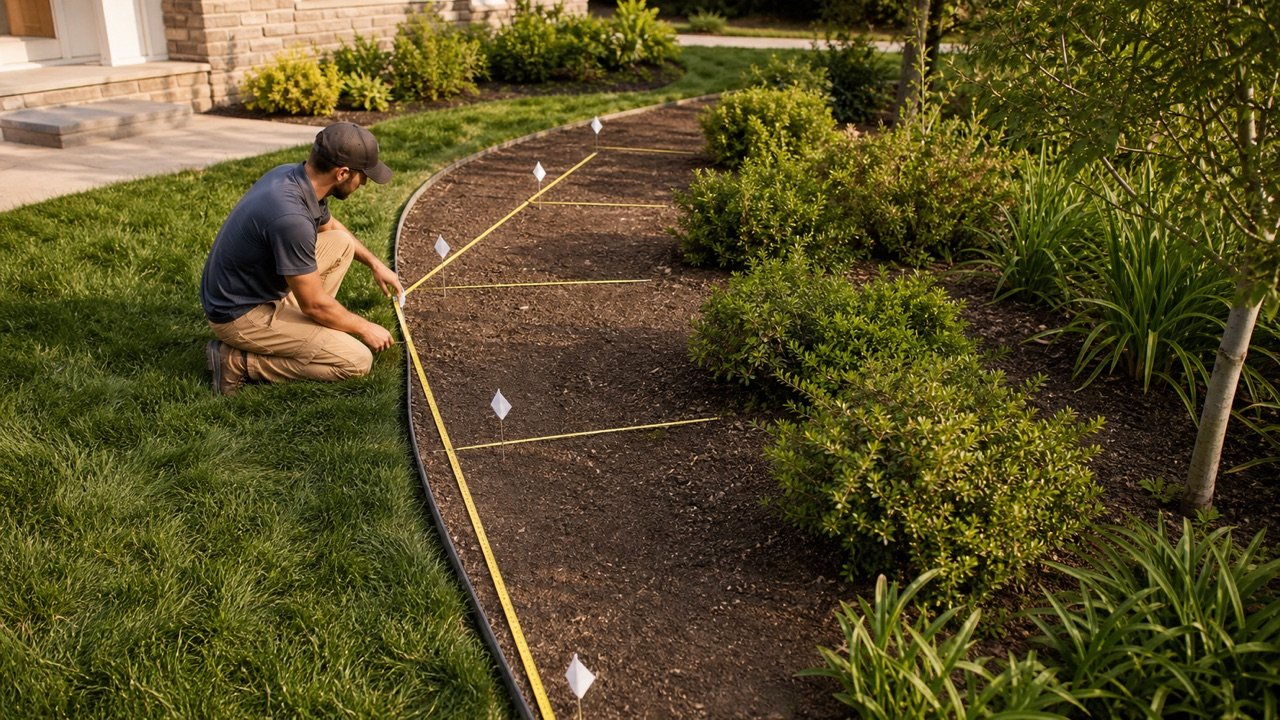
Measure the actual mulched surface, not the full property or planting plan boundary. Record one set of dimensions for each section that has the same target depth and retained condition.
- For a rectangle, measure length and width.
- For a circle, measure the full diameter through the centre.
- For a surveyed, drawn, triangular, or irregular section, calculate its area separately and use known-area mode.
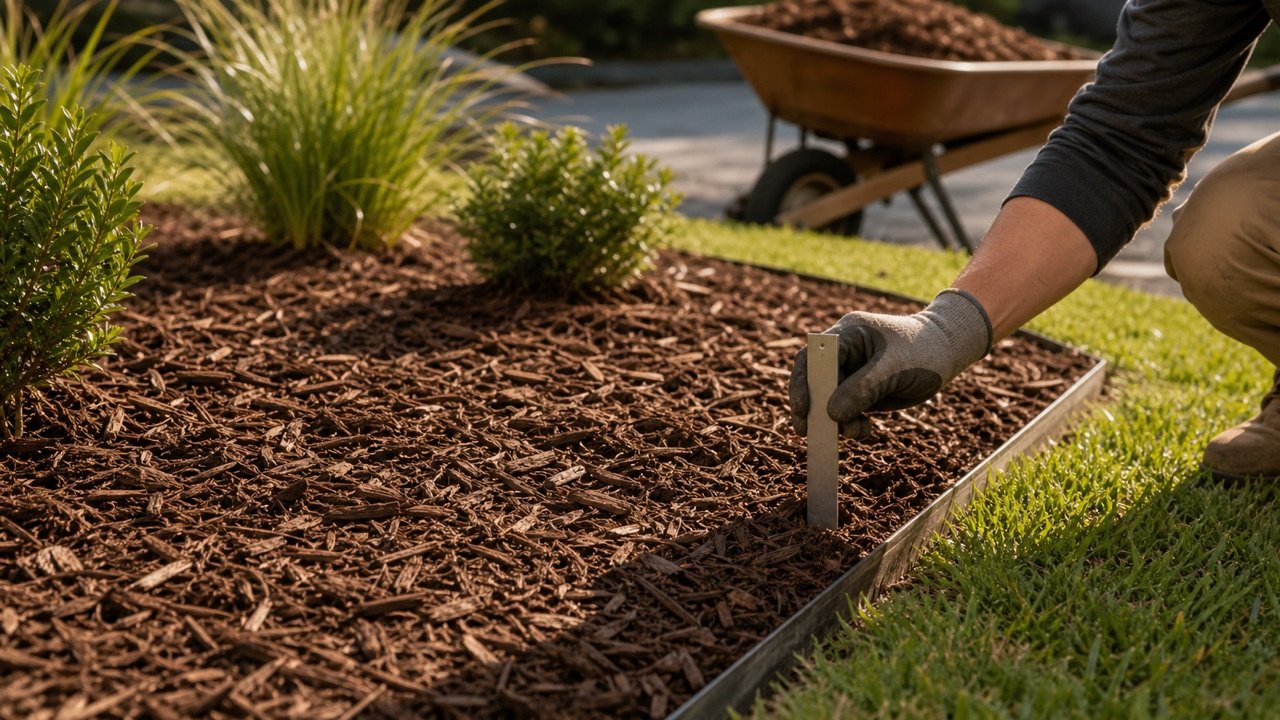
- Measure the target total layer and retained usable layer in the depth unit shown beside the field.
- Read package net volume from the current label for the selected product.
Do not count an opening where mulch will not be placed. Keep a sketch when several beds, permanent features, or changing widths affect the total.
How does the mulch formula work?
Rectangle area = length × width
Circle area = π × (diameter ÷ 2)²
Net depth = max(target depth − retained usable depth, 0)
Measured mulch volume = area × net depth
Metric depth is converted from centimetres to metres before it is multiplied by square metres. Imperial depth is converted from inches to feet before it is multiplied by square feet. The resulting cubic feet are divided by 27 to show cubic yards.
Internal calculations keep full precision. Display values use up to 3 decimal places. Package rounding happens once, after planning volume is divided by the entered package volume.
Worked metric example
A rectangular bed is 8 m long and 3 m wide. Its target total depth is 7.5 cm, and 2.5 cm of existing mulch has been checked and will remain usable.
- Area: 8 × 3 = 24 m².
- Net depth to add: 7.5 − 2.5 = 5 cm, or 0.05 m.
- Measured volume: 24 × 0.05 = 1.2 m³, or 1,200 L.
- With a documented 5% allowance: 1.2 × 1.05 = 1.26 m³, or 1,260 L.
- For a package labelled 40 L: 1,260 ÷ 40 = 31.5, so the whole-package result is 32.
The 40 L package and 5% allowance belong only to this example. Enter the label and project values that apply to the order you are checking.
Worked imperial example
A circular bed has a 12 ft diameter. The target total depth is 3 in, and 1 in of usable mulch remains.
- Radius: 12 ÷ 2 = 6 ft.
- Area: π × 6² = 113.097 ft².
- Net depth: 3 − 1 = 2 in, or 2 ÷ 12 ft.
- Measured volume: 113.097 × 2 ÷ 12 = 18.850 ft³.
- Cubic yards: 18.850 ÷ 27 = 0.698 yd³.
- For a package labelled 2 ft³: 18.850 ÷ 2 = 9.425, so the whole-package result is 10.
No allowance is used in this fixture. If the project supports one, the calculator displays both the measured volume and the larger planning volume.
When should existing mulch be subtracted?
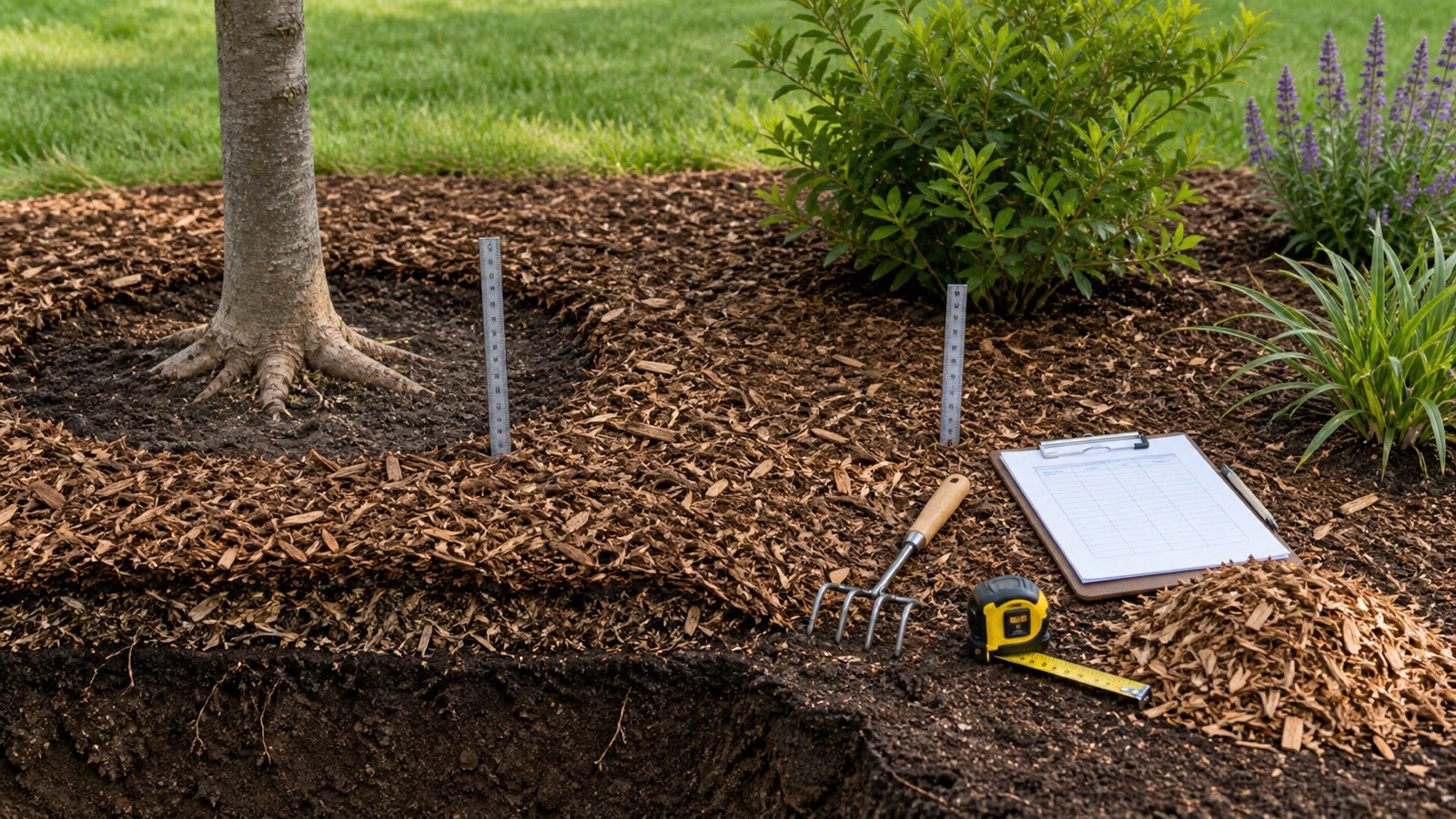
Subtract only the depth that will remain in place and still perform the intended function. Check several representative points because weather, traffic, runoff, edging, plant growth, and previous placement can create uneven conditions.
Weathered material is not automatically unusable, and visible material is not automatically a sound retained layer. Matted, contaminated, displaced, deeply decomposed, mixed, or poorly drained material can require a site decision before it is entered.
If retained usable depth equals or exceeds the target, the calculator returns zero new volume. That result means the entered layer does not call for more material. It does not confirm that the current condition, material, drainage, or plant treatment is acceptable.
How do you calculate several or irregular beds?
Run beds separately when they have different depths or retained conditions. Add their unrounded measured volumes, then apply a supported project allowance to the combined measured total if the same allowance applies to every section.
Divide an irregular bed into rectangles, circles, and separately calculated shapes. For a triangle, area equals base × perpendicular height ÷ 2. Enter that result through known-area mode. Approximate a curved border with smaller sections and preserve the sketch.
| Site condition | Recommended calculation treatment |
|---|---|
| Same material and net depth across several beds | Calculate each area, add unrounded measured volumes, then use one supported allowance |
| Different retained depths | Run separate calculations so each net depth remains visible |
| Permanent opening | Subtract its area only when mulch will not occupy it |
| Sloped surface | Use the actual surface area when available; plan-view area can understate a steep surface |
| Highly uneven existing layer | Use zones or field measurements; do not hide the variation inside an unsupported average |
How should you choose a target depth?
Use the current project specification, applicable local guidance, selected material instructions, and plant or site advice. Mulch type, climate, soil, drainage, slope, establishment stage, and existing condition can change the suitable treatment. The Mulch Depth Guide compares scoped material and site guidance and shows how to measure a retained layer.
EPA WaterSense and Virginia Cooperative Extension both provide general landscape context and warn about harmful accumulation or contact around plants. Their guidance shows why a public calculator should not force one depth into every bed.
USDA NRCS states that its national Mulching 484 standard should not be used directly to plan, design, or install a practice. Applicable local Field Office Technical Guide criteria control that conservation-practice context. A quantity result does not replace those requirements.
Why are bag volume and bag weight different?
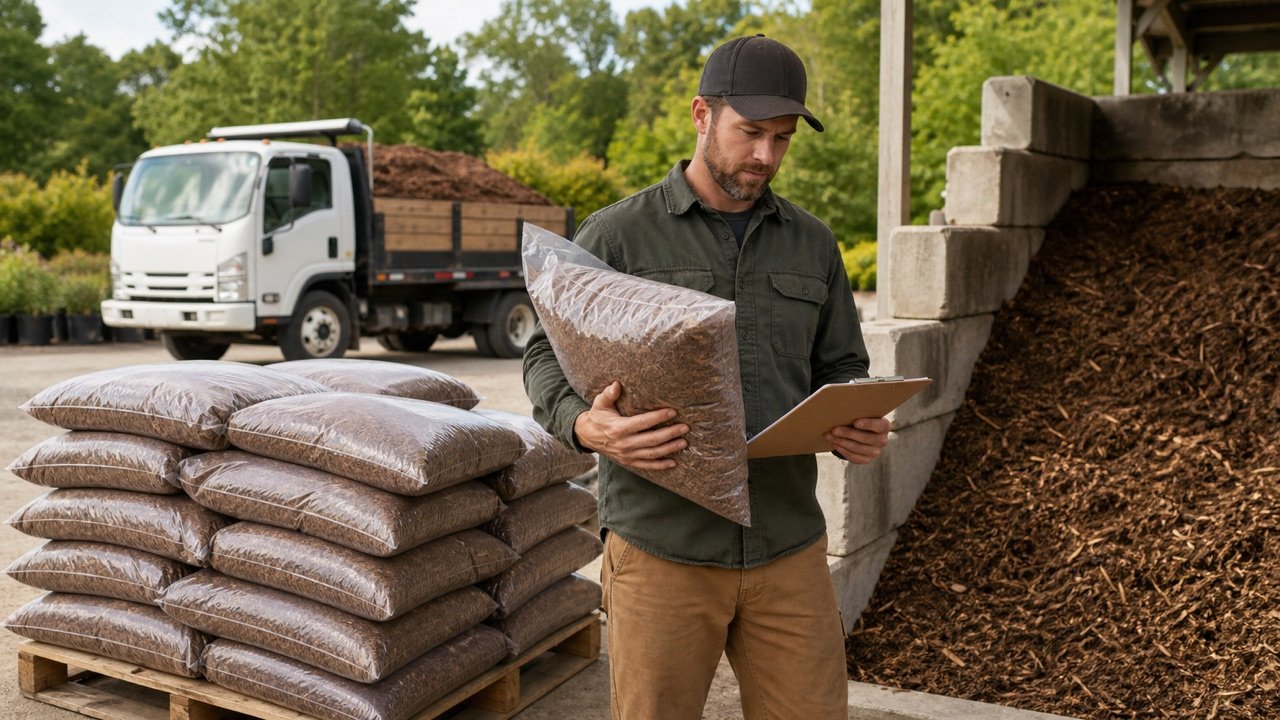
The package field accepts net volume, such as litres or cubic feet per package. A package mass such as 20 kg or 40 lb is not a volume and should not be entered there.
Use the current label for the exact product and package size. Similar product names can be sold in different package volumes. Packaging can also change, so save the product name, package identifier, label volume, and date with the estimate.
The whole-package result rounds upward because a fraction of a sealed package is normally not an order unit. Confirm stock, minimum quantities, damaged-package policy, and return rules with the seller.
When should you add an allowance?
Leave allowance at 0% unless a documented project condition supports another value. Possible reasons can include verified measurement tolerance, handling loss, site irregularity, or a stated project requirement, but this calculator does not assign a standard percentage.
Do not use allowance to hide an uncertain target depth, unknown retained condition, or supplier rounding rule. Resolve those inputs separately. The measured and planning results remain visible so another person can see exactly what the allowance changed.
How do bulk and bag orders differ?
For bags, use the current net package volume and round the final quotient upward. For a bulk quote, give the supplier the measured and planning cubic volume, product name, job location, and required timing.
- Confirm whether the supplier sells by cubic yard, cubic metre, bag, or another increment.
- Ask how partial quantities are rounded.
- Confirm delivery minimums, fees, access limits, unloading location, and lead time.
- Keep the supplier's rounded order separate from the calculator's planning volume.
- Do not treat a volume result as proof of vehicle payload or legal transport capacity.
What site limits should you check?
Keep mulch placement clear of plant stems and tree trunks according to applicable plant and site guidance. Excess accumulation against living tissue can create harmful conditions. Existing mulch piled at a trunk should not be counted as a useful uniform layer without inspection.
Check edging height, drainage paths, air inlets, utilities, irrigation components, paving levels, doors, and other interfaces before adding material. A geometrically correct quantity can still be unsuitable when the finished level blocks drainage or covers a feature.
Plan a safe unloading and storage location. Bulk piles and packages can obstruct access, absorb water, contaminate surfaces, or exceed a site's handling capacity. Follow supplier instructions and local safety requirements.
Common mulch-calculation mistakes
- Entering target total depth as though the bed were empty when usable mulch remains.
- Subtracting all visible material without checking whether it will remain in place and usable.
- Mixing centimetres with metres or inches with feet.
- Using the whole property area instead of the actual bed surface.
- Applying one average depth across clearly different zones.
- Entering package weight in a package-volume field.
- Assuming every package contains 2 ft³ or every project needs the same allowance.
- Rounding each small bed before adding the total.
- Treating quantity calculation as plant, drainage, grading, transport, or safety approval.
What should you record before ordering?
- Bed name, sketch, shape, dimensions, and unit system.
- Target total depth and the source that controls it.
- Existing usable depth, measurement locations, and condition note.
- Measured volume before allowance.
- Allowance percentage, reason, and planning volume.
- Selected mulch product and current package net volume when bags are used.
- Supplier selling unit, minimum, rounding increment, quote date, and delivery basis.
- Final ordered quantity and any difference from the planning result.
This record makes later differences traceable to area, depth, retained condition, allowance, label volume, supplier increment, or delivery decision.
Sources and scope
- NIST Guide to the SI, Appendix B.8: area and volume conversions used by the engine. It does not prescribe mulch depth.
- USDA NRCS Mulching (Ac.) 484: national-standard scope and local Field Office Technical Guide boundary.
- EPA WaterSense Landscaping Tips: general material, water, accumulation, and plant-contact context.
- Virginia Cooperative Extension, Mulching for a Healthy Landscape: material-dependent application and refresh context.
Review note: Saleem Sial is the research and editorial owner. Formula fixtures, sources, build validation, and rendered browser checks form the internal publication gate. Waseem Sial, External Reviewer and Engineer, is listed for ongoing external review; no completed review date is claimed.