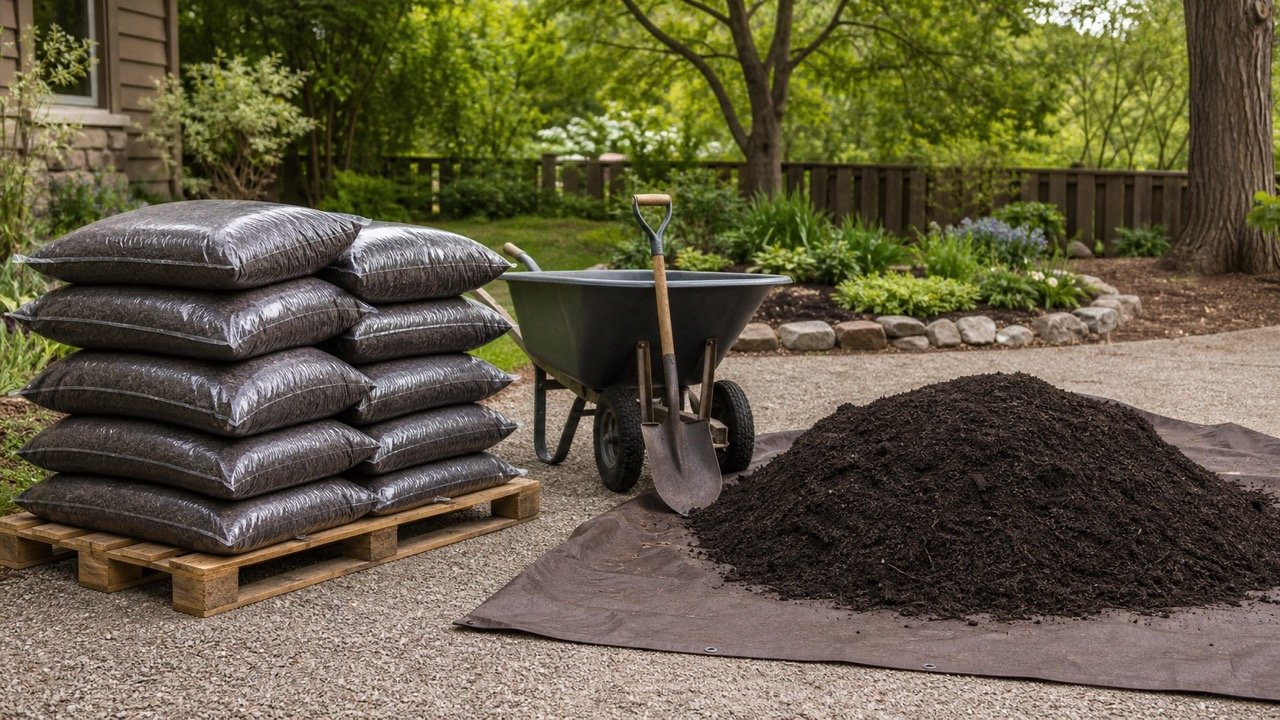
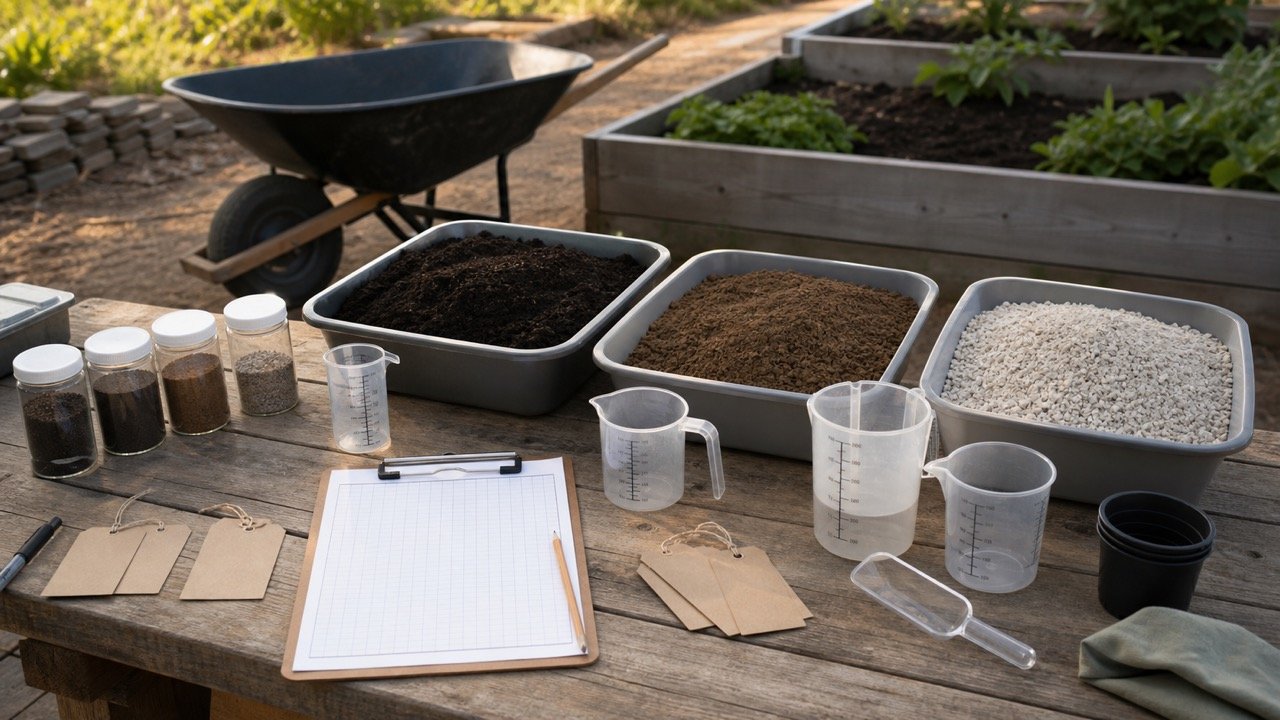
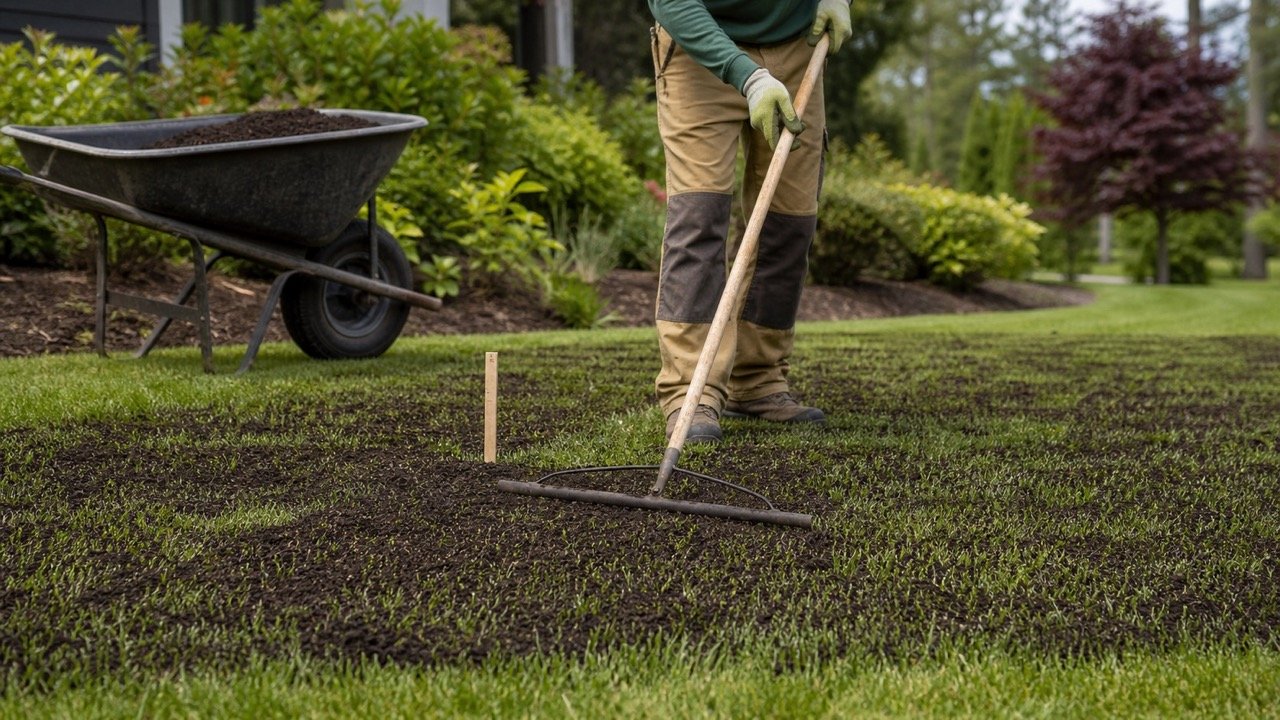
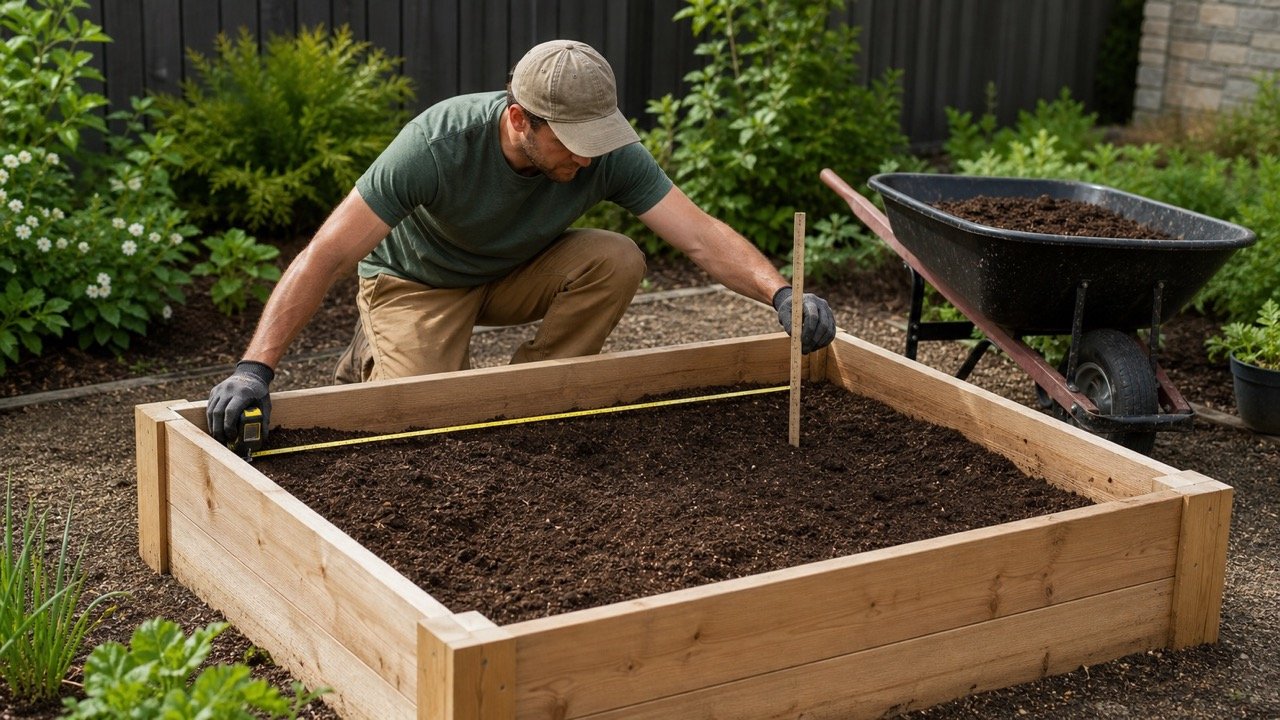
Compost can be placed as a measured surface layer or used as one component of a larger soil mix. Those are different quantity tasks: one uses the full layer volume, while the other uses only a stated share of the mix zone.
This calculator keeps both modes explicit. It does not prescribe an application depth, compost percentage, blend recipe, bag size, or allowance.
How much compost do you need?
For a direct layer, multiply area by the compost depth. For a mix component, calculate the full treatment-zone volume and multiply it by the verified compost share.
The tool reports measured compost before allowance, then converts the planning result to whole packages only when you enter the current net volume printed for the selected product.
Which compost mode should you use?
Choose Direct compost layer when the entered depth represents compost itself, such as a measured topdressing layer. Choose Compost component of a mix zone when the entered depth represents the total soil or growing-medium zone and compost is one defined percentage of it.
| Mode | Depth means | Compost volume |
|---|---|---|
| Direct layer | Thickness of compost applied | Area × depth |
| Mix component | Total depth of the mix zone | Area × depth × compost share |
Do not use mix mode merely to reduce the order. The percentage needs a product recipe, project instruction, soil recommendation, or responsible source that fits the intended use.
What results does the calculator show?
The page shows total treatment-zone volume, measured compost volume, planning compost volume, area, measured compost in litres or cubic feet, compost share, allowance, and optional whole packages.
Measured compost keeps geometry and share separate from allowance. Package count uses planning volume, divides by the current package net volume, and rounds only the final package quotient upward.
How is compost volume calculated?
Rectangle area = length × width
Circle area = π × (diameter ÷ 2)²
Treatment-zone volume = area × treatment depth
Direct-layer compost = treatment-zone volume
Mix-component compost = treatment-zone volume × compost share ÷ 100
Metric mode converts centimetres to metres and reports cubic metres plus litres. Imperial mode converts inches to feet and reports cubic yards plus cubic feet. NIST sources support the unit relationships, not the application rate or recipe.
Worked direct-layer example
A rectangular area is 8 m long and 2 m wide. The verified direct compost layer is 3 cm.
- Area: 8 × 2 = 16 m².
- Depth: 3 cm = 0.03 m.
- Measured compost: 16 × 0.03 = 0.48 m³, or 480 L.
- A separately documented 5% allowance gives 0.504 m³, or 504 L.
- At 40 L per current package label: 504 ÷ 40 = 12.6, so the result is 13 whole packages.
The depth, allowance, and package volume demonstrate the calculation. They are not defaults for another product, soil, plant, lawn, project, or package.
Worked mix-component example
A 4 ft by 8 ft raised-bed zone is 12 in deep. Its verified recipe calls for compost to occupy 25% of that total volume.
- Total mix-zone volume: 4 × 8 × 1 = 32 ft³.
- Measured compost: 32 × 25% = 8 ft³, or 0.296 yd³.
- A separate 10% allowance gives 8.8 ft³, or 0.326 yd³.
- At 1.5 ft³ per package: 8.8 ÷ 1.5 = 5.867, so the result is 6 whole packages.
The calculator does not calculate the remaining 75% ingredients. Record each component and confirm that the complete recipe totals 100% without overlapping ingredients or hidden displacement.
How should you choose the application depth?
Use current soil-test recommendations, a landscape or agronomic plan, plant and site needs, product instructions, applicable rules, and qualified local advice. Direct application rates can differ by purpose, compost characteristics, climate, soil, incorporation method, and timing.
EPA's compost review discusses a range of feedstocks, application settings, rates, and measured outcomes. USDA material also addresses application calculations and source or contaminant concerns. Neither source creates one universal depth for every garden, lawn, field, or planting system.
The calculator turns an approved depth into volume. It does not decide whether that depth is agronomically appropriate.
How should a compost share be chosen?
Use mix mode only when the whole mix-zone depth and compost fraction are both defined. The compost share must be greater than 0% and no more than 100%.
Check whether the source describes percentage by volume or by mass. This tool accepts percentage by volume. A 25% mass recipe cannot be entered as 25% volume without compatible product-density information and a separate conversion.
Confirm whether the recipe refers to finished mix, loose components before blending, or a named product formulation. Component volumes can change during mixing and placement. Record the intended state and follow the governing instructions.
Why is package net volume required?
Package count needs volume per package: litres in metric mode or cubic feet in imperial mode. Package mass such as 20 kg or 40 lb is not a volume.
Use the current label for the exact compost product and package. Similar names can cover different package sizes, moisture conditions, formulations, and use instructions. Save the product name, package identifier, net volume, label date, and application directions with the estimate.
The calculator shows the exact package quotient and whole-package ceiling. Confirm stock, pallet quantities, damaged-package handling, and return rules separately.
When should you add an allowance?
Allowance starts at 0%. Enter one only when a documented project condition supports it, such as verified measurement tolerance or a separately defined handling loss.
Do not use allowance to hide uncertainty in application depth, mix percentage, package size, or supplier rounding. Resolve those items at their own stage. Keep measured and planning compost visible together so the added quantity can be reviewed.
How do you calculate irregular areas or several beds?
Divide an irregular area into rectangles, circles, triangles, or surveyed sections. Calculate triangular area as base × perpendicular height ÷ 2 and enter it through known-area mode.
Run separate calculations when treatment depths, compost shares, products, or application methods differ. Add unrounded measured compost volumes only when the same allowance and package basis will apply to the combined order.
| Condition | Calculation treatment |
|---|---|
| Several beds, same direct depth | Add their unrounded direct-layer volumes |
| Different direct depths | Calculate each bed separately |
| Same total mix depth, different recipes | Run each compost share separately |
| Permanent opening | Subtract area only when the treatment will not occupy it |
| Changing fill depth | Use zones or a suitable soil-volume method before applying the compost share |
Why does the calculator omit weight and nutrients?
Weight needs bulk density for the exact compost and stated moisture or material condition. Nutrient planning needs current analysis, units, availability assumptions, application basis, soil and crop context, and applicable limits.
A volume calculator cannot safely turn a generic compost name into nutrient availability, fertilizer replacement, contaminant status, or regulatory compliance. Use current laboratory, product, specification, and responsible agronomic records for those decisions.
What product and site checks matter?
- Confirm compost source, feedstocks, processing, maturity or stability information, screening, and intended use.
- Obtain testing, certification, contaminant, pathogen, salt, nutrient, or other records required by the project or jurisdiction.
- Match the product instructions to the application method and plant or soil context.
- Check delivery access, storage location, runoff protection, weather, odour, dust, and handling needs.
- Keep compost, topsoil, mulch, fill, and complete growing media as separate materials unless a verified recipe combines them.
Common compost calculation mistakes
- Using total raised-bed depth as a direct layer of pure compost without a supporting instruction.
- Entering a mass percentage as a volume percentage.
- Assuming every bag contains 2 ft³ or one standard number of litres.
- Using a generic compost application depth for every site.
- Applying allowance to compensate for an unknown recipe or depth.
- Combining beds with different shares or products before calculating.
- Rounding each section or component early.
- Treating volume as nutrient, contaminant, maturity, plant-suitability, or regulatory approval.
What should the compost record contain?
- Area sketch, dimensions, shape, treatment depth, and measurement date.
- Direct-layer or mix-component mode.
- Compost share, volume basis, recipe source, and remaining components when mix mode is used.
- Measured compost before allowance and the treatment-zone volume.
- Allowance, reason, and planning compost volume.
- Product identity, source, test or certification records, and current package net volume.
- Supplier selling unit, minimum, rounding, delivery basis, and final order.
Sources and scope
- NIST Guide to the SI, Appendix B and NIST Handbook 133, 2026 Appendix E: unit relationships only.
- EPA Environmental Value of Applying Compost: application-purpose, source, rate, and outcome context.
- USDA Sustainable Agriculture: Compost: application-rate and source-management context.
Review note: Saleem Sial owns the research and editorial record. Formula fixtures, sources, build validation, and rendered QA form the internal publication gate. Waseem Sial, External Reviewer and Engineer, is listed for ongoing external review; no completed review date is claimed.