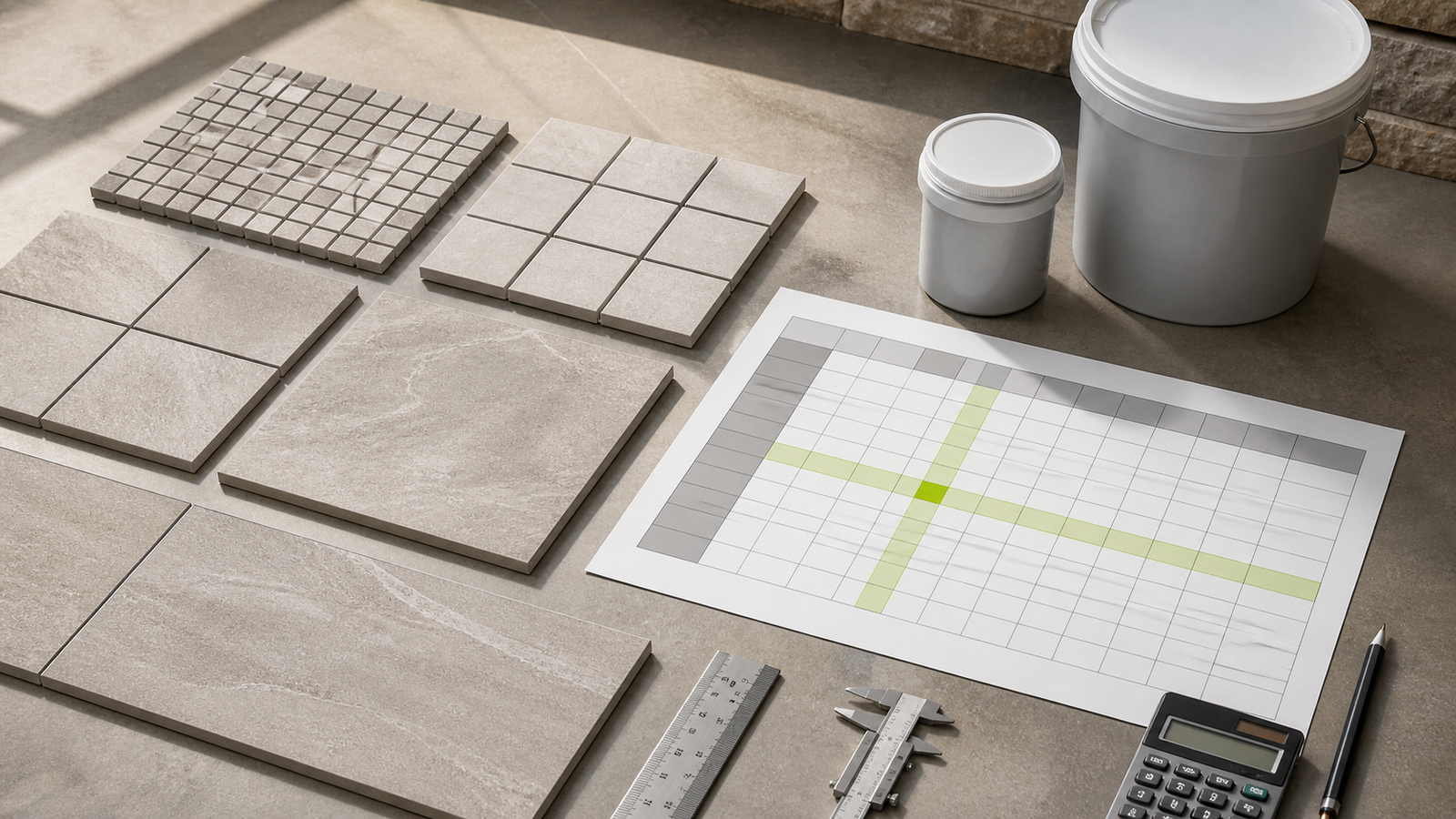
A grout coverage chart is a product record, not a universal material table. Its value applies to the named grout, package, tile dimensions, joint width and other conditions printed around that cell.
Read the table heading before reading a number. A large coverage figure may refer to a larger package, a narrower joint or a larger tile, and those conditions cannot be dropped from the result.
How do you read a grout coverage chart?
Confirm the manufacturer, product and package first. Find the tile row, move to the matching joint-width column, read the coverage unit and save the table revision and limitations with the selected value.
Enter area per package in the Grout Calculator only when the chart cell uses that unit. Keep the package, tile and joint evidence beside the calculation so another person can reproduce it.
| Check | Question | Record |
|---|---|---|
| 1. Product | Which exact grout does the table cover? | Manufacturer and product name |
| 2. Package | What quantity does one table value represent? | Bag, pail, unit, mass or volume |
| 3. Tile row | Does length × width × thickness match? | All stated tile dimensions and units |
| 4. Joint column | Which installed or approved width applies? | Width and measurement basis |
| 5. Output unit | Is the cell area per package or material per area? | ft², m², kg/m² or another stated unit |
| 6. Revision | Is the table current for the sales market? | Date, edition, URL and market |
| 7. Limitations | What can change actual coverage? | Relevant footnotes and job conditions |
What does coverage per package mean?
Coverage per package is the tiled surface area that one named package is estimated to grout under the table's stated conditions. It is not the exposed area of the grout lines and it is not a guarantee of installed yield.
Exact packages = compatible planning area ÷ published coverage per package
Whole packages = ceiling(exact packages)
Use the seller's actual increment. A product sold only as full pails needs upward rounding once after all compatible unrounded areas are combined.
What is the difference between coverage and consumption?
Coverage usually states area served by one package, such as ft² per pail or m² per bag. Consumption states material used per area, such as kg/m². These units run in opposite directions and cannot occupy the same calculator field unchanged.
| Published measure | Meaning | Package calculation |
|---|---|---|
| m²/package | Area covered by one package | Area ÷ m²/package |
| ft²/pail | Area covered by one pail | Area ÷ ft²/pail |
| kg/m² | Mass used per tiled area | Area × kg/m², then divide by the same product's kg/package |
| lb/100 ft² | Mass used per 100 ft² | Area × rate ÷ 100, then divide by lb/package |
Do not convert litres of theoretical joint space into grout mass with a generic density. Use the selected product's own coverage, yield or consumption record.
How do tile size and joint width change chart coverage?
Smaller tiles create more joint length across the same tiled area. Wider joints create a larger joint cross-section. Both changes generally reduce the area served by one package when product and filled depth remain comparable.
The following chart is an original rectangular-grid geometry check. It shows the percentage of each repeating square module occupied by nominal joints. It does not state product coverage or grout mass.
| Square tile face | Repeating module | Theoretical joint share | Relative reading |
|---|---|---|---|
| 25 × 25 mm | 28 × 28 mm | 20.281% | Many joints per area |
| 50 × 50 mm | 53 × 53 mm | 11.000% | High joint share |
| 100 × 100 mm | 103 × 103 mm | 5.740% | Moderate joint share |
| 300 × 300 mm | 303 × 303 mm | 1.970% | Lower joint share |
| 600 × 600 mm | 603 × 603 mm | 0.993% | Lowest in this comparison |
Only the tile face changes in this comparison. Filled depth would multiply the resulting volume, while product formulation would control the package conversion.
How much does joint width change theoretical joint share?
For one 300 × 300 mm square tile, widening the nominal joint from 1.5 mm to 12 mm increases the repeating-module joint share from about 0.993% to 7.544%. This demonstrates sensitivity, not an approved joint-width range.
| Joint width | Repeating module | Theoretical joint share |
|---|---|---|
| 1.5 mm | 301.5 × 301.5 mm | 0.993% |
| 3 mm | 303 × 303 mm | 1.970% |
| 6 mm | 306 × 306 mm | 3.883% |
| 12 mm | 312 × 312 mm | 7.544% |
Use the joint width accepted for the tile and project. The grout-joint measurement guide explains how to record representative width and filled depth without treating tile thickness as an automatic substitute.
Worked chart example: one product, two joint widths
LATICRETE datasheet DS-27-0726 lists approximate coverage per 1 US gallon pail for its Ready-to-Use Pre-Mixed Grout. For 2 × 2 × 1/4 inch tile, the table gives 108 ft² at a 1/16 inch joint and 56 ft² at a 1/8 inch joint.
| Tile size | 1/16 in joint | 1/8 in joint | 1/4 in joint |
|---|---|---|---|
| 1 × 1 × 1/4 in | 56 ft² | 31 ft² | 18 ft² |
| 2 × 2 × 1/4 in | 108 ft² | 56 ft² | 31 ft² |
| 12 × 12 × 3/8 in | 415 ft² | 210 ft² | 106 ft² |
| 18 × 18 × 3/8 in | 623 ft² | 312 ft² | 158 ft² |
This is a limited reading example, not a substitute for the full current data sheet. It applies only to the named product and 1 US gallon package shown by that source.
For a compatible 120 ft² project using the 2 × 2 × 1/4 inch row:
- At a 1/16 inch joint: 120 ÷ 108 = 1.1111 pails, rounded to 2 whole pails.
- At a 1/8 inch joint: 120 ÷ 56 = 2.1429 pails, rounded to 3 whole pails.
The wider joint changes the selected chart cell and the package count. It does not authorize either joint width.
Can you interpolate between coverage chart rows?
Do not present an interpolated value as manufacturer coverage unless the manufacturer supplies or accepts that method. A table cell can include product behavior, rounded values and test assumptions that a straight-line estimate does not preserve.
When the exact tile or joint condition is missing, use the manufacturer's current estimator, request technical guidance or retain a clearly labeled geometry check. If a documented project decision uses a conservative adjacent row, record who accepted it and why.
Can one package table be scaled to another size?
Use the table for the package being purchased when the manufacturer publishes separate package tables. MAPEI's 2026 Flexcolor CQ data, for example, provides distinct approximate coverage sections for 0.5, 1 and 2 US gallon pails.
Multiplying one table cell can create rounding differences and can attach the wrong package or market to the order. Save the exact package row instead of reconstructing it when the official value exists.
When should tiled areas be combined?
Combine unrounded areas only when one product, package, tile row, joint column, allowance basis and sales market apply. Then divide once and round once to the whole-package increment.
Keep separate calculations for mosaics, field tile, different thicknesses, different joint widths, separate grout products or repairs with a different prepared depth. Package surplus from one product cannot cover another product's shortage.
Which chart-reading mistakes change the order?
- Reading a coverage number before confirming the product and package heading.
- Matching tile length and width while ignoring thickness.
- Using the mosaic sheet envelope as one tile row.
- Selecting the narrowest joint column when installed joints vary.
- Entering kg/m² as though it were m² per bag.
- Scaling another package when a current package table exists.
- Interpolating a missing row and labeling it manufacturer coverage.
- Copying a chart from another market, product revision or package.
- Adding allowance twice through both area and a reduced coverage value.
- Rounding every compatible room before the areas are combined.
What should be saved with a grout coverage result?
- Manufacturer, product, color, package and sales market.
- Tile product and length × width × thickness used for the row.
- Approved or measured joint width and filled-depth basis.
- Coverage unit, selected cell, table heading and footnotes.
- Data-sheet revision or calculator access date and URL.
- Compatible area, allowance, exact package ratio and whole-package result.
- Separate package surplus, movement-joint material and repair stock decisions.
Return to the tile planning tools and guides for the category workflow. The tile sizes and carton coverage guide keeps nominal tile size, actual dimensions and selling coverage separate. The calculation methodology explains unit and rounding controls.
Sources and source scope
- LATICRETE Ready-to-Use Pre-Mixed Grout datasheet DS-27-0726: approximate 1 US gallon coverage entries used in the named worked example.
- MAPEI Flexcolor CQ technical data dated 2026-01-12: separate package coverage tables and jobsite-variation scope.
- SikaTile-800 Sanded Grout: estimating limitation and site-variation context.
- Tile Council of North America grout FAQ: tile and installation factors that affect joint width.
- NIST Handbook 44 (2026), Appendix C: area and volume unit relationships.
Source scope: Manufacturer values apply only to the named product, package and stated conditions. TCNA supports joint-width context. NIST supports unit relationships. The geometry sensitivity tables are original checked calculations and do not claim product coverage.
Review responsibility: Saleem Sial owns the research and editorial record. Source verification, independent chart arithmetic, internal-link review, build validation, link crawl, schema review and rendered QA form the internal publication gate. Waseem Sial, External Reviewer and Engineer, remains listed for ongoing external review; no completed external-review date is claimed.