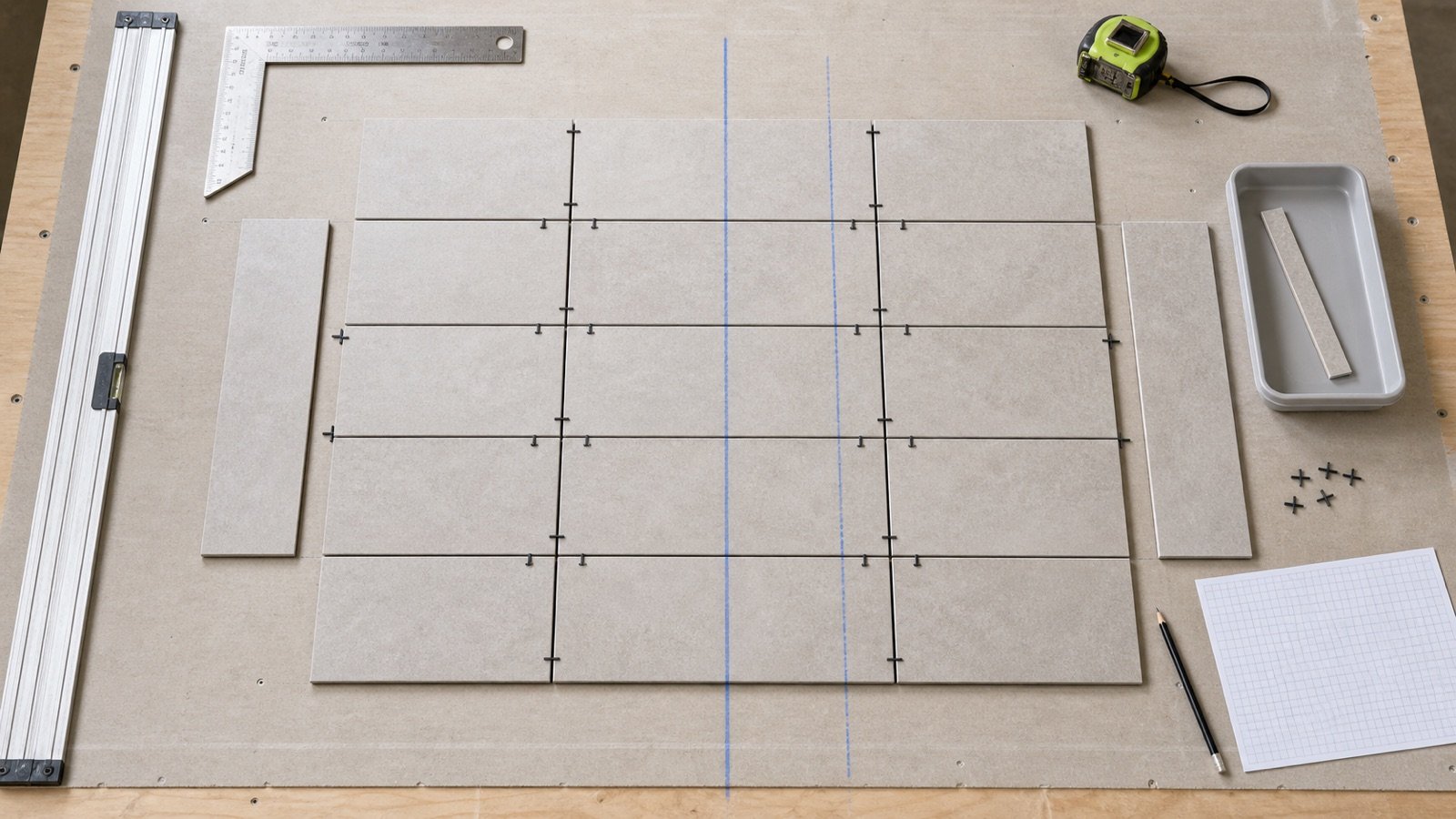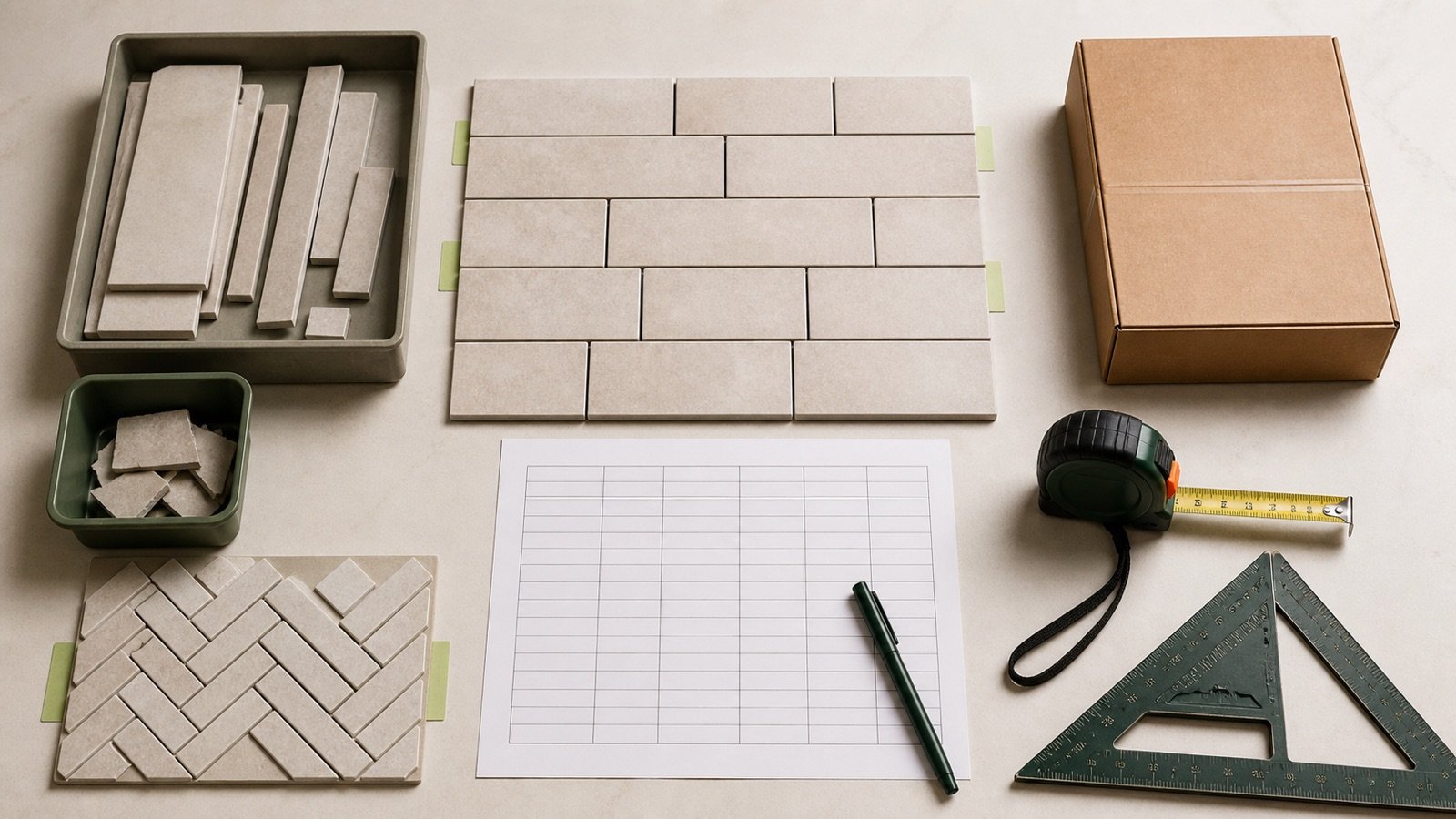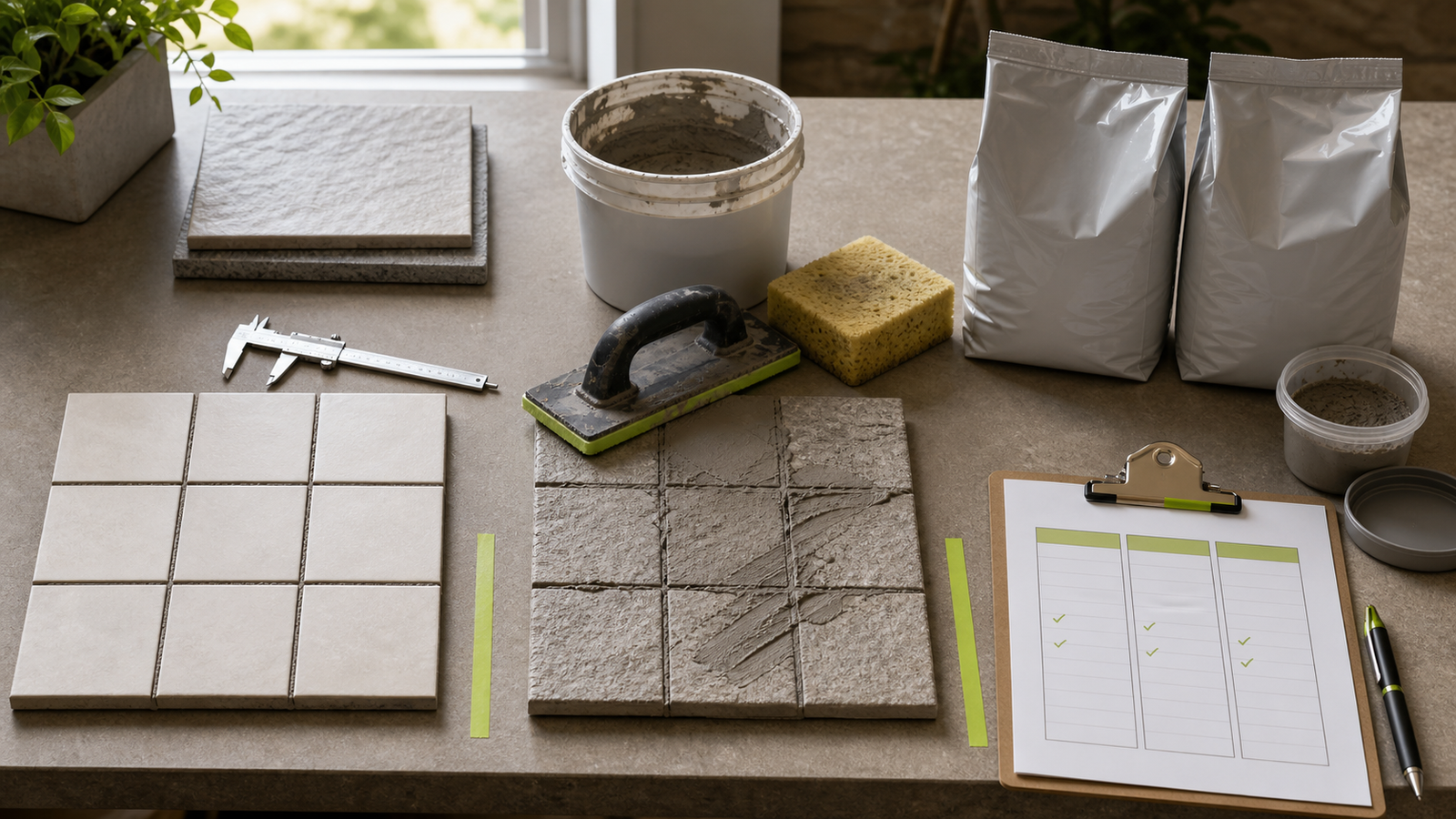
“Extra grout” can describe 3 different quantities: material expected to be lost during application, surplus created by whole-package rounding and stock intentionally retained for a later repair. Combining them into one percentage hides why the material was ordered.
Start with the selected product's current coverage. Add an allowance only when product guidance, a mockup, job conditions or an accepted project record supports it. Round to the seller's package increment after that step.
How much extra grout should you buy?
There is no single percentage that fits every grout, tile and site. Record the base quantity, identify the conditions that can reduce coverage, choose a supported allowance, round once to whole packages and decide separately whether repair stock is required.
The Grout Calculator starts its allowance at 0%. Enter a percentage only after documenting its source and purpose.
| Stage | What it represents | Evidence |
|---|---|---|
| Base demand | Selected-product coverage for compatible area | Current matching coverage row |
| Application allowance | Documented expected loss or variation | Product guidance, mockup or project decision |
| Package surplus | Coverage above planning area after upward rounding | Current package and selling increment |
| Repair stock | Material intentionally held after installation | Project policy, storage and shelf-life record |
Which conditions can reduce grout coverage?
Joint geometry, tile surface, installation technique, cleanup, weather and package behavior can all move actual use away from a published estimate. Check which conditions exist instead of selecting a percentage from the room shape alone.
CUSTOM Technical Bulletin TB89 identifies tile thickness and texture, joint-width variation, voids beneath tile edges, float selection, porosity, heat, sunlight, low humidity, drying wind, cleanup and installer technique as coverage variables.
| Condition | Quantity effect | Check before setting allowance |
|---|---|---|
| Joint wider or deeper than chart basis | More joint volume | Measure representative joints and split conditions |
| Texture, pores or irregular edges | More material spread and removed from faces | Product compatibility, test area and mockup |
| Voids below tile edges | Grout can enter space outside the planned joint | Inspect prepared joints and setting-material condition |
| Hot, dry, sunny or windy conditions | Material can dry on the face and be lost in cleanup | Product limits, protection and work sequence |
| Full-unit mixing | Unused mixed material may be lost at a work stop | Package instructions, pot life and daily production |
| Ready-to-use resealable product | Some excess may be recoverable | Exact product instructions and contamination control |
Quantity planning does not approve the installation method. Follow the current product data and project requirements for joint preparation, mixing, placement, cleanup and environmental limits.
Is 10% extra grout a universal rule?
No. Ten percent appears in manufacturer guidance, but it belongs to the named product or workflow that publishes it. It is evidence for that scope, not proof of a default for every grout.
LATICRETE's DS-1600-0725 for 1600 Unsanded Grout in Malaysia directs users to add 10% for waste, spillage and cleanup, plus another 10%-15% for unglazed quarry tile. The same sheet says actual coverage varies with jobsite conditions, actual tile size and installed joint size.
Use that instruction only when the selected product, package, market and conditions match. Another grout may publish a different factor or no fixed factor.
How can a mockup support the allowance?
A representative mockup can compare measured product use with published coverage under the planned tile, joint, tools and cleanup method. CUSTOM calls a specific-tile mockup the best way to determine coverage when joint and tile conditions vary.
- Use the selected grout, tile, joint width, filled depth and surface treatment.
- Record the mockup's tiled area.
- Record unopened package quantity before work and usable material remaining after work.
- Follow the product's permitted mixing and batching method.
- Document temperature, surface condition, tools and cleanup method.
- Calculate observed coverage and compare it with the current published row.
- Use the result only within the conditions the mockup represents.
A small mockup may not capture production stops, changing weather or crew variation. State those limits in the allowance record.
How do you calculate allowance and whole packages?
Apply the documented allowance to compatible area, divide by current product coverage and round upward only when the supplier sells whole packages.
Planning area = compatible area × (1 + allowance ÷ 100)
Exact packages = planning area ÷ coverage per package
Whole packages = ceiling(exact packages)
Package surplus = whole packages × coverage per package − planning area
Keep the unrounded exact ratio. It shows how close the order is to the next package threshold and makes later changes easier to check.
Worked example: allowance adds one package
A compatible tile field measures 72 m². The selected product's matching current row states 8 m² per package. The project has a documented 10% application allowance.
- Base exact packages: 72 ÷ 8 = 9.00 packages.
- Application allowance: 72 × 10% = 7.2 m².
- Planning area: 72 + 7.2 = 79.2 m².
- Planning package ratio: 79.2 ÷ 8 = 9.9 packages.
- Whole-package order: ceiling(9.9) = 10 packages.
- Purchased coverage: 10 × 8 = 80 m².
- Package surplus above planning: 80 − 79.2 = 0.8 m².
The order contains 7.2 m² of documented application allowance and 0.8 m² of package surplus. Calling all 8 m² “waste” would erase the reason for each quantity.
Can an allowance leave the package count unchanged?
Yes. A percentage can change the planning quantity without crossing the next package threshold.
| Stage | 0% allowance | 10% documented allowance |
|---|---|---|
| Measured area | 20 m² | 20 m² |
| Planning area | 20 m² | 22 m² |
| Coverage | 8 m²/package | 8 m²/package |
| Exact ratio | 2.5 packages | 2.75 packages |
| Whole packages | 3 | 3 |
| Surplus above planning | 4 m² | 2 m² |
The purchase count is the same, but the planning basis is not. Preserve the allowance because it explains how much of the purchased coverage is expected to be consumed.
How do you find the next package threshold?
Subtract current planning area from the coverage provided by the current whole-package count. The result is the remaining planning margin before another package is required.
Margin to next package = current whole packages × coverage per package − planning area
In the 20 m² example with 3 packages at 8 m² each, purchased coverage is 24 m². At 0% allowance, the margin is 4 m². After a 10% allowance, it is 2 m².
Do not reduce a supported allowance merely to remain below a package threshold. Change the order only when the measurement, product row or accepted project decision changes.
How should full-unit mixing affect the order?
Match package size to the work sequence when the product requires a complete unit to be mixed and used within its working time. A large unit can show favorable chart coverage yet create avoidable loss if the crew cannot place it before a stop.
CUSTOM notes that full units of some epoxy products must be mixed and used at one time, while smaller units may suit project scheduling. Other cementitious or ready-to-use products have different batching and reuse rules.
Confirm the exact product's mixing ratio, partial-batch permission, pot life, resealing rules and contamination limits. Never divide a multi-component unit unless the manufacturer expressly supports the method.
Should repair stock be part of the allowance?
Record repair stock as a separate quantity. Application allowance is expected to be consumed during installation; repair stock is intentionally retained afterward.
Before adding repair stock, confirm the product's unopened shelf life, storage temperature, moisture protection, package resealing rules and project maintenance plan. A leftover opened package is not automatically usable months later.
| Question | Why it matters |
|---|---|
| Is a sealed matching unit required? | A whole retained unit changes the purchase count |
| Can an opened package be stored? | Product instructions control reuse |
| What is the shelf-life and storage basis? | Future usability depends on stated conditions |
| Who owns and labels the stock? | The material needs product, color, lot and date identification |
| Where will it be stored? | Heat, moisture, freezing or contamination may make it unusable |
How should grout use be reconciled after installation?
Compare purchased units, unopened returns, usable retained stock and discarded or consumed material with the completed area. Reconciliation improves the next estimate only when the product and conditions are recorded.
- Record packages delivered and accepted.
- Record packages or components mixed.
- Record unopened returns and retained repair stock.
- Record completed compatible area and changed joint conditions.
- Note spills, cleanup loss, work stops and rejected material.
- Calculate observed coverage for the named product and conditions.
- Keep the result as project evidence, not a universal rate.
Which “extra grout” mistakes change the order?
- Applying a default percentage before selecting the grout product.
- Using tile-cut waste as the reason for grout allowance.
- Ignoring texture, porosity, joint variation or site conditions.
- Counting package surplus as application loss.
- Adding the allowance to area and reducing coverage for the same loss.
- Rounding each compatible room before combining areas.
- Assuming a partial multi-component unit can be mixed safely.
- Calling an opened leftover package repair stock without checking storage rules.
- Buying a separate repair unit without recording it.
- Changing the allowance only to avoid crossing a package threshold.
What should the completed grout order record contain?
- Compatible tiled area and measurement revision.
- Grout manufacturer, product, color, package and market.
- Tile dimensions, joint width, filled-depth basis and matching coverage row.
- Allowance percentage, reason, evidence and decision owner.
- Exact package ratio, whole packages and package surplus.
- Mixing-unit and work-sequence constraints.
- Optional repair stock as a separate quantity.
- Post-installation use, returns, retained stock and observed coverage.
Use the grout coverage chart guide to select the correct product row. The grout-joint measurement guide covers the area and joint inputs. Return to the tile planning tools and guides for the full category workflow.
Sources and source scope
- CUSTOM Technical Bulletin TB89, Grout Coverage Rates: Understanding Variations: joint, tile, surface, weather, technique, cleanup, package and mockup factors.
- LATICRETE 1600 Unsanded Grout DS-1600-0725: named-product and market allowance instructions, site variation, shelf-life and storage context.
- LATICRETE grout-calculator article: manufacturer 10% rule and estimator workflow.
- NIST Handbook 44 (2026), Appendix C: area and volume unit relationships.
Source scope: CUSTOM explains factors and workflow but does not set a universal percentage. LATICRETE's allowance statements apply to its named guidance, product and market. NIST supports unit relationships. The worked package examples use transparent fixture inputs, not product claims.
Review responsibility: Saleem Sial owns the research and editorial record. Source checks, independent arithmetic, internal-link review, build validation, link crawl, schema review and rendered QA form the internal publication gate. Waseem Sial, External Reviewer and Engineer, remains listed for ongoing external review; no completed external-review date is claimed.