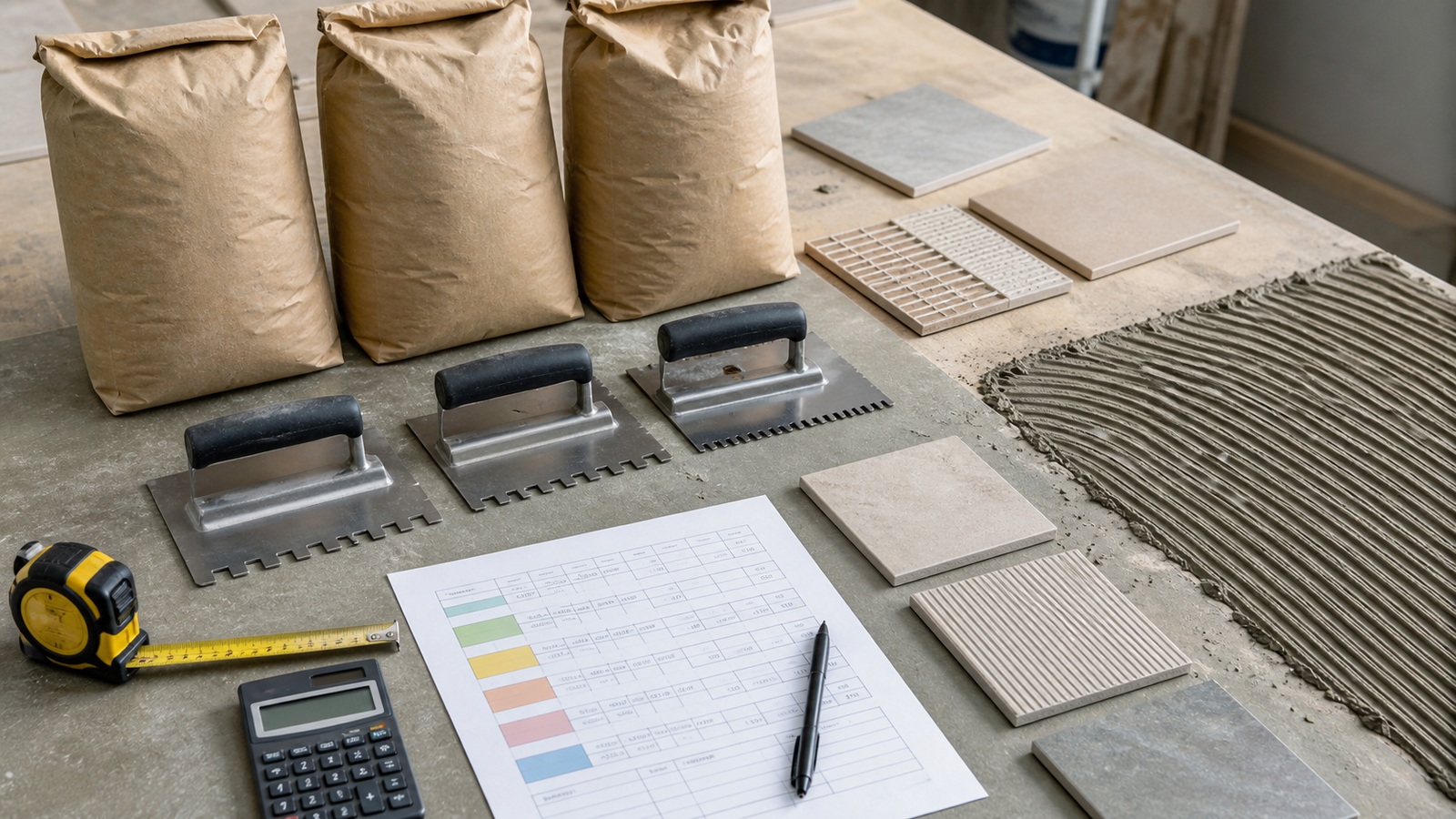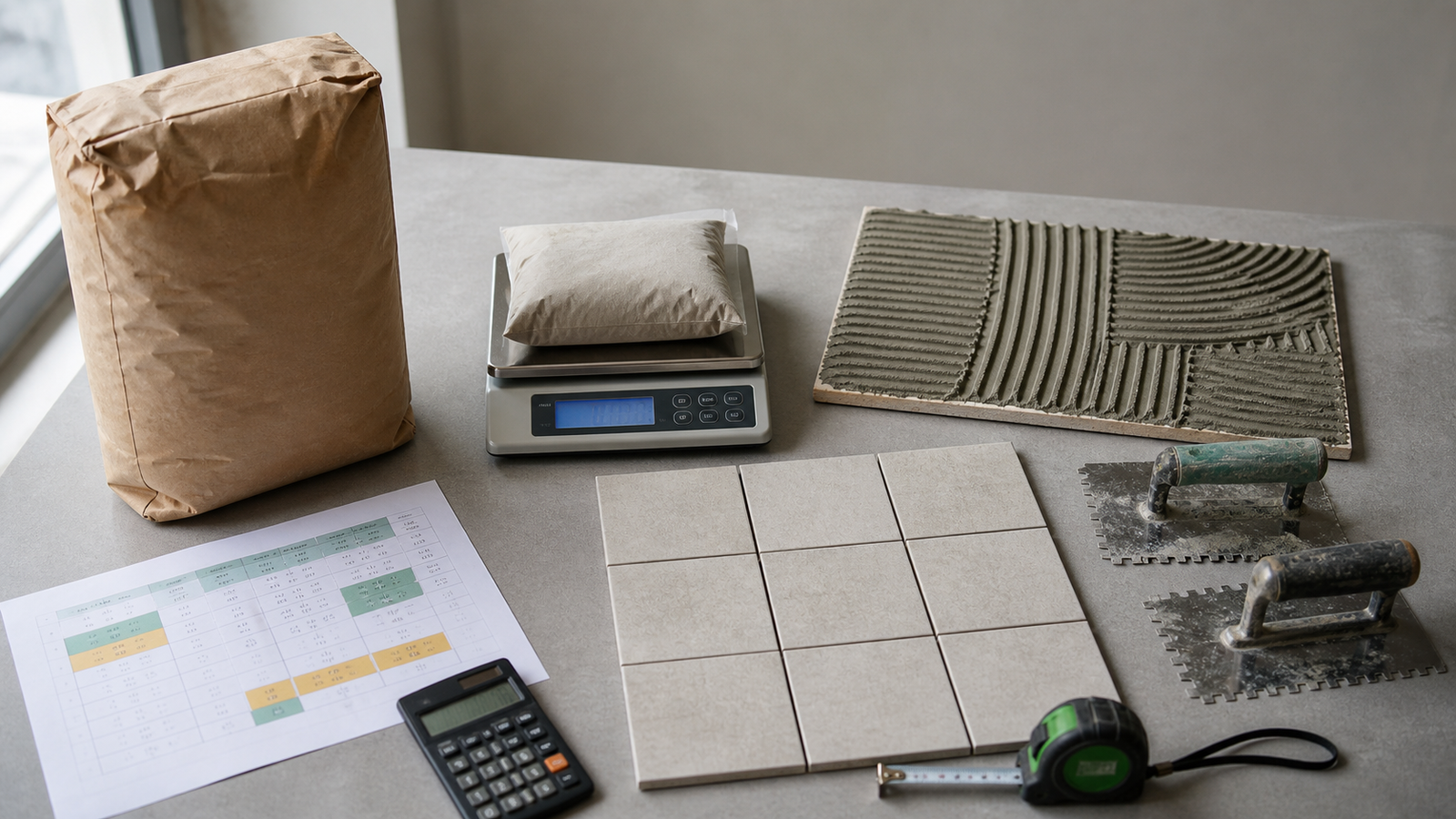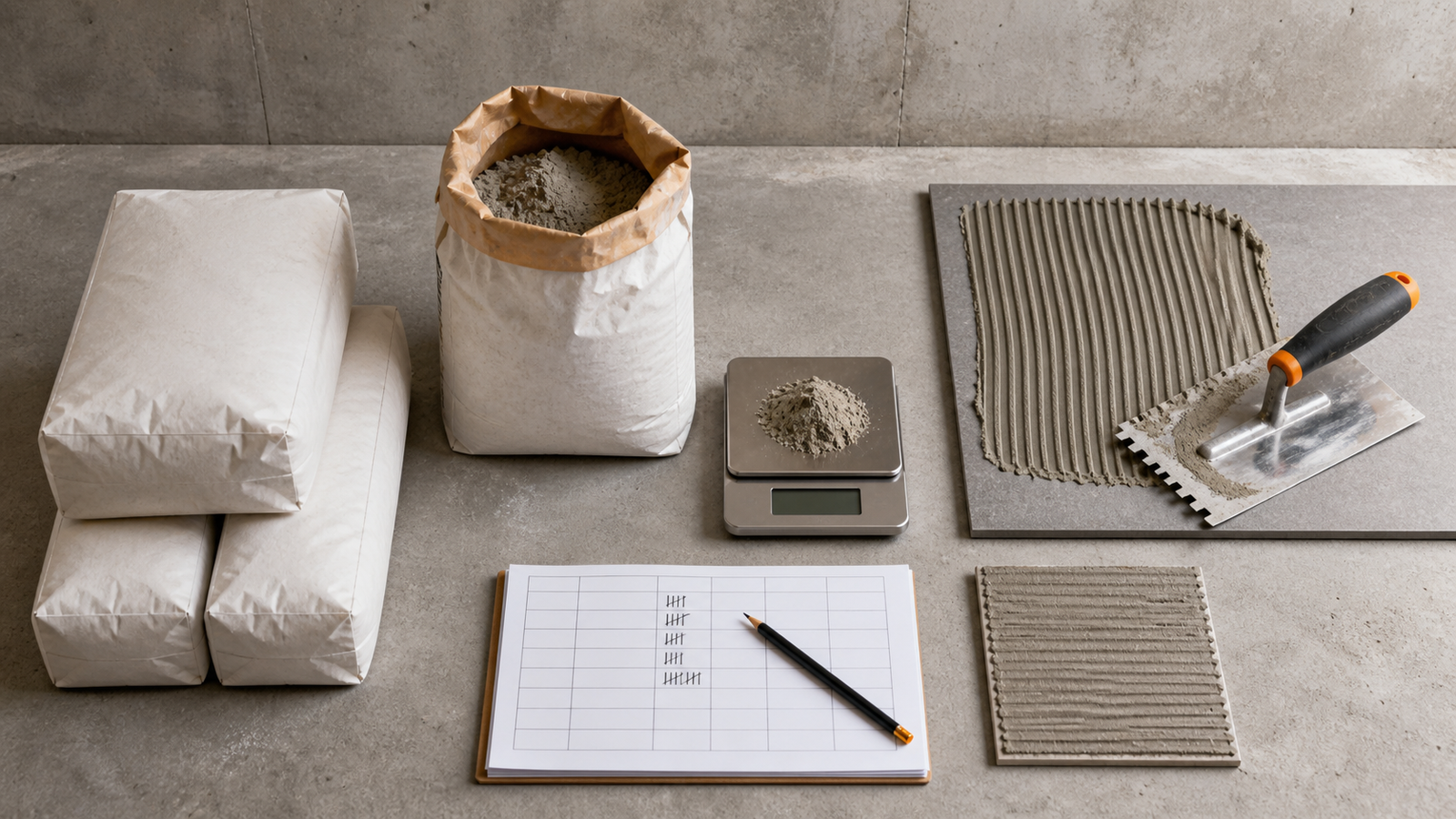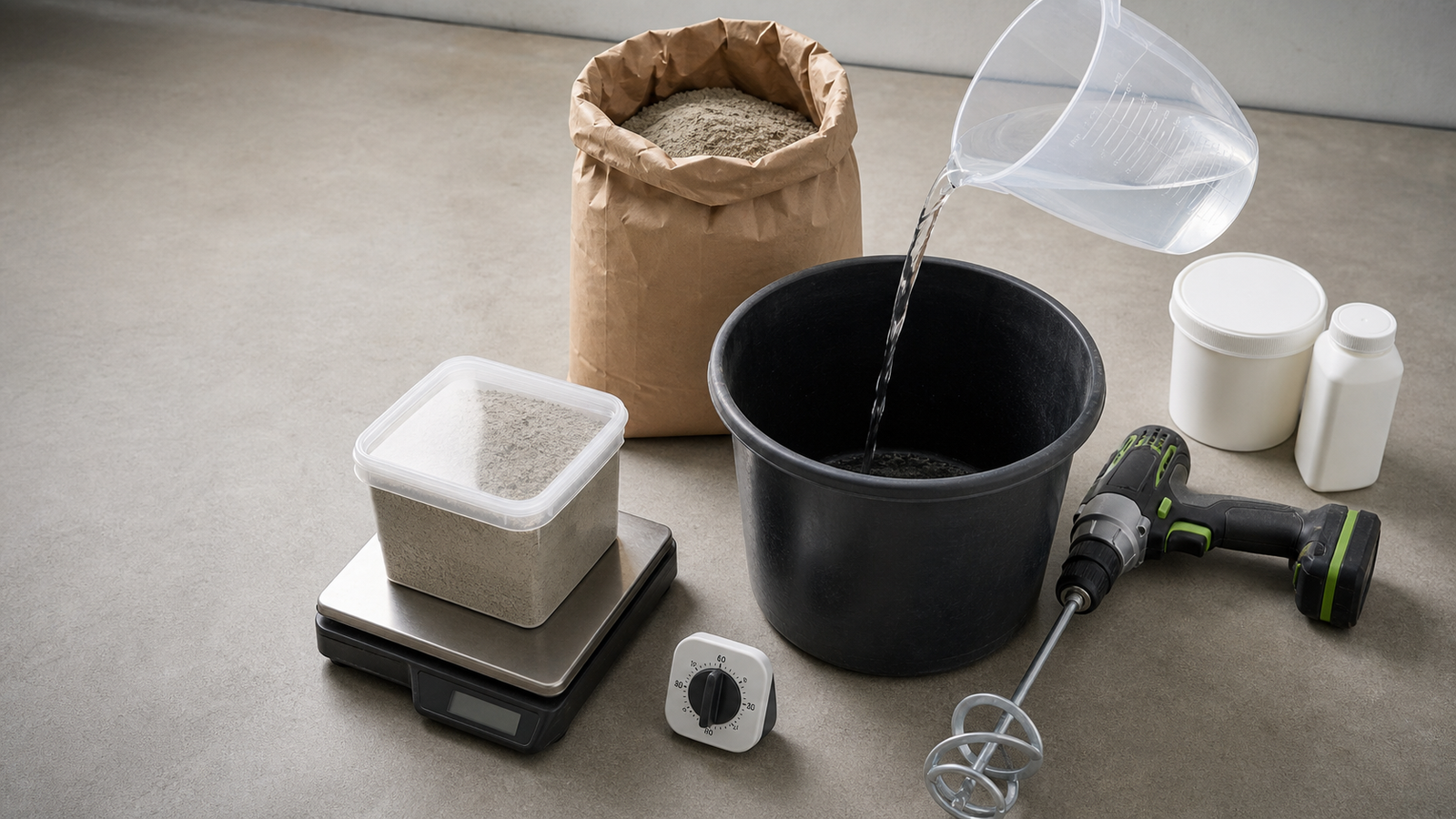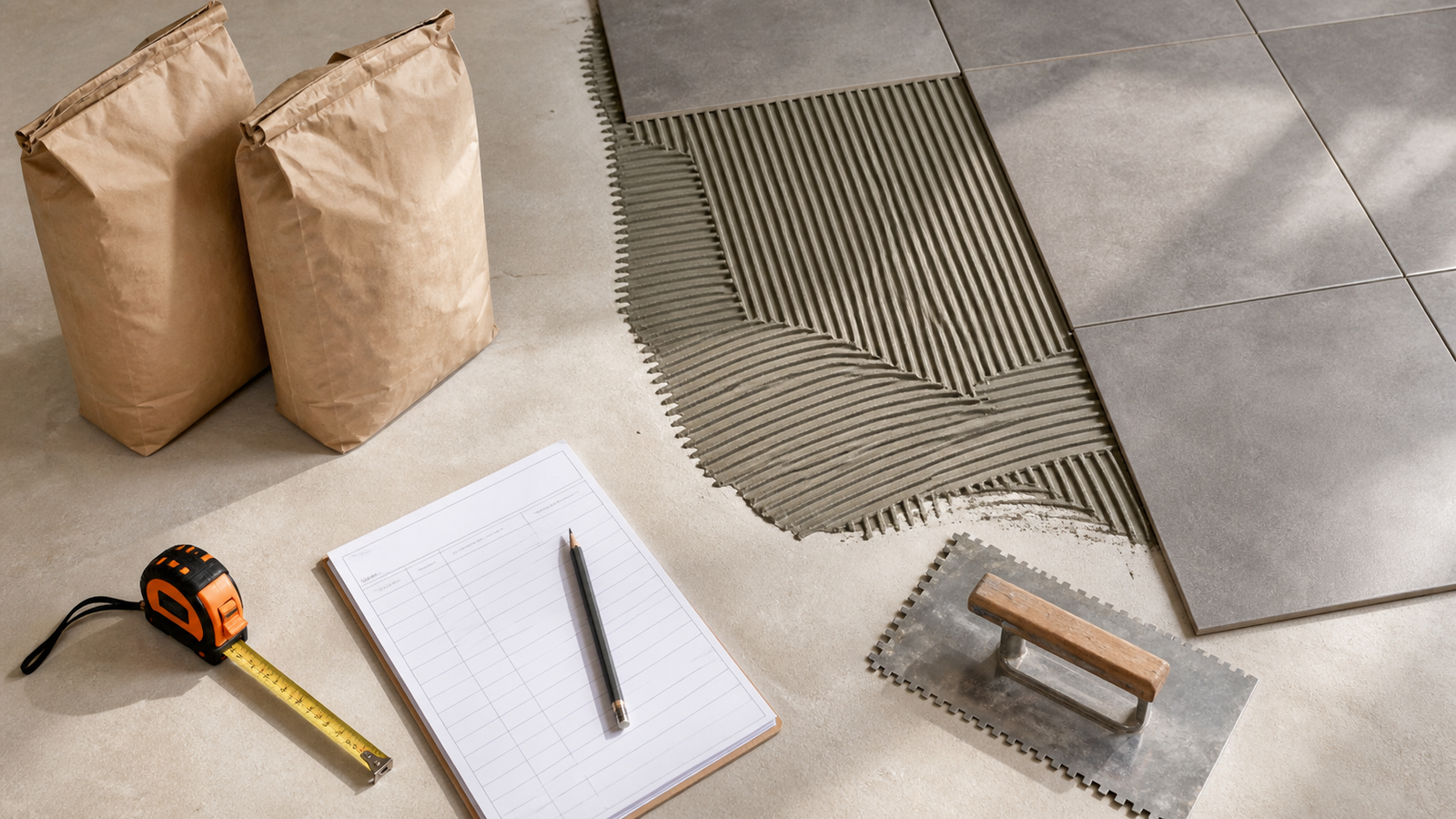
A tile adhesive order needs 2 records: the net area that will receive one compatible product and that product's current coverage or consumption value for the planned application. A bag size alone does not establish coverage.
This calculator leaves product, trowel, bed, back-buttering and allowance decisions with the product data and project requirements. It shows how measurement, allowance and package rounding affect the order.
How much tile adhesive do you need?
Measure the floor or wall area, subtract confirmed untiled zones, and apply a documented allowance when one is required. Divide that planning area by current coverage per package, or multiply it by the current consumption rate and divide by package mass. Round the compatible total upward once when the supplier sells only whole packages.
Run separate calculations when the adhesive product, package, coverage row, trowel, tile, substrate, application method or allowance basis changes. Do not average incompatible coverage records.
What does each tile adhesive result mean?
The results keep geometry, project adjustment, product consumption and purchasing increments visible. That separation makes the order easier to reproduce and revise.
| Result | Calculation | Record to keep |
|---|---|---|
| Gross tiled area | Rectangle length × width, or checked known area | Drawing, elevation, room sheet or measured sketch |
| Net tiled area | Gross area − measured untiled area | Named openings or excluded zones |
| Planning area | Net area + entered allowance area | Approved allowance reason and percentage |
| Exact package ratio | Planning requirement ÷ package capacity | Current product and package record |
| Whole packages | Exact ratio rounded upward once | Supplier selling increment |
| Package surplus | Purchased capacity − planning requirement | Commercial rounding result, kept separate from allowance |
Which quantity basis should you use?
Use coverage per package when the current product data gives an area range or area value for the matching application. Enter the conservative accepted value chosen for the project, not the midpoint automatically.
Use consumption rate when the product data gives mass per unit area and the package mass is known. The calculator multiplies planning area by that rate before rounding to whole packages.
| Published product format | Calculator basis | Required entries |
|---|---|---|
| 6.5 m² per 25 kg bag | Coverage per package | 6.5 m²/package |
| 55–65 ft² per 50 lb bag | Coverage per package | Project-selected value from the matching row |
| 4–4.5 kg/m² in stated conditions | Consumption rate | Accepted kg/m² and package kg |
| No current coverage or rate | Neither | Obtain current product information before ordering |
Two products with the same bag weight can have different coverage. MAPEI states that one 25 lb lightweight mortar can provide the same coverage as a 50 lb standard mortar, which shows why product identity matters.
Which tiled area belongs in the calculation?
Measure only the surface that will receive the same adhesive under the same coverage basis. A floor and wall can be combined only when the selected product and accepted application record apply to both.
Rectangle mode multiplies length by width. Known-area mode accepts a checked takeoff from a drawing or another measurement method. Use the deduction field for a measured zone that will not receive this adhesive, such as a large opening or an untiled floor area.
The Tile Calculator handles rectangular tile fields and up to 2 opening groups. Carry its checked net area into this calculator when the adhesive zone matches the tile zone.
What formulas does the Tile Adhesive Calculator use?
Gross area = length × width, or entered known area
Net tiled area = gross area − measured untiled area
Planning area = net tiled area × (1 + entered allowance ÷ 100)
Coverage basis packages = ceiling(planning area ÷ current coverage per package)
Consumption basis material mass = planning area × current consumption rate
Consumption basis packages = ceiling(material mass ÷ package mass)
All calculations retain full precision until the final whole-package result. The unit switch converts the entered quantities; it does not change the underlying project or product.
Worked example using coverage per package
A floor measures 5 m × 4 m. A fixed untiled zone covers 2 m². The project record supports a 10% allowance, and the selected product's matching row gives 6.5 m² per package.
- Gross area: 5 × 4 = 20 m².
- Net tiled area: 20 − 2 = 18 m².
- Allowance area: 18 × 10% = 1.8 m².
- Planning area: 18 + 1.8 = 19.8 m².
- Exact ratio: 19.8 ÷ 6.5 = 3.046 packages.
- Whole-package order: 4 packages.
- Purchased coverage: 4 × 6.5 = 26 m².
- Package surplus: 26 − 19.8 = 6.2 m² of published capacity.
The 1.8 m² allowance and 6.2 m² package surplus are different quantities. The first is a project adjustment. The second comes from buying whole packages.
Worked example using a consumption rate
A compatible tile zone has a checked area of 24 m². The accepted allowance is 5%. The current product record gives 4.5 kg/m² for the matching condition, and each package contains 20 kg.
- Planning area: 24 × 1.05 = 25.2 m².
- Exact material mass: 25.2 × 4.5 = 113.4 kg.
- Exact package ratio: 113.4 ÷ 20 = 5.67 packages.
- Whole-package order: 6 packages.
- Purchased mass: 6 × 20 = 120 kg.
- Package surplus mass: 120 − 113.4 = 6.6 kg.
- Purchased capacity at the entered rate: 120 ÷ 4.5 = about 26.667 m².
The 4.5 kg/m² rate and 20 kg package are example inputs. Replace them with the selected product's current record.
Why can adhesive coverage change?
Coverage is a product and application estimate, not a geometric constant. CUSTOM publishes different coverage ranges for the same mortar with different trowel notches and warns that installation practices and jobsite conditions can change the result.
LATICRETE states that one named 25 kg mortar covers about 6.5–7.5 m² with a stated 6 × 6 mm square-notch trowel. Nerolac states that consumption for its named product depends on substrate profile, roughness, application technique, tile type, tile size and trowel notch.
Those records explain why this calculator has no universal tile-size or trowel preset. Use the coverage row accepted for the exact product and planned work.
How should a coverage range be entered?
A published range is not permission to use its highest value on every job. Record the range, identify the conditions behind it, and document which value the project uses.
For a range of 55–65 ft² per bag, entering 55 ft² produces a larger package count than entering 65 ft². The choice should follow product guidance, substrate and installation review, not a desired budget.
| Coverage choice | Effect | Required note |
|---|---|---|
| Lower end | More packages | Why the lower coverage fits the condition |
| Upper end | Fewer packages | Evidence that the stated high-coverage condition applies |
| Midpoint | Intermediate estimate | Project acceptance; do not use by habit |
| Separate rows | Several calculation groups | Product, trowel or application boundary for each group |
Does back-buttering need a separate allowance?
Back-buttering can change material use, but the adjustment depends on the selected product, tile, substrate, trowel technique and required mortar contact. Do not add a universal percentage.
First check whether the manufacturer coverage record already reflects the planned method. If an approved project estimate adds material for a separate back-buttering step, document that basis and avoid counting it again through both a reduced coverage value and an allowance.
Can adhesive be used to correct an uneven substrate?
Quantity output does not approve adhesive as a levelling material. The product's allowed application thickness and substrate-preparation instructions control the work.
Nerolac's named Tile Adhesive Classic data sheet says not to use that product to correct surface irregularities greater than 15 mm. That limit belongs to that product and source. Other products can have different limits. Measure levelling, patching, mortar-bed or underlayment work as a separate material system.
How should several rooms or surfaces be combined?
Add unrounded net areas only when one product coverage record and one allowance basis apply to every listed surface. Then round the combined package ratio once.
Keep separate calculation groups when a wall uses another trowel, a shower uses another mortar, a large-format floor has another coverage row, or an exterior zone has different product requirements. A single total can hide an incompatible product decision.
What happens with partial bags and leftover material?
The calculator assumes whole packages are purchased. It does not tell an installer to mix a partial package or change the manufacturer's mixing ratio.
Record unopened packages, opened dry material and mixed mortar separately. Shelf life, moisture exposure, resealing, mixing proportions, pot life and reuse follow the current product data and storage conditions. Purchased surplus is not proof that material remains usable after the work.
Which conditions require separate calculations?
| Changed condition | Why it matters | Quantity action |
|---|---|---|
| Adhesive product or package | Coverage, mass and suitability can change | Start another product group |
| Trowel or application method | Deposited and transferred material can change | Use the matching coverage row |
| Tile format or back profile | Contact and mortar demand can change | Confirm product guidance and split if needed |
| Substrate condition | Profile and preparation affect use | Separate preparation material and revise the accepted coverage |
| Interior, wet or exterior zone | System requirements can change | Keep the approved system separate |
| Different allowance basis | Combining hides the adjustment | Calculate and document each group |
Common tile adhesive quantity mistakes
- Choosing a generic kg/m² rate from tile size alone.
- Assuming every 20 kg or 50 lb package covers the same area.
- Using the highest end of a coverage range without checking conditions.
- Counting room floor area when cabinets or untiled zones change the actual field.
- Subtracting small zones that still consume mortar around cuts and edges.
- Combining walls, floors or rooms that use different products or trowels.
- Adding back-buttering twice through coverage and allowance.
- Using adhesive quantity to approve substrate levelling.
- Rounding each compatible room separately before combining areas.
- Treating package surplus as installed waste or reusable stock.
- Mixing metric coverage with imperial area without conversion.
- Using an old package or data sheet after the formulation or market record changes.
What should the adhesive takeoff record contain?
- Project, room or elevation, drawing revision, date and preparer.
- Gross area, exclusions, net area and measurement method.
- Tile manufacturer, product, format, back profile and installation zone.
- Adhesive manufacturer, product, package size, market and data-sheet revision.
- Substrate, preparation, trowel and application method accepted for the estimate.
- Coverage range or consumption rate and the selected planning value.
- Allowance reason, percentage and approval.
- Exact package ratio, whole packages, purchased capacity and package surplus.
- Separate levelling, waterproofing, membrane, grout and movement-joint materials.
Safety and installation limits
Follow the current product data sheet, package instructions and safety data for suitability, surface preparation, mixing water, slake time, pot life, open time, temperature, troweling, mortar transfer, cure and opening to service.
Cementitious tile mortars can contain Portland cement and crystalline silica. For United States construction work, OSHA provides respirable crystalline silica requirements and control information. Product safety data and the rules for the actual jurisdiction still apply.
This calculator does not select an adhesive, approve a tile system, set mortar-contact requirements, design waterproofing or movement joints, inspect a substrate, choose a trowel, or confirm code compliance.
Return to the Tile planning hub, check How to Measure for Tile, or review Tile Layout: Start Lines and Cuts. The calculation methodology explains unit and rounding controls, and the corrections route accepts issues.
Sources and scope
- CUSTOM VersaBond Professional Tile Mortar: named-product coverage ranges, stated trowels and jobsite limitation.
- LATICRETE 317 Floor & Wall Thin Set Adhesive: one named product's package, trowel, approximate coverage and application checks.
- Nerolac Tile Adhesive Classic TDS: product-specific consumption, coverage factors, thickness and preparation limits.
- MAPEI Product Calculators: product-specific calculation and actual-coverage limitation.
- NIST Handbook 44 (2026), Appendix C: unit relationships.
- OSHA silica in construction: United States hazard context.
Source scope: Manufacturer records support only their named products, packages, markets and stated conditions. NIST supports unit conversion. OSHA supports the named US workplace context. Current product data, project documents, local requirements and responsible project decisions govern the installation.
Review note: Saleem Sial owns the research and editorial record. Formula fixtures, source checks, build validation, link crawl, schema review and rendered QA form the internal publication gate. Waseem Sial, External Reviewer and Engineer, is listed for ongoing external review; no completed review date is claimed.