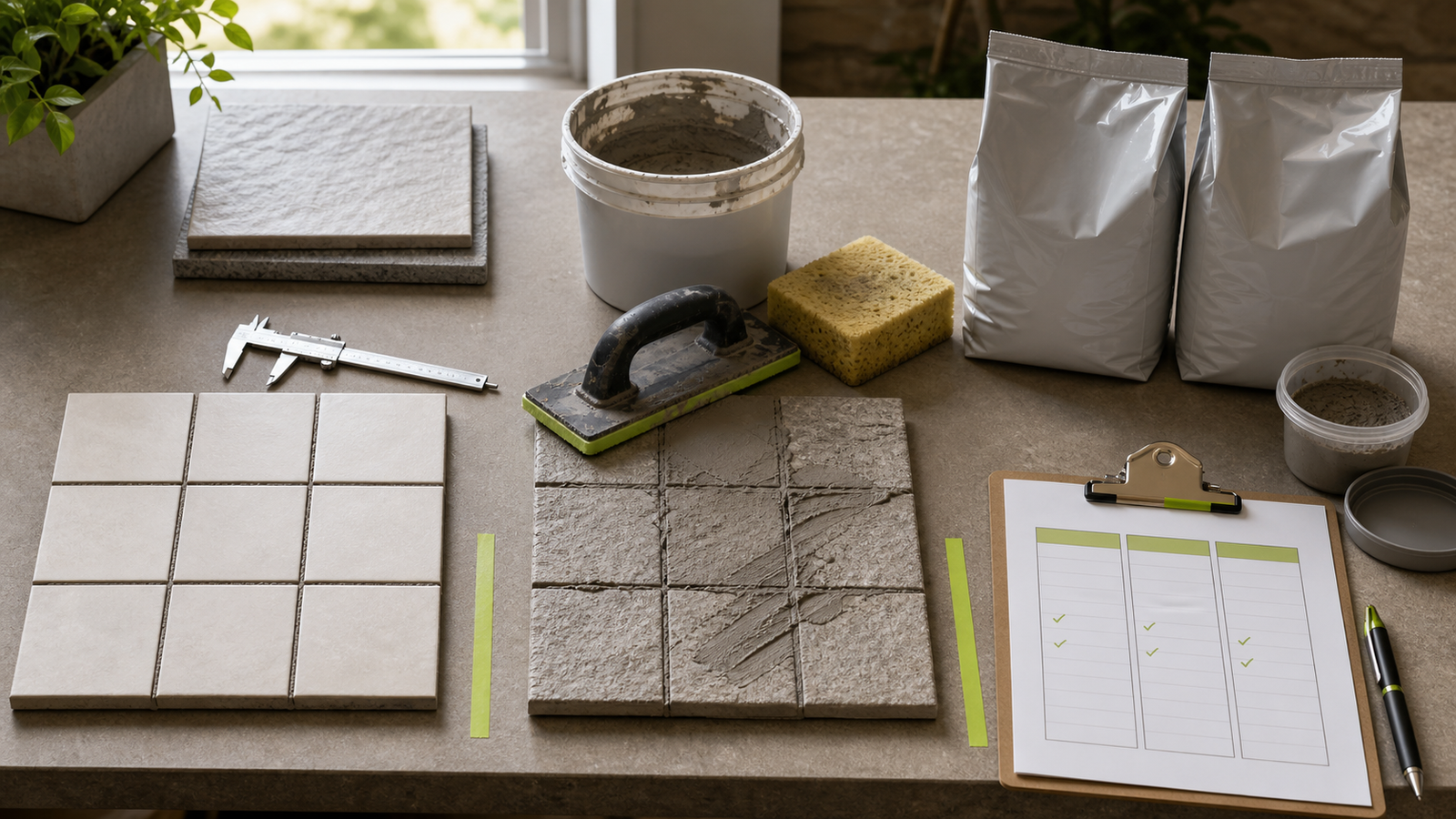
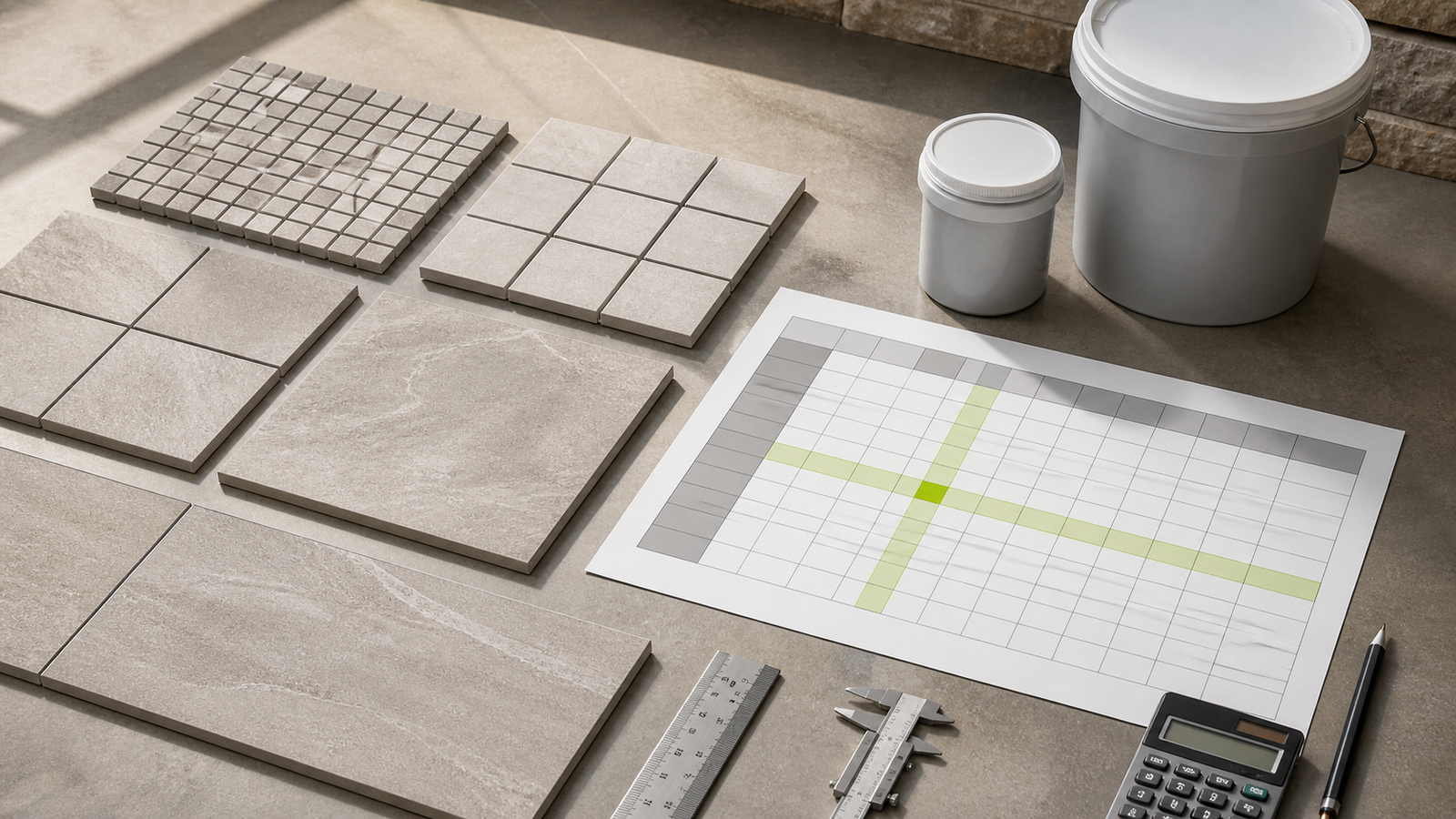
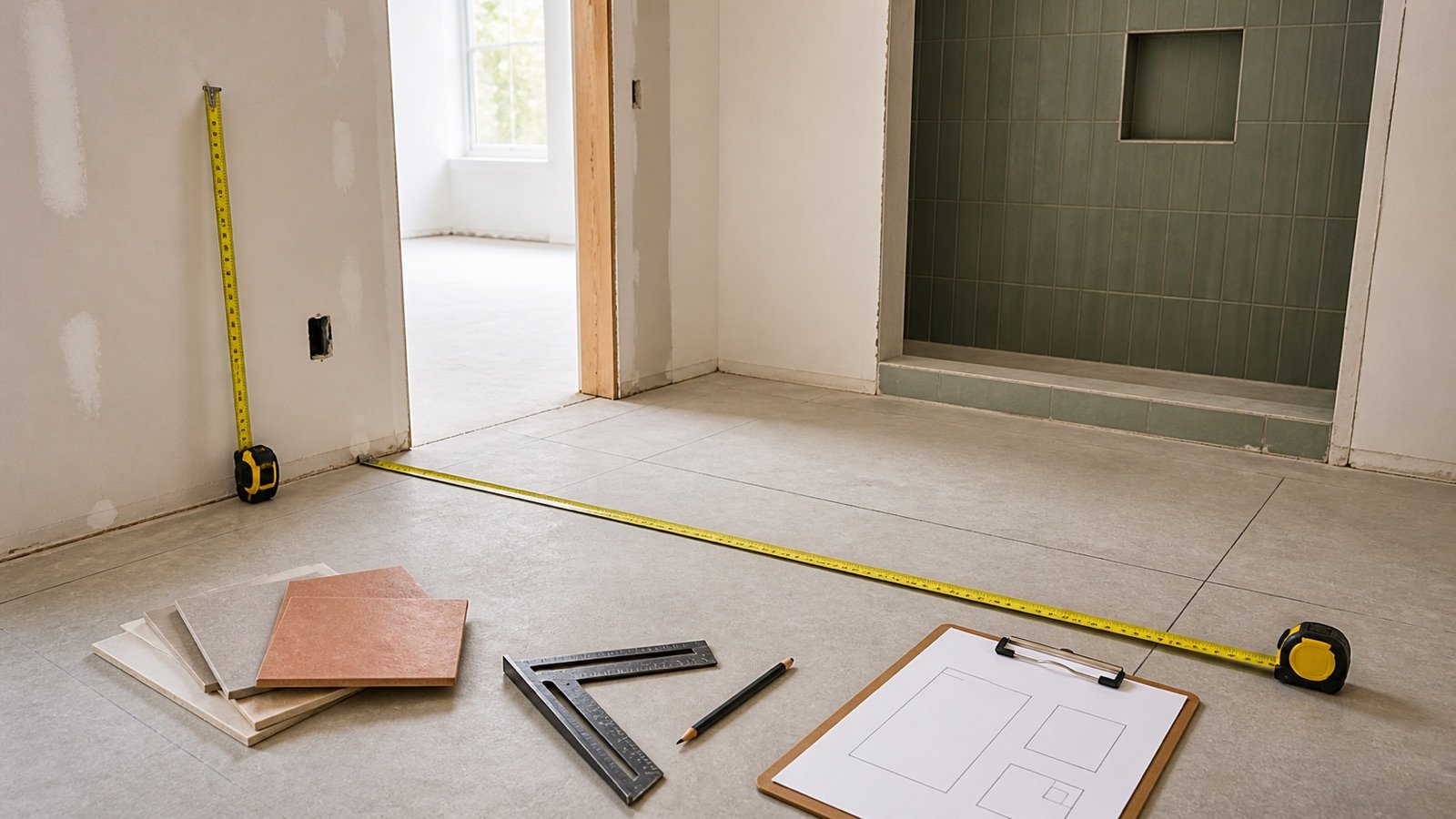
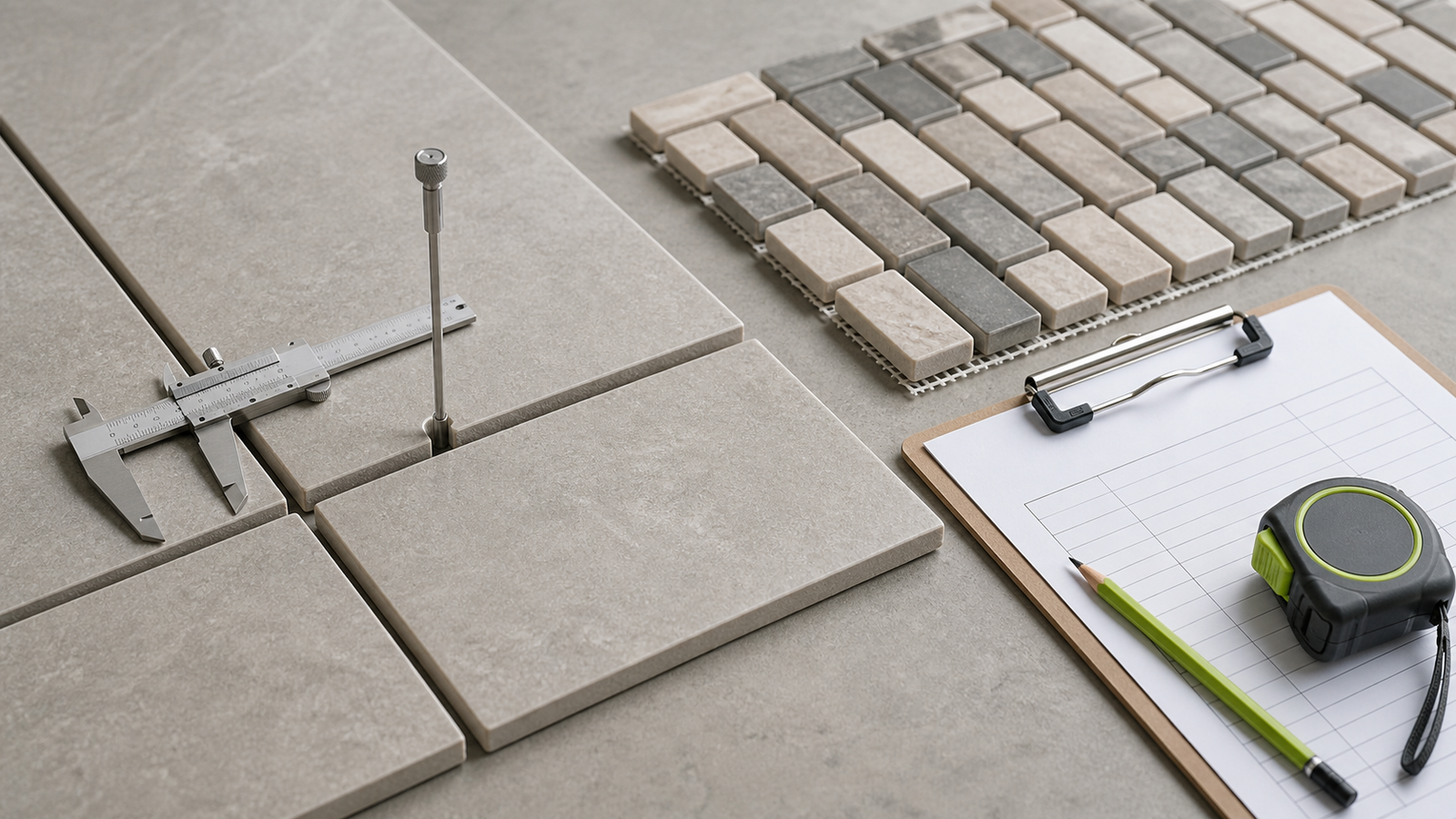
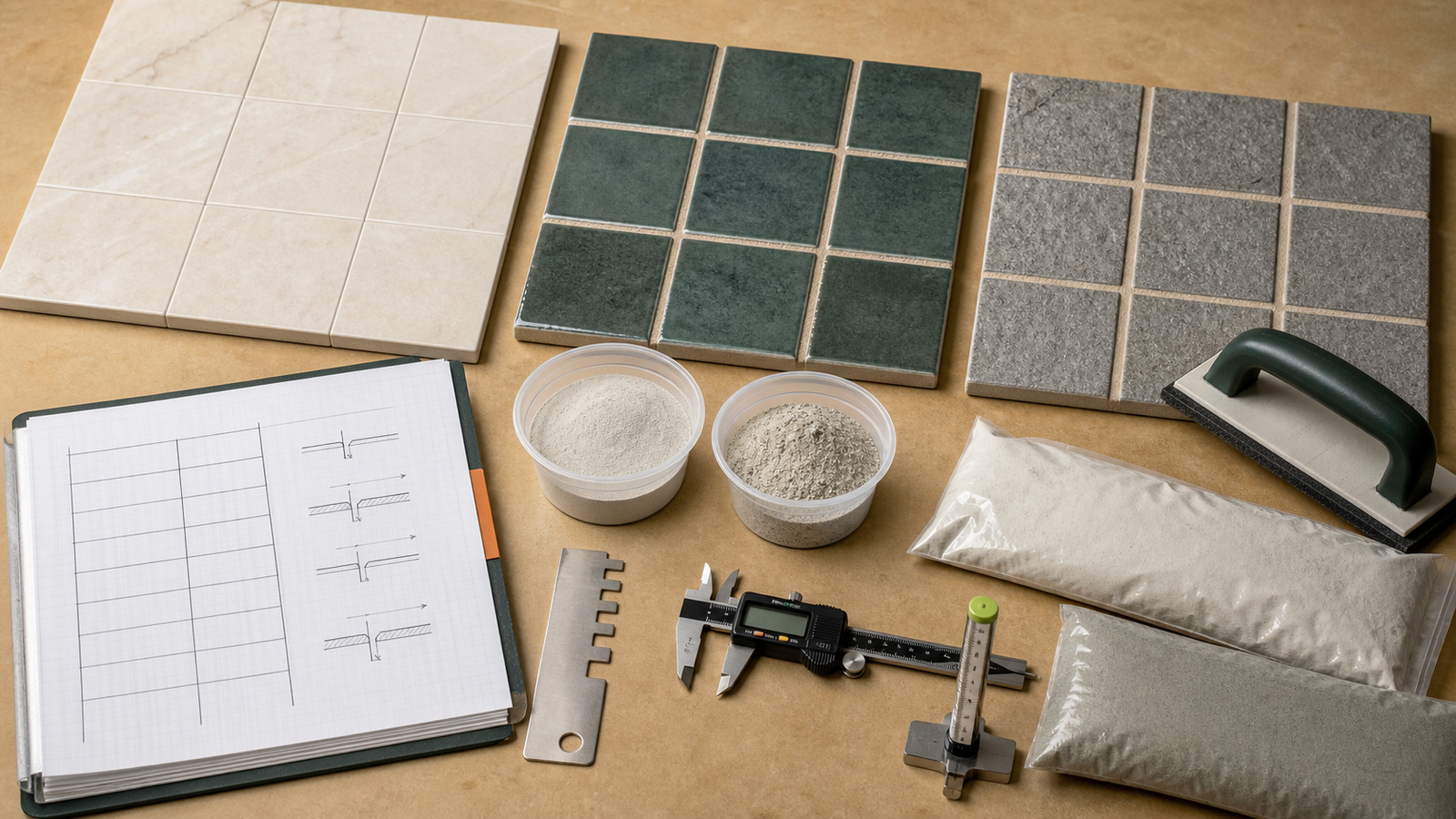
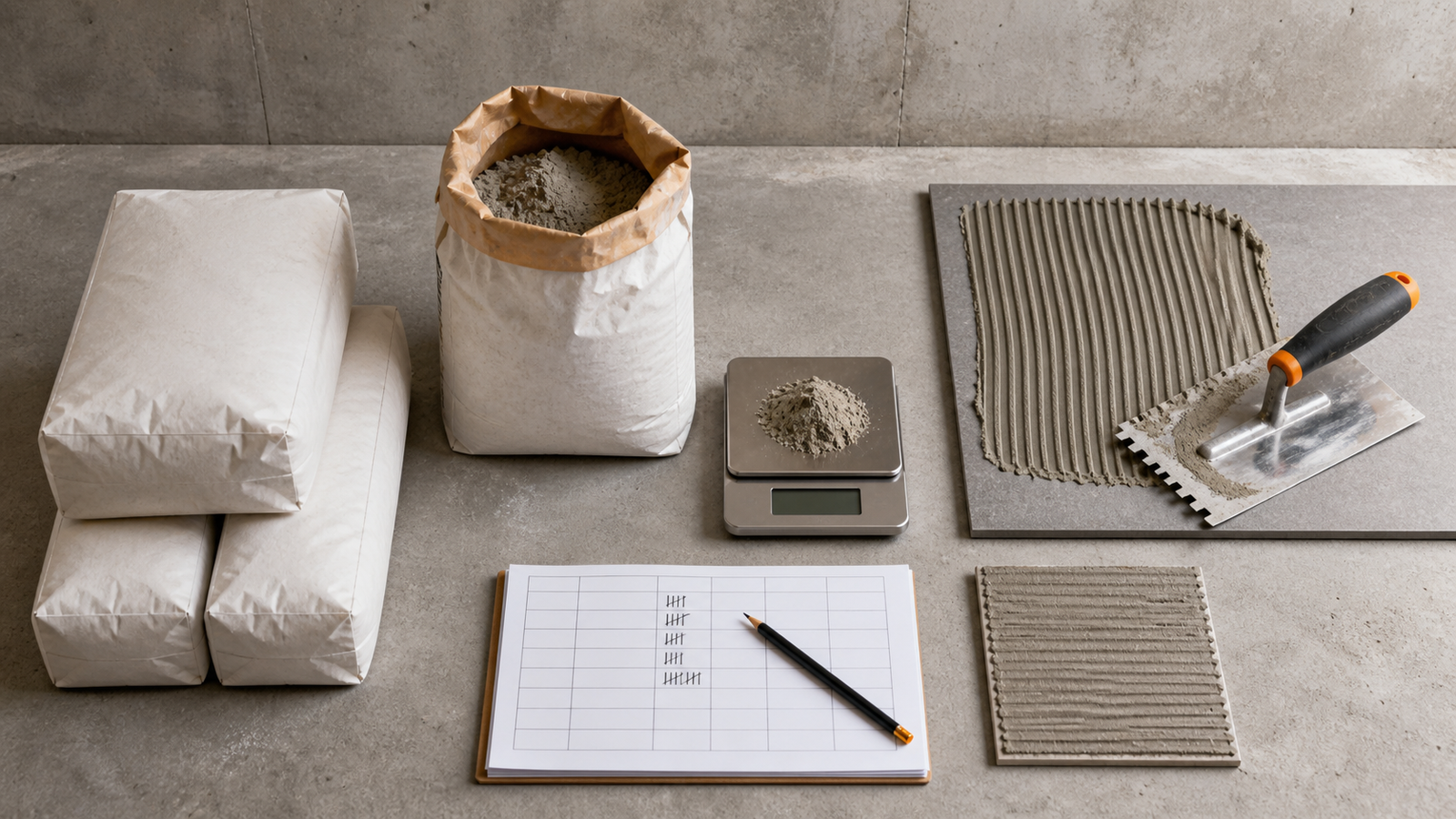
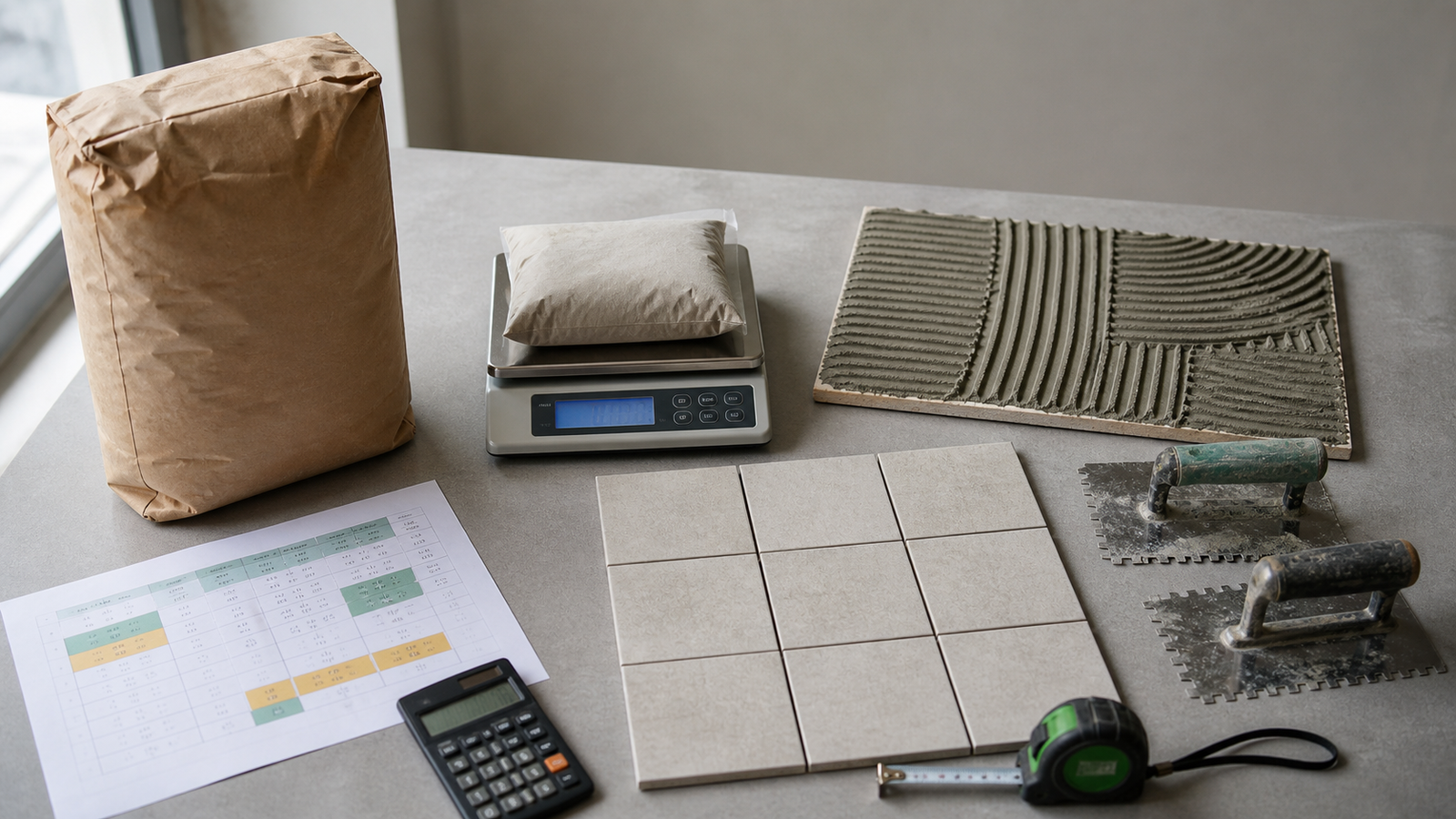
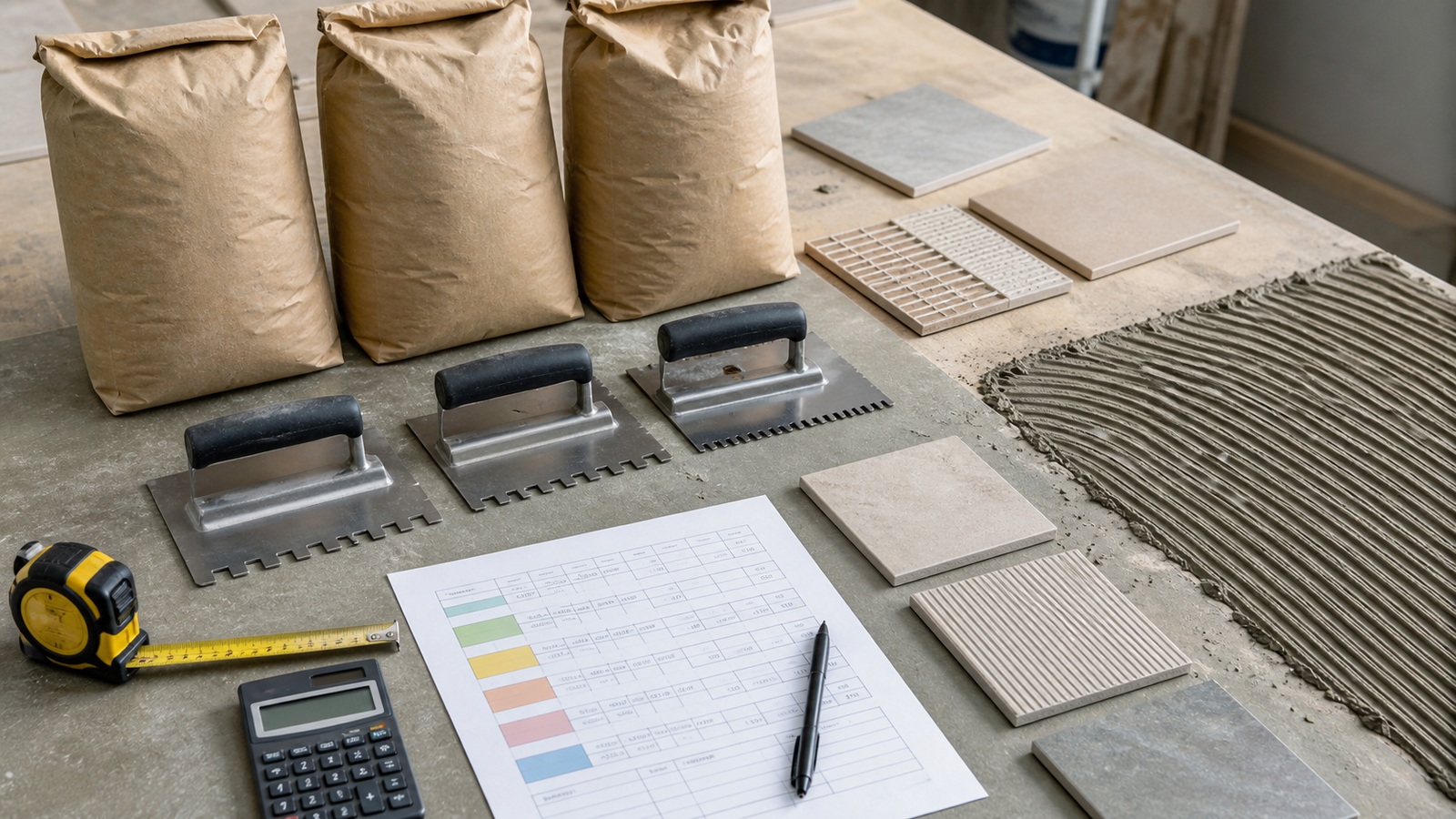
Tile quantity planning separates the tile, adhesive and grout orders. The tile field, product coverage, package records and joint geometry need traceable inputs so each result can be checked.
Which tile quantity tools are available?
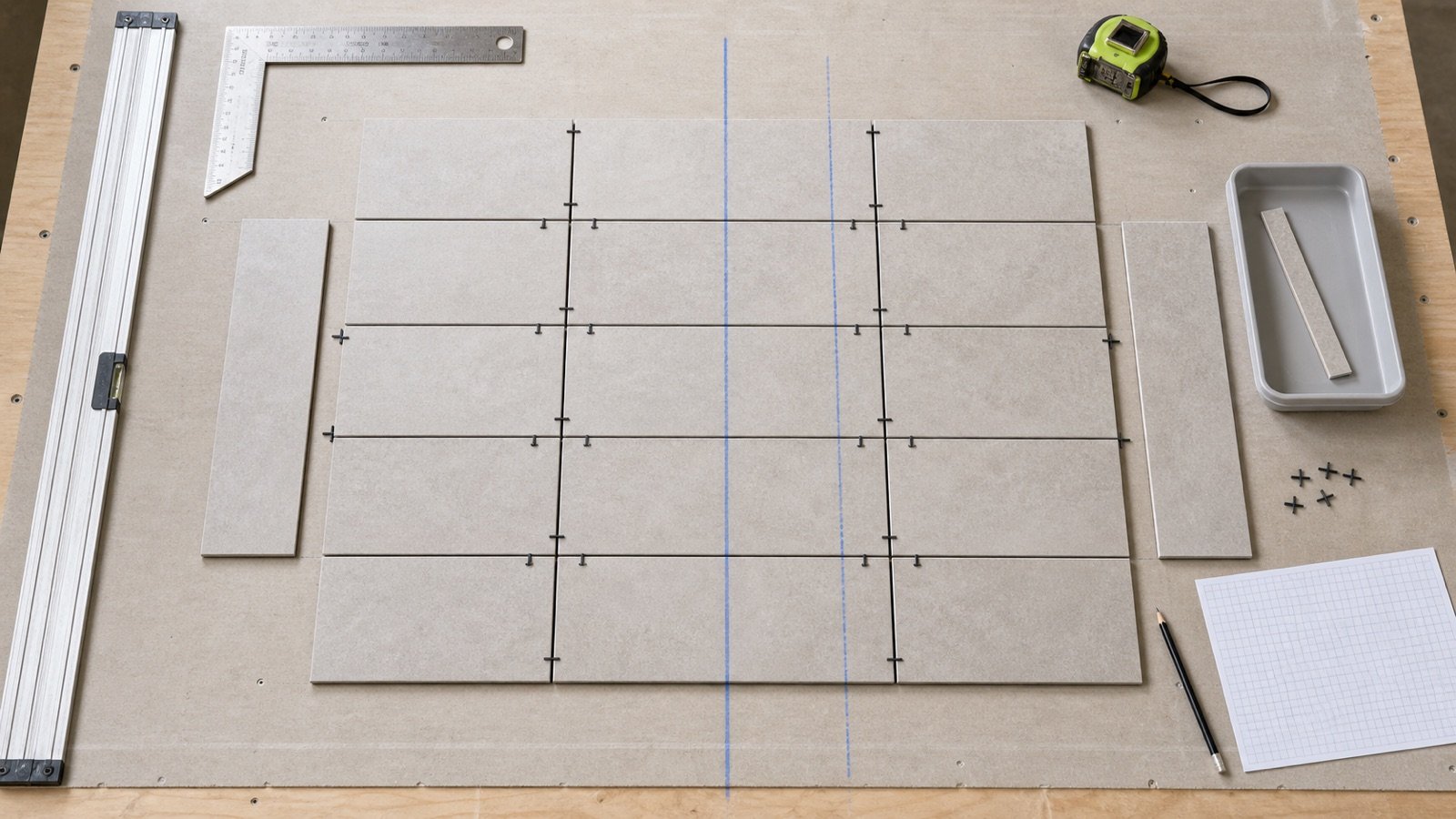
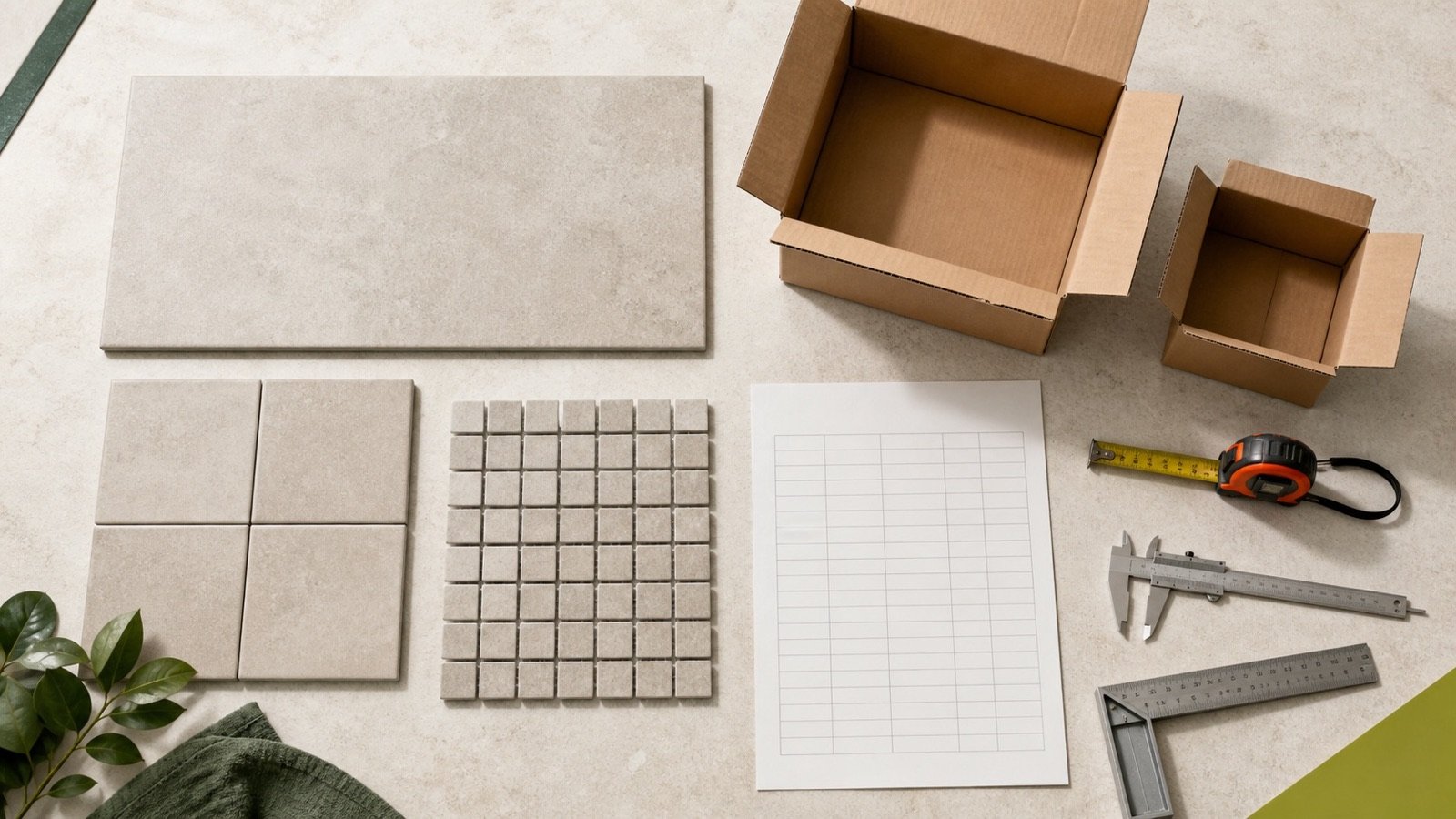
The Tile Calculator measures a rectangular floor or wall surface, or accepts a checked known area. It handles rectangular deductions, an entered allowance, tile faces and current carton coverage.
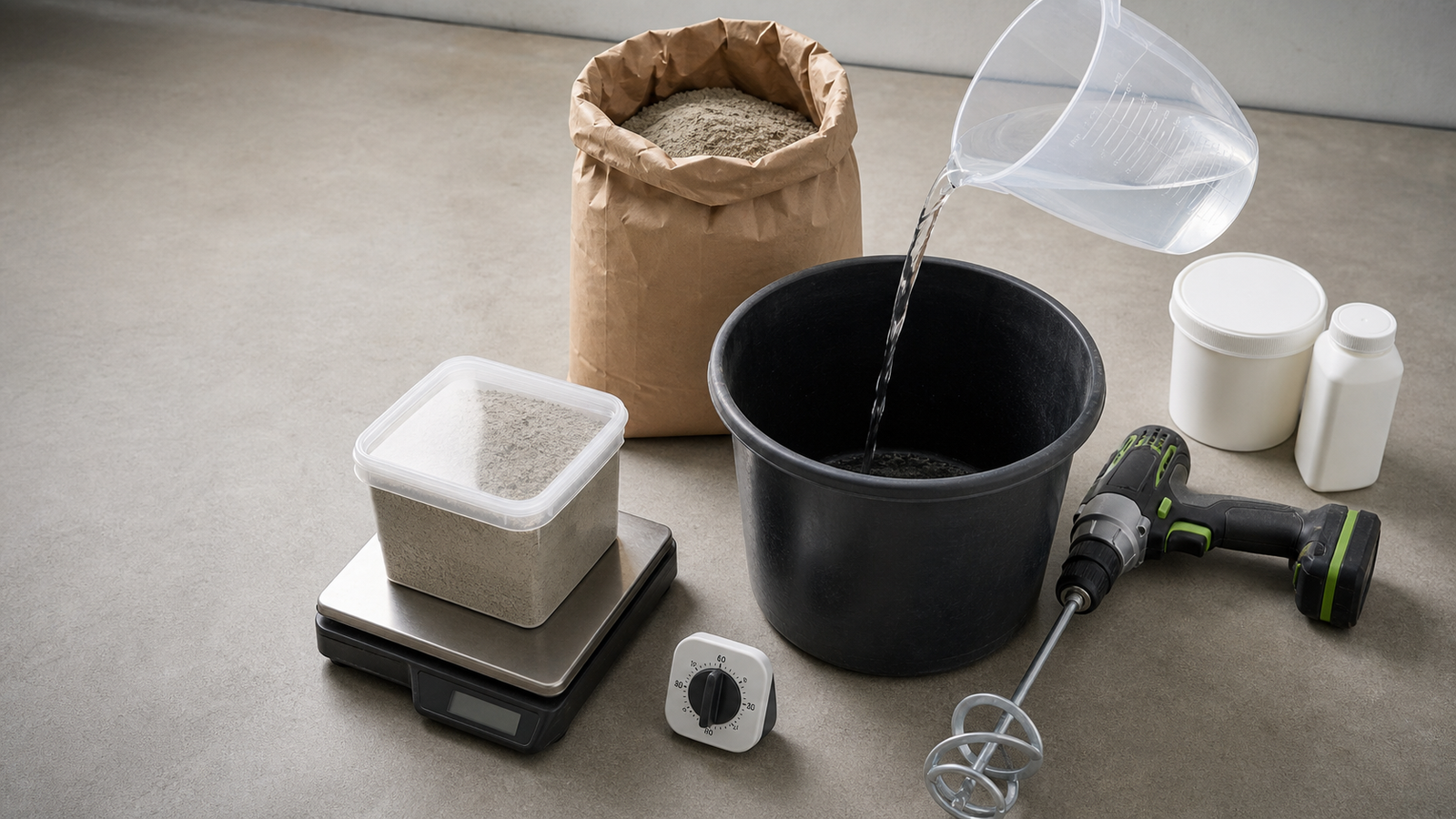
The Tile Adhesive Calculator calculates whole packages from net tiled area and the selected adhesive product's current package coverage or consumption rate. It keeps project allowance separate from whole-package surplus.
The Grout Calculator turns tiled area and the selected grout product's current coverage into whole packages. Its optional geometry mode checks theoretical volume for a repeating rectangular tile field from joint width and filled depth.
Which records should you collect?
- Surface ID, dimensions, openings and checked tiled area.
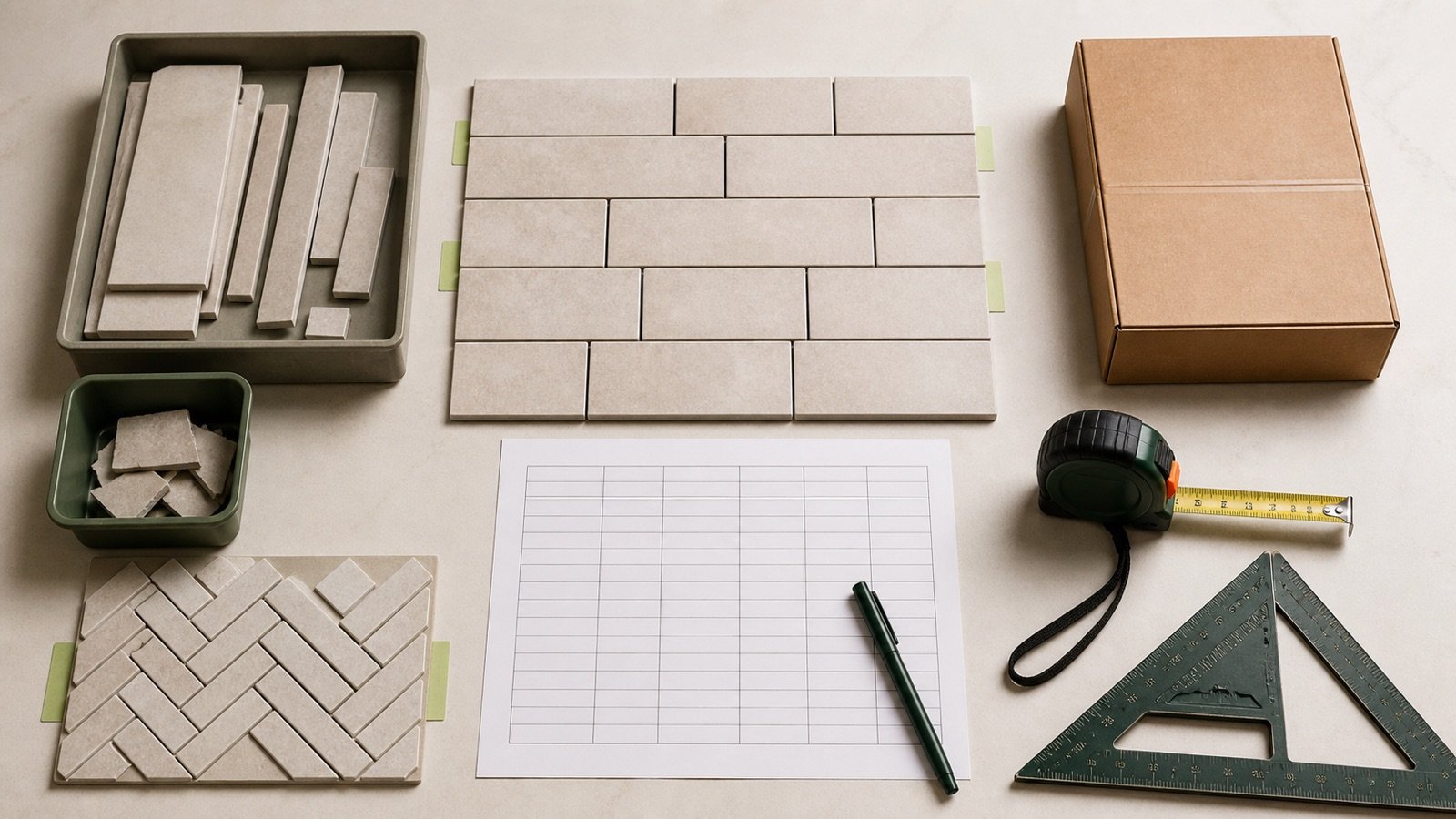
- Tile manufacturer, product, face size, layout and carton coverage.
- Adhesive product, package, coverage or consumption row, trowel and stated conditions.
- Grout product, package, coverage row, joint width and filled depth.
- Separate movement-joint, perimeter, trim, waterproofing, levelling and repair details.
- Allowance basis, whole-package rounding and seller terms.
Run separate calculations when the tile, adhesive, grout, package, coverage condition, layout or allowance changes. Combine compatible unrounded areas before whole-package rounding.
Which decisions remain outside these calculators?
The tools do not select tile, adhesive or grout, approve a substrate, design waterproofing or movement joints, set installation tolerances, choose a trowel, or confirm code and product compliance.
Use current drawings, specifications, product data, installation standards, seller terms and qualified project decisions. The calculation methodology explains unit and rounding controls. Report a formula or source issue through the corrections route.