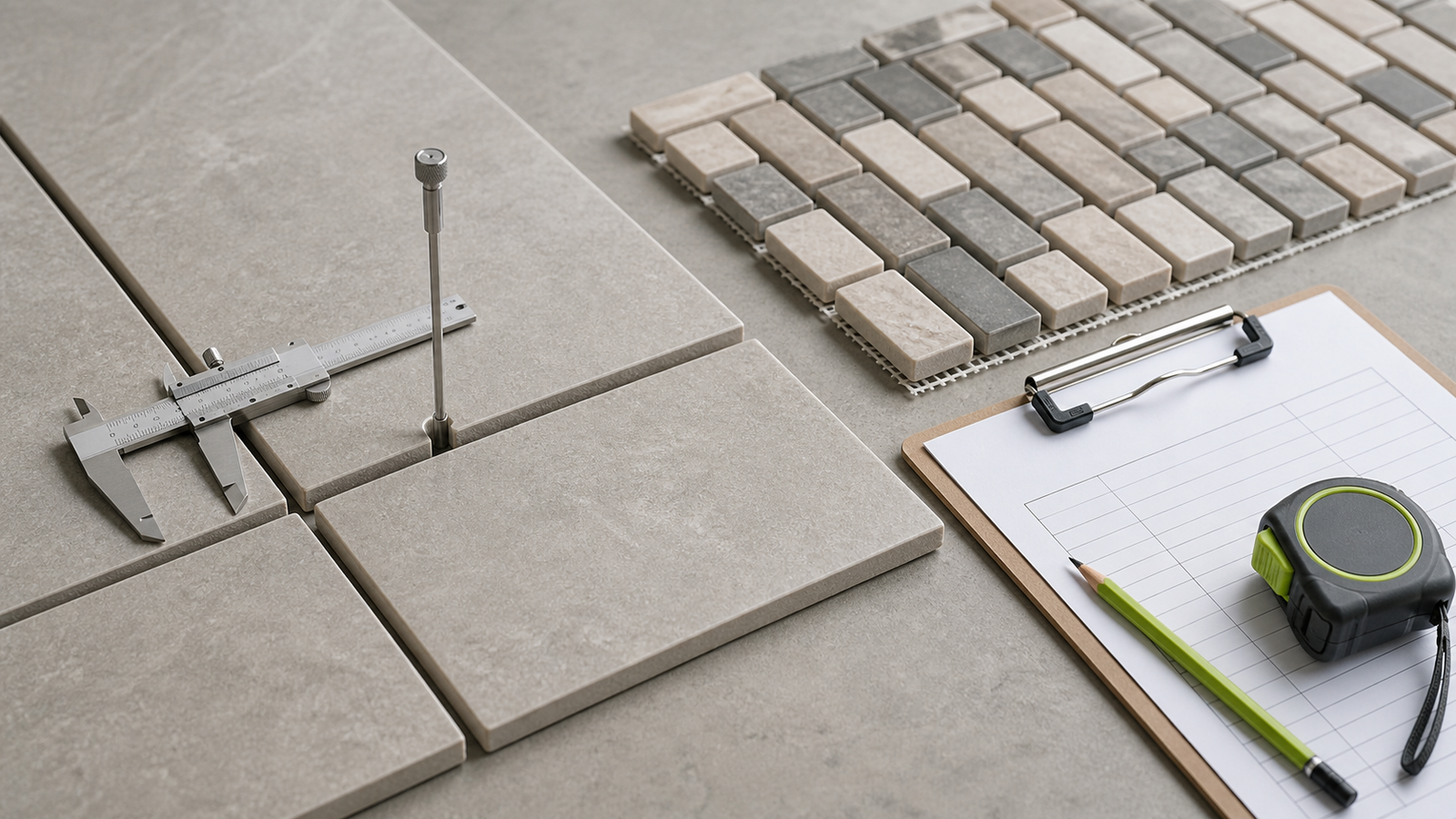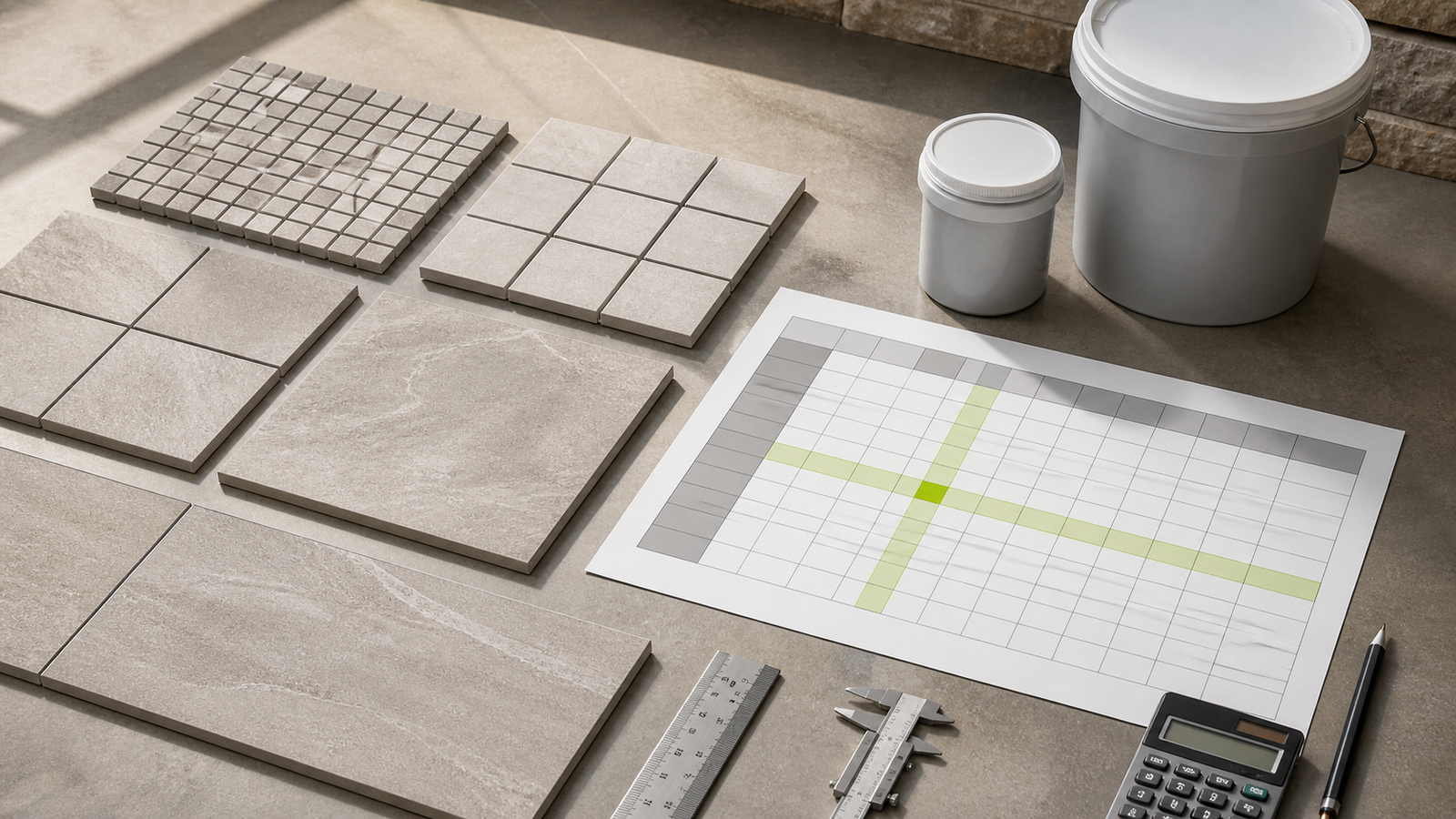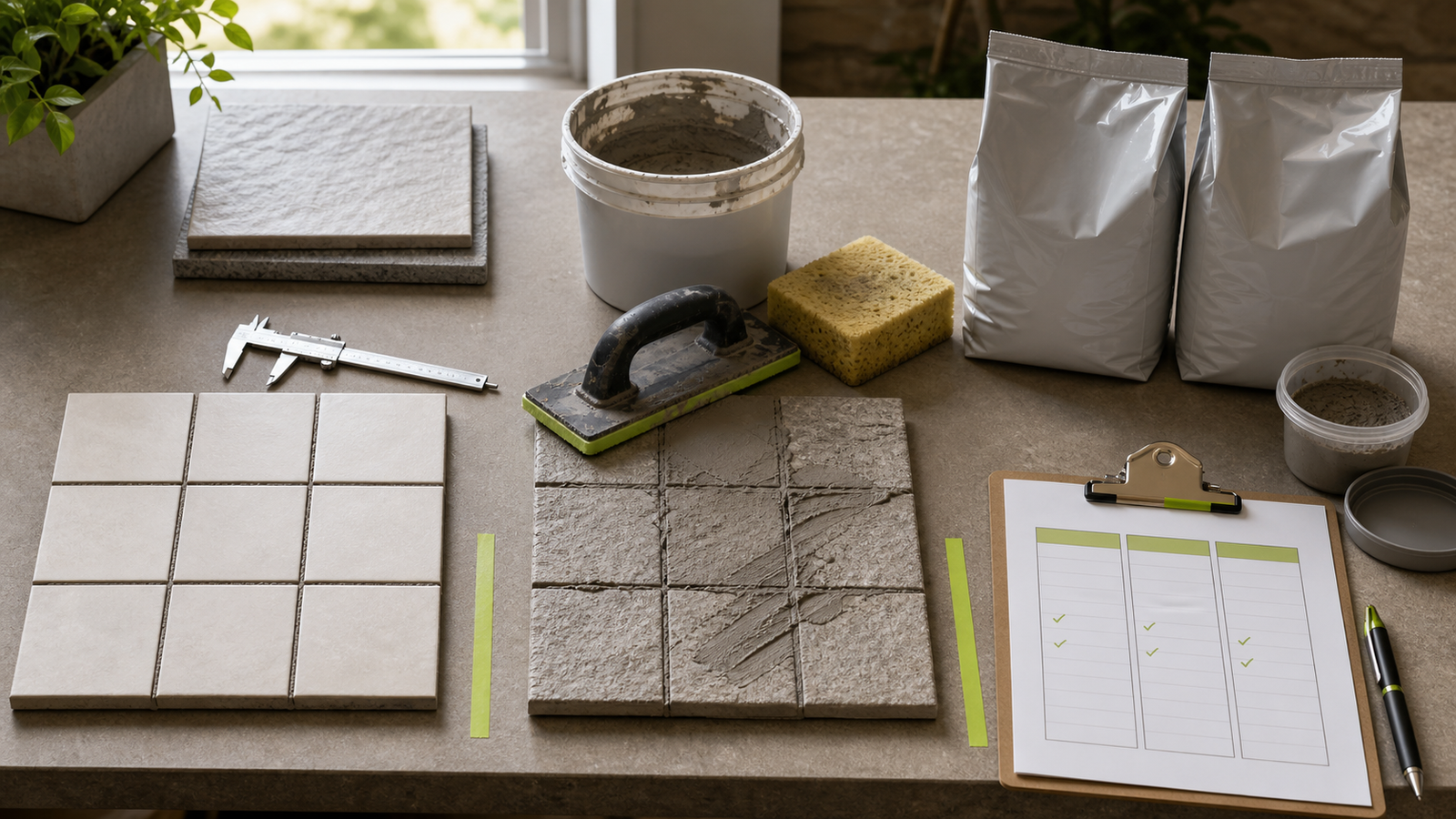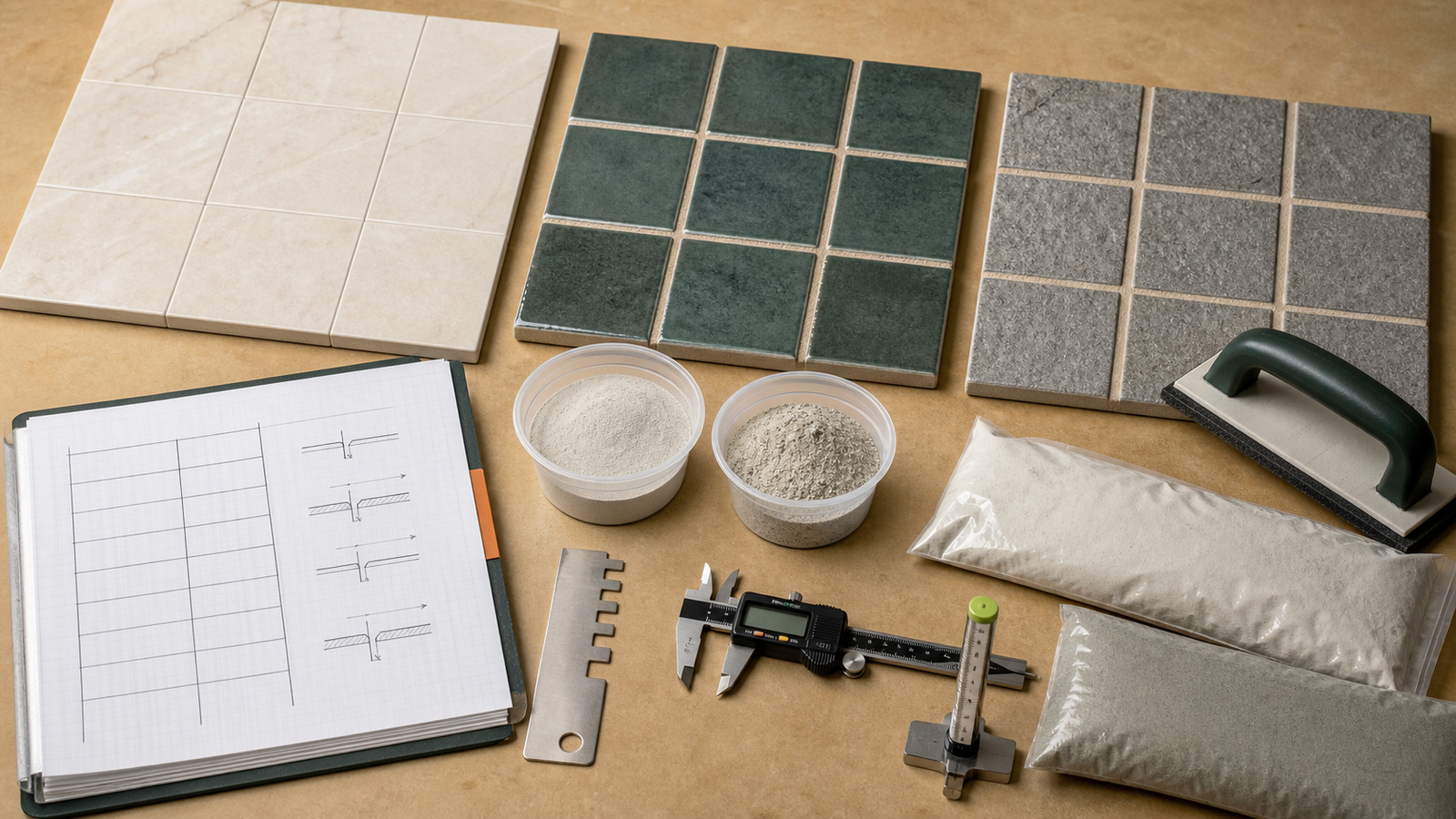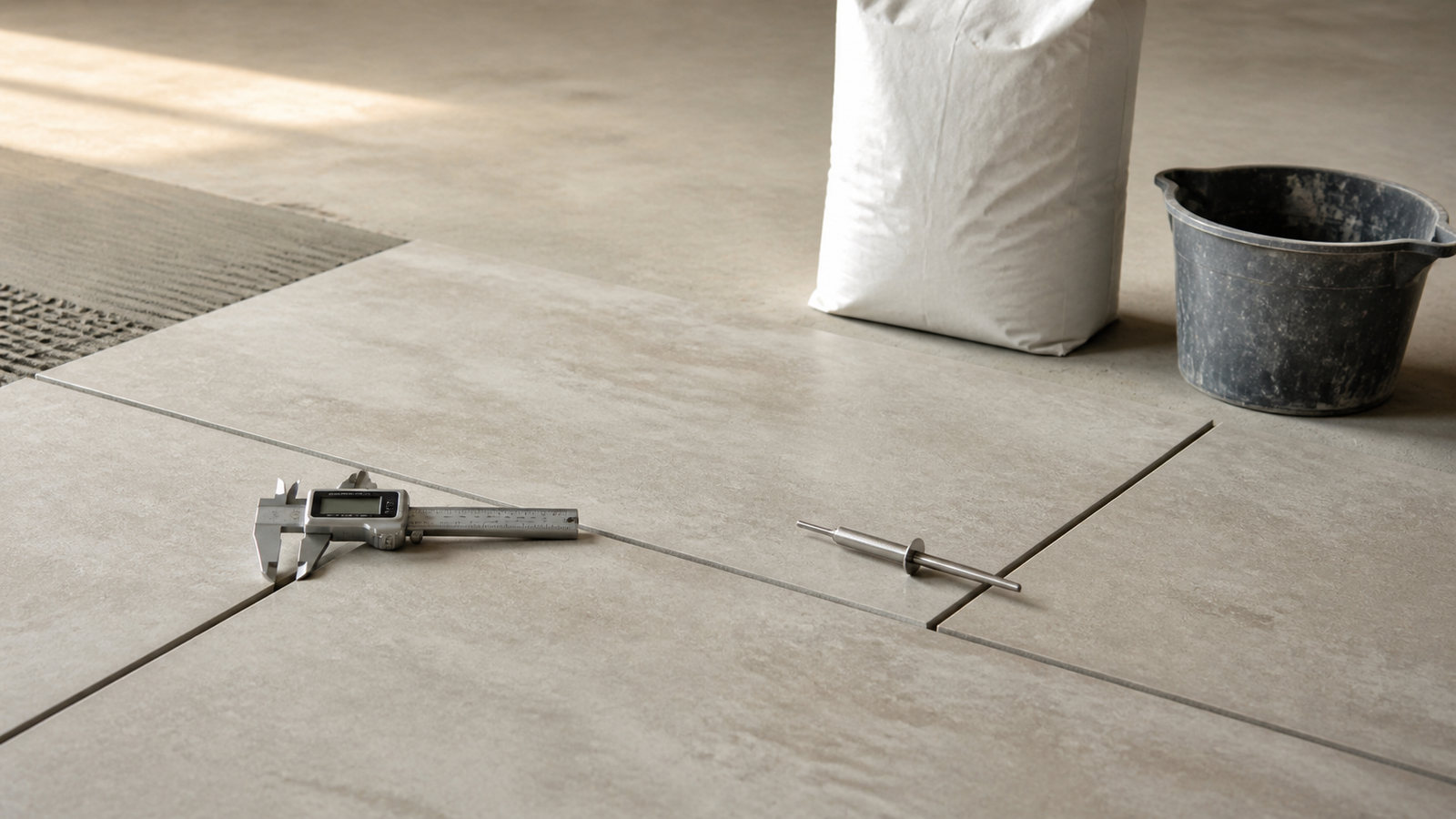
A grout order should start with the selected product's current coverage record. Coverage can change with the product, package, tile dimensions, joint width, filled depth, surface and application conditions.
This calculator keeps the product-backed package order separate from a theoretical joint-volume check. It does not insert a grout density, product type, package size, allowance, joint width or fill depth.
How much grout do you need?
Measure the compatible tiled area and copy coverage per package from the current manufacturer calculator, data sheet or package row that matches the selected product and joint conditions. Divide the allowance-adjusted area by that coverage and round upward once when only whole packages can be purchased.
Use the optional geometry fields to check how tile size, joint width and filled depth change theoretical volume. Keep that volume separate from package ordering unless the product manufacturer supplies an accepted conversion.
What does each grout result mean?
The calculator exposes measurement, project adjustment, commercial rounding and theoretical geometry as separate stages. Package surplus is not hidden inside the allowance.
| Result | Calculation | Evidence to keep |
|---|---|---|
| Measured tiled area | Rectangle length × width, or entered known area | Drawing, elevation, field sketch or checked area schedule |
| Planning area | Measured area × entered allowance factor | Approved reason and percentage |
| Whole packages | Planning area ÷ current coverage, rounded upward | Product, package, coverage row, tile and joint conditions |
| Package surplus | Purchased coverage − planning area | Whole-package selling rule |
| Theoretical joint volume | Area × repeating-module joint share × filled depth | Verified tile face, joint width and filled depth |
Which grout quantity method should you use?
Use current product coverage for purchasing. A manufacturer coverage calculator or data sheet can account for a named formulation and package. Match the tile and joint conditions shown in that record.
Use geometry mode as a reasonableness check or early takeoff when the field repeats one rectangular tile. It calculates space, not grout mass, mixed yield or package count. Grout formulations have different published yields and working behavior.
Obtain product coverage or yield for the exact package. Package results stay unavailable when coverage is blank.
Which tiled area belongs in the calculation?
Measure the floor or wall face that receives the same grout product and coverage basis. Split separate rooms, wall faces, tile formats, joint widths, filled depths, products or colors when one coverage row cannot describe them.
Rectangle mode multiplies length by width. Known-area mode accepts an area already checked in a tile takeoff. The Tile Calculator can measure rectangular surfaces and deductions before the grout step.
Do not add movement-joint, perimeter-sealant or change-of-plane lengths to the grout field. Those locations follow their specified detail. The Tile Layout: Start Lines and Cuts guide explains repeated grout joints and why movement joints remain separate.
What formulas does the Grout Calculator use?
Measured area = length × width, or entered known area
Planning area = measured area × (1 + entered allowance ÷ 100)
Whole packages = ceiling(planning area ÷ current product coverage per package)
Repeating module area = (tile length + joint width) × (tile width + joint width)
Joint share = (module area − tile face area) ÷ module area
Theoretical joint volume = tiled area × joint share × filled joint depth
The module formula counts the joint intersection once instead of overlapping 2 full strips. It represents a repeating interior field. Boundaries, cuts and irregular pieces can change actual geometry.
Worked package-coverage example
A compatible tile field measures 5 m × 4 m, so the area is 20 m². The project supports a 5% allowance. The selected product's current coverage row states 8 m² per package for the matching conditions.
- Planning area: 20 × 1.05 = 21 m².
- Exact package ratio: 21 ÷ 8 = 2.625 packages.
- Whole-package order: ceiling(2.625) = 3 packages.
- Purchased coverage: 3 × 8 = 24 m².
- Package surplus above planning area: 24 − 21 = 3 m² of published coverage.
Replace the fixture allowance and coverage with the approved project and selected-product records.
Worked theoretical joint-volume example
A 10 m² field repeats 300 × 600 mm rectangular tiles. Internal grout joints are 3 mm wide and filled depth is 8 mm.
- Tile face area: 300 × 600 = 180,000 mm².
- Repeating module: 303 × 603 = 182,709 mm².
- Joint share: (182,709 − 180,000) ÷ 182,709 = 0.0148274, or about 1.483%.
- Base volume: 10 × 0.0148274 × 0.008 = 0.001186 m³.
- Metric result: about 1.186 L theoretical joint volume.
This is a geometry check. Texture, chamfers, lugs, mesh sheets, irregular edges, partial fill, voids, cleaning loss and application can change consumption.
Why can product coverage differ from geometry?
Geometry describes nominal space. Product coverage describes the estimated area served by one named package under stated conditions. The 2 results answer different questions.
MAPEI labels calculator coverage as approximate and says jobsite coverage can vary with conditions and application methods. LATICRETE publishes different coverage values for one product as tile size and joint width change. Those sources support product-specific input, not a universal yield.
How should mosaics and irregular tiles be handled?
Do not enter a mosaic sheet's outside dimensions as one tile when grout fills joints between individual pieces. Use the current manufacturer coverage row for that mosaic and joint condition.
Hexagons, scallops, interlocking pieces, mixed modules and variable stone edges do not match the rectangular module. A project-specific takeoff may check geometry, but selected-product coverage remains the preferred package basis.
What changes when joint width or depth varies?
Wider or deeper filled joints increase theoretical volume when other inputs stay fixed. Split the takeoff when one average would hide a separate condition.
Measure installed or approved dimensions at representative locations. Tile thickness alone does not prove filled depth because setting material, edge profile, lugs, cleaning and the joint detail can change the filled section.
How should allowance and package surplus be recorded?
The allowance starts at 0%. Enter a value only when the project or selected product workflow supports it. State whether it covers application loss, textured surfaces, repairs or another named condition.
Whole-package rounding happens after allowance. In the example, allowance adds 1 m². Package rounding then adds 3 m² of published coverage. Combining them as one waste percentage would hide 2 decisions.
Which conditions need separate records?
| Condition | Why it changes the takeoff | Action |
|---|---|---|
| Different grout products | Coverage and package change | Calculate each product separately |
| Several tile sizes | Joint length per area changes | Use matching coverage rows |
| Changing width or depth | Joint cross-section changes | Split measured zones |
| Mosaic sheets | Internal piece joints dominate use | Use product coverage |
| Movement joints | They use a separate specified system | Exclude from grout |
| Regrout work | Remaining material and cleaned depth vary | Measure prepared repair |
Common grout quantity mistakes
- Using a generic density to convert joint volume into bags.
- Copying coverage from another product, package or market.
- Using mosaic sheet dimensions instead of individual-piece joints.
- Entering tile thickness without confirming filled depth.
- Applying one row across different tile sizes or joint widths.
- Counting movement joints as grout joints.
- Adding allowance twice through area and coverage.
- Rounding compatible surfaces separately before combining them.
- Treating package surplus as installed waste.
- Using quantity output to select grout or approve installation.
What should the grout record contain?
- Room or elevation ID, drawing revision, measured area and units.
- Tile manufacturer, product, face dimensions, format and layout zone.
- Grout manufacturer, product, color, package and market.
- Joint width, filled depth, source and measurement locations.
- Coverage row, revision, date and stated conditions.
- Area, allowance, exact ratio, whole packages and package surplus.
- Separate movement-joint, sealant, trim and repair records.
Safety and installation limits
Follow current product data, package instructions and safety data for suitability, mixing, temperature, pot life, placement, cleaning, cure and opening to service. Quantity arithmetic cannot approve those conditions.
Dry cementitious products and cutting silica-containing tile can create dust hazards. For United States construction work, OSHA provides respirable crystalline silica requirements and control information. Other jurisdictions may differ.
The calculator does not select grout, design joints, approve movement accommodation, inspect substrate, specify waterproofing, determine resistance or confirm color.
Return to the Tile planning hub. The calculation methodology explains unit and rounding controls, and the corrections route accepts issues.
Sources and scope
- MAPEI Product Calculators: named-product coverage workflow and approximate-coverage limitation.
- LATICRETE grout datasheet: one product's coverage changes across tile sizes and joint widths.
- NIST Handbook 44 (2026), Appendix C: unit relationships.
- OSHA silica in construction: United States hazard context.
Source scope: Manufacturers support product-specific coverage and limitations. NIST supports unit relationships. OSHA supports the named US hazard context. Current product data, project documents, local requirements and responsible professionals govern the system.
Review note: Saleem Sial owns the research and editorial record. Formula fixtures, source checks, build validation, link crawl, schema review and rendered QA form the internal publication gate. Waseem Sial, External Reviewer and Engineer, is listed for ongoing external review; no completed review date is claimed.