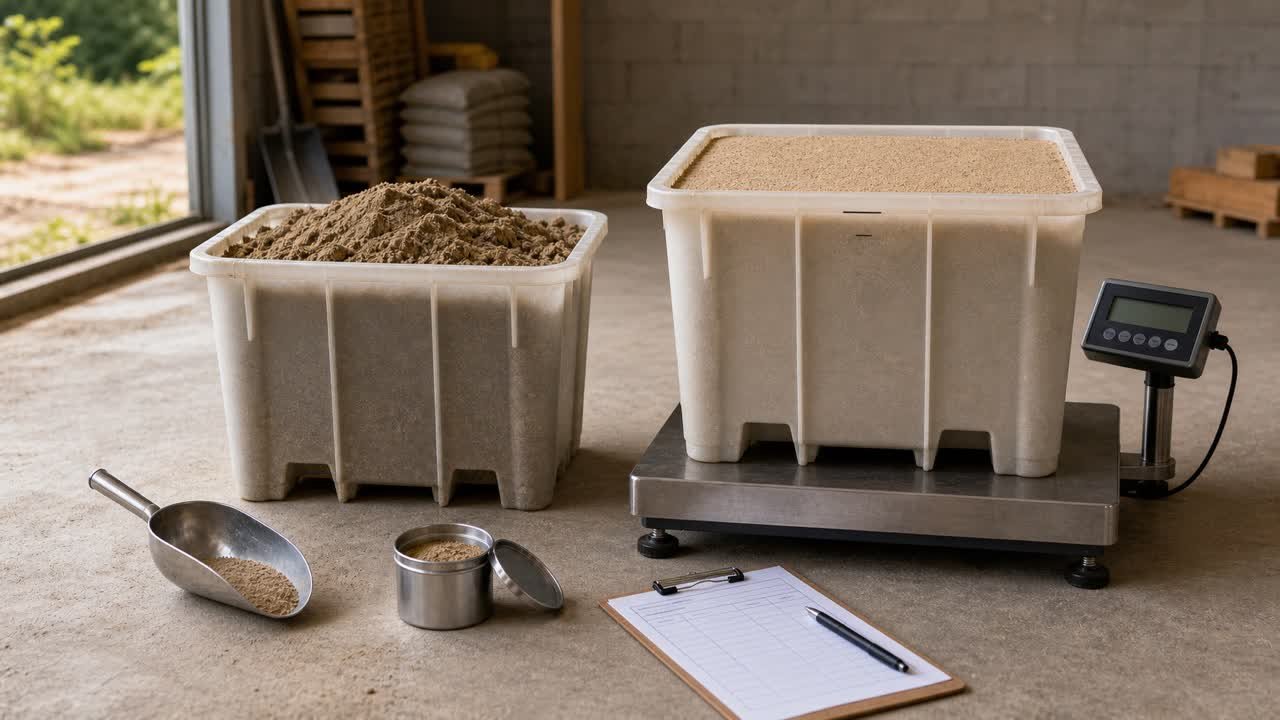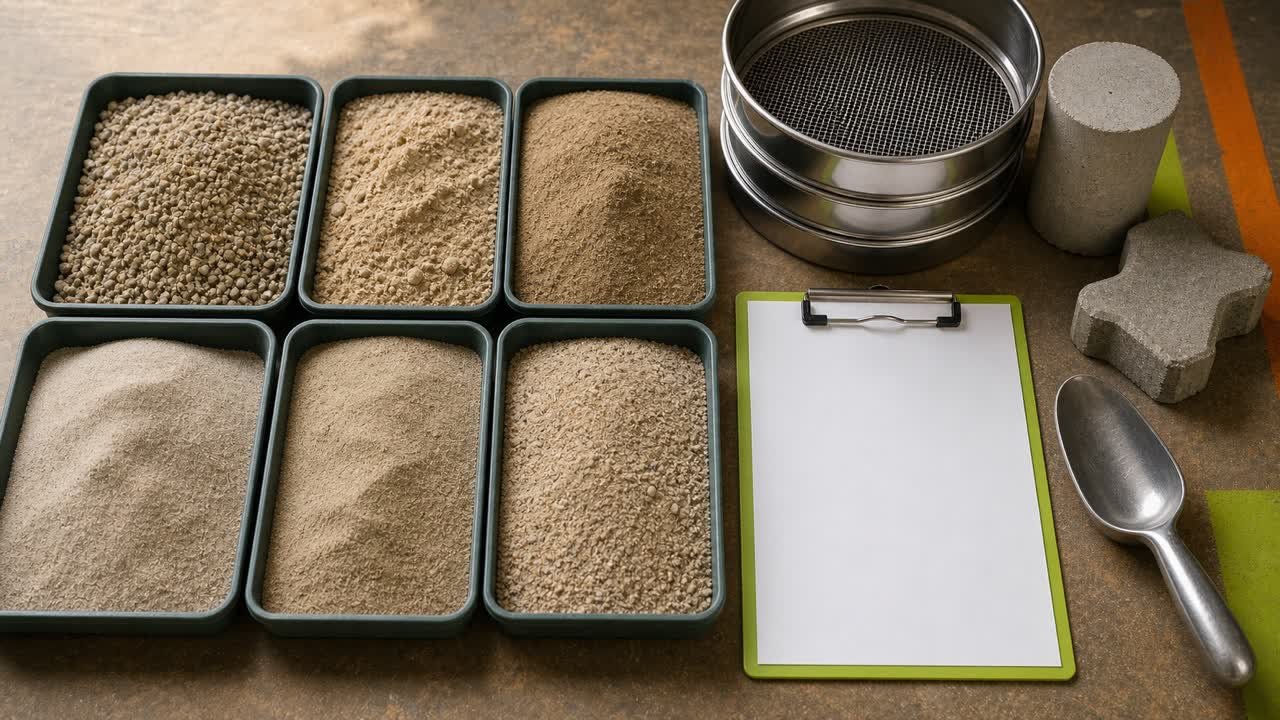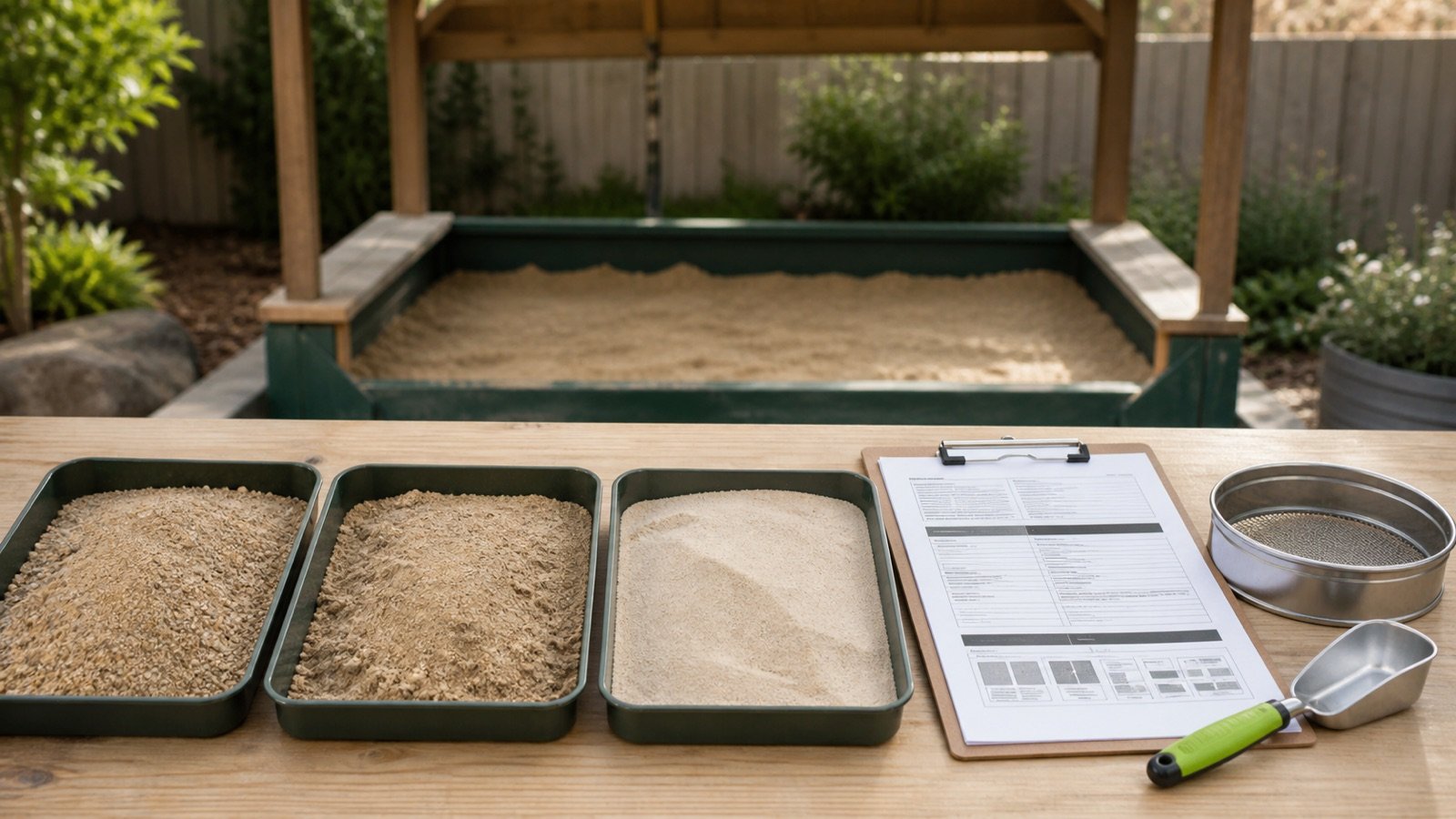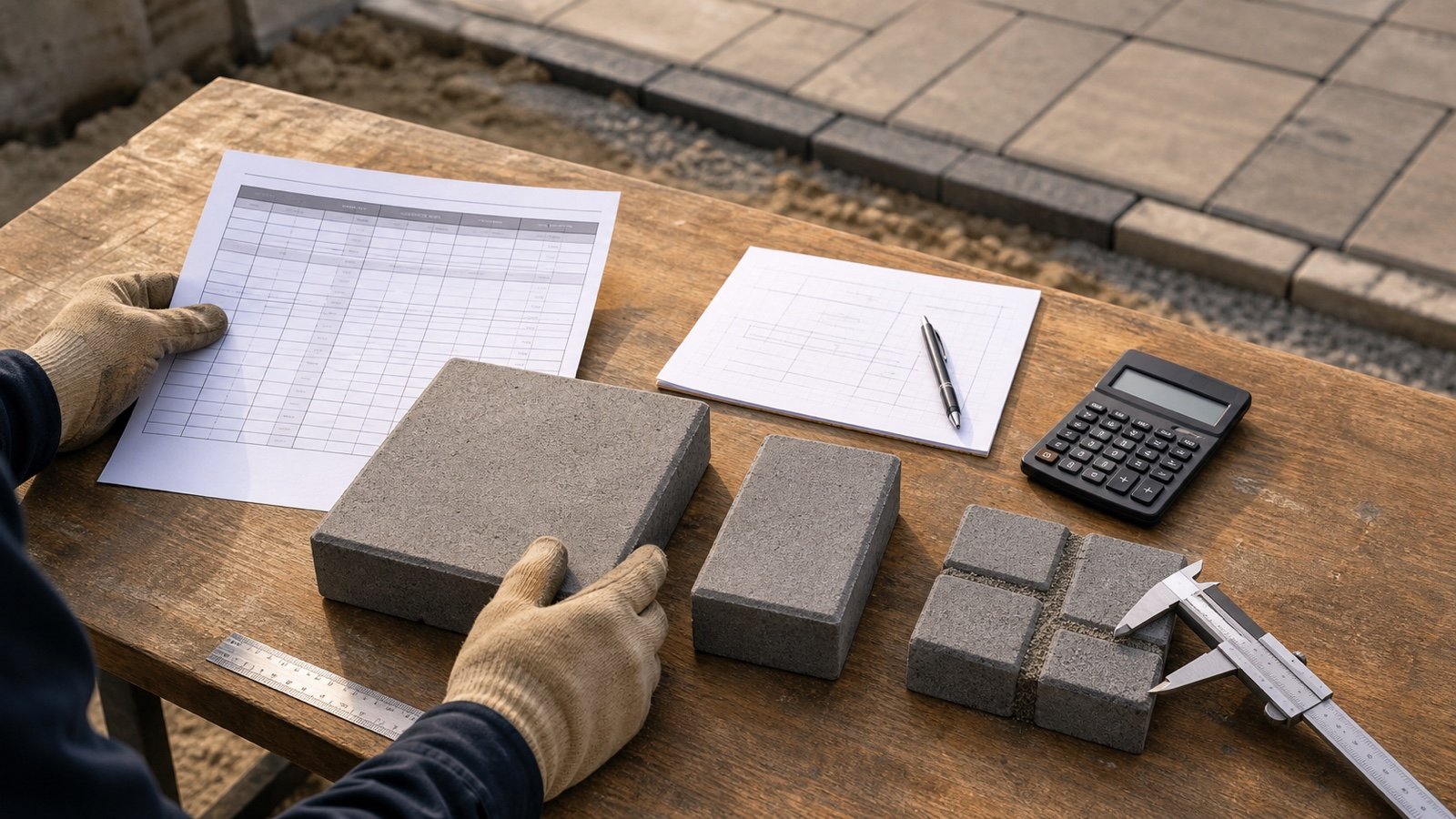
A polymeric-sand coverage chart estimates the paved area one package can fill under stated joint and paver conditions. The number can change when the product, package, paver height, joint band, color, or document revision changes.
Copy the complete chart row into the quantity record. A bare note such as “75 ft² per bag” cannot show whether that value fits the material or joints on site.
How do you read a polymeric sand coverage chart?
Start with the exact product and package, then match the paver and joint conditions named by the manufacturer. Use the resulting coverage range only for the zone that shares those conditions.
- Confirm the manufacturer, product name, market, package, color where listed, and data-sheet revision.
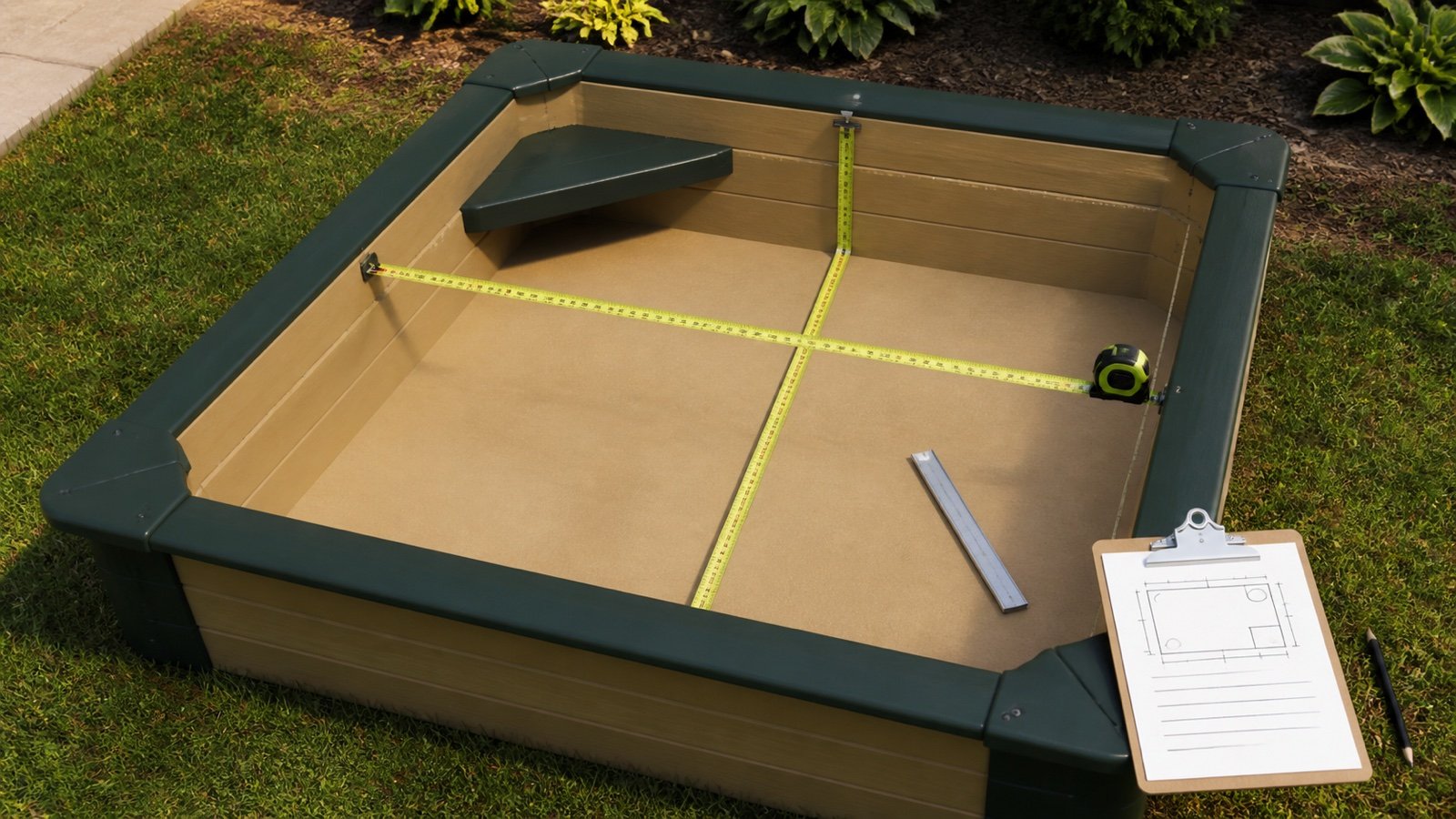
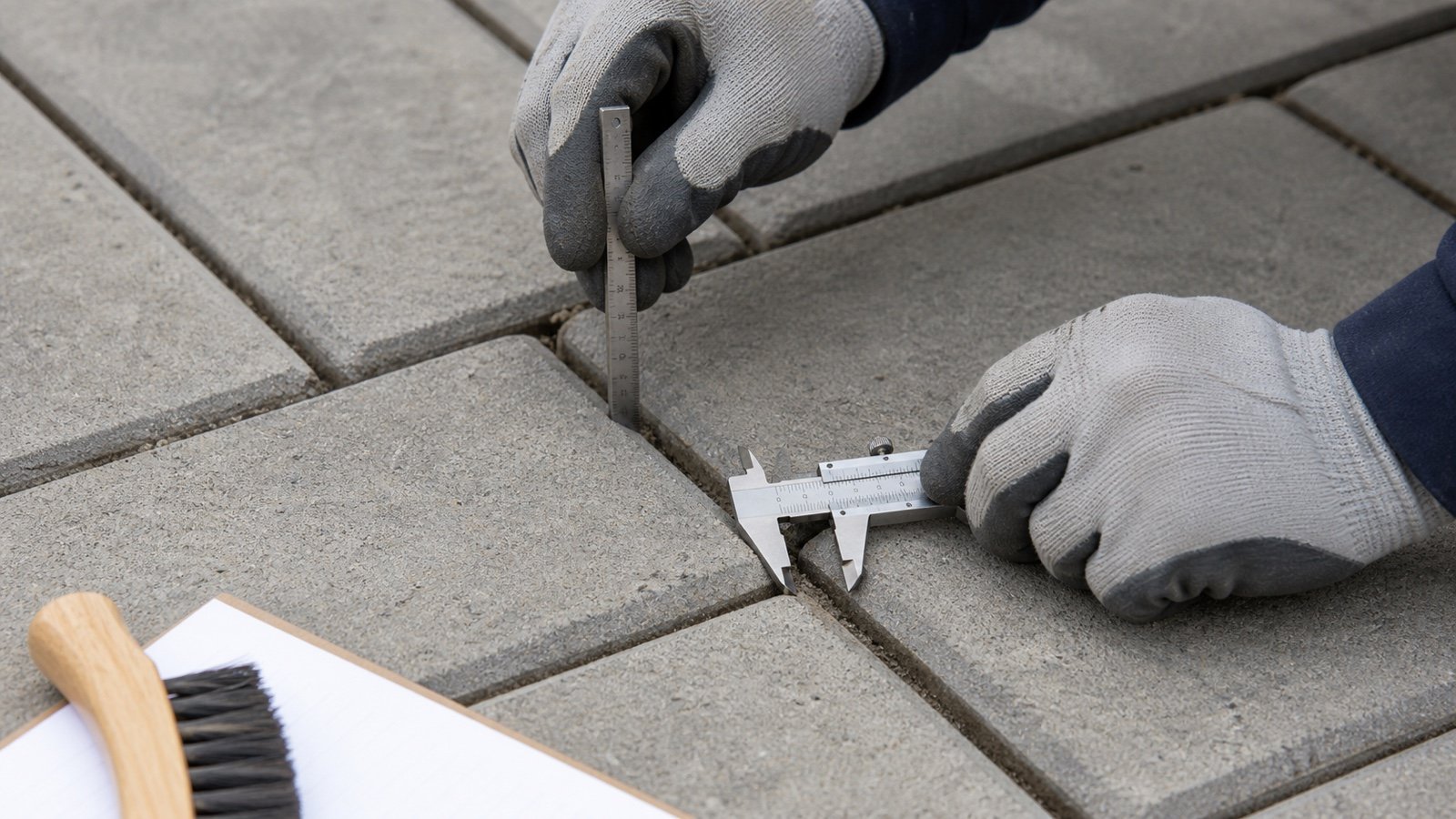
- Measure the paver or slab and the clear joint width and usable depth.
- Find the row whose paver type or height and joint-width band fit the measured zone.
- Record both ends when the chart gives a coverage range.
- Divide the zone area by each coverage endpoint.
- Sum compatible exact bag quantities, then round the final order upward once.
Product, package, paver height, joint band, coverage range, units, revision, and retrieval date belong on the same worksheet line.
What does coverage per bag mean?
Coverage per bag is the paved surface area associated with one package under the chart's stated conditions. It is an estimated area-per-package value, not the physical volume printed on a generic sand bag.
A 50 lb package from one product and a 40 lb pail from another do not share a coverage value. Equal package weight also does not prove equal coverage because the product, aggregate blend, paver geometry, compaction process, and chart basis can differ.
| Chart field | Record | Reason |
|---|---|---|
| Product | Manufacturer, full name, formulation or generation, and market | Prevents transfer to another material |
| Package | Weight, pail or bag, and color where the chart separates it | Defines the selling unit behind the coverage |
| Paver | Material, shape, size, and stated height | Changes joint length and fill depth |
| Joint | Measured clear-width range, chart band, and usable depth | Selects the applicable geometry row |
| Coverage | Lower and upper area per package with units | Produces a bag range rather than a hidden average |
| Source | Document title, revision, URL, market, and access date | Lets the buyer recheck the same record |
Why do coverage charts give a range?
A range states 2 estimated endpoints for the conditions grouped in that row. The product may cover less area near the lower endpoint and more area near the upper endpoint.
The range does not state that the midpoint is the project's expected result. Paver shape, size, joint width, joint depth, spacer bars, chamfers, surface texture, compaction, and field loss can move consumption inside or outside a broad estimate.
Exact bags at higher coverage = zone area ÷ higher coverage per bag
Exact bags at lower coverage = zone area ÷ lower coverage per bag
Whole-bag range = round each endpoint upward to a whole package
How many bags does a 300 ft² coverage range produce?
Use both endpoints. The reviewed May 6, 2025 Gator Supersand G2 sheet gives 65-85 ft² per 50 lb bag for its narrow-joint row on 2 3/8 in pavers.
300 ÷ 85 = 3.5294 → 4 bags
300 ÷ 65 = 4.6154 → 5 bags
The chart produces a 4-5 bag range for this worked source example. A mock-up, measured geometry, supplier or manufacturer guidance, site conditions, and the selected product procedure determine which planning basis belongs in the order.
| Coverage endpoint | Exact quotient | Whole packages |
|---|---|---|
| 85 ft² per bag | 3.5294 | 4 |
| 65 ft² per bag | 4.6154 | 5 |
This example explains range arithmetic. It does not approve Gator Supersand G2 or its narrow-joint row for a particular project.
Which row conditions change the coverage?
Use every condition printed beside or above the coverage figure. A row often compresses several geometry and package assumptions into one line.
- Exact product and current formulation.
- Package weight or pail size.
- Color when the chart lists different values by color.
- Paver, slab, porcelain tile, clay unit, or natural stone.
- Paver size, shape, and height.
- Joint-width band and usable joint depth.
- Chamfers, spacer bars, false joints, and irregular intersections.
- New installation or prepared replacement work.
Measure the joints with the Polymeric Sand Joint Width and Depth Guide. A joint that falls outside the selected product's dimensions cannot inherit its coverage row.
How different are current manufacturer coverage examples?
The reviewed sheets use different packages and row conditions. Their values belong to the named products and cannot form one universal chart.
| Product record | Package and stated geometry | Coverage shown | Boundary |
|---|---|---|---|
| Gator Supersand G2, May 6, 2025 TDS | 50 lb; 2 3/8 in paver; narrow 1/8-3/8 in joints | 65-85 ft² per bag | Beige and Slate Grey row in the reviewed sheet |
| Gator Supersand G2, May 6, 2025 TDS | 50 lb; 2 3/8 in paver; wide 3/4-1 1/4 in joints | 22-42 ft² per bag | Same named product and colors |
| Sakrete PermaSand TDS | 40 lb pail; 1/4 in joint; 2 in paver | 30-45 ft² per pail | Sheet says size, shape, and depth change coverage |
| Techniseal RG+ retrieved sheet | 22.7 kg package; narrow joints | 60-120 ft² | Sheet says paver or slab shape, size, and joint width change quantity |
| Techniseal RG+ retrieved sheet | 22.7 kg package; wide joints | 25-40 ft² | Same named product and retrieved market sheet |
These entries show how manufacturers organize estimates. Recheck the current product page, package, technical data, and supplier record before buying.
Why does package size stay in the calculation?
Coverage belongs to the package stated in the chart. Scaling a 50 lb row to a 40 lb pail by weight assumes a linear relationship that the reviewed product records do not establish.
Enter area per package in the Paver Sand Calculator. Keep package weight as identification and purchasing information. Do not convert weight into joint volume without a suitable product record.
Can product color change the selected row?
Yes, when the manufacturer chart lists coverage by color. The reviewed Gator Maxx material, for example, separates Black Diamond from other colors, while the Supersand G2 row reviewed here groups Beige and Slate Grey.
Record color before using the row. A planned color change can alter the coverage basis, package availability, lot plan, and the ability to share opened material across zones.
What should you do when imperial and metric values conflict?
Stop the unit conversion and keep both printed values in the source record. Recalculate the relationship with an authoritative factor, then ask the manufacturer or supplier which line governs the market and package being ordered.
The reviewed May 6, 2025 Gator Supersand G2 sheet displays 65-85 ft² and 7-7.9 m² for the same narrow-joint row. NIST gives the exact relationship 1 ft² = 0.09290304 m²:
65 × 0.09290304 = 6.0387 m²
85 × 0.09290304 = 7.8968 m²
The upper endpoint agrees after rounding. The displayed lower metric endpoint does not match the conversion. This guide does not rewrite the manufacturer's specification; it records the conflict and requires confirmation before a disputed value controls an order.
How should different paver zones be calculated?
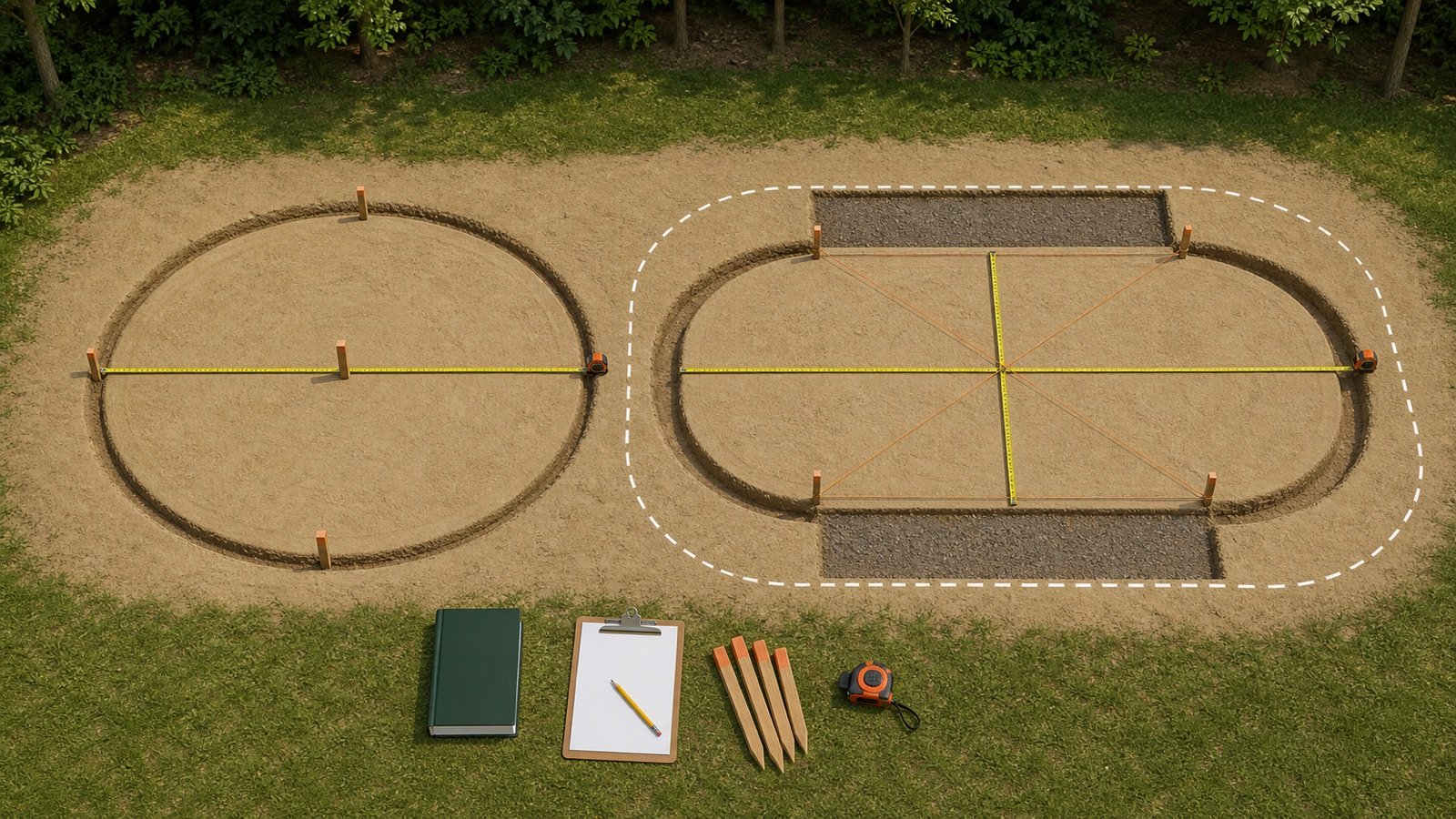
Give each zone its own exact bag quotient when its paver, joint band, coverage row, product, color, or preparation differs. Combine exact quantities only when the same package can serve those zones.
| Zone | Area | Coverage row | Exact bags | Shareable? |
|---|---|---|---|---|
| Field pavers | Measured field area | Product, package, paver, and narrow-joint row | Area ÷ selected coverage | Confirm product, color, timing, and condition |
| Border | Measured border area | Applicable border geometry row | Area ÷ selected coverage | Keep separate if material or row cannot share |
| Curve and cuts | Measured affected area | Applicable variable-joint record | Area ÷ selected coverage | Resolve out-of-range joints first |
| Repair area | Prepared repair area | Current replacement-work record | Area ÷ selected coverage | Keep preparation and depth evidence |
When should you sum before rounding?
Sum exact bag quantities before final rounding when one exact product, color, package, and work session can supply all accepted zones. Round separate order lines when the material cannot be shared.
Example: Zone A uses 20 ft² at 65 ft² per bag, or 0.3077 bag. Zone B uses 5 ft² at 22 ft² per bag, or 0.2273 bag.
0.3077 + 0.2273 = 0.5350 → 1 whole bag
Rounding each zone first would show 2 bags. This arithmetic applies only when opened material can serve both zones under the same product procedure. Installation timing, site loss, package handling, and return rules remain separate order decisions.
How can a mock-up improve the coverage record?
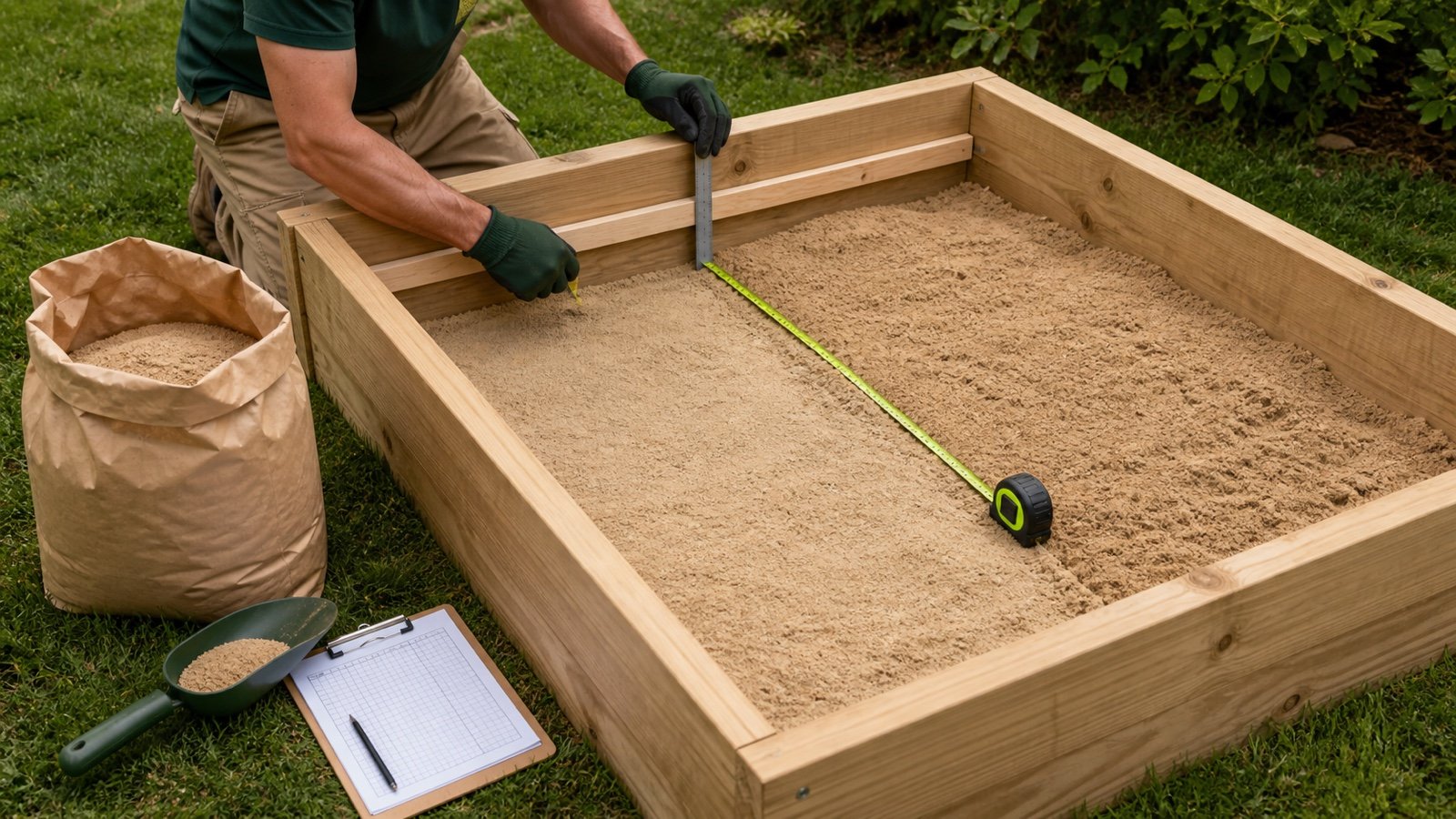
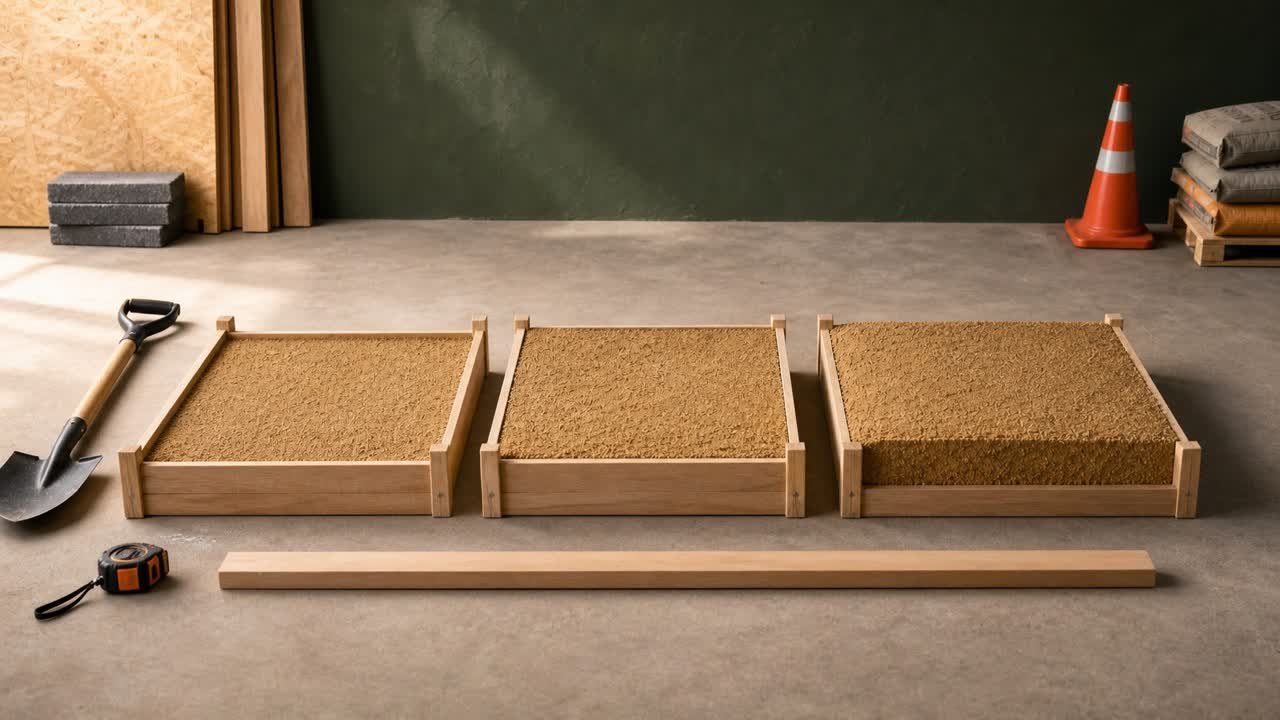
A product-required or project-approved mock-up can connect the chart to the actual paver, joints, crew, compaction, and site. Record measured area and material consumption without changing the manufacturer's printed estimate.
- Document the exact product, package, color, lot, and sheet revision.
- Measure the accepted test area and joint geometry.
- Record unopened packages, opened package mass only when a suitable scale and method are approved, and material left after the test.
- Follow the complete current product procedure.
- Record the resulting filled area, joint condition, and any rejected location.
- Keep the chart value and observed project value on separate lines.
The reviewed Gator coverage guide recommends a mock-up because joint depth and spacer-bar size can change quantity. A mock-up does not approve another area when its geometry or conditions differ.
Which coverage-chart mistakes change the order?
- Copying one generic ft²-per-bag number without a source.
- Using a 50 lb bag row for a 40 lb pail.
- Choosing a narrow-joint row from the average while one location falls outside it.
- Ignoring the paver height or full-depth condition printed with the row.
- Combining field pavers, borders, curves, false joints, and repairs under one value.
- Replacing a coverage range with its midpoint without evidence.
- Adding a fixed percentage or extra bag without documenting the reason.
- Rounding each shareable zone before summing exact quantities.
- Silently accepting conflicting imperial and metric values.
- Using an old sheet after the product or formulation changes.
What should the final coverage record contain?
- Project, area ID, drawing or field sketch, date, and preparer.
- Manufacturer, exact product, market, color, package, lot when available, and supplier.
- Paver or slab manufacturer, product, material, face size, height, chamfer, spacer, and pattern.
- Minimum and maximum clear joint width, usable depth, false joints, borders, curves, cuts, and repair condition.
- Coverage row, lower and upper endpoints, units, TDS title, revision, URL, and access date.
- Every unit conversion and unresolved source conflict.
- Area and exact bag quotient for each zone.
- Shareable-zone decision, final whole-package rounding, allowance reason, and order quantity.
- Mock-up consumption and approval record when required.
The Paver Bedding Sand vs Joint Sand guide confirms the material's location. The paver bedding-depth guide covers the separate layer below the pavers. Browse the Sand Material Planning hub for published sand tools and records.
What construction and safety limits apply?
This guide supports chart selection and bag planning. It does not approve a product, paver, pavement system, base, drainage, joint, repair, installation sequence, weather window, activation process, or finished work.
Use current project documents, the exact paver and product instructions, site conditions, supplier records, local requirements, and responsible professionals. Handling dry silica-containing material can create respirable crystalline silica. U.S. construction workplaces should follow applicable OSHA requirements and the employer's exposure-control process.
Sources and source scope
- Gator Supersand G2 Technical Data Sheet, update May 6, 2025: named 50 lb package, paver-height, joint-band, color, coverage-range, and dependency example.
- Sakrete PermaSand Technical Data Sheet: named 40 lb pail, 1/4 in joint, 2 in paver, 30-45 ft² range, and stated coverage dependencies.
- Techniseal RG+ Polymeric Sand Technical Data Sheet: named 22.7 kg package and narrow- and wide-joint ranges in the retrieved market sheet.
- NIST Guide to the SI, Appendix B.8: exact square-foot to square-metre conversion used in the source check.
- OSHA Respirable Crystalline Silica in Construction: U.S. occupational hazard and control context.
Source scope: Each manufacturer record supports only its named product, package, market, revision, and stated conditions. NIST supports the area conversion, and OSHA supports the named U.S. workplace context. Current project documents, product instructions, site conditions, supplier records, local requirements, safety controls, and responsible people govern the work.
Review note: Saleem Sial owns the research and editorial record. Source downloads, checksums, document rendering, range fixtures, editorial review, build validation, link crawl, schema review, and rendered QA form the internal publication gate. Waseem Sial, External Reviewer and Engineer, is listed for ongoing external review; no completed review date is claimed.