Sand orders start with two facts: the area to cover and the required layer depth. This calculator turns those measurements into volume, then adds mass or package planning only when you enter data for the exact sand product.
Use it for one uniform layer at a time. Separate sections that have different depths, products, or placement conditions so each result can be checked before you place an order.
How much sand do you need?
Multiply the measured area by the required depth. The calculator reports cubic metres and litres in metric mode, or cubic yards and cubic feet in imperial mode.
Choose rectangle, circle, or known-area mode. Allowance, mass, and package count remain separate planning stages, and each optional result appears only after you enter the value that controls it.
What the Sand Calculator gives you
The calculator converts one measured sand layer into area and volume. Choose rectangle, circle, or known-area mode, enter the required layer depth, and use metric or imperial inputs.
The measured result comes from geometry alone. Allowance, mass, and package count are optional planning stages. Each optional result appears only after you enter the project or product value that controls it.
Which result should you use?
| Result | How it is calculated | Use it for |
|---|---|---|
| Measured volume | Area × required depth | Recording the physical layer before planning assumptions |
| Planning volume | Measured volume × (1 + entered allowance ÷ 100) | Documenting a supported project allowance |
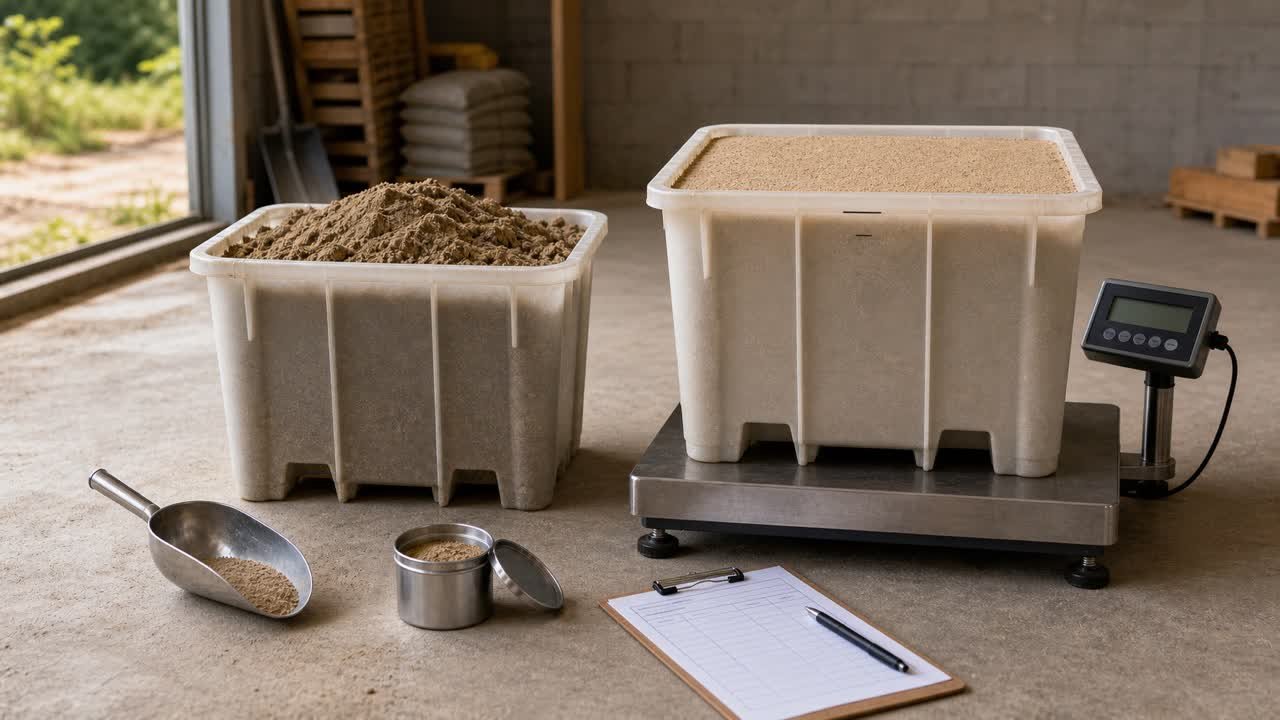
| Estimated mass | Planning volume × entered supplier bulk density | Comparing a volume calculation with a weight-based quote |
| Whole packages | Planning litres or cubic feet ÷ entered package yield, rounded up | Ordering one specific packaged product |
Blank density and package-yield fields produce blank optional results. This prevents a generic internet average from looking like current product data.
Sand volume formulas
Rectangle area = length × width
Circle area = π × (diameter ÷ 2)²
Measured volume = area × layer depth
Metric mode uses metres, square metres, centimetres, cubic metres, and litres. Imperial mode uses feet, square feet, inches, cubic feet, and cubic yards. Imperial cubic feet are divided by 27 to display cubic yards.
Worked imperial example
A rectangular area measures 20 ft by 10 ft and needs a 3 in sand layer. Convert the depth to feet before multiplying.
- Depth: 3 ÷ 12 = 0.25 ft.
- Area: 20 × 10 = 200 ft².
- Volume: 200 × 0.25 = 50 ft³.
- Cubic yards: 50 ÷ 27 = 1.851851... yd³.
The calculator displays 1.852 yd³ as the measured result. If the selected package documents a 0.5 ft³ yield, 50 ÷ 0.5 gives 100 packages before any separate allowance.
Worked metric example
An 8 m by 1.2 m strip needs a 5 cm layer. Convert 5 cm to 0.05 m:
8 × 1.2 × 0.05 = 0.48 m³, or 480 L.
If the selected supplier documents 1,600 kg/m³ for that exact product and relevant material condition, the optional mass result is 768 kg. If a package documents 20 L of yield, the optional package result is 24 whole packages. These values demonstrate the formulas; they do not describe another sand product.
Choose the sand before using mass or bags
Fill sand, concrete sand, masonry sand, bedding sand, play sand, pool-base products, jointing products, and manufactured fine aggregate can have different gradations, moisture conditions, specifications, and intended uses. A shared material name does not make them interchangeable.
Use the governing drawing, specification, manufacturer instructions, supplier product record, and responsible project person to identify the accepted product. The calculator handles quantity after that choice; it does not approve a substitution.
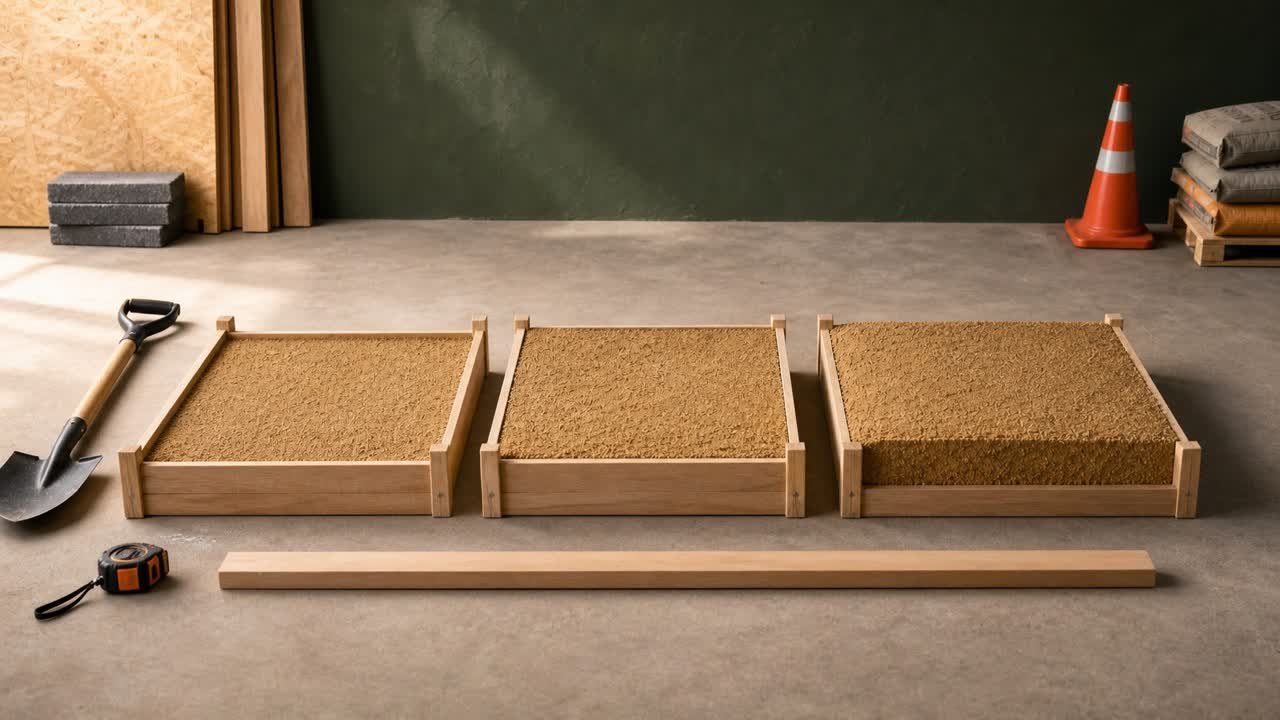
Measure the same layer you plan to order
- Identify the surface and exact sand layer.
- Divide changing widths or depths into separate sections.
- Measure the full diameter through the centre for a circular area.
- Use known-area mode when a drawing, survey, or separate area calculation already provides area.
- Enter the depth in the unit printed beside the field.
- Calculate different products or depth zones separately.
A bedding layer and a deeper fill layer should not be combined simply because both contain sand. Keeping them separate preserves product, depth, density, package, and allowance records.
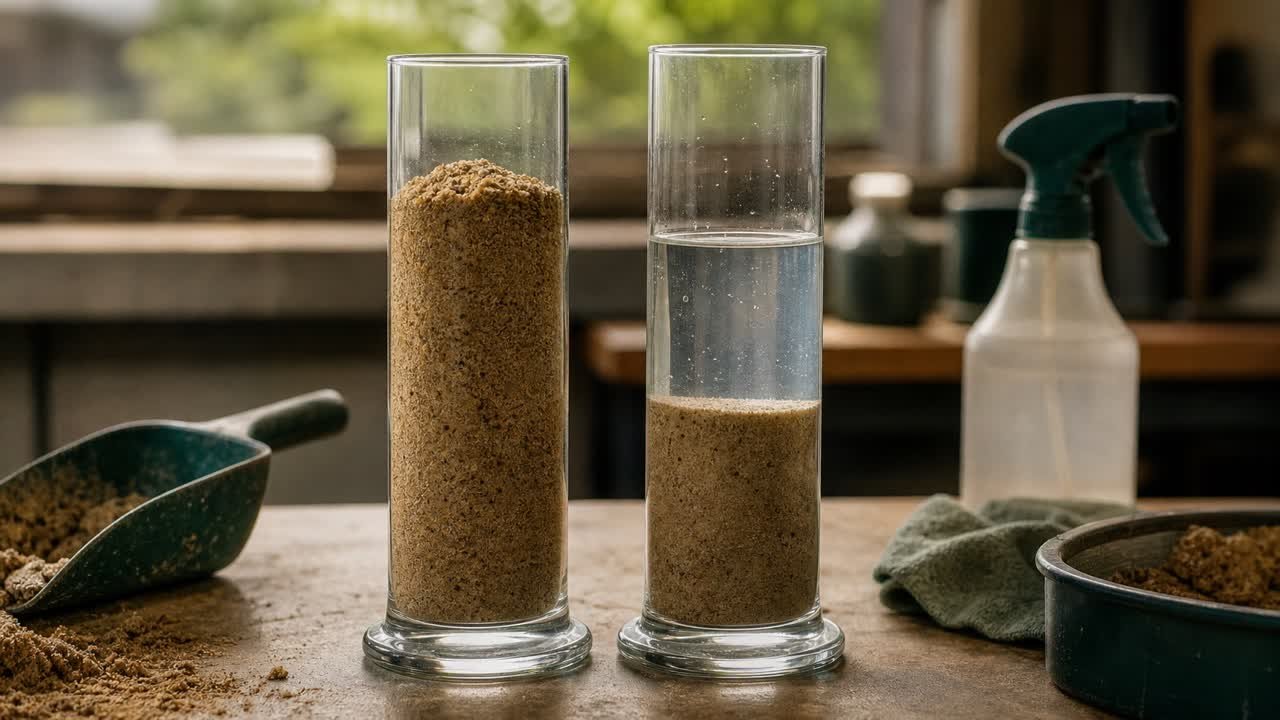
Why moisture condition matters for a weight estimate
Bulk density describes mass per bulk volume, and the value depends on the exact material and stated condition. ASTM's current aggregate standards include separate methods for bulk density and moisture, which is a useful warning against treating every sand weight conversion as one constant.
Ask whether the supplier value represents a loose, stockpiled, delivered, compacted, dry, or moisture-affected condition. Enter the density only when it matches the volume stage you are converting. Keep the supplier's date, product identifier, unit, and condition next to the result.
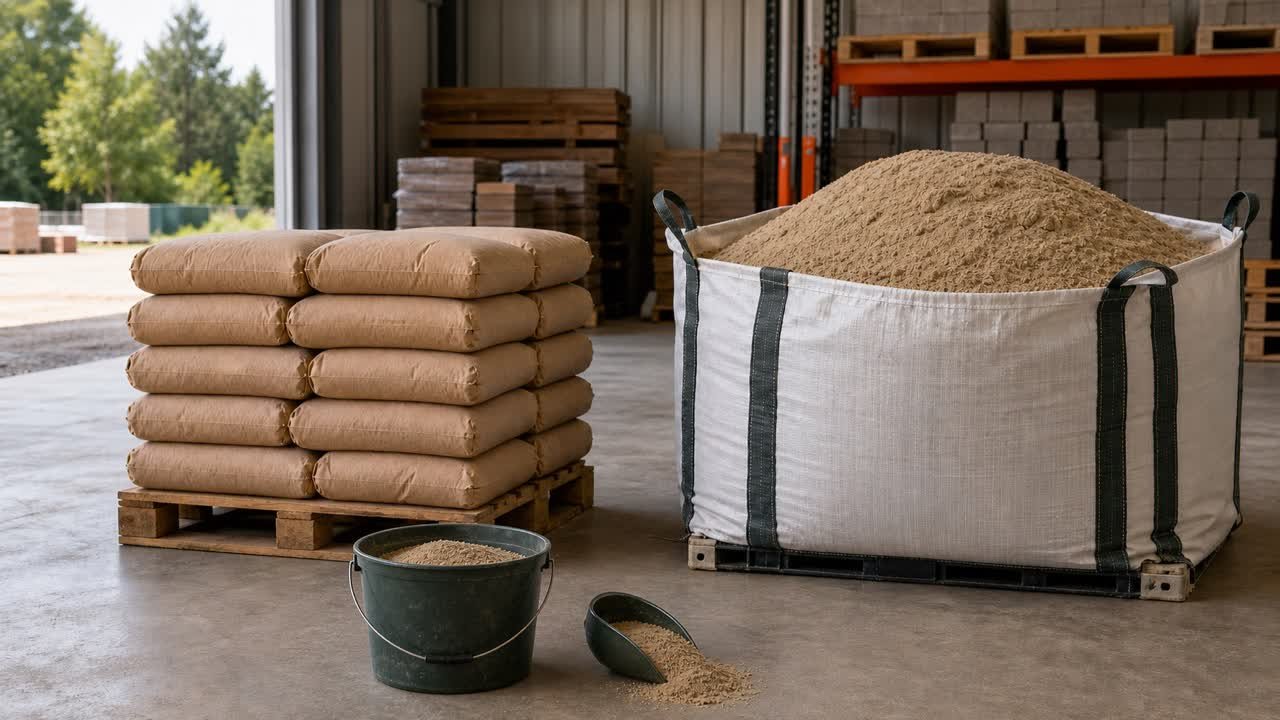
Package yield and bag weight are different inputs
The package field expects volume yield for one package: litres per package in metric mode or cubic feet per package in imperial mode. A net weight such as 20 kg or 50 lb cannot be entered in that field.
If the package lists only net mass, obtain the manufacturer's documented yield or use compatible product density data in a separate check. Converting package mass with an unrelated density can create a precise-looking but unsupported bag count.
How whole-package rounding works
The calculator divides planning volume by the entered yield and shows both the exact quotient and the next whole package. For example, 10.01 calculated packages becomes 11 whole packages. It does not hide the rounding inside the geometry.
Confirm package availability, lot limitations, minimum orders, return rules, damaged-bag allowance, and whether the published yield applies to the intended placement condition. Record supplier rounding separately for bulk deliveries.
Use an allowance only when you can explain it
The allowance starts at 0%. Add one when field tolerance, settlement or compaction information, trimming, handling, placement loss, or a documented project requirement supports it.
Keep the measured and planning volumes visible together. This shows exactly how much the assumption changed the order and allows a later reviewer to remove or revise it without remeasuring the area.
Bulk sale and quote checks
NIST Handbook 130 provides model method-of-sale rules and notes that authorities adopt those models in different forms. Its 2026 material covers bulk sand sales by volume or weight, but a project must still check the current rules and supplier practice in the applicable jurisdiction.
- Confirm whether the quote is by cubic yard, cubic metre, short ton, metric tonne, package, or load.
- Write down the exact product and gradation.
- Match density units and material condition to the calculator field.
- Record minimum quantity and delivery increment.
- Check taxes, delivery, access, waiting time, and other quoted charges separately.
Application-specific depths stay outside this general tool
The required depth depends on the application, product, loads, drainage, subgrade, governing standard, manufacturer instructions, and project design. A public playground, paver bedding course, masonry mix, lawn topdressing, pool base, and trench fill do not share one safe default.
The U.S. Consumer Product Safety Commission publishes specific public-playground surfacing guidance. That is an example of why application context matters; the general calculator does not turn one playground recommendation into a default for unrelated work.
Myth versus reality
| Myth | Reality |
|---|---|
| One cubic yard of sand always has the same weight. | Mass requires the selected product's bulk density and stated moisture or material condition. |
| A 50 lb bag always covers the same volume. | Package count needs the current manufacturer's volume yield for the exact product. |
| Every sand project needs the same extra percentage. | Allowance follows documented project conditions and supplier increments. |
| A calculator can choose application depth. | Project requirements and responsible sources control the layer design. |
| The bulk-order result also proves vehicle payload. | Transport limits require the vehicle, route, law, loading method, and responsible operator. |
Prepare a checkable sand order record
- Project section, dimensions, shape, and unit system.
- Required layer depth and source.
- Measured volume before allowance.
- Allowance percentage, reason, and planning volume.
- Selected product and gradation.
- Supplier density, unit, material condition, and date when mass is used.
- Manufacturer package yield and package identifier when bags are used.
- Supplier selling unit, order increment, quote inclusion basis, and final rounded order.
This audit trail helps locate a later difference in measurement, depth, material choice, moisture condition, conversion, yield, allowance, or supplier rounding.
Common calculation mistakes
- Entering centimetres in a metre field or inches in a foot field.
- Using one average depth across isolated low and high areas.
- Combining separate products into one layer result.
- Entering package net mass as package volume yield.
- Using a dry density for a delivered condition without verification.
- Rounding each intermediate section before adding the total.
- Treating a quantity estimate as a design, safety, or legal-load decision.
Sources and review status
- NIST Handbook 130, 2026 Edition: model legal-metrology and method-of-sale context; adoption varies.
- NIST Guide to the SI, Appendix B: conversion relationships.
- NIST Handbook 44, 2026 Appendix C: cubic-foot and cubic-yard relationship.
- ASTM C09.20 active standards: aggregate bulk-density and moisture-method context.
- USGS Construction Sand and Gravel: material and construction-use context.
Review note: Saleem Sial is the research and editorial owner. Waseem Sial, External Reviewer and Engineer, reviewed the formulas, units, worked examples, sources, and stated limitations on 30 July 2026.