A sandbox quantity starts with the usable inside footprint and the chosen fill line. Outside dimensions, wall height, package weight and a generic sand density do not state the same thing.
This calculator keeps geometry, built-in displacement, allowance, supplier density and package data separate. It can calculate a rectangular, round or checked-area sandbox, but it does not choose a play-sand product or set a universal fill depth.
How much play sand do you need for a sandbox?
Multiply the sandbox's inside area by the target fill depth, then deduct the volume occupied below that fill line by built-in seats, steps or molded forms. Add a planning allowance only when you have a specific reason for it.
For bag planning, use the current product's net volume when available. If the package is labelled only by mass, enter both that package mass and a bulk density supplied for the exact product and relevant condition.
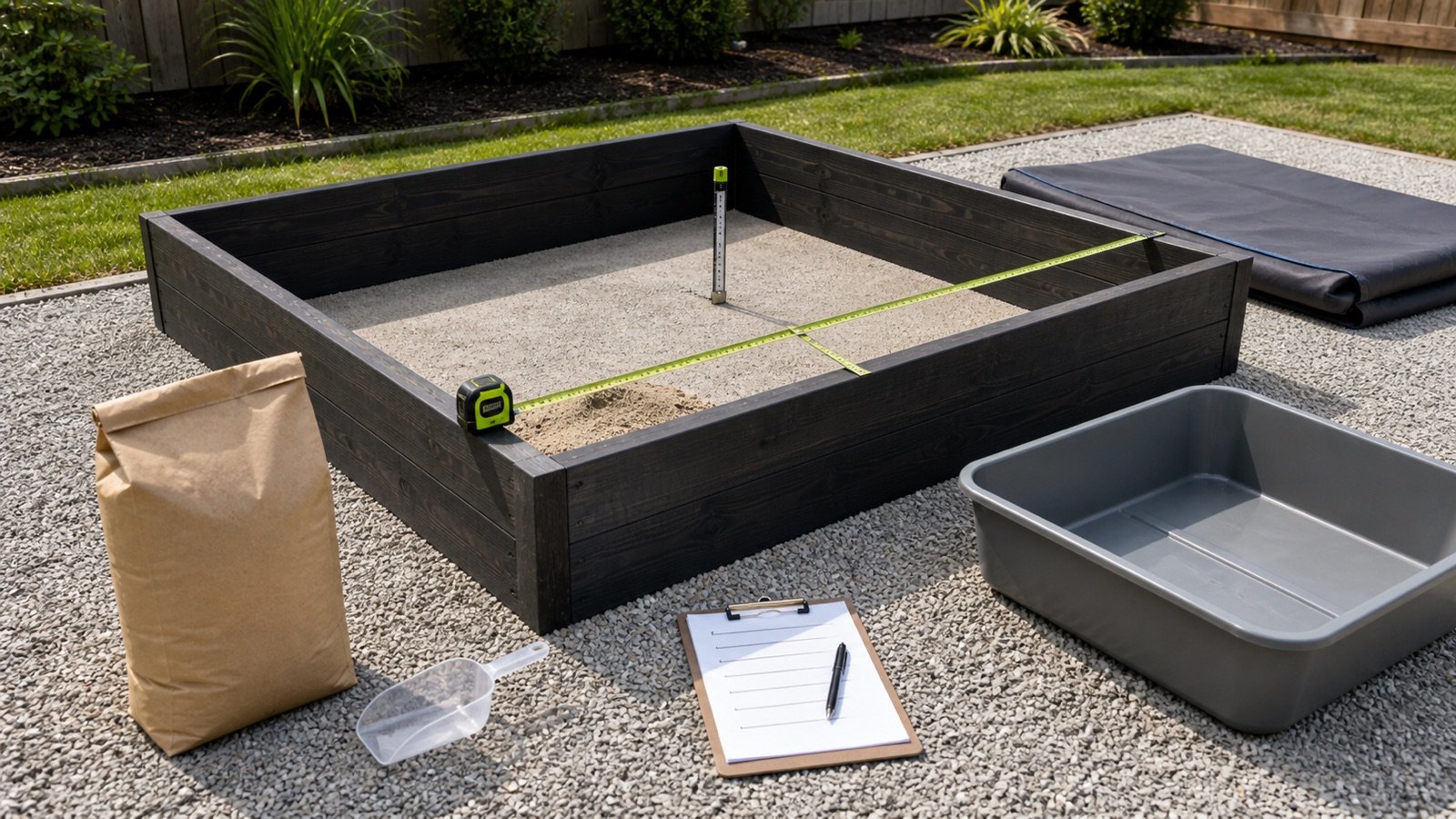
What does the Play Sand Calculator include?
The tool reports the measured volume before purchasing assumptions, then shows a separate planning volume. Optional inputs add a wall-height check, built-in displacement, estimated mass and whole-package count.
| Result | Calculation basis | Record to keep |
|---|---|---|
| Inside area | Rectangle, circle or checked area | Inside dimensions and measurement date |
| Gross fill volume | Inside area × target depth | Depth source and fill-line mark |
| Net measured volume | Gross volume − entered displacement | Seat, step or molded-form volume |
| Planning volume | Net measured volume × entered allowance factor | Reason, percentage and approval |
| Estimated mass | Planning volume × supplier bulk density | Exact product, condition, density and date |
| Whole packages | Planning volume ÷ package volume, or estimated mass ÷ package mass | Selected basis and current label |
A checkbox confirms that you checked them. It does not test the sand, approve a fill depth or replace the maker's stated capacity.
Which sandbox footprint should you select?
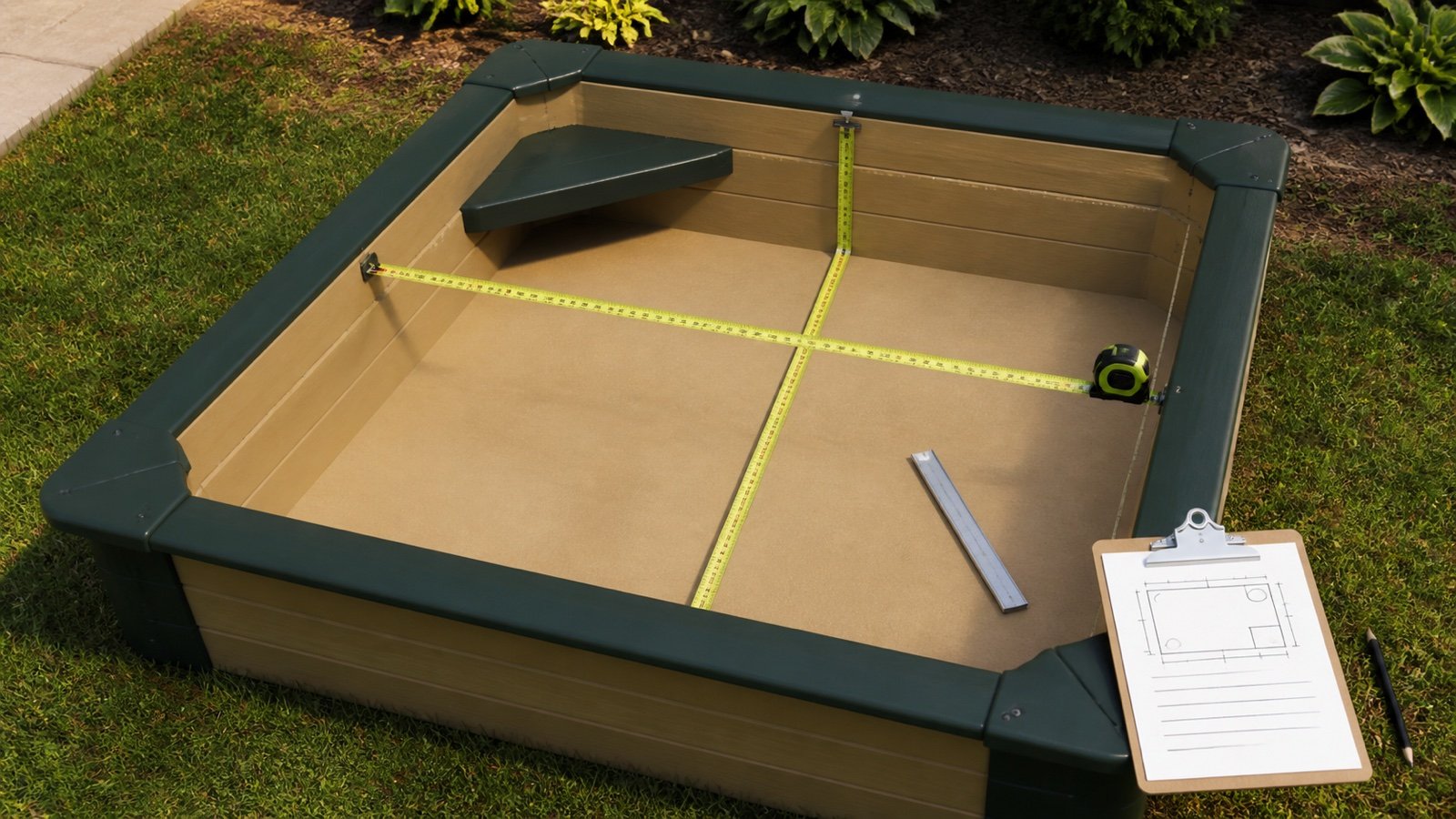
Use dimensions measured between the inside faces that will contain sand. Keep the wall thickness, external trim, lid overhang and surrounding play area out of the fill footprint.
Rectangle or square
Measure the inside length and inside width at the fill zone. A box that narrows toward the floor needs a checked average-area method or separate horizontal zones rather than the top opening alone.
Round sandbox
Measure the inside diameter through the centre. The calculator divides the diameter by 2 and applies the circle formula.
Known inside area
Use known-area mode for a separately checked irregular footprint. Save the sketch or calculation because one area value cannot show an omitted corner, curved edge or built-in seat.
What formulas does the Play Sand Calculator use?
Rectangle area = inside length × inside width
Round area = π × (inside diameter ÷ 2)²
Gross fill volume = inside area × target fill depth
Net measured volume = gross fill volume − built-in displacement
Planning volume = net measured volume × (1 + allowance % ÷ 100)
Estimated mass = planning volume × supplier bulk density
Whole packages = ceiling(planning volume ÷ package net volume)
Mass-basis packages = ceiling(estimated mass ÷ package net mass)
Metric mode uses metres for footprint dimensions, centimetres for depth, litres for displacement and package volume, and kilograms per cubic metre for optional density. Imperial mode uses feet, inches, cubic feet and pounds per cubic foot. Results retain full precision and display up to 3 decimal places.
Worked imperial sandbox example
A rectangular sandbox measures 4 ft × 4 ft inside and has a checked target depth of 4 in. It has no built-in displacement and no allowance.
- Inside area: 4 × 4 = 16 ft².
- Depth: 4 ÷ 12 = 0.333333 ft.
- Measured volume: 16 × 0.333333 = 5.333333 ft³.
- A current product record states 0.5 ft³ per package.
- Calculated packages: 5.333333 ÷ 0.5 = 10.666667.
- Purchase result: 11 whole packages.
Sakrete's cited data sheet uses 0.33 ft for the 4 in conversion and reports 5.28 ft³ in its example. Using the exact 4 ÷ 12 conversion gives 5.333333 ft³. Both methods round to the same 11-package purchase for that named 0.5 ft³ product.
Worked metric round-sandbox example
A round sandbox has a 2.4 m inside diameter and a checked 15 cm fill depth. A built-in form occupies 30 L below the fill line. The planning record adds 5%, and the selected example package states 20 L.
- Radius: 2.4 ÷ 2 = 1.2 m.
- Inside area: π × 1.2² = 4.523893 m².
- Gross volume: 4.523893 × 0.15 = 0.678584 m³, or 678.584 L.
- Net measured volume: 678.584 − 30 = 648.584 L.
- Planning volume: 648.584 × 1.05 = 681.013 L.
- Calculated packages: 681.013 ÷ 20 = 34.05065.
- Purchase result: 35 whole packages.
The 15 cm depth, 30 L displacement, 5% allowance and 20 L package are example inputs. They do not set values for another sandbox or product.
How should you measure the sandbox?
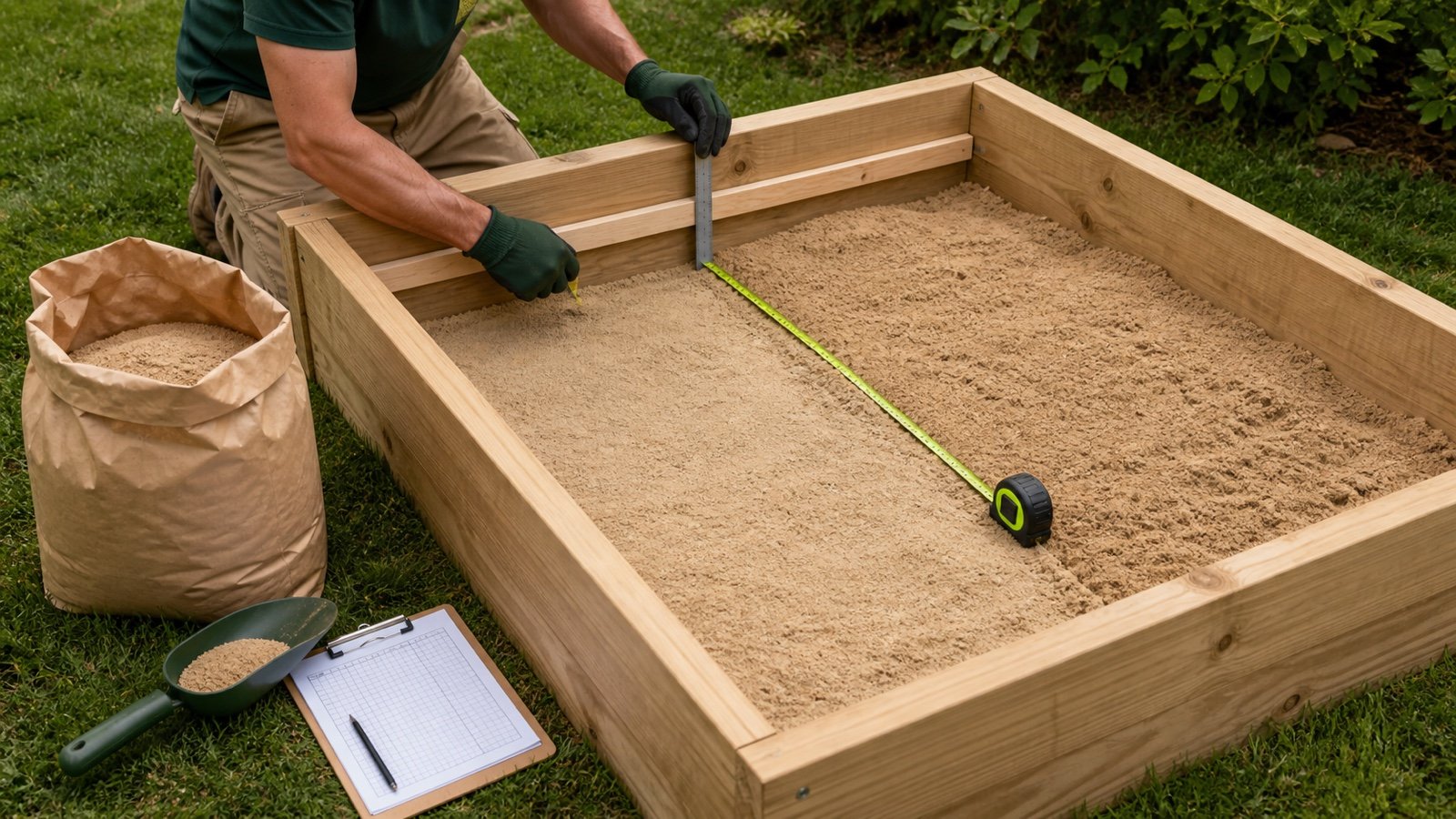
Remove loose objects and measure the empty container. Record every measurement at the usable inside faces, then mark the intended fill line before measuring depth.
- Identify the exact sandbox or sand table and find its current capacity or fill-limit instructions.
- Measure the inside footprint at the zone that will contain sand.
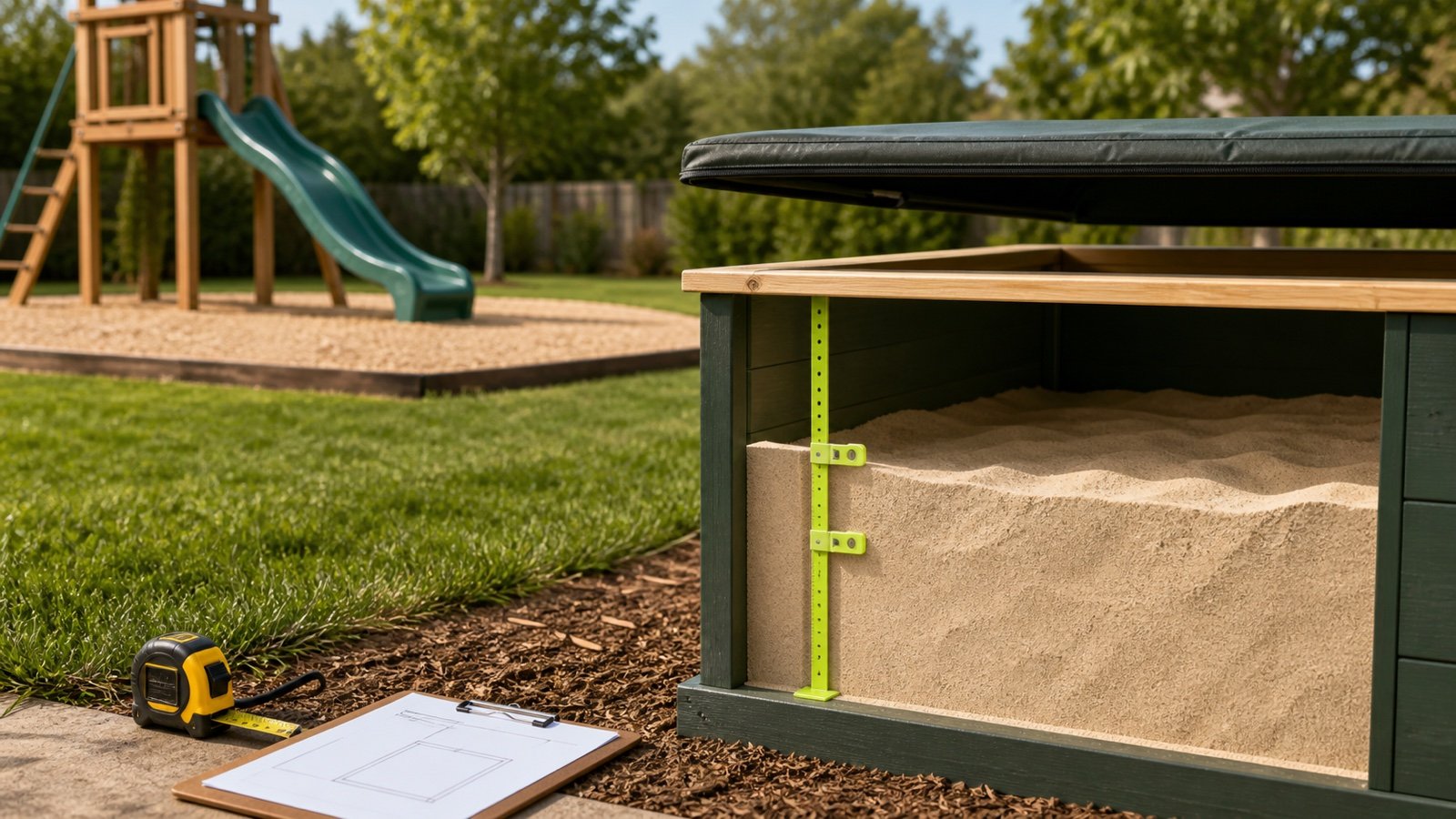
- Measure vertically from the inside floor to the chosen fill line.
- Record wall height separately if you want a fill-percentage check.
- Measure built-in forms only where they occupy space below the fill line.
- Keep the sketch, dimensions, date and product record with the result.
A sloped, stepped or tapered container may need several zones. Calculate each zone at its own area and depth, then add the unrounded volumes before applying one documented allowance.
What counts as built-in displacement?
Displacement is solid volume inside the measured footprint and below the target fill surface. Examples include a molded seat base, a permanent step or a raised shape that the sand cannot occupy.
Do not deduct a removable bucket, toy or child. Do not deduct a bench that sits entirely above the fill line. If a molded product states its sand capacity by mass, use that model-specific capacity instead of estimating its complex internal shape from outside dimensions.
Why is wall height separate from fill depth?
Wall height is the full inside vertical boundary. Fill depth is the chosen sand layer. The calculator reports fill depth as a percentage of wall height when both are entered, but it does not decide how much freeboard a lid, cover, seat or play pattern needs.
The tool rejects a target depth above the entered wall height. A 100% result is still a prompt to recheck the cover, spill space and maker's limit before filling.
Should packages be calculated by volume or mass?
Use package net volume when the current label or data sheet gives a volume or verified coverage yield. This route does not need a density conversion.
Use package mass only when the package is sold by mass and you also have bulk density for that exact product and relevant condition. A generic dry-sand density paired with a different brand's bag mass can produce a precise-looking but unsupported bag count.
The Sakrete record used in the imperial example states 0.5 ft³ for one named product and also lists 50 lb and 60 lb package options by market. QUIKRETE's cited sheet lists a 50 lb Premium Play Sand package but does not state a volume on that sheet. These records show why package mass and package volume must remain separate fields.
When should you use the maker's stated sand capacity?
Use the exact model's capacity when a molded sandbox or sand table provides one. Step2, for example, lists an 80 lb sand capacity for one named Naturally Playful Sand Table. That figure belongs to that model and does not establish the capacity of another product.
When capacity and package labels use the same mass unit, divide the model capacity by package net mass and round according to the buying unit. Do not run a geometry calculation as a second quantity and add it to the manufacturer capacity.
Why does the calculator have no default depth or density?
Current search results commonly insert age-based depths, fixed densities and automatic overage percentages. The primary sources retrieved for this page do not establish one universal sandbox depth or one density for every play-sand product and condition.
Depth depends on the container, maker's limit, cover, intended use and responsible adult's plan. Bulk density changes with product grading, moisture, handling and packing. Leaving both values under user control makes the assumptions visible.
How should play sand and the sandbox location be checked?
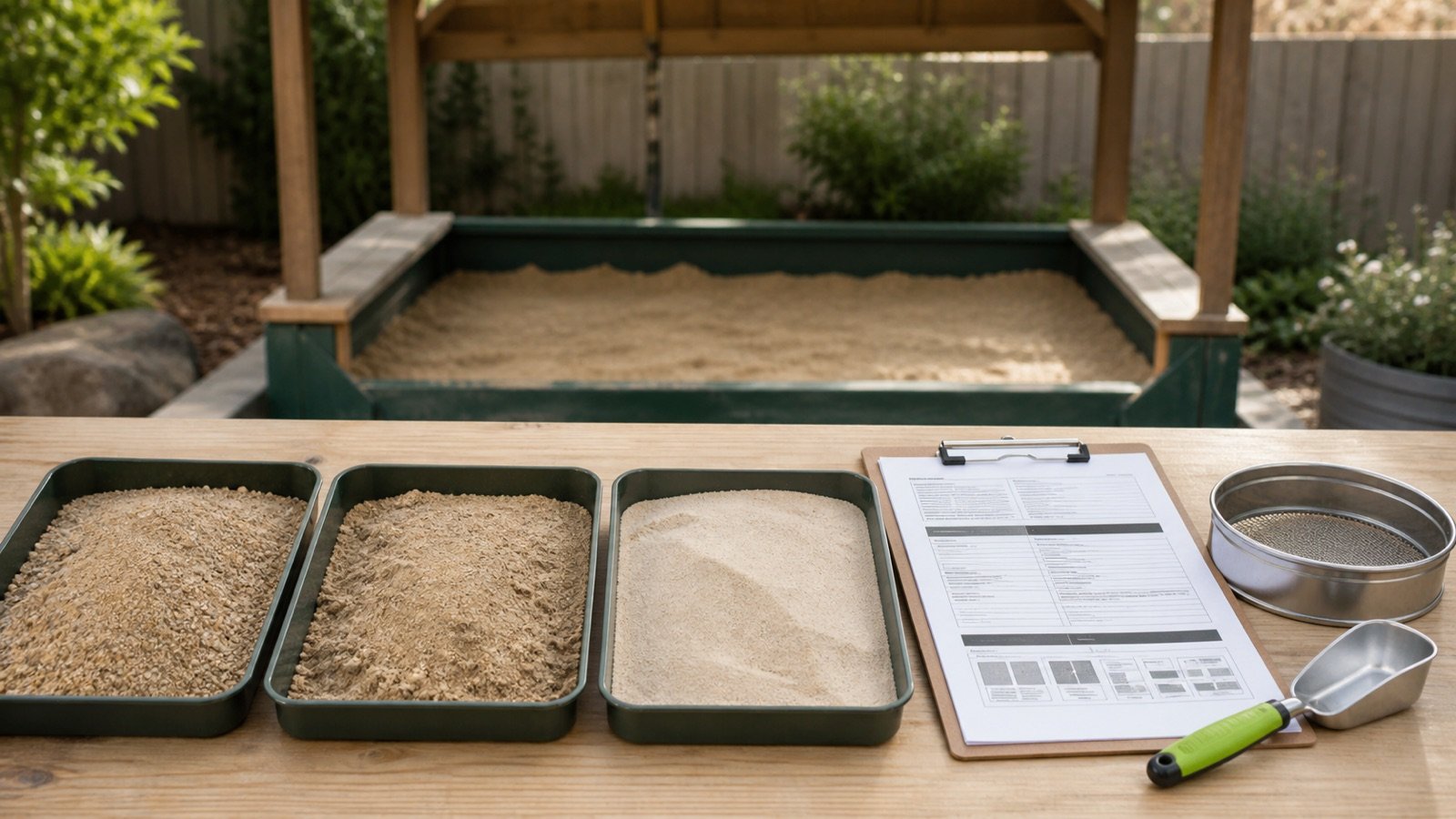
Select a product whose current label or manufacturer document states that it is intended for the sandbox or play use at hand. Sakrete describes its named Natural Play Sand as screened and washed and tells users to cover it against contamination when it is not in use. QUIKRETE describes its named Premium Play Sand as washed and screened for children's sandboxes and says it is best used damp.
Those statements apply to the named products. They do not prove that every material sold as sand has the same grading, dust, contaminant or handling profile.
The CPSC home-playground handbook advises separating quiet sandbox activity from moving swing activity. Its play-equipment surfacing guidance should not be treated as a sandbox fill-depth table. Public playgrounds, childcare sites and impact zones can have other standards, accessibility duties, inspection records and local requirements.
Which play-sand calculation mistakes change the order?
- Measuring outside dimensions instead of the usable inside faces.
- Using full wall height as the sand depth without checking the fill line.
- Applying a universal age, safety or comfort depth from an unsourced calculator.
- Ignoring tapered sides, steps or molded forms below the fill surface.
- Deducting removable toys or objects that will not stay in the sandbox.
- Pairing one product's package mass with another material's density.
- Treating a 50 lb bag as 0.5 ft³ without a product record that supports that yield.
- Adding a fixed allowance before preserving the measured quantity.
- Using a molded sandbox's stated capacity for another model.
- Adding the geometry result to the maker's stated capacity.
- Calling sandbox fill an impact-attenuating playground surface without the required design and test basis.
- Assuming the quantity result approves siting, drainage, hygiene or supervision.
What should the play-sand quantity record contain?
- Sandbox maker, model, instructions, revision and access date.
- Inside footprint shape, dimensions, sketch and target fill line.
- Gross volume, each displacement deduction and net measured volume.
- Allowance percentage, reason and approval.
- Play-sand manufacturer, product, package identifier and intended-use statement.
- Package net volume or package net mass, with the selected basis marked.
- Supplier bulk density, condition and date when mass conversion is used.
- Whole-package result, selling increment, quote date and delivery limits.
- Cover, siting, contamination, drainage, supervision and local-facility checks.
Use the Sand Calculator for a general uniform sand layer without sandbox-specific displacement and wall-height checks. The Sand Bags vs Bulk guide separates package, supplier and delivery records. Check the sand selection guide and Sand Material Planning hub for related material workflows.
Safety and scope limits
This calculator estimates quantity. It does not test sand, certify a children's product, set an age range, approve a sandbox design, select impact surfacing, inspect playground equipment or replace supervision.
Read the current sandbox instructions, product label and safety data sheet. Follow applicable requirements for a home, childcare facility, school or public playground. Stop and address contamination, sharp objects, damaged containment, drainage problems or another unsafe condition before use.
The calculation methodology explains formula, conversion and rounding checks. Report a source, formula or display problem through the corrections route.
Sources and source scope
- NIST Handbook 44 (2026), Appendix C: unit relationships used by the calculator.
- Sakrete Natural Play Sand Technical Data: one named product's coverage method, 0.5 ft³ yield, package records and handling instructions.
- QUIKRETE Sand and Gravel Products Data Sheet: one named play-sand product's description, sandbox use, damp-use note and 50 lb package record.
- Step2 Naturally Playful Sand Table: one model's stated 80 lb sand capacity and included cover.
- CPSC Outdoor Home Playground Safety Handbook: U.S. home-playground siting context.
Source scope: NIST supports unit conversion. The product records support only their named products and models. CPSC supports the stated U.S. home-playground siting point. These sources do not establish one safe fill depth, universal density, package yield, replacement schedule, impact-surfacing design or approval for a specific site.
Review note: Saleem Sial owns the research and editorial record. Formula fixtures, source checks, build validation and rendered QA form the internal publication gate. Waseem Sial, External Reviewer and Engineer, is listed for ongoing external review; no completed review date is claimed.