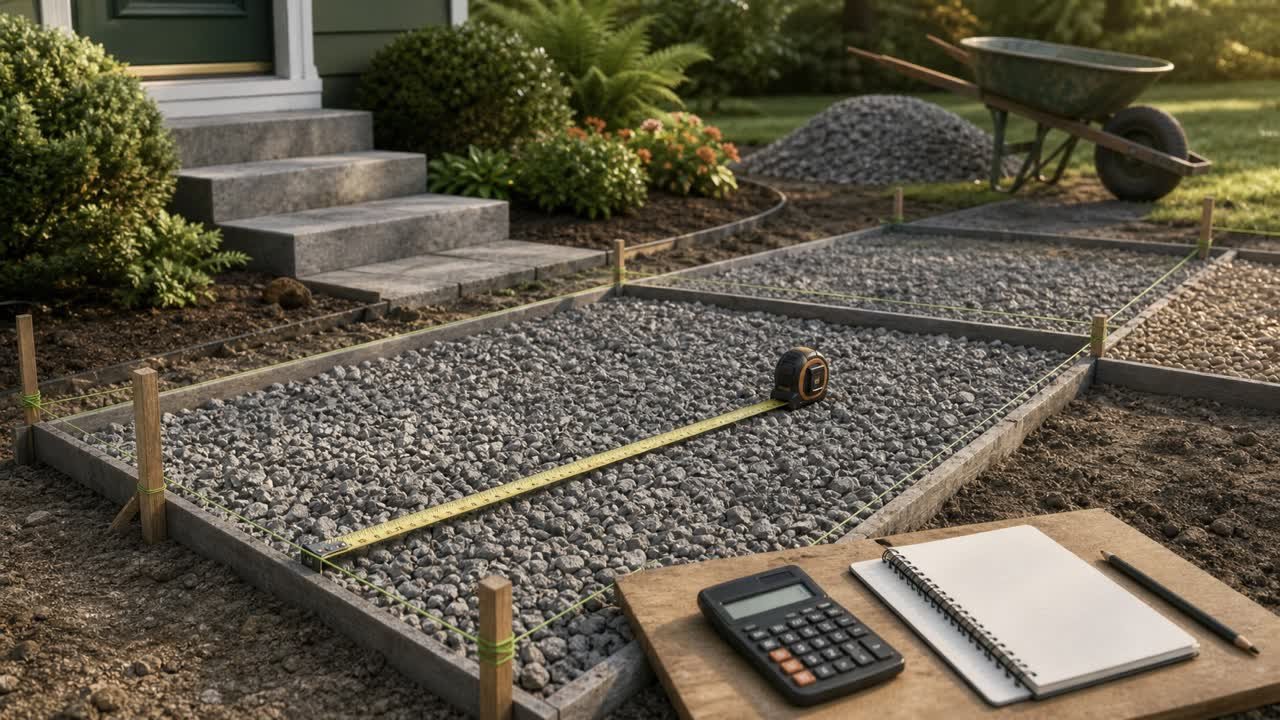
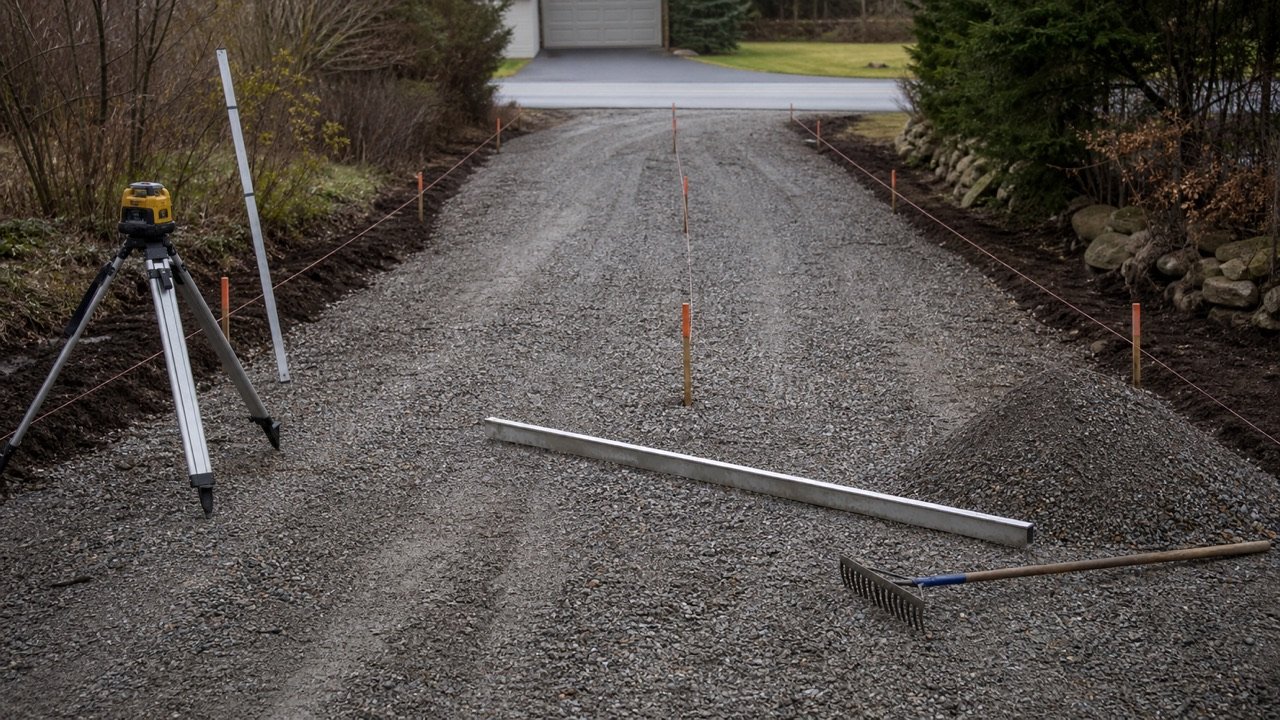
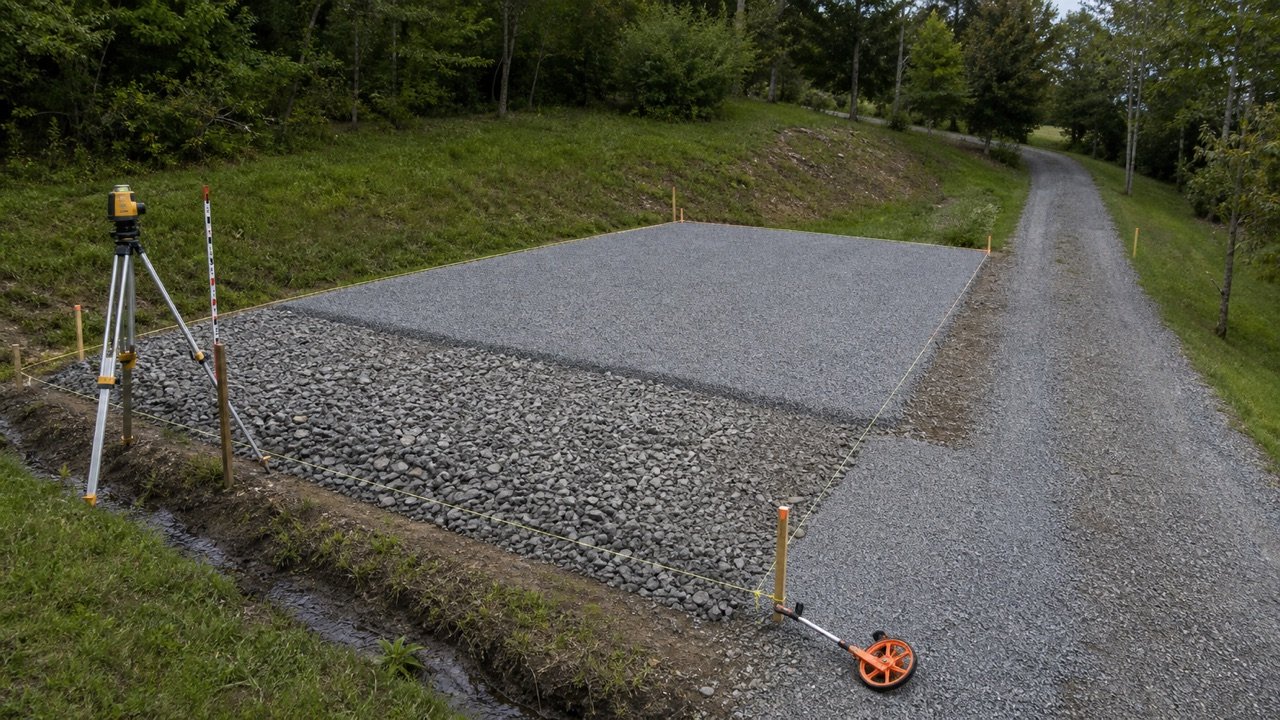
A gravel quantity starts with the area that will receive one material layer and the finished depth required for that layer. Enter those measurements in the calculator, keep the geometric volume visible, and add an allowance or mass conversion only when you have the project value that controls it.
How much gravel do you need?
You need enough gravel to fill the measured area at the required layer depth. The calculator multiplies area by depth and returns cubic metres and litres in metric mode, or cubic yards and cubic feet in imperial mode.
Mass appears only after you enter the selected supplier product's bulk density. The calculator starts the planning allowance at 0%, so the first result remains a checkable measurement rather than a result changed by a general extra percentage.
Record measured volume first, planning volume second, and supplier-rounded order quantity last. Each stage has a different source and can change for a different reason.
| Result | Calculation | What you must confirm |
|---|---|---|
| Measured volume | Measured area × required layer depth | Shape, dimensions, depth, and units |
| Planning volume | Measured volume × (1 + entered allowance ÷ 100) | Reason and evidence for the allowance |
| Estimated mass | Planning volume × entered supplier bulk density | Exact product, density unit, material condition, and date |
| Order quantity | Planning result adjusted to the supplier's selling increment | Selling unit, minimum order, delivery increment, and rounding rule |
When should you use this gravel calculator?
Use it for one gravel layer that can be represented by a rectangle, a circle, or a known area. Run separate calculations when the shape, width, depth, product, or material state changes.
| Project condition | Calculator method | Record to keep |
|---|---|---|
| Uniform rectangular area | Enter length, width, and layer depth | Field dimensions and depth source |
| Round area | Enter the full diameter and layer depth | Diameter measured through the centre |
| Area already known | Use known-area mode and enter depth | Drawing, survey, or separate area calculation |
| L-shaped or irregular plan | Divide it into simple sections and add unrounded volumes | Sketch and section identifiers |
| Width or depth changes | Calculate each reasonably uniform section | Section limits and measurements |
| Several material layers | Calculate every layer separately | Product, depth, density, and allowance for each layer |
| Tapered, sloped, or surveyed surface | Use the governing cross-sections, contours, or surface model | Approved geometry and takeoff method |
For an approved riprap outlet apron, first measure slope area, thickness direction, toe zones, and geotextile separately with the driveway culvert end-protection quantity guide. Enter only one uniform rock zone at a time here.
Which measurements do you need?
You need the plan area and the required depth for the same gravel layer. Measure in the units printed beside the fields and record where each dimension came from.
Length and width
Measure the usable limits of the layer. Edging, kerbs, structures, drains, islands, openings, and widened areas can change the plan area. Split an abrupt width change into a separate section.
Diameter
Measure a circular area's full width through its centre. A radius is half the diameter, so entering a radius in the diameter field reduces the calculated area to one quarter of the intended circle.
Known area
Use known-area mode when a drawing, survey, paving plan, or separate shape calculation already gives area. Confirm whether that area includes openings or excluded surfaces before entering it.
Layer depth
Enter the required finished depth for the selected layer. A drawing, specification, manufacturer instruction, local requirement, site design, or responsible project person controls this value. The general calculator does not select a driveway, drainage, landscaping, or base-course depth.
Take enough readings to represent the surface. Local low spots, ruts, soft areas, crowns, and changing formation levels can create separate depth zones that one average hides.
What formulas does the calculator use?
The calculator finds plan area, converts the layer depth to the base length unit, and multiplies the 2 values. It retains full JavaScript precision during the calculation and displays up to 3 decimal places.
Rectangle area = length × width
Circle area = π × (diameter ÷ 2)²
Measured volume = area × layer depth
Planning volume = measured volume × (1 + allowance % ÷ 100)
Estimated mass = planning volume × supplier bulk density
| Displayed conversion | Relationship | Calculator use |
|---|---|---|
| Cubic feet to cubic yards | 27 ft³ = 1 yd³ | Imperial measured and planning volume |
| Cubic metres to litres | 1 m³ = 1,000 L | Metric equivalent volume |
| Cubic yards to cubic metres | 1 yd³ = 0.764554857984 m³ | Checking a supplier unit conversion |
| Cubic metres to cubic yards | 1 m³ = 1.307950619... yd³ | Checking a supplier unit conversion |
NIST Handbook 44 Appendix C supplies the cited volume relationships. Unit switching converts populated dimensions and density, clears the displayed result, and requires a fresh calculation in the selected units.
Worked imperial example
A rectangular area is 20 ft long, 10 ft wide, and 3 in deep. The measurements describe one uniform gravel layer.
- Area: 20 × 10 = 200 ft².
- Depth in feet: 3 ÷ 12 = 0.25 ft.
- Volume in cubic feet: 200 × 0.25 = 50 ft³.
- Volume in cubic yards: 50 ÷ 27 = 1.851851... yd³.
Measured result: 1.852 yd³ and 50 ft³. A user-entered 10% allowance gives a separate planning volume of 2.037 yd³. Mass remains blank until a current supplier density is entered.
Worked metric example
A strip is 8 m long, 1.2 m wide, and 5 cm deep.
- Area: 8 × 1.2 = 9.6 m².
- Depth in metres: 5 ÷ 100 = 0.05 m.
- Volume: 9.6 × 0.05 = 0.48 m³.
- Equivalent volume: 0.48 × 1,000 = 480 L.
Measured result: 0.48 m³ and 480 L. If the selected supplier documents 1,650 kg/m³ for that exact product and relevant condition, the optional result is 0.48 × 1,650 = 792 kg, or 0.792 metric tonnes. The density is a fixture input for this example and does not describe another product.
How do you calculate an irregular gravel area?
Divide the plan into simple rectangles or circles, calculate each section at its own depth, and add the unrounded measured volumes. A sketch with matching section labels makes the total reproducible.
| Section | Dimensions | Measured volume |
|---|---|---|
| A | 18 ft × 8 ft × 3 in | 36 ft³ |
| B | 12 ft × 5 ft × 2 in | 10 ft³ |
| C | Circle, 6 ft diameter × 2 in | 4.712... ft³ |
| Total | 3 separately measured sections | 50.712... ft³, or 1.878 yd³ |
Run the calculator once for each row and add the unrounded volume values. Apply a shared allowance only when the same reason and percentage genuinely apply to every included section.
How should changing depth be handled?
Use separate depth zones for abrupt changes. A supported average depth can represent a gradual and measured change, but the averaging method belongs in the project record.
Example: a 100 ft² area at 2 in deep needs 16.667 ft³. The same area at 3 in deep needs 25 ft³. That 1 in difference adds 8.333 ft³, or 0.309 yd³. Depth is a direct multiplier, so a small repeated error changes the total in the same proportion.
Measure after the base or formation is prepared when that is the project measurement stage. Recheck local low points before using one depth across the whole area.
Why should each gravel layer be calculated separately?
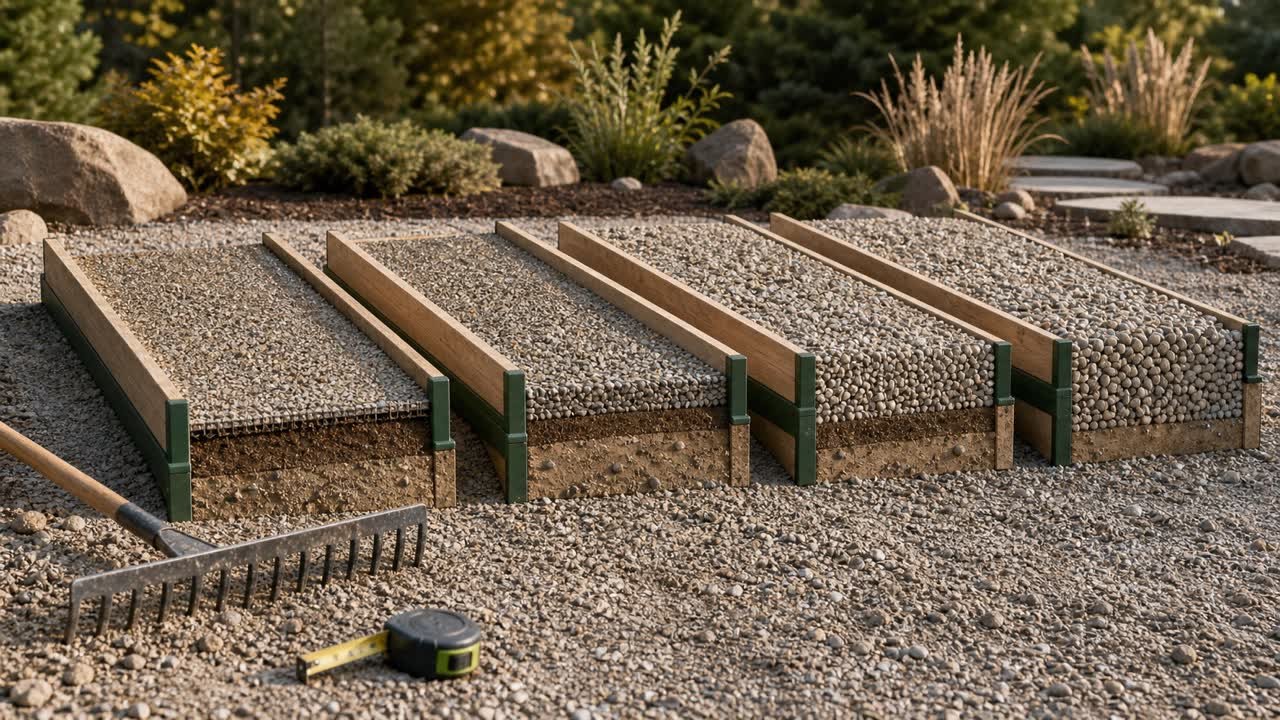
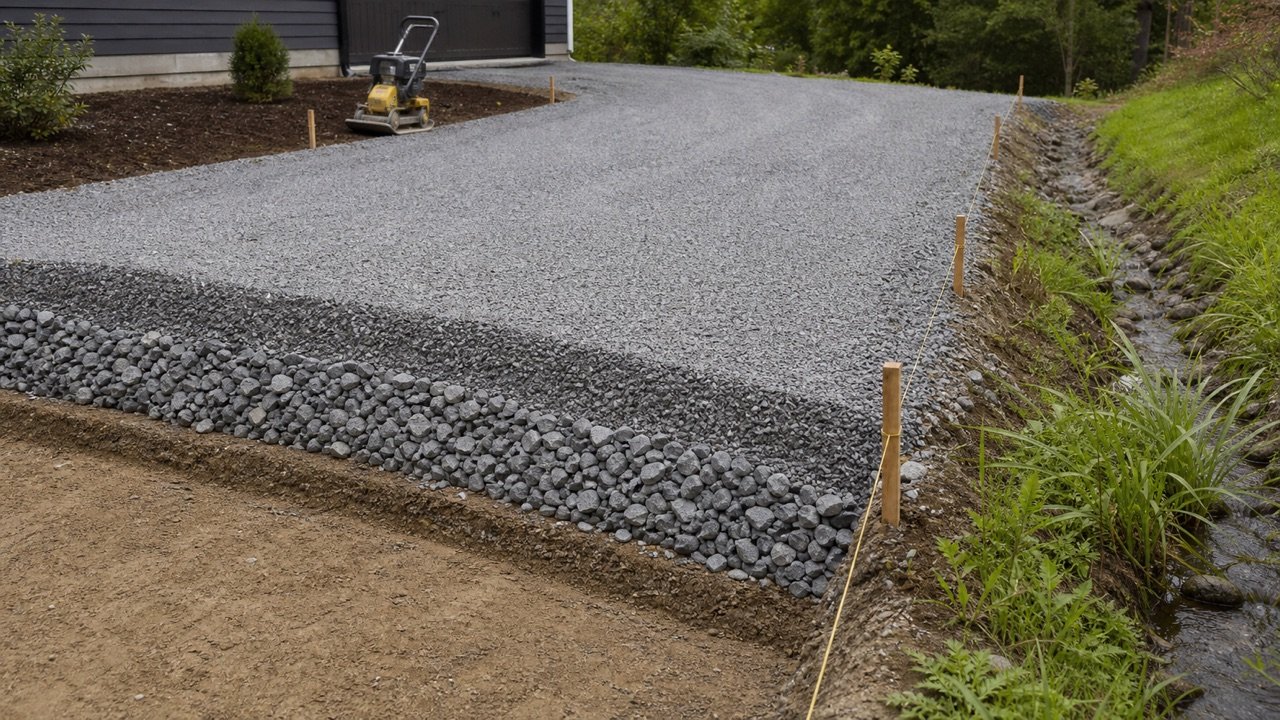
Base, drainage, bedding, surface, and decorative layers can use different products, depths, density records, compaction requirements, and acceptance rules. Combining them removes the information needed to order and verify each product.
Calculate the plan area once only when every layer shares that exact footprint. Run the tool separately for each layer depth, then keep separate measured volume, allowance, density, and supplier order records.
How do you convert gravel volume to tons?
Multiply the planning volume by a bulk density stated in compatible units. Imperial mode expects US short tons per cubic yard. Metric mode expects kilograms per cubic metre and also displays metric tonnes.
FHWA's discussion of the aggregate bulk-density test states that the test can determine aggregate bulk density in loose or compacted condition. That distinction matters: a loose stockpile value, delivered scale-ticket relationship, and compacted in-place value can describe different states.
- Identify the exact supplier product and gradation.
- Record the density number and unit.
- Record whether it represents loose, compacted, stockpiled, delivered, dry, or moisture-affected material.
- Match that state to the volume being converted.
- Keep the supplier document, quote, test, or ticket date.
The Gravel Weight Chart using supplier density gives a fuller unit and scale-ticket workflow.
How should allowance and compaction be recorded?
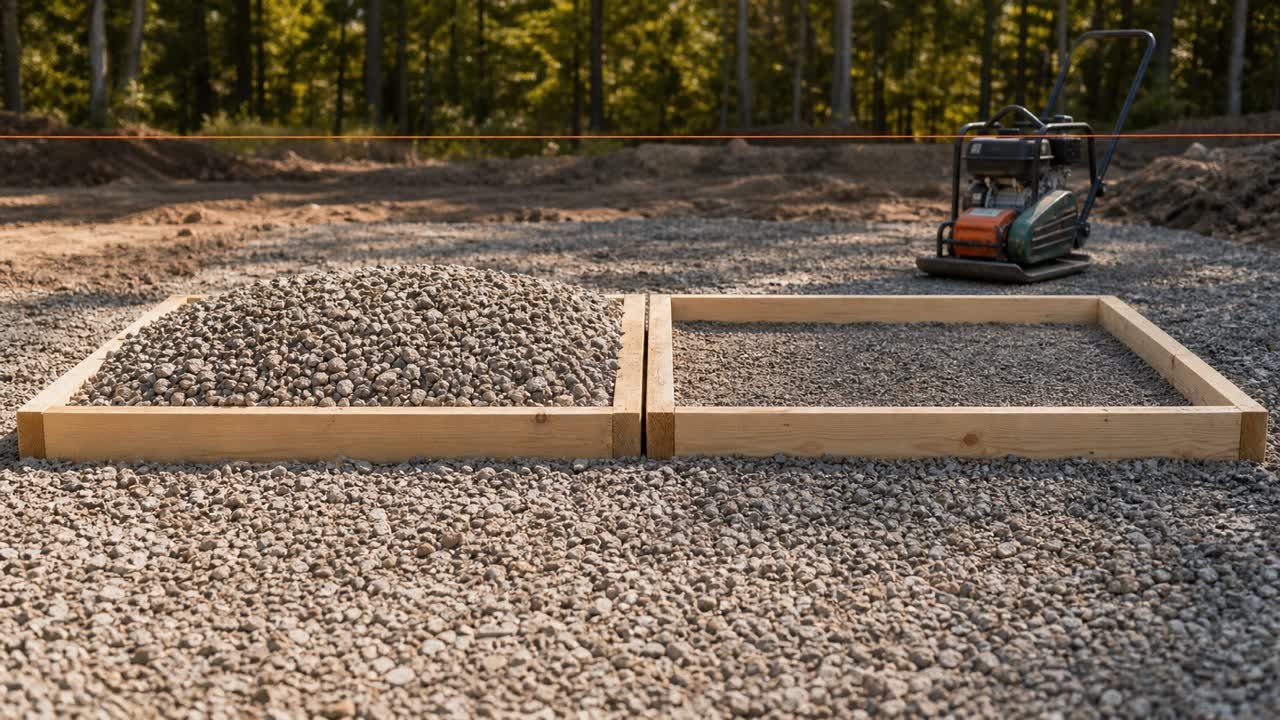
The allowance field changes planning volume by the percentage you enter. It starts at 0%. Use a value only when field tolerance, settlement, placement, handling, trimming, compaction information, or a project requirement supports it.
Write down the reason. Compaction state, handling loss, measurement tolerance, and supplier rounding describe different causes. Separate records let a reviewer change one assumption without changing the measured geometry.
| Adjustment | Where it belongs | Evidence to record |
|---|---|---|
| Measurement tolerance | Planning allowance | Survey, field method, or dimension uncertainty |
| Placement or handling loss | Planning allowance | Named activity and project basis |
| Loose-to-compacted conversion | Material-state calculation | Specification, test, supplier, or accountable project source |
| Supplier minimum or increment | Final order rounding | Current quote and selling unit |
| Commercial contingency | Budget record | Named risk, owner, amount, and approval |
How do supplier selling units affect the order?
A supplier may quote by cubic yard, cubic metre, US short ton, metric tonne, bag, pallet, or load. Confirm the selling unit before converting or rounding the calculator result.
NIST Handbook 130 is a model legal-metrology and method-of-sale source. Its publication record says authorities adopt the model in different forms, from current text to older versions or local rules. Check the current rule and supplier practice for the project location.
- Send the selected product name or specification and the required delivery location.
- State the measured volume and any separately recorded allowance.
- Ask for the selling unit, minimum quantity, and order increment.
- Ask which density and material condition control a volume-to-mass conversion.
- Record delivery, access, waiting-time, tax, and other quoted charges separately.
- Round only at the supplier-order stage and preserve the unrounded calculation.
Use the Gravel Cost Guide to compare delivered quotes on the same product, quantity, address, and inclusion basis.
What should a gravel quantity record include?
A short quantity record lets another person reproduce the result and identify the source of a later difference.
- Project, area, layer, drawing, and revision identifiers.
- Shape, section limits, dimensions, depth readings, and units.
- Required depth and its source.
- Measured area and volume before any allowance.
- Allowance percentage, reason, owner, and planning volume.
- Selected product, gradation, and specification reference.
- Supplier density, unit, condition, source, and date when mass is used.
- Selling unit, minimum order, increment, rounded quantity, and quote date.
- Delivery, access, payload, and unresolved project checks.
How sensitive is the gravel quantity to measurements?
Length, width, and depth multiply directly into volume. A 5% increase in one dimension creates a 5% increase in volume when the other values stay unchanged.
Example: 60 ft × 12 ft × 3 in equals 180 ft³, or 6.667 yd³. Changing the width to 12.5 ft gives 187.5 ft³, or 6.944 yd³. Changing both the width to 12.5 ft and depth to 3.5 in gives 218.75 ft³, or 8.102 yd³.
Recalculate from the changed measurement. An unexplained extra percentage hides whether the difference came from width, depth, material state, handling, or supplier rounding.
Common gravel calculation mistakes
- Entering inches in a feet field or centimetres in a metres field.
- Entering radius in the diameter field.
- Using one average width or depth across abrupt changes.
- Combining base and surface products into one depth.
- Applying allowance before preserving the measured volume.
- Using a density from an unrelated product or material condition.
- Converting cubic yards to tons without recording the density and unit.
- Rounding every section before adding the total.
- Treating a calculated mass as proof of vehicle payload or legal loading.
- Using a flat-layer formula for a tapered, crowned, or surveyed surface.
Questions about gravel quantity
Should you order gravel by the yard or by the ton?
Use the unit offered for the selected product and location. Keep the geometric volume, then use a compatible supplier density when a weight conversion is required.
Does 1 cubic yard of every gravel weigh the same?
Mass depends on the exact product and bulk-density condition. Gradation, particle shape, voids, moisture, handling, and loose or compacted state can change the relationship.
Can this calculator choose the gravel depth?
The calculator uses the depth you enter. Project use, loads, drainage, subgrade, product, drawings, specifications, manufacturer instructions, local requirements, and responsible people determine the required layer.
Does the allowance field calculate compaction?
It applies one user-entered percentage to measured volume. Use a separate documented material-state calculation when the project requires a loose-to-compacted conversion.
Can the mass result set a truck or trailer load?
The mass result is a material estimate from the entered density. Vehicle payload, axle limits, route, body volume, loading method, moisture, driver responsibilities, and current law control transport.
Does the calculator estimate gravel cost?
It calculates quantity. Cost needs a current quote for the exact product, selling unit, amount, delivery address, taxes, access conditions, fees, and quote validity period.
Can bag count be calculated from bag weight?
Bag count needs the current manufacturer's volume yield for the exact product or a compatible product-specific conversion. Net bag mass alone does not state the placed volume.
What should you do with leftover gravel?
Follow the product, site, environmental, storage, reuse, and disposal requirements that apply to the project. Keep leftovers separated and identified when future use depends on gradation or specification.
Sources and scope
- NIST Handbook 44 (2026), Appendix C: cubic-foot, cubic-yard, litre, and cubic-metre relationships; accessed 28 July 2026.
- NIST Guide to the SI, Appendix B: metric and US customary conversion relationships; accessed 28 July 2026.
- FHWA aggregate bulk-density context: loose and compacted aggregate test conditions; accessed 28 July 2026.
- NIST Handbook 130 (2026): model legal-metrology and method-of-sale context with varying adoption; accessed 28 July 2026.
- USGS Construction Sand and Gravel: mineral commodity and construction-use context; accessed 28 July 2026.
Source scope: NIST supports the stated conversions and method-of-sale context. FHWA supports the loose-versus-compacted aggregate bulk-density distinction. USGS supports the general construction sand and gravel commodity context. Project drawings, specifications, surveys, supplier records, test data, manufacturer instructions, local rules, and responsible people control the product, depth, material state, order, transport, and work plan.
Review note: Calculation logic and independent automated fixtures passed internal review. Saleem Sial is the research and editorial owner. Waseem Sial's external review remains ongoing. The published page is indexable.