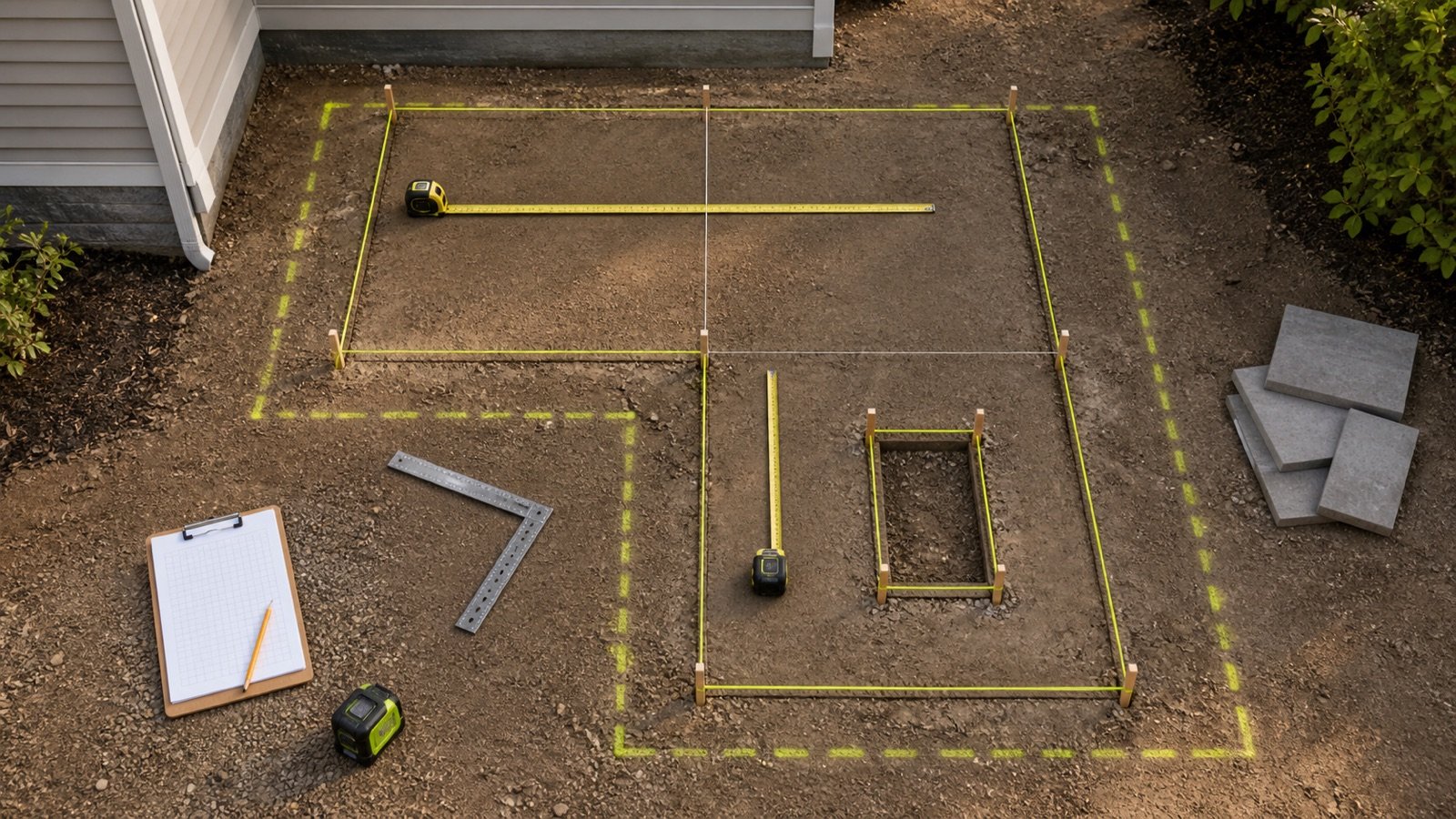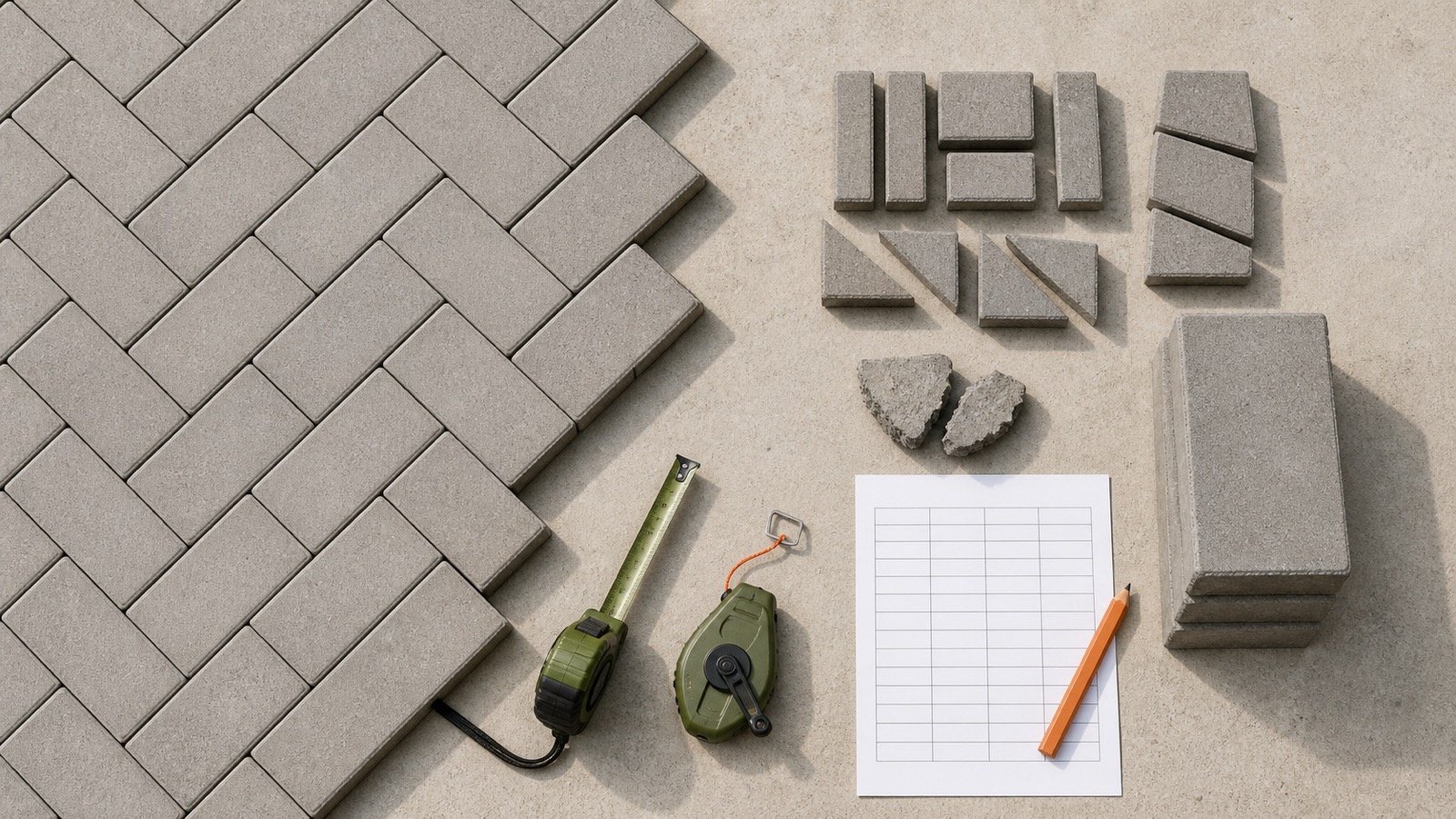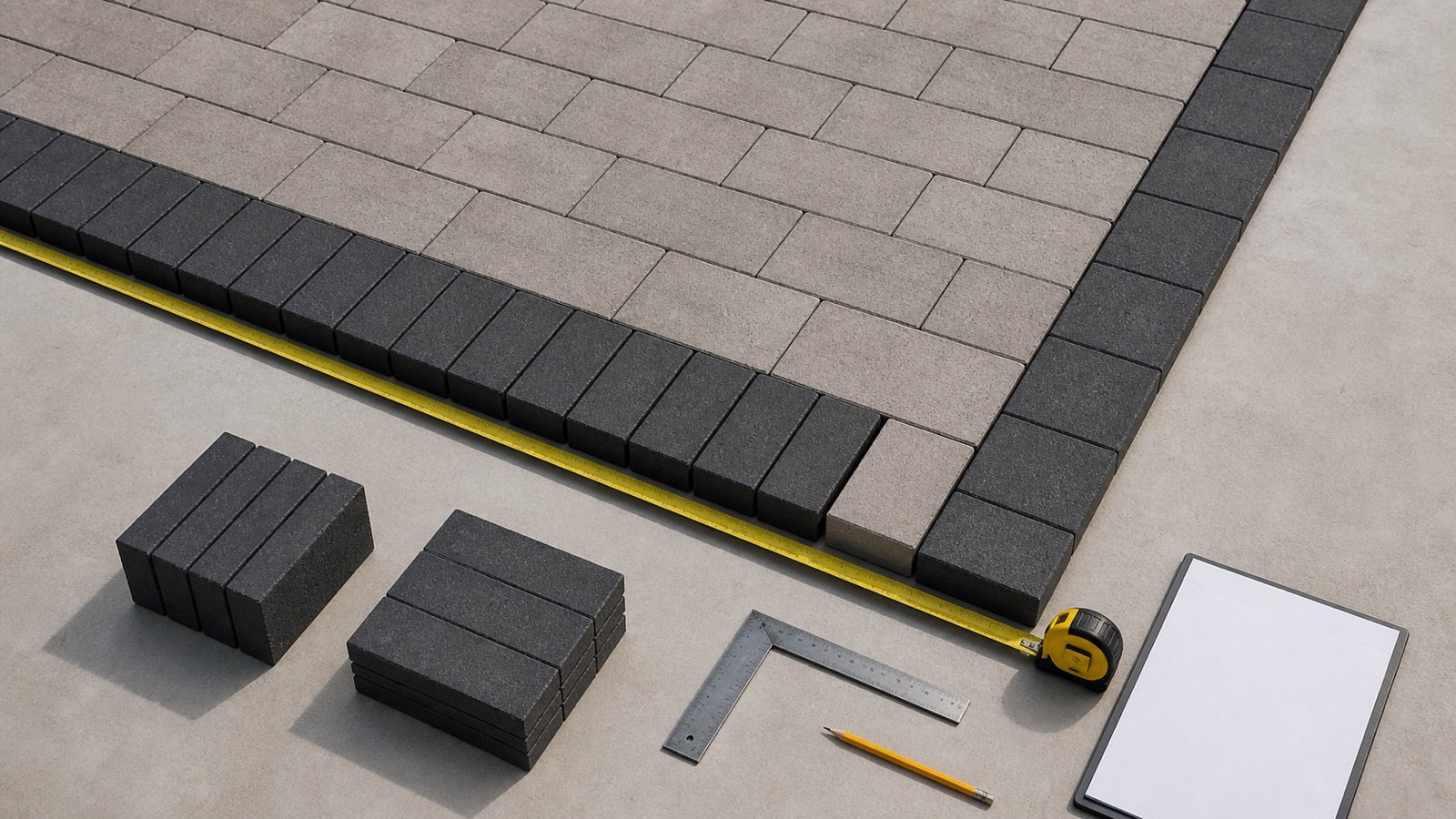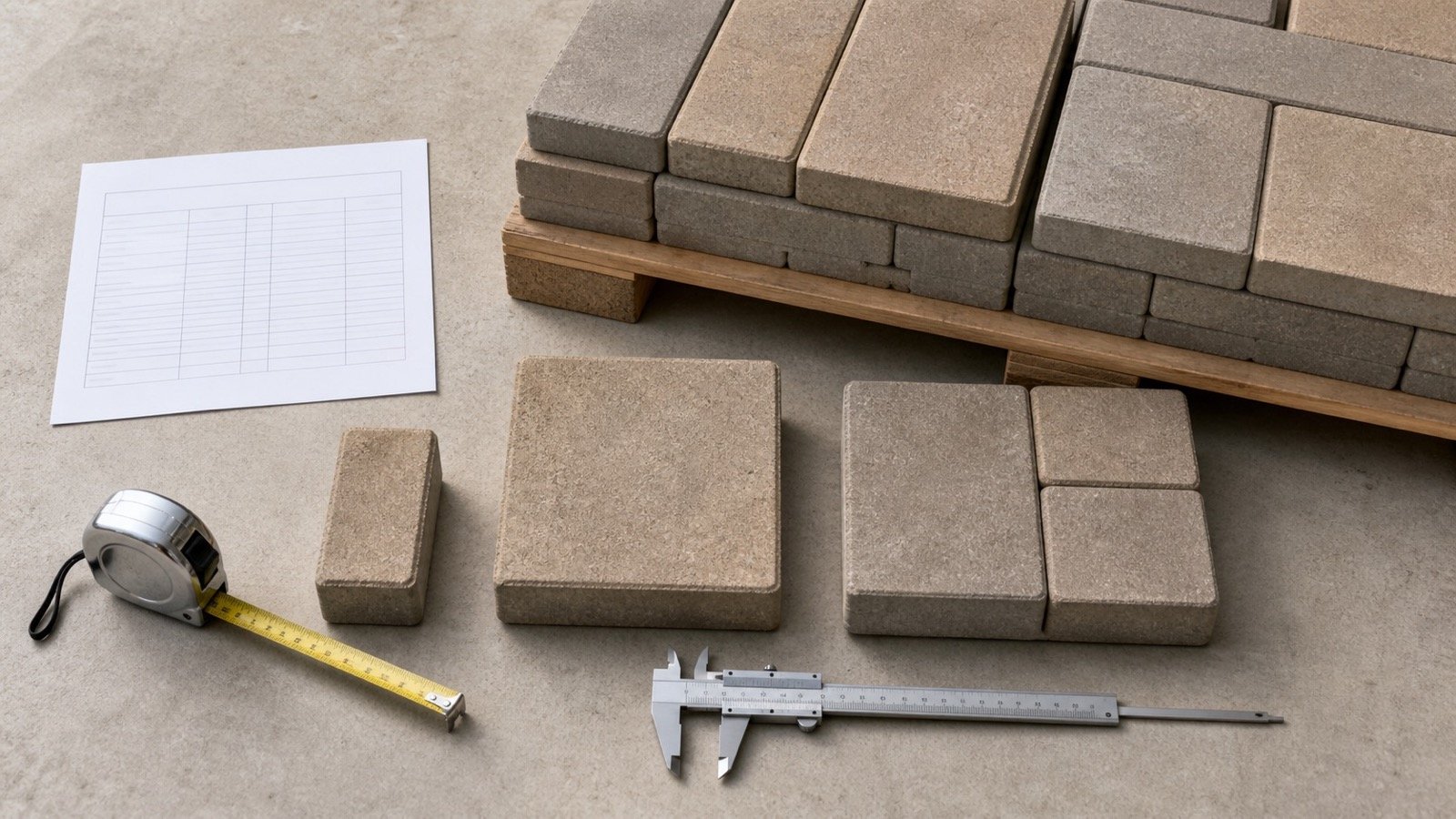
A label such as 4 × 8 or 12 × 12 identifies a paver size. The label alone does not give current laid coverage, package size, thickness, regional configuration or seller increment.
Start with the exact manufacturer, product, market and thickness. Copy the size and package fields from that one record, then check that the published area and unit totals describe the same bundle or pallet.
How much area does one paver cover?
Use the manufacturer's current laid coverage for ordering when it is available. Geometric face area gives a useful check for one exact rectangular unit, but it can differ from a published product rate because dimensions may be nominal and the coverage convention can include joints, spacers, shapes or modules.
For a purchase calculation, use current area per bundle or pallet from the selected product and market. Enter that value in the Paver Calculator, along with units per package when the same record provides it.
Do not combine a size from a product page, units from another thickness and pallet coverage from a different region. Each number can be valid while the combined order is wrong.
Which paver size and coverage fields mean different things?
Product sheets use several area and quantity fields. Label each one before calculating because a stone, layer, bundle and pallet are different units of measure.
| Field | What it describes | Quantity use |
|---|---|---|
| Named size | The product or module label, such as 4 × 8 | Use for identification, then confirm the listed dimensions |
| Displayed dimensions | Length, width and thickness shown for one unit | Use for a geometric check when the shape is rectangular |
| Nominal dimensions | A product designation or stated size that may not equal a field measurement | Do not treat as guaranteed physical or laid coverage |
| Area per stone or unit | The manufacturer's displayed coverage for one piece or module | Use within the same product record and stated precision |
| Units per square foot or square metre | The manufacturer's unit rate for the named configuration | Use for a whole-unit planning count |
| Area per layer | Coverage in one factory layer | Use for layer planning only when the seller supplies layers |
| Area per bundle or pallet | Coverage in the full package | Use as the primary full-package purchase increment |
| Units per bundle or pallet | Total pieces in the stated package | Reconcile unit and package quantities |
| Linear feet, soldier or sailor | Length produced by a stated edge orientation | Use for borders, not field area |
Record the product revision date, plant or market, color, finish and thickness beside these fields. A supplier quote can add split-package rules, return terms and delivery increments without changing the manufacturer's physical coverage.
How do you calculate geometric coverage from exact dimensions?
Multiply the verified face length by the verified face width for one rectangular paver. Keep both dimensions in the same unit before dividing the project area by the result.
Face area in square feet = length in inches × width in inches ÷ 144
Geometric pavers per square foot = 144 ÷ (length in inches × width in inches)
Face area in square metres = length in millimetres × width in millimetres ÷ 1,000,000
NIST Handbook 44 records 1 ft² as exactly 144 in² and 0.09290304 m². Those conversions verify the geometry; they do not define a paver joint, spacer, tolerance or package.
What do common rectangular sizes cover by geometry?
The table below assumes exact rectangles with no joint, spacer, chamfer, lug, void or irregular edge. Use it to check arithmetic, not to replace current product data.
| Exact face size | Face area | Geometric units per ft² |
|---|---|---|
| 4 × 8 in | 32 in² = 0.222222 ft² | 4.5 |
| 6 × 6 in | 36 in² = 0.25 ft² | 4 |
| 6 × 9 in | 54 in² = 0.375 ft² | 2.666667 |
| 8 × 8 in | 64 in² = 0.444444 ft² | 2.25 |
| 12 × 12 in | 144 in² = 1 ft² | 1 |
| 12 × 18 in | 216 in² = 1.5 ft² | 0.666667 |
A 12 × 12 name does not guarantee 1 ft² of coverage. Confirm whether the manufacturer calls the dimensions nominal, what joint or module the product uses and which coverage value controls the package.
Why can nominal dimensions disagree with published coverage?
Nominal names help identify a product family or module. The product sheet may show another displayed length and width, while its coverage tables use the manufacturer's stated laid or package convention.
Unilock's 2026 Chicago record for one ADA Paver names the product 12 × 12, shows 300 × 300 × 70 mm and 11⅞ × 11⅞ × 2¾ in, and labels all measurements nominal. The same record lists 3 mm joint spacing, 0.97 ft² per stone, 11.63 ft² per layer, 93.04 ft² per bundle, 8 layers and 96 units per bundle.
Arithmetic from the displayed 11.875 in sides gives 0.979275 ft². That is a geometry check, not permission to replace the published 0.97 ft² stone field or 93.04 ft² bundle field.
Why do rounded product fields fail to multiply back to the bundle total?
A manufacturer can display stone coverage at fewer decimal places than bundle coverage. Multiplying the rounded stone value can produce a different package total.
In the same Unilock record, 0.97 ft² per stone × 96 units equals 93.12 ft². The published bundle field is 93.04 ft², a difference of 0.08 ft². The package also implies 93.04 ÷ 96 = 0.9691667 ft² per unit and 96 ÷ 93.04 = 1.0318143 units per ft².
Preserve the manufacturer's 93.04 ft² bundle total and 96-unit count for a package calculation. Do not overwrite a more specific package field with arithmetic reconstructed from a rounded display field.
How do you check a full-bundle quantity?
Divide the documented planning area by current package coverage and round upward when the seller supplies full packages. Use the unit total from the same record for the companion piece count.
Full packages = ceiling(planning area ÷ current package coverage)
Product-record unit rate = units per package ÷ area per package
Planning units = ceiling(planning area × product-record unit rate)
Worked 250 ft² bundle example
Assume a checked planning area of 250 ft². Any project allowance has already been documented before this example. Use 93.04 ft² and 96 units per bundle from the cited Unilock Chicago record.
- Exact bundle ratio: 250 ÷ 93.04 = 2.687016 bundles.
- Full-bundle quantity: ceiling(2.687016) = 3 bundles.
- Ordered coverage: 3 × 93.04 = 279.12 ft².
- Bundle surplus area: 279.12 − 250 = 29.12 ft².
- Planning unit count: ceiling(250 × 96 ÷ 93.04) = 258 units.
- Units inside 3 bundles: 3 × 96 = 288 units.
- Bundle surplus above the planning count: 288 − 258 = 30 units.
The 29.12 ft² and 30 units come from full-bundle rounding. Keep them separate from the project allowance so the record shows why each extra quantity exists.
Does paver thickness change surface coverage?
Thickness does not change the geometric face area when the length and width stay the same. It can change how many layers or units fit on a pallet, so total package coverage can change.
Belgard's California and Nevada product table lists Holland Stone 4 × 8 at 2 thicknesses. The 60 mm row gives 120 ft² and 540 pieces per pallet. The 80 mm row gives 96 ft² and 432 pieces. Both rows imply 4.5 pieces per ft², while the thicker product has fewer pieces and less area in the stated pallet.
| Regional product row | Pallet coverage | Pieces | Implied rate |
|---|---|---|---|
| Holland Stone 4 × 8, 60 mm | 120 ft² | 540 | 4.5 pieces/ft² |
| Holland Stone 4 × 8, 80 mm | 96 ft² | 432 | 4.5 pieces/ft² |
Copy thickness, units and package coverage from one row. Product suitability and pavement design need the current application record, project specification and site decision; a quantity table does not approve an application.
How should mixed-size paver bundles be recorded?
Use total area per package for the package count, then keep the manufacturer's layer or per-size configuration with the order. A total unit count does not state how many pieces of each size a pattern consumes.
Belgard's product records show multi-piece groups with several listed sizes and one total square-foot and piece count per pallet. Its Dimensions page also separates named modular groups by size and thickness. Those records identify a system, but the selected laying pattern and regional product document must supply the compatible mix.
| Product format | Use for package count | Additional record needed |
|---|---|---|
| Single rectangular unit | Current area per package | Units, dimensions, thickness and seller increment |
| Factory mixed-size bundle | Total area per package | Layer diagram, per-size distribution and approved pattern |
| Sizes sold separately | Area or unit rate for each named product | Pattern ratio and separate whole-package rounding |
| Circle or specialty kit | Manufacturer kit coverage | Kit layout, center or edge pieces and project limits |
| Permeable or open-joint unit | Manufacturer's stated laid coverage | Joint, opening and system specification |
Do not divide a mixed bundle's total pieces equally among its sizes unless the current layer record states that distribution. Borders, accents, caps and separately sold edge units need their own quantity lines.
How do soldier and sailor coverage differ from field area?
Linear coverage measures the run produced by a stated orientation. Square-foot coverage measures paved surface area.
A rectangular border unit can expose its short face in one orientation and its long face in another. Product sheets may list separate soldier and sailor linear feet per unit, layer or bundle. Copy the field coverage for the main paved zone and the matching linear field for the border orientation.
Curved borders and corners can need cut or specialty records. Keep border length, orientation, corner treatment and product separate from the field bundle calculation.
Which source should control the paver quantity?
Use the most specific current record that matches the product you can buy. A dated regional sheet and current seller confirmation carry more purchase detail than a generic size chart.
- Confirm the approved manufacturer, product, color, finish, thickness and application.
- Open the current document for the project market or plant.
- Copy area per bundle or pallet and units per package from the same row.
- Attach the layer or pattern record for a mixed-size system.
- Confirm the seller's full, partial or layer selling increment.
- Record the quote date, delivery unit, pallet deposit and return conditions.
- Save the source URL, revision and product tag with the calculation.
Use a product page to identify available sizes and documents. Use the regional package table or current seller record to close the order. If the seller's tag conflicts with an online sheet, stop and resolve the exact SKU, market, thickness and revision before changing the calculation.
How do you transfer a product record to the Paver Calculator?
Measure the paved field first with the patio measurement guide. Keep compatible fields together only when one product, package and allowance record supplies them.
- Enter the checked net area or the field dimensions.
- Enter the approved project allowance and retain its reason.
- Select coverage-per-bundle mode for a current package record.
- Enter package coverage in the same area unit as the project.
- Enter whole units per package when the same product row provides it.
- Check that the calculator's implied unit rate matches the source within displayed rounding.
- Keep bundle surplus separate from the project allowance.
Use face-dimension mode for an early check on one exact rectangular unit. Replace that provisional basis with current laid or package coverage before placing an order when the manufacturer provides it.
Which paver size and coverage mistakes change an order?
- Treating a named 12 × 12 product as exactly 1 ft² without checking the record.
- Calling nominal dimensions measured or guaranteed dimensions.
- Multiplying a rounded per-stone field and replacing the published bundle total.
- Using a 60 mm pallet quantity for the 80 mm version of the same named size.
- Combining coverage from one region with units from another plant or market.
- Assuming one total mixed-bundle count gives equal quantities of each size.
- Using field square-foot coverage for a soldier or sailor border run.
- Using bare rectangular face area for a circle kit, irregular unit or open-joint system.
- Rounding each compatible zone to a package before combining its unrounded planning area.
- Hiding package surplus inside a project allowance.
- Assuming the seller splits packages or accepts unused material.
- Discarding the product revision, pallet tag or calculation inputs after ordering.
What should the completed paver product record contain?
- Project and pavement-zone ID, measured area and drawing revision.
- Manufacturer, product, SKU, color, finish, thickness, plant or market.
- Named size, displayed dimensions and whether the sheet calls them nominal.
- Joint or module information that the manufacturer publishes.
- Area per unit, layer and package as available.
- Units and layers per bundle or pallet.
- Mixed-size layer diagram, size distribution and approved pattern.
- Field, soldier and sailor coverage kept in their correct quantity states.
- Project allowance, full packages, ordered coverage and package surplus.
- Source URL, revision, retrieval date, seller quote and package terms.
Return to the Paver planning hub for the calculator and related guides. The calculation methodology explains unit, precision and rounding checks. Report a source or calculation issue through the corrections route.
Product-data and project limits
Size and coverage records do not select a paver, approve a pattern, set a joint, specify a pavement section, verify vehicle loading, design drainage or confirm installation. Use the current project specification, manufacturer instructions, local requirements and responsible project decisions.
Package weight, delivery access, lifting, storage, cutting, dust controls and installation methods remain separate planning tasks. Confirm the seller's current package and handling information before delivery.
Sources and source scope
- Unilock 2026 Product Data, Chicago: the dated regional 12 × 12 example, nominal dimensions, joint spacing, stone, layer and bundle coverage, units and full-bundle note.
- Belgard Commercial Product Offering, California and Nevada: regional thickness, size, square-foot and piece-per-pallet examples.
- Belgard Dimensions product page: named modular groups, size options and thickness variants.
- NIST Handbook 44 (2026), Appendix C: exact area-unit relationships used in the geometry and conversion checks.
Source scope: The manufacturer records support only the named, dated products and markets. NIST supports unit relationships. These sources do not set a universal paver size, coverage, allowance, package, pattern, application, price or seller policy.
Review note: Saleem Sial owns the research and editorial record. Source retrieval, PDF rendering, calculation fixtures, editorial review, build validation, link crawl, schema review and rendered QA form the internal publication gate. Waseem Sial, External Reviewer and Engineer, is listed for ongoing external review; no completed external-review date is claimed.