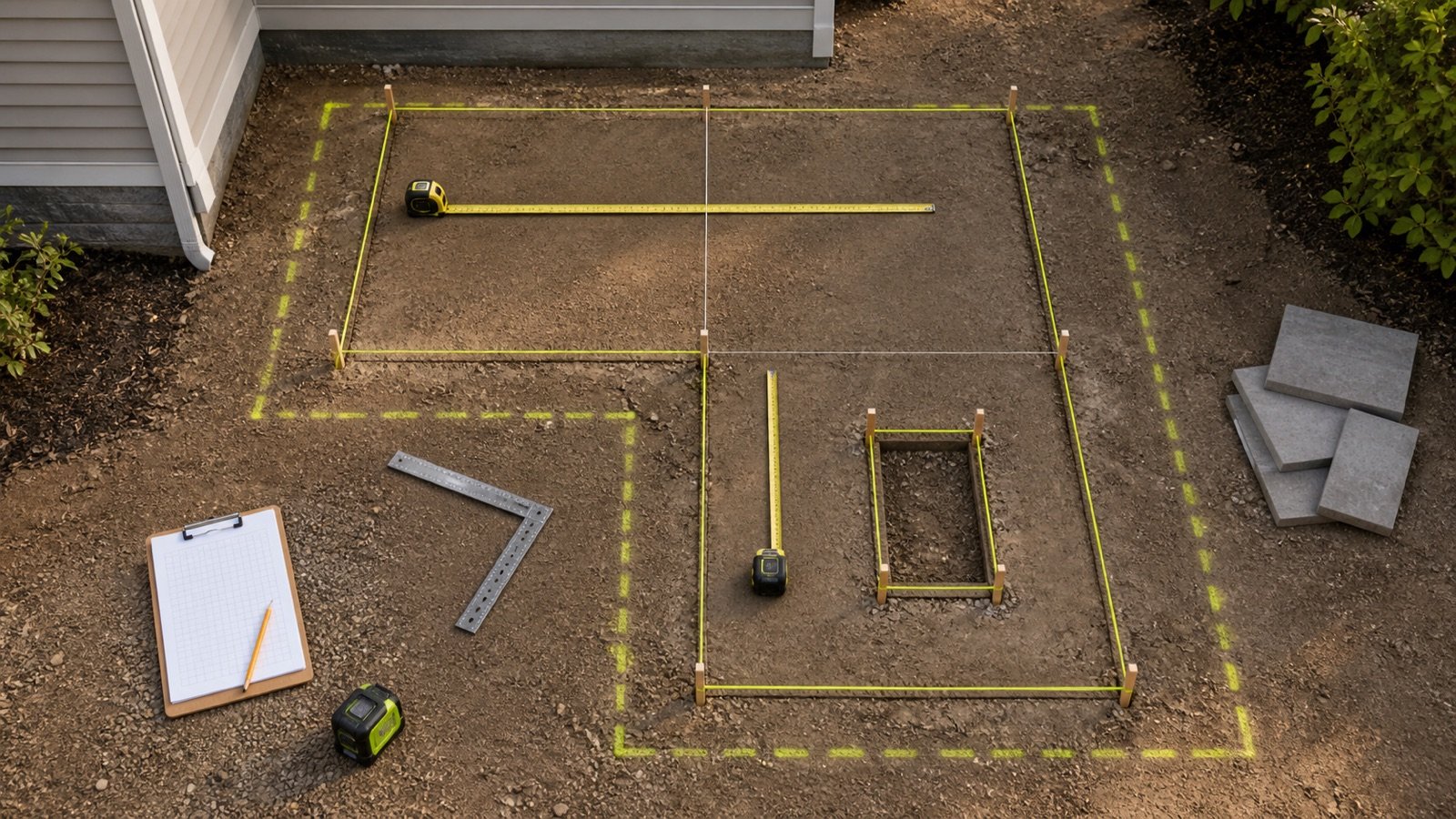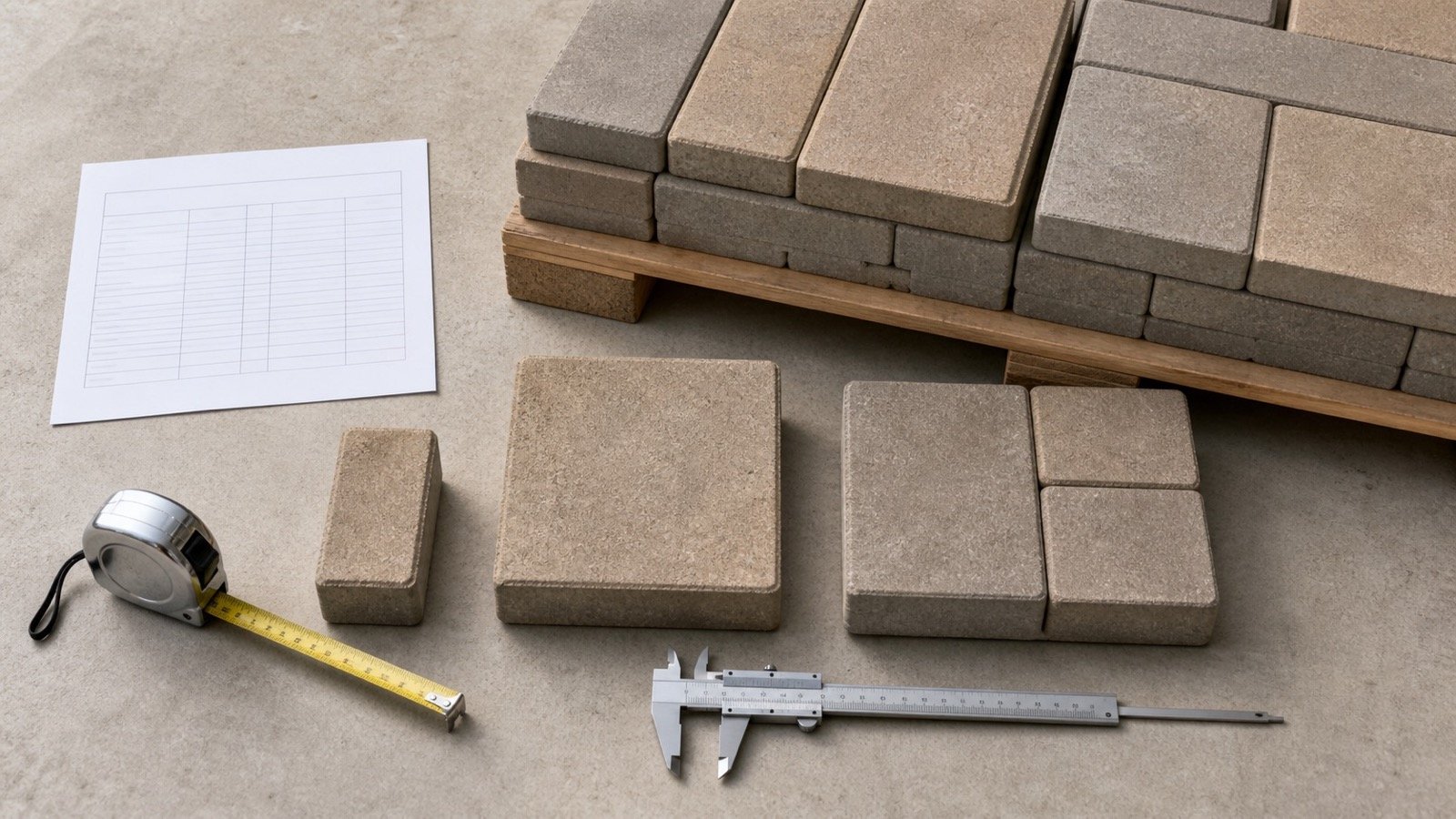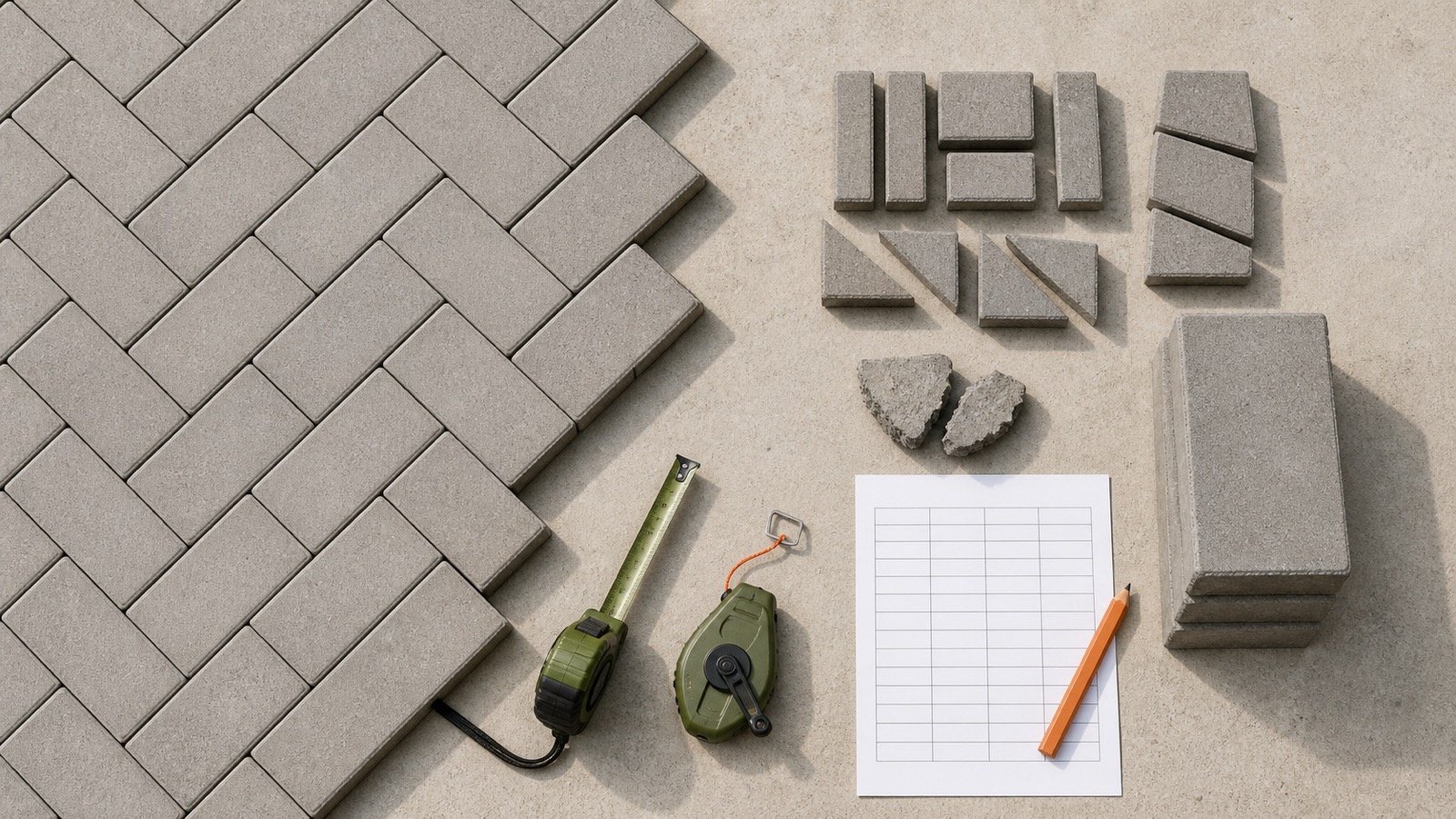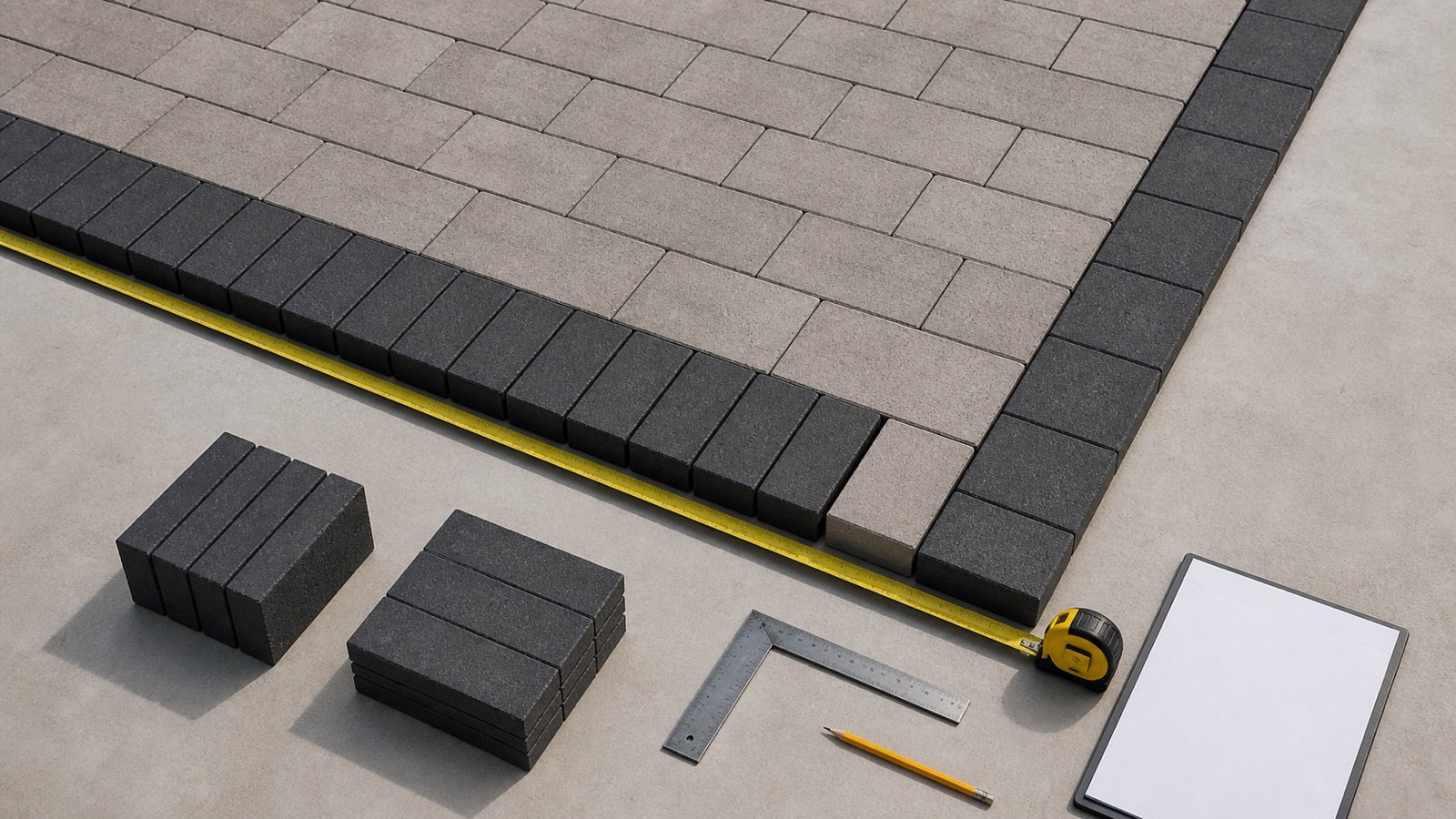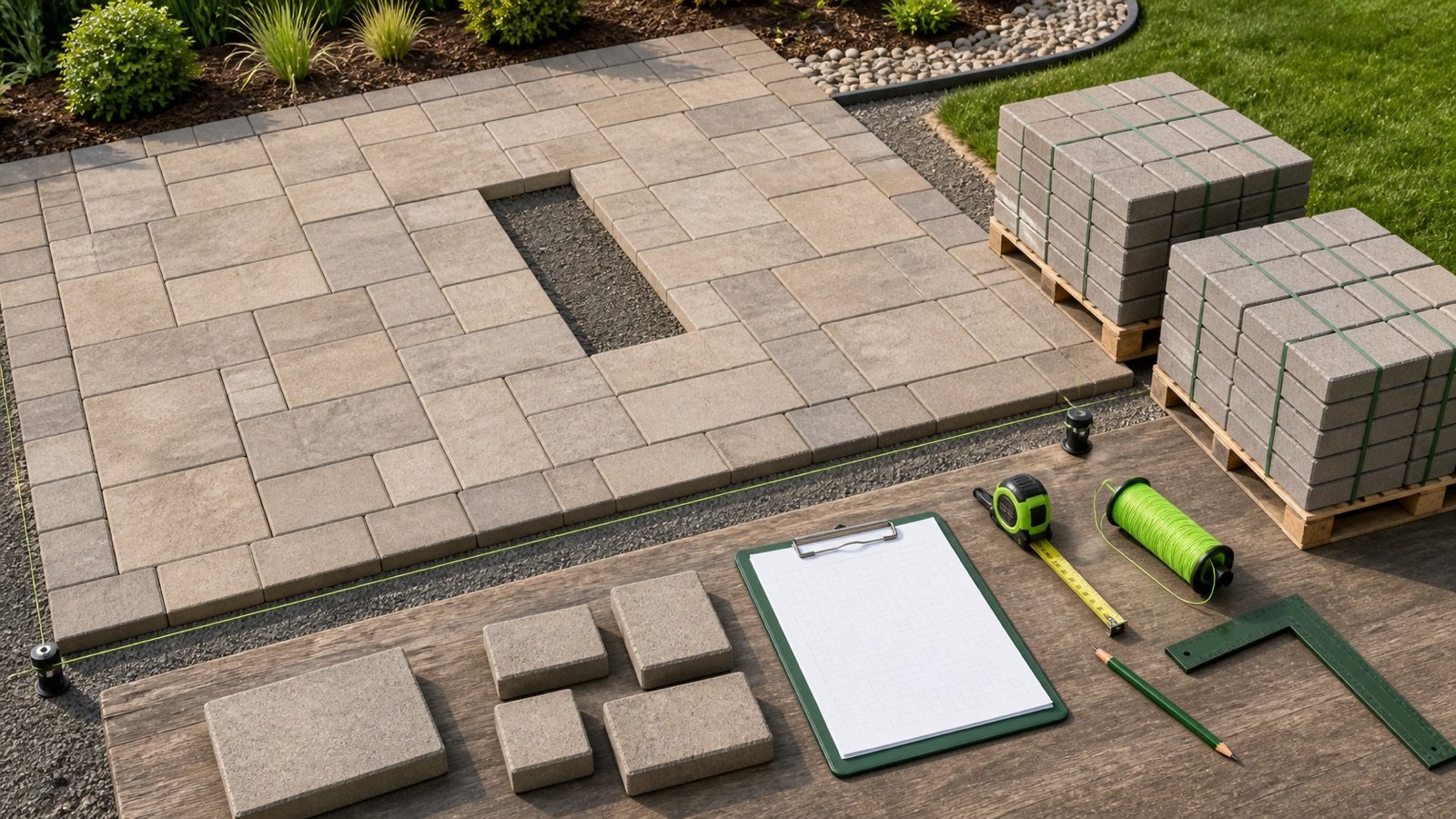
A paver order starts with the field that will receive one product or one defined mixed-size bundle. Pools, planters, buildings and borders can change that field, so keep each paved zone and product on a separate quantity record.
Use coverage-per-bundle mode when current product data states square feet or square metres per bundle, pallet or crate. Rectangular paver-face mode gives an early single-size count when current laid coverage is unavailable.
How many pavers and bundles do you need?
Calculate gross paved area, subtract measured excluded rectangles and apply the documented paver allowance once. Divide the planning area by current coverage per bundle, then round up to the seller's full-bundle increment.
Enter units per bundle when the current product record states it. The calculator then reports the planning-unit count, units in the ordered bundles and the surplus caused by bundle rounding.
What does the Paver Calculator return?
The calculator returns gross area, rectangular deductions, net paved area, allowance area and planning area. The selected quantity basis then produces whole bundles or a whole single-size paver count.
| Result | Calculation | Use |
|---|---|---|
| Gross paved area | Rectangle geometry or checked known area | Records the measured field boundary |
| Deduction area | Length × width × quantity for each entered group | Records excluded pools, planters and structures |
| Net paved area | Gross area − deductions | Closes the measured paver field |
| Planning area | Net area × (1 + entered allowance ÷ 100) | Keeps the project adjustment visible |
| Whole bundles | Planning area ÷ current bundle coverage, rounded up | Closes a full-bundle purchase quantity |
| Bundle surplus | Ordered coverage − planning area | Separates seller rounding from the allowance |
Coverage mode calculates planning units only when units per bundle is entered. A mixed bundle's total unit count does not state how many pieces of each size belong to the pattern.
Which paver quantity basis should you use?
Use coverage per bundle for a purchase check when the current product sheet, pallet tag or seller quote states the paved area in each bundle. Copy the coverage and its unit from the selected product and regional supply record.
Use rectangular paver dimensions for an early check with one single-size unit. Enter verified face length and width. The result treats each piece as a full rectangle and does not place joints, patterns, borders or reusable cuts.
| Available record | Calculator basis | Required follow-up |
|---|---|---|
| Current area per bundle | Coverage per bundle | Confirm product, region, seller increment and return terms |
| Area and units per bundle | Coverage per bundle plus units | Check whether the product is single-size or a fixed mixed bundle |
| Verified rectangular face dimensions only | Paver face dimensions | Obtain current laid coverage before ordering |
| Mixed-size, irregular or permeable product | Current bundle coverage | Use the manufacturer layer and pattern schedule |
Named dimensions can be nominal. Spacer bars, joint geometry, edge shape and the manufacturer's coverage convention can make face-area arithmetic differ from published laid coverage.
How does the paver quantity formula work?
Gross area = paved length × paved width
Deduction area = sum(deduction length × width × quantity)
Net paved area = gross area − deduction area
Planning area = net area × (1 + allowance ÷ 100)
Whole bundles = ceiling(planning area ÷ current coverage per bundle)
Bundle surplus area = whole bundles × bundle coverage − planning area
When units per bundle is available, coverage mode derives units per area from the same product record. It uses that rate for the planning-unit count and multiplies whole bundles by units per bundle for the ordered-unit total.
Face mode converts millimetres to metres or inches to feet before multiplying the paver dimensions. It divides planning area by the resulting face area and rounds up once to a whole paver.
Internal calculations retain full precision. The interface displays up to 3 decimal places. The tool rejects deductions that equal or exceed gross area and rejects partial deduction groups.
Worked metric bundle-coverage example
A rectangular paved field is 6 m long and 4 m wide. One excluded planter measures 1 m × 2 m. The approved quantity record uses a 7% allowance. The selected bundle covers 10 m² and contains 200 units.
- Gross area: 6 × 4 = 24 m².
- Deduction: 1 × 2 = 2 m².
- Net paved area: 24 − 2 = 22 m².
- Allowance area: 22 × 7% = 1.54 m².
- Planning area: 22 + 1.54 = 23.54 m².
- Exact bundle ratio: 23.54 ÷ 10 = 2.354 bundles.
- Order quantity: 3 bundles covering 30 m² and containing 600 units.
- Bundle surplus: 30 − 23.54 = 6.46 m². The calculated whole planning count is 471 units, leaving 129 units above that count inside the ordered bundles.
The 7% allowance, 10 m² coverage and 200-unit bundle belong to this fixture. Copy current values for the selected product before using the result as an order.
Worked imperial product-record example
Unilock's 2026 Michigan product data lists one named 4 × 8 Series product at 117.90 ft² and 540 units per bundle. The same record lists 4.58 units per square foot and states that measurements are nominal.
A checked 100 ft² single-product field with a documented 10% allowance has a 110 ft² planning area. The bundle ratio is 110 ÷ 117.90 = 0.933, so a full-bundle purchase is 1 bundle. Ordered coverage is 117.90 ft² and bundle surplus is 7.90 ft².
The calculated planning count is 110 × (540 ÷ 117.90) = 503.817 units, rounded up to 504. The full bundle contains 540 units, 36 above that planning count. This example applies to the cited regional 2026 record and does not define another product, market or seller's inventory.
Why can paver dimensions disagree with published coverage?
Face dimensions describe the unit. Published coverage can reflect the manufacturer's laid module, spacer bars, specified joints, product shape and bundle configuration. A nominal name can also differ from the listed dimensions.
Unilock's 2026 data shows separate values for stone coverage, layer coverage, bundle coverage and units per square foot. Some mixed products have no single stone-coverage value, even though the document gives square feet and units per bundle.
Do not combine dimensions from a catalog name, coverage from another region and units per bundle from a seller listing. The resulting quantities may describe different products or bundle configurations.
How should mixed-size paver bundles be calculated?
Use current area per bundle to calculate the purchase quantity. Record the manufacturer's layer configuration, laying pattern and size distribution outside this calculator.
CMHA's mechanically installed pavement guide calls for the manufacturer's pallet-configuration diagram and a laying-pattern diagram that addresses cluster joining and half-pavers. Unilock's mixed-bundle notes warn that pattern percentages may differ from the quantities inside a bundle, which can leave extra units of one or more sizes.
A total such as 72 units per bundle cannot replace the per-size schedule. Borders, accents, separately sold units and cut pieces need their own named quantity lines.
How should pools, planters and borders be measured?
Deduct a rectangular zone only when the selected field paver will not cover it. Record the location, dimensions and quantity so another person can check the takeoff.
| Condition | Calculator treatment | Separate record |
|---|---|---|
| Rectangular pool or planter opening | Enter a deduction group | Opening ID and approved paved boundary |
| Repeated equal utility pads | Enter dimensions once and use quantity | Confirm each pad belongs to the same field |
| Building footprint outside the pavement | Exclude it from the entered area | Wall, curb or threshold reference |
| Contrasting paver border | Remove its field area when measured separately | Border width, length, corners, orientation and product |
| Curved or irregular exclusion | Calculate a checked area outside this tool | Sketch, coordinates or segmented takeoff |
Known-area mode accepts a total prepared elsewhere. Save the section schedule that produced that number because one area cannot show duplicated overlaps or omitted strips.
How should the paver allowance be chosen?
The allowance field starts at 0%. Enter a value supported by the approved layout, perimeter cuts, curves, pattern, product variation, damaged-unit procedure, spare-stock decision and project estimating method.
Record known borders, pattern inserts, edge units and spares on named lines when one percentage cannot describe them. A fixed competitor preset cannot inspect the field geometry or the selected bundle.
Keep the allowance approval beside the calculation. A changed pattern, boundary or product can change the quantity even when the net paved area stays the same.
Why is bundle surplus separate from allowance?
The allowance changes the planning area before ordering. Whole-bundle rounding can add more coverage because the seller packages the product in a fixed increment.
In the metric example, the project allowance adds 1.54 m². Bundle rounding then adds 6.46 m² above the planning area. Combining those amounts under one “waste” label hides the reason for each quantity.
Record the intended use of full unopened bundles and loose surplus units. Current seller terms control split bundles, returns, restocking fees, damaged-product claims, special orders and refundable pallets.
How should several paved zones be combined?
Run separate calculations when product, color, thickness, bundle coverage, pattern or allowance changes. Add compatible unrounded planning areas before whole-bundle rounding when one product and bundle supply all listed zones.
Example: 3 compatible zones have planning areas of 21 m² each. Rounding each zone to a 60 m² bundle produces 3 bundles. Combining the areas gives 63 m², which requires 2 bundles. The combined record must still show each zone and confirm that one product, lot and bundle can supply all of them.
Which paver conditions need separate calculations?
- A field and contrasting border use different products or orientations.
- A mixed-size pattern has a fixed bundle ratio or repeat.
- Permeable pavers have open joints or voids covered by their product data.
- Steps, caps, edge units, tactile units or specialty shapes use linear or piece schedules.
- Replacement work must match an existing product, thickness, color and production record.
- A seller permits partial bundles for one product and full bundles for another.
Calculate base aggregate, bedding course and joint material as separate tasks. Their depths, material states, densities, compaction requirements and package yields do not come from the paver count.
Which paver calculation mistakes change the order?
- Using the full yard or driveway envelope instead of the approved paved boundary.
- Deducting a pool opening and forgetting its separately paved coping or border.
- Using nominal paver names as exact face dimensions.
- Adding a joint width to every unit without a supported layout method.
- Copying bundle coverage or unit count from another region, thickness or product.
- Treating a mixed bundle as equal numbers of each size.
- Applying an automatic allowance without a project record.
- Rounding compatible fields to bundles before combining their areas.
- Calling the full bundle surplus installation waste.
- Assuming the seller splits bundles or accepts returns.
- Using ordered coverage as proof of installed or accepted pavement area.
What should the paver quantity record contain?
- Project, pavement-zone ID, drawing revision and measured boundary.
- Gross area, every deduction, net area and area method.
- Manufacturer, product, region, color, finish, thickness and application.
- Current coverage and units per bundle, source date and seller increment.
- Pattern, border, edge-unit and per-size mixed-bundle schedules.
- Allowance percentage, reason, approval and spare-stock decision.
- Whole bundles, ordered coverage, bundle surplus and planned disposition.
- Quote date, pallet terms, delivery plan, damaged-unit procedure and return conditions.
Safety and installation limits
Paver work can involve excavation, heavy bundles, lifting equipment, sharp edges, saws, compactors, utilities and silica-containing concrete or stone. United States employers covered by OSHA's construction silica standard must use the exposure-control method that applies to the material, tool, duration and workplace.
OSHA lists integrated water delivery for stationary masonry saws and handheld power saws under its specified control methods. Follow the complete standard, manufacturer instructions and site safety plan rather than relying on this quantity page for cutting or exposure control.
This calculator does not inspect the site, locate utilities, design drainage or pavement structure, select base and bedding materials, approve slopes, specify compaction, choose edge restraint, set joints, lay out patterns, plan cuts, verify vehicle loading, schedule deliveries, or confirm code and manufacturer compliance.
Use the Paver Sand Calculator for a separately specified bedding or joint-product task. Return to the Paver planning hub for this calculator's category record. The calculation methodology explains formula, unit and rounding checks. Report a problem through the corrections route.
Sources and source scope
- CMHA PAV-TEC-015: manufacturer pallet configuration, laying-pattern records and project-specific placement controls.
- CMHA PAV-TEC-010: pattern, joint, edge-paver and cut-unit context.
- Unilock 2026 Michigan Product Data: product-specific unit, layer and bundle coverage; nominal dimensions; bundle configuration; joint spacing and selling notes.
- NIST Handbook 44 (2026), Appendix C: exact inch, foot, metre and area-unit relationships.
- OSHA construction silica guidance: United States worker-exposure and saw-control context.
Source scope: CMHA supports the need for project and product records. Unilock supports one dated regional product-data example, not a universal paver size or bundle. NIST supports unit relationships. OSHA supports the visible U.S. worker-safety warning. These sources do not select a paver, pattern, allowance, bundle, price, pavement design or installation system.
Review note: Saleem Sial owns the research and editorial record. Formula fixtures, source checks, build validation and rendered QA form the internal publication gate. Waseem Sial, External Reviewer and Engineer, is listed for ongoing external review; no completed external-review date is claimed.