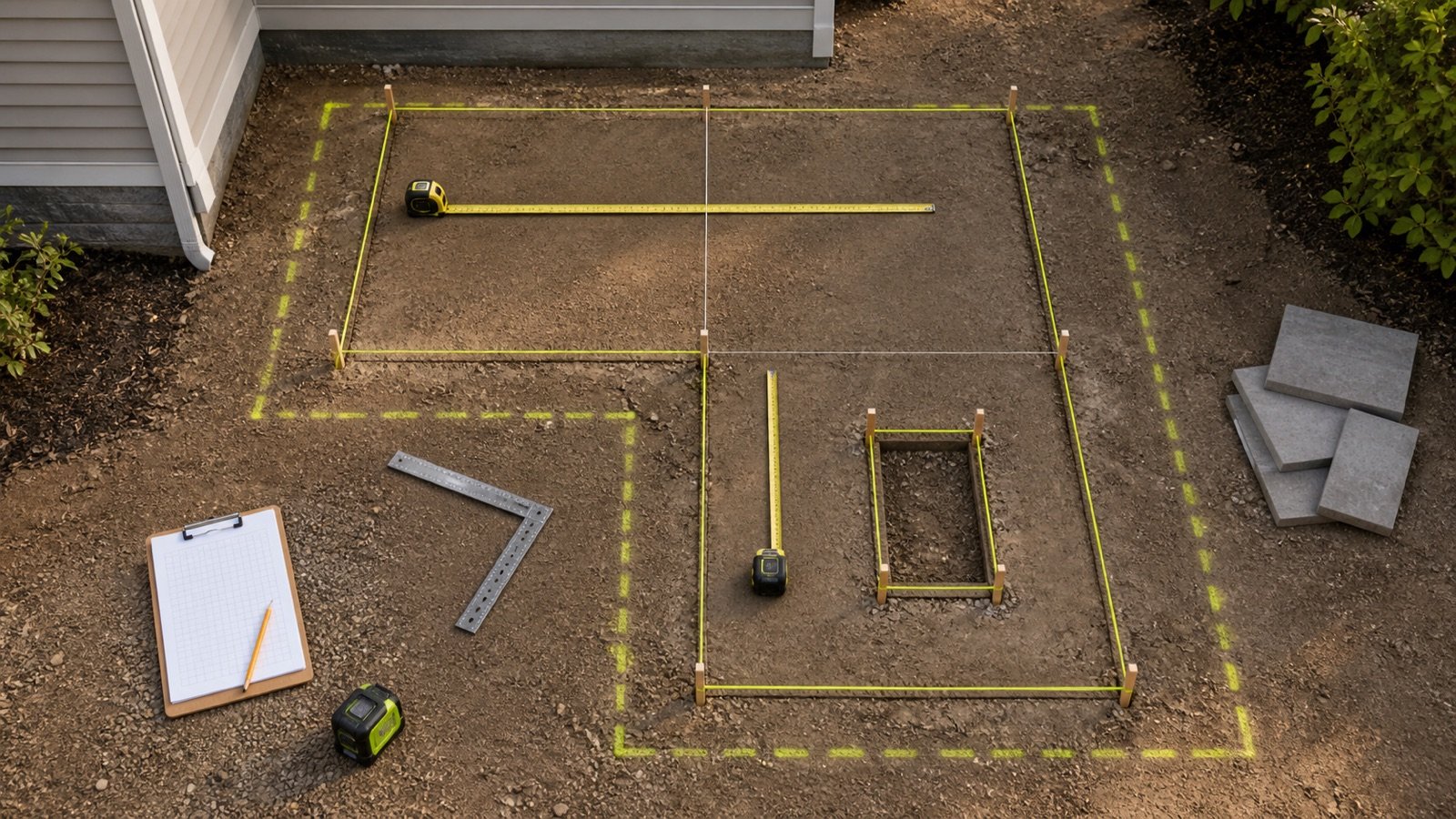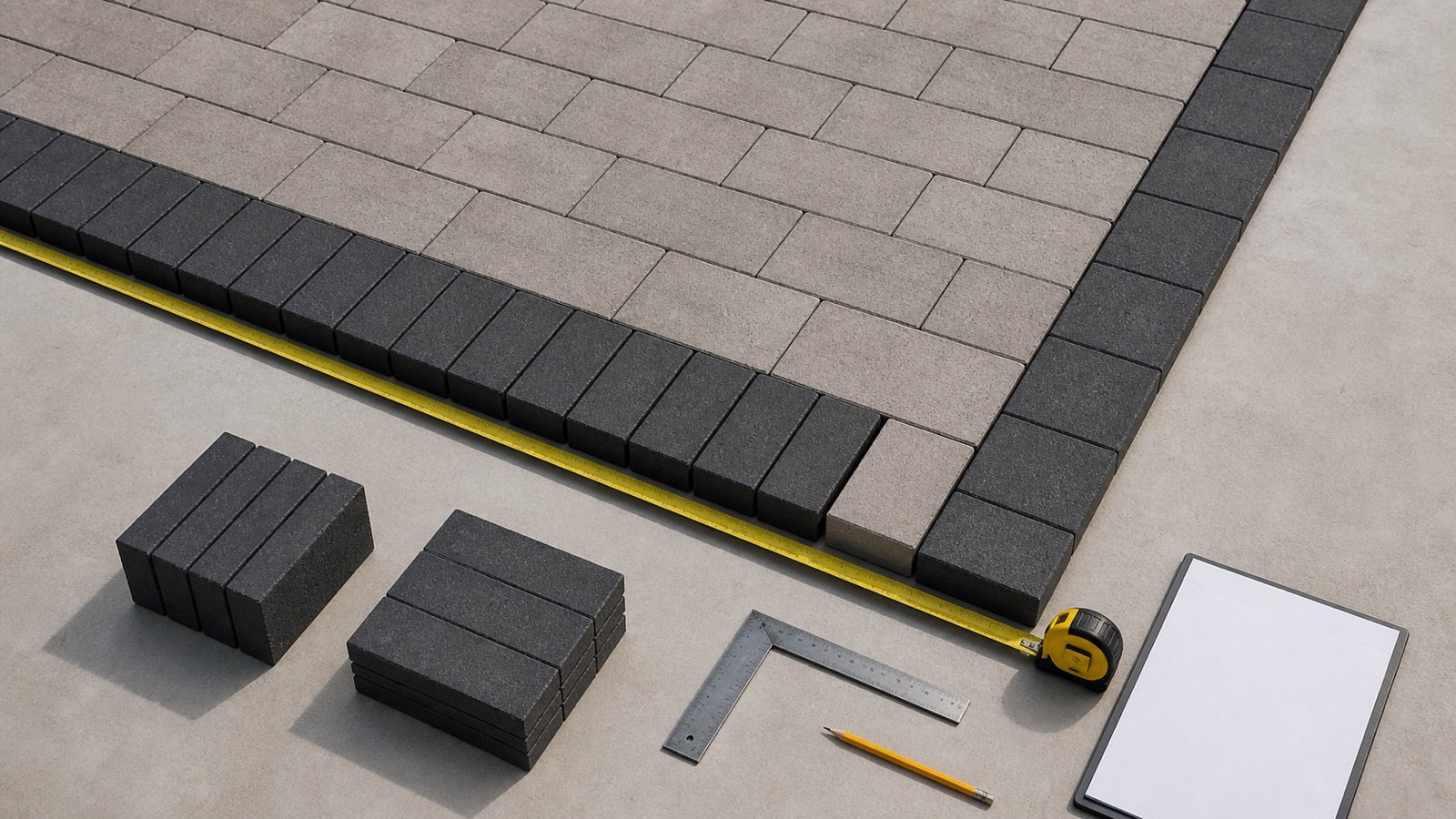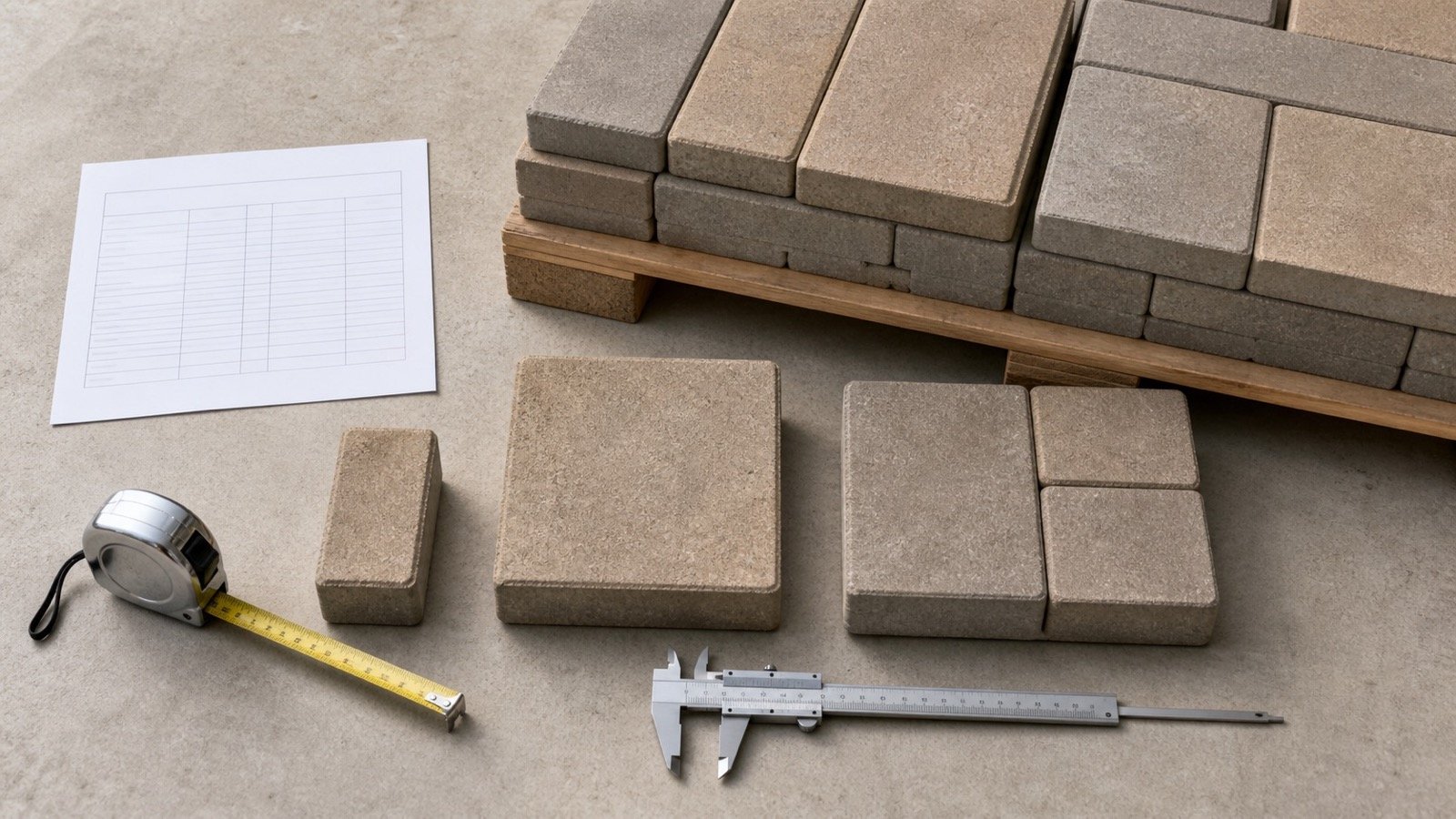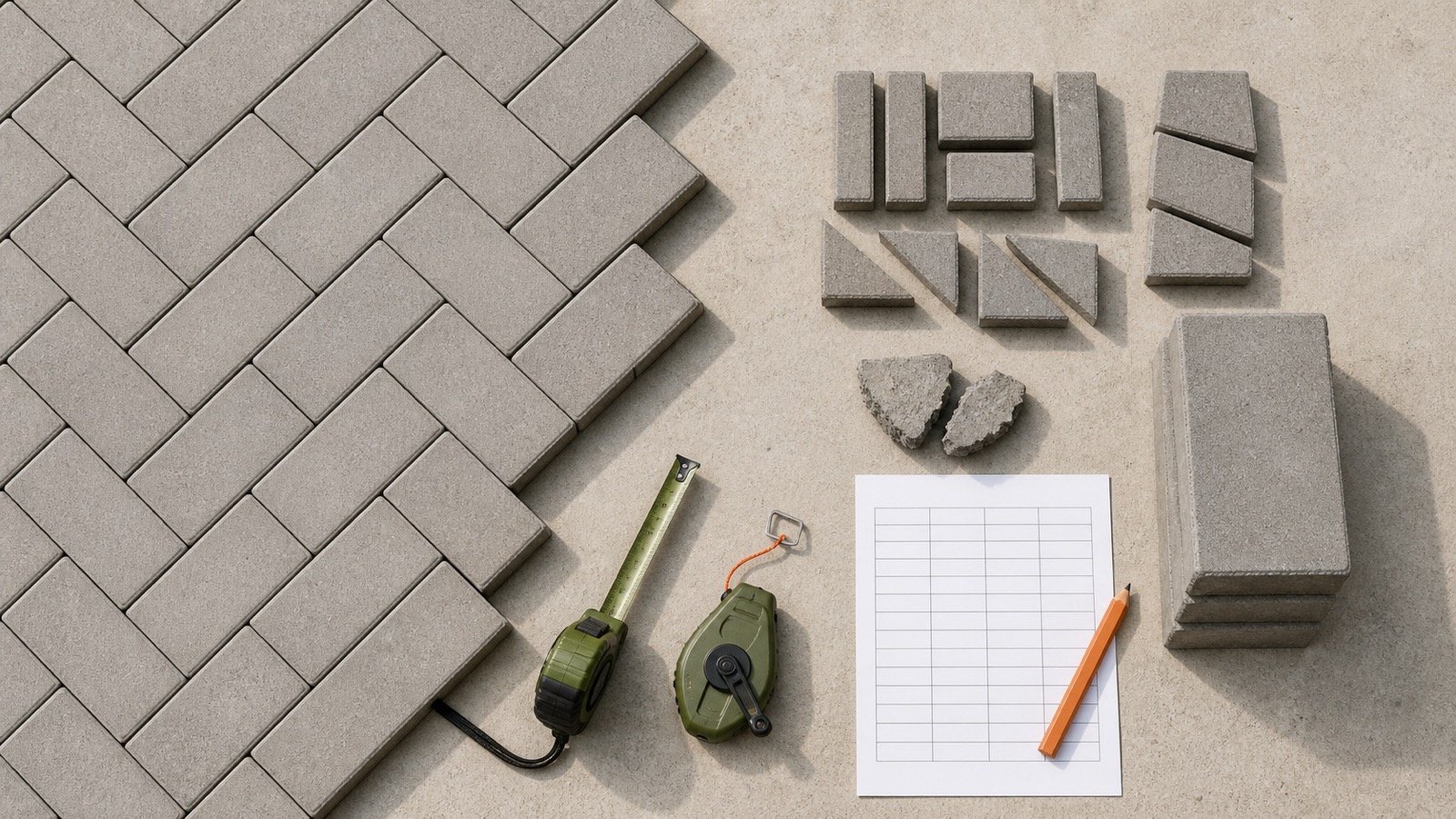
A paver order needs enough material for the installed field, edge cuts, rejected or damaged units and any whole pavers kept for repairs. The supplier may then round that requirement to a full layer, bundle or pallet.
Keep those quantities separate. A single overage percentage can hide the reason for the extra material and make a large package surplus look like cutting loss.
How many extra pavers should you order?
Order the checked field quantity plus a project-specific allowance for non-reusable cuts, damaged or rejected units and the repair stock you choose to retain. Round that total to the seller's current package only after each allowance line has a reason.
No source reviewed for this guide sets one percentage for every paver, pattern and site. The cut layout, edge geometry, accepted cut size, product configuration and selling increment can change the result.
Show installed field units, project allowance, retained spares and package surplus. A reviewer can then see whether the order covers a real need or only a full-package increment.
Which quantities belong in a paver allowance?
Build the allowance from named causes. Do not merge a supplier's package rounding with the material expected to leave the job as cut loss or damage.
| Quantity line | What it contains | How to document it |
|---|---|---|
| Installed field | Whole units needed to cover the checked net paved area | Use current units per area, or package coverage, for one matching product record |
| Non-reusable cut loss | Material removed at boundaries, curves, corners, penetrations and pattern transitions that cannot be reused | Use a marked layout, cut schedule or full-unit-equivalent count |
| Rejected or damaged units | Units set aside after delivery inspection, cutting or handling | Use the project's inspection and replacement plan; keep any supplier claim separate |
| Retained repair spares | Whole matching units the owner will store after completion | Record the chosen count, storage location and product identifiers |
| Package surplus | Units above the documented requirement because the seller supplies a larger increment | Calculate after rounding to a layer, bundle or pallet |
Installed field units = ceiling(net installed area × current units per area)
Required units = installed field units + cut-loss equivalents + damaged-unit allowance + retained spares
Whole packages = ceiling(required units ÷ units per package)
Package surplus = whole packages × units per package − required units
How do you measure paver cut loss?
Draw the field and approved pattern to scale, mark the finished boundary, then count or measure the units that cross it. Record the part expected to remain usable after each cut.
- Confirm the finished paved boundary, border course, openings and fixed objects.
- Set the pattern origin and orientation from the approved layout.
- Mark every boundary or transition that needs a cut.
- Classify each offcut as reusable in a known location or non-reusable.
- Convert the non-reusable pieces to full-unit equivalents or area.
- Add a separate line for cutting damage only when the project team has approved that assumption.
A saw-cut count does not equal a waste count. One paver can supply 2 useful edge pieces, while a narrow diagonal offcut may have no planned second use. The ledger follows the material, not the number of times the saw runs.
CMHA's edge-restraint guidance describes extending a paver field past the planned edge, marking a cut line, cutting the field and removing the unused ends. It also notes that a pattern may need shifting to accommodate cut pavers. Those steps make the edge layout part of the quantity decision.
How should reusable offcuts be recorded?
Assign an offcut to a second location only when its dimensions, finished edges and orientation suit that location. Write the destination beside the cut before subtracting it from loss.
- Keep a piece map for repeated straight edges.
- Separate factory faces from sawn faces when appearance controls placement.
- Do not count a small vehicular edge piece as usable until the project detail accepts its size and location.
- Leave an uncertain offcut in the loss line until the installer confirms a valid use.
CMHA advises against cut pavers smaller than one-third of a whole unit in the cited street and vehicular edge conditions. That limit does not set a residential allowance percentage. It shows why equal offcut area can produce different usable quantities.
How do pattern and edge geometry change the allowance?
Patterns control how units meet the boundary. Edge length, corner count, curves, openings and pattern orientation control how often that boundary cuts through a unit.
| Condition | Quantity effect to check | Planning action |
|---|---|---|
| Straight field aligned to the product module | Some edges can close with full or repeated partial units | Test pattern origin and border width before ordering |
| Diagonal or herringbone edge | More units may cross a straight boundary at an angle | Draw the selected orientation and classify the resulting offcuts |
| Curved edge | The cut line can cross many units and create different offcut shapes | Use the field-extended cut-to-line method and record the curve |
| Many columns, drains or openings | Perimeter increases without a matching increase in paved area | Measure each opening and its edge treatment |
| Whole-unit border course | The field cut moves to the inside of a separate linear quantity | Calculate border length and field area on separate lines |
| Mechanical herringbone package | Some layer configurations use half units that crews remove and replace | Use the manufacturer and installer's layer plan, not a hand-laid default |
CMHA reports that some mechanically placed herringbone layers require crews to remove half units and replace them with full units. It also states that those configurations can raise material and labor waste. The same source describes package and pattern changes that can reduce that loss. The product's layer configuration controls this case.
Can perimeter-to-area ratio predict paver waste?
Perimeter divided by area is a useful warning flag. It cannot calculate cut loss without the paver module, pattern origin and edge detail.
A 10 × 4 ft rectangle has 40 ft² of area and 28 ft of perimeter, so its perimeter-to-area ratio is 0.7 ft⁻¹. A 20 × 20 ft square has 400 ft² and 80 ft of perimeter, giving 0.2 ft⁻¹.
The narrow rectangle has 3.5 times as much perimeter per square foot. The comparison explains why 2 projects using the same product and nominal percentage can have different edge exposure. A drawn cut schedule must still decide the material loss.
How do you calculate a paver allowance and package order?
Calculate the field count from one current product record, add the approved allowance lines, then round to the package that the supplier will sell.
Worked 250 ft² allowance example
This hypothetical example uses 96 units per 93.04 ft² from a cited 2026 Unilock Chicago product record. The project-specific allowance values demonstrate the ledger; they are not recommended defaults.
- Unit rate: 96 ÷ 93.04 = 1.0318143 units/ft².
- Installed field count: ceiling(250 × 1.0318143) = 258 units.
- Documented non-reusable cut loss: 14 full-unit equivalents.
- Documented damaged-unit allowance: 6 units.
- Owner-retained repair stock: 8 whole units.
- Required before package rounding: 258 + 14 + 6 + 8 = 286 units.
- Whole bundles: ceiling(286 ÷ 96) = 3 bundles.
- Ordered units: 3 × 96 = 288 units.
- Package surplus after all needs: 288 − 286 = 2 units.
The project allowance contains 28 units. Expressed against the 258-unit field count, it equals 28 ÷ 258 × 100 = 10.852713%. Enter 10.852713% only when transferring this exact piece ledger to a percentage-based tool. Do not turn it into a default for another project.
They exist because 3 complete 96-unit bundles contain 288 units. Reclassify them as retained spares only if the owner accepts and stores them for that purpose.
How should mixed-size bundles and borders be handled?
Check each component that can run short. Total package area can be adequate while one required size, border unit or accent unit is short.
A factory mixed-size bundle needs its current layer diagram and approved laying pattern. Record the quantity of each size when the manufacturer provides it. Do not divide the package's total unit count equally among its sizes.
Sizes sold in separate packages need separate rounding. The same rule applies to soldier borders, sailor borders, contrasting bands, permeable edge units, circle kits and other specialty pieces.
| Product use | Quantity basis | Allowance check |
|---|---|---|
| Main field | Area and current package coverage | Field cut schedule and damaged-unit line |
| Linear border | Border length in the stated orientation | Corners, returns and accepted cut pieces |
| Mixed-size module | Manufacturer's package area and size distribution | Pattern compatibility and per-size balance |
| Specialty kit | Named kit coverage and layout | Kit limits and separately sold finish pieces |
| Retained repair stock | Chosen whole-unit count by exact product | Storage, identification and owner acceptance |
The paver sizes and coverage guide shows how to keep dimensions, units, layers and package area inside one matching product record.
How many spare pavers should you keep for repairs?
Choose a whole-unit count from the repair risk, product availability, storage conditions and package surplus. No reviewed primary source gives one spare percentage for every project.
Consider which units a future repair may need. A utility opening can reuse removed pavers when crews lift and store them without damage. Surface damage may need new units. An unusual color, finish, mixed-size configuration or discontinued product can make later matching harder.
Unilock states that it cannot guarantee color matching for replacement pavers because colors can vary among stones and product runs. The manufacturer also advises blending pavers from several bundles during installation. Retained spares preserve the original product, but weathering and storage can still affect their appearance.
What should a spare-paver record contain?
- Manufacturer, product, SKU and named size.
- Color, finish, thickness and application.
- Plant, market, pallet tag or production information available on delivery.
- Whole-unit count for each size in a mixed system.
- Storage location and protection from contamination or damage.
- Project name, installation date and source document.
Give the record to the owner with the final quantity sheet. Do not leave an unlabelled stack that can be mistaken for disposable package surplus.
Which paver allowance assumptions can fail?
Check each assumption against the selected product and drawn layout. These shortcuts can change an order.
| Assumption | Why it can fail | Required check |
|---|---|---|
| One percentage covers every pattern | Pattern orientation and edge geometry change the cut schedule | Draw the field, border and cut line |
| Every cut consumes one full paver | A second location may accept the offcut | Record the destination and usable dimensions |
| Every offcut is reusable | Size, orientation, finished faces or traffic details may reject it | Apply the project cut and edge requirements |
| Full-package surplus covers repair stock | The surplus may contain the wrong size mix or too few whole units | Count the retained units by product and size |
| Total mixed-bundle area proves pattern balance | One size can run short before the package area is exhausted | Use the current layer or size-distribution record |
| A later order will match | Product runs and weathering can change appearance | Confirm availability and choose retained stock before closeout |
| The supplier sells exact required units | Layers, bundles or pallets can set a larger increment | Confirm the current selling and return terms |
How do you enter the allowance in the Paver Calculator?
Measure the net field with the patio measurement guide, complete the piece ledger, then convert its allowance units to a percentage of the installed field count.
Calculator allowance % = (cut-loss equivalents + damaged units + retained spares) ÷ installed field units × 100
- Enter the checked field dimensions or known net area.
- Enter the calculated allowance percentage and retain the piece ledger beside it.
- Select package-coverage mode when the current product record gives area per bundle or pallet.
- Enter units per package only from the same record.
- Review planning area, whole packages, ordered units and package surplus.
- Compare the calculator's package surplus with the supplier quote before ordering.
Use the Paver Calculator after the project team has approved the allowance inputs. The tool calculates the quantity you enter; it does not approve a pattern, cut detail, spare count or seller term.
What safety limits apply when pavers are cut?
Cut planning does not replace a task-specific safety plan. Concrete and masonry cutting can expose workers to respirable crystalline silica and other hazards.
For covered U.S. construction employers, OSHA 29 CFR 1926.1153 sets exposure-control requirements. Its Table 1 lists integrated water delivery for stationary masonry saws and handheld power saws, plus task and duration conditions for respiratory protection. Employers must apply the rule that matches the tool, setting and work duration.
Follow the saw, blade and paver manufacturer's instructions. Control slurry and dust so they do not contaminate the paver surface, bedding or joints. Other countries and workplaces need the rules that govern that location and task.
What should you verify before approving the order?
- Checked net paved area and current drawing revision.
- Manufacturer, product, thickness, color, finish and market.
- Approved pattern origin, orientation, border and edge detail.
- Non-reusable cut equivalents with reusable destinations marked.
- Damaged-unit assumption and delivery inspection process.
- Whole spare count and owner storage decision.
- Units and area per package from one current product record.
- Seller's package, split, return, deposit and delivery terms.
- Required units, ordered units and package surplus on separate lines.
Return to the Paver planning hub for the calculator and related guides. The calculation methodology explains unit, precision and rounding checks. Report a source or formula issue through the corrections route.
Sources and source scope
- CMHA, Construction of Interlocking Concrete Pavements: bundle handling, color blending and cut-edge guidance.
- CMHA, Edge Restraints for Interlocking Concrete Pavements: the cut-to-line method, pattern adjustment, edge courses and vehicular cut-size context.
- CMHA, Mechanical Installation of Interlocking Concrete Pavements: package configuration, herringbone half units and coordination that changes waste.
- CMHA, Operation and Maintenance Guide: replacement of damaged pavers and reuse during suitable repair work.
- Unilock replacement-color guidance: variation among stones and product runs, and bundle-blending advice.
- Unilock 2026 Product Data, Chicago: the 93.04 ft² and 96-unit bundle fields used in the worked example.
- OSHA 29 CFR 1926.1153: U.S. construction employer silica requirements and Table 1 saw controls.
Source scope: CMHA supports the cited installation conditions. Unilock supports only its product and color statements. OSHA controls covered U.S. workplaces. None of these sources sets a universal cut, damage, spare or total allowance percentage.
Review note: Saleem Sial owns the research and editorial record. Source retrieval, calculation fixtures, editorial review, build validation, link crawl, schema review and rendered QA form the internal publication gate. Waseem Sial, External Reviewer and Engineer, is listed for ongoing external review; no completed external-review date is claimed.