
Brick Calculator: Walls and Packs
Calculate wall bricks from net area and a verified coverage rate or face module. Keep bond correction, allowance and supplier pack rounding separate.
Open Brick Calculator: Walls and PacksConstruction workflow
Calculate brick wall area and openings, choose a verified coverage or module basis, and keep bond correction, allowance and supplier packs separate.
2 working calculators 8 supporting resources
Available now
Each calculator solves one defined quantity task and keeps its assumptions, formula, units, and limits visible.
Calculate wall bricks from net area and a verified coverage rate or face module. Keep bond correction, allowance and supplier pack rounding separate.
Open Brick Calculator: Walls and PacksCalculate whole mortar-mix bags from a checked brick or block count and the selected product's current units-per-bag coverage, with allowance and package surplus shown separately.
Open Masonry Mortar Calculator: Bags for Brick and BlockSupporting resources
These guides and charts answer separate decisions around the material calculation.
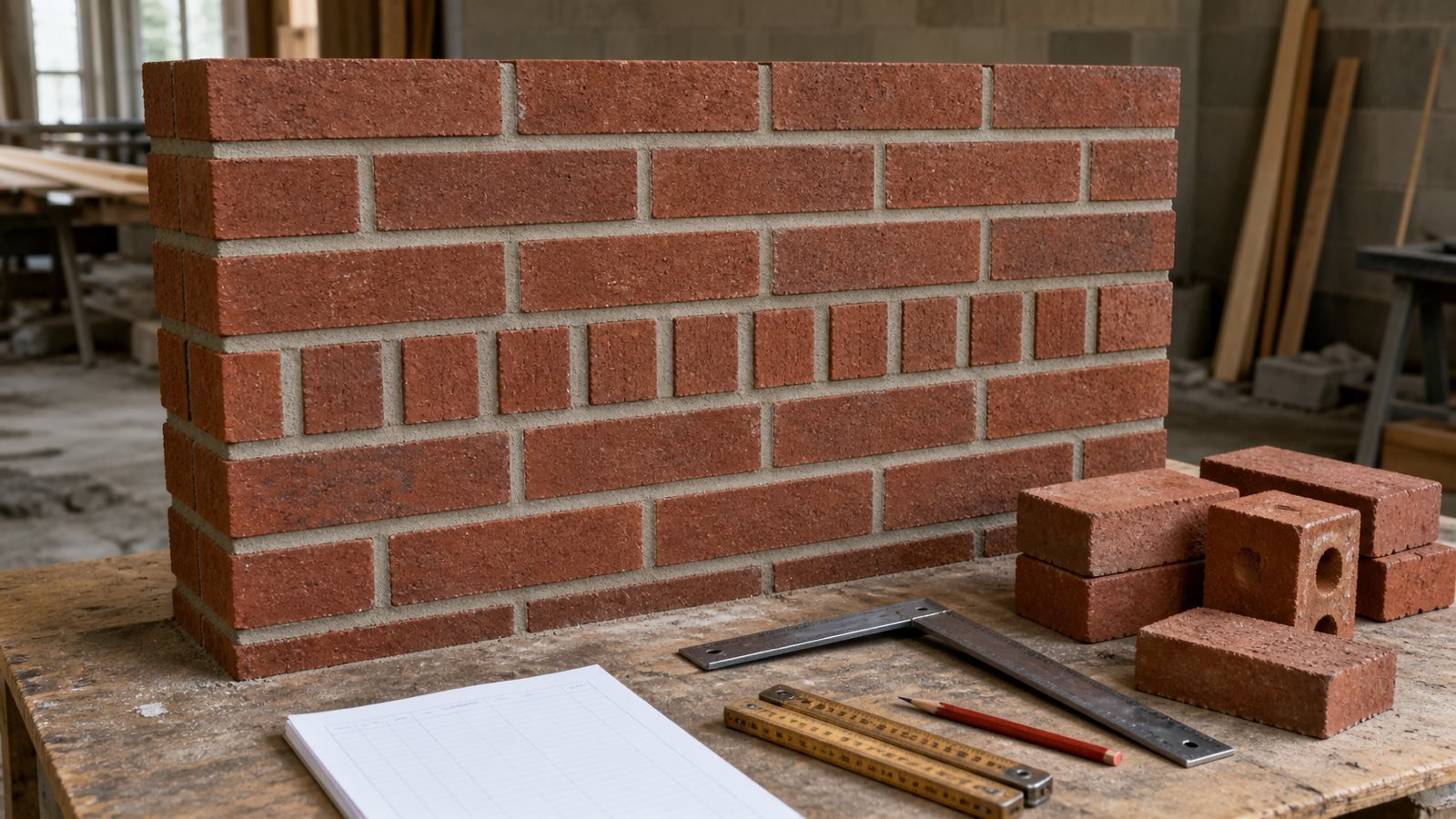
Apply BIA brick bond correction factors to full-header wall patterns, keep waste separate and use a direct count when the table conditions do not fit.
Read Brick Bond Quantity Corrections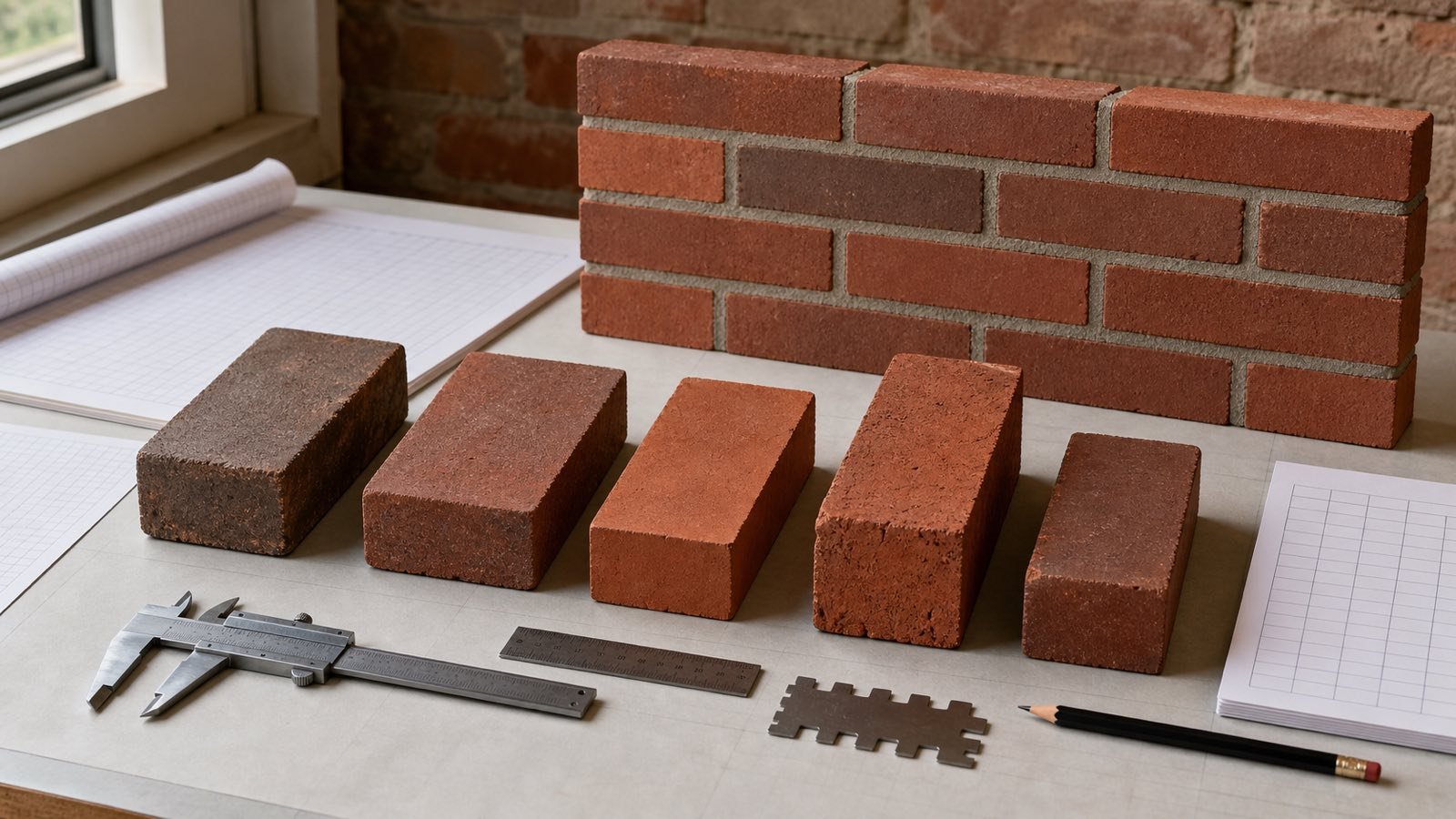
Compare named U.S. brick dimensions and BIA coverage rates, then record the size, joint, bond and source needed for a checkable brick takeoff.
Read Brick Sizes and Coverage Chart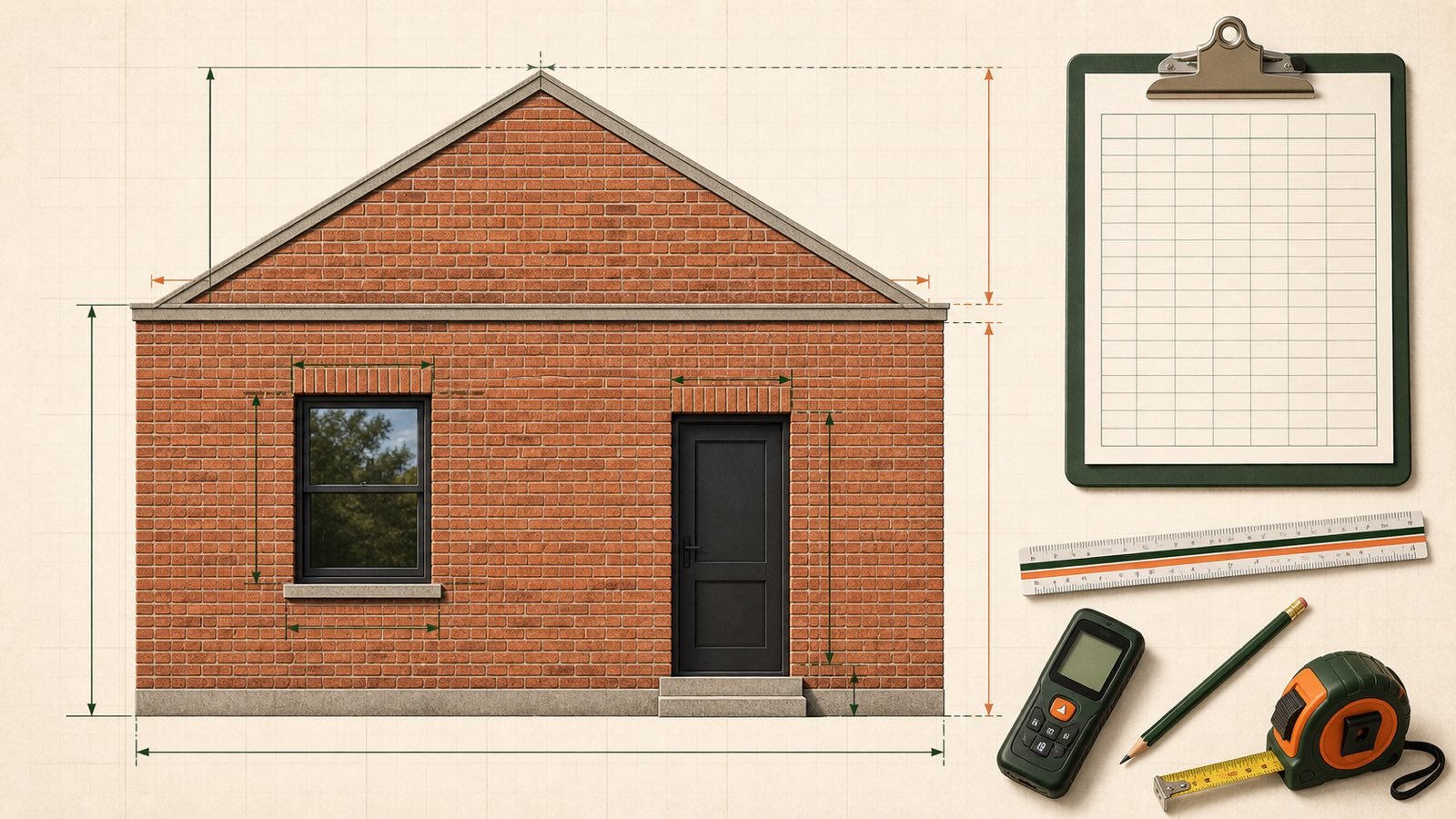
Measure brick wall faces, openings and gables with a section ledger, checked area formulas and a clear handoff to the Brick Calculator.
Read Brick Wall Takeoff: Walls and Openings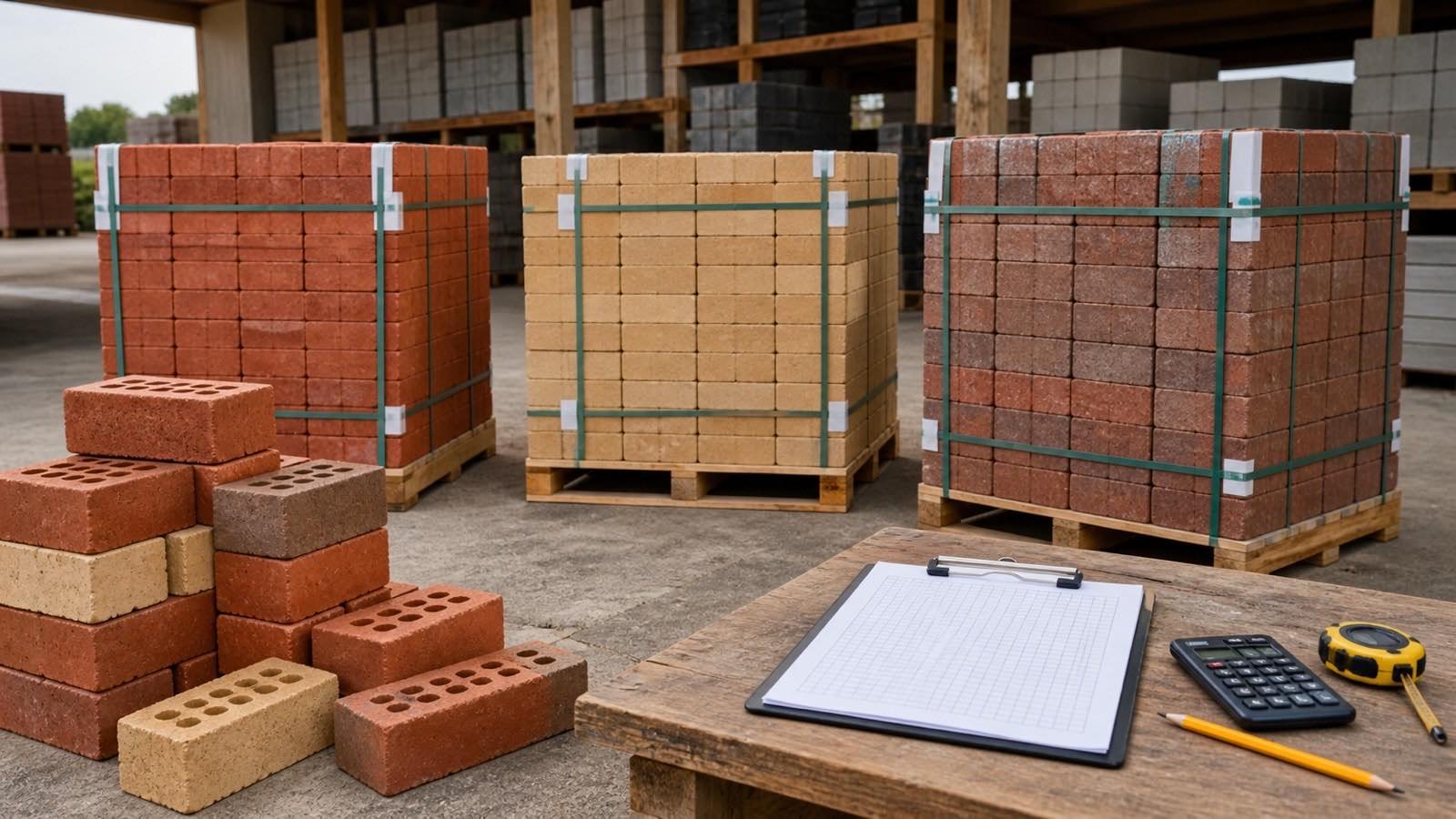
Choose a documented brick allowance, calculate whole supplier packs, measure pack surplus and keep special shapes and blends on separate order lines.
Read Brick Waste, Packs and Order Allowance
Set a documented masonry mortar allowance, keep joint variation and handling loss separate, and calculate when whole-bag rounding changes the order.
Read Masonry Mortar Allowance: Waste and Bag Rounding
Turn a masonry mortar bag estimate into pallets and loose bags, then track accepted deliveries, usable stock, opened bags and unexplained variance.
Read Masonry Mortar Ordering: Bags, Pallets and Site Stock
Check mortar coverage per bag for brick or concrete block using current named-product records, then calculate exact ratios, whole bags and rounding boundaries.
Read Mortar Coverage per Bag: Brick and Block Yield
Identify mortar mix and masonry cement bags, check whether sand is included, and compare product-specific bag, sand and yield records without mixing systems.
Read Mortar Mix vs Masonry Cement: Bags and SandBrick quantity planning starts with each wall face and the openings removed from it. The brick product, exposed orientation, joint and bond determine the number of units that cover the remaining area.
The Brick Calculator accepts a verified bricks-per-area rate, an effective face module, or specified or measured face dimensions plus joint. It shows base bricks, bond correction, allowance and supplier pack rounding on separate lines.
The calculator has no preset brick size, joint, bond factor, waste percentage, pack quantity, mortar yield or price. Enter the records that match the selected product and project.
Calculate separate wall faces when products, orientations, modules, bonds, openings or order terms change. Combine unrounded counts only when the records describe compatible brickwork.
Mortar, wall ties, flashing, lintels, reinforcement, cavities, insulation, movement joints, temporary bracing and structural design need project-specific records. The brick count does not derive those quantities.
The calculation methodology explains formula, unit and rounding checks. Use the corrections route to report a formula or source issue.