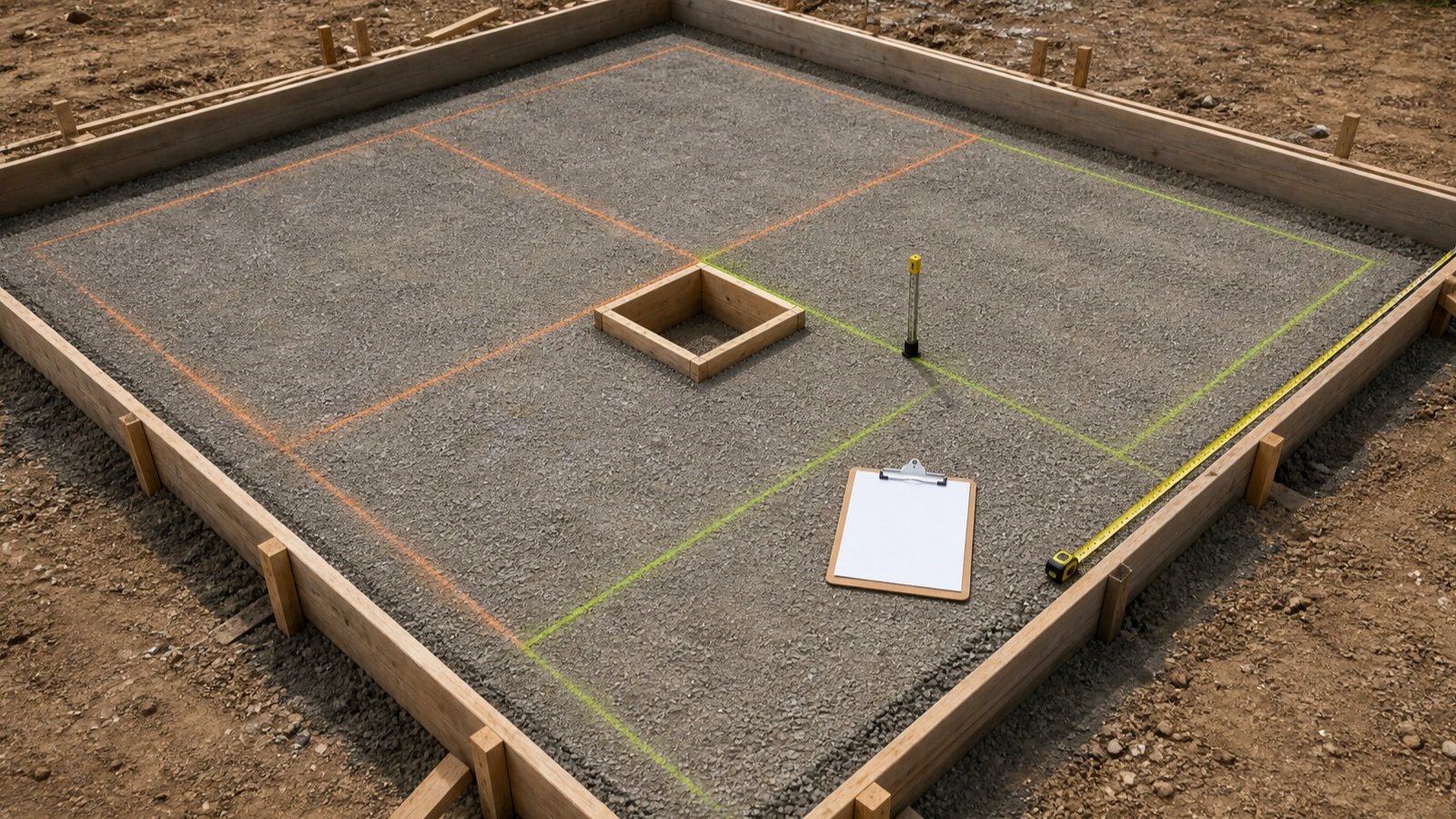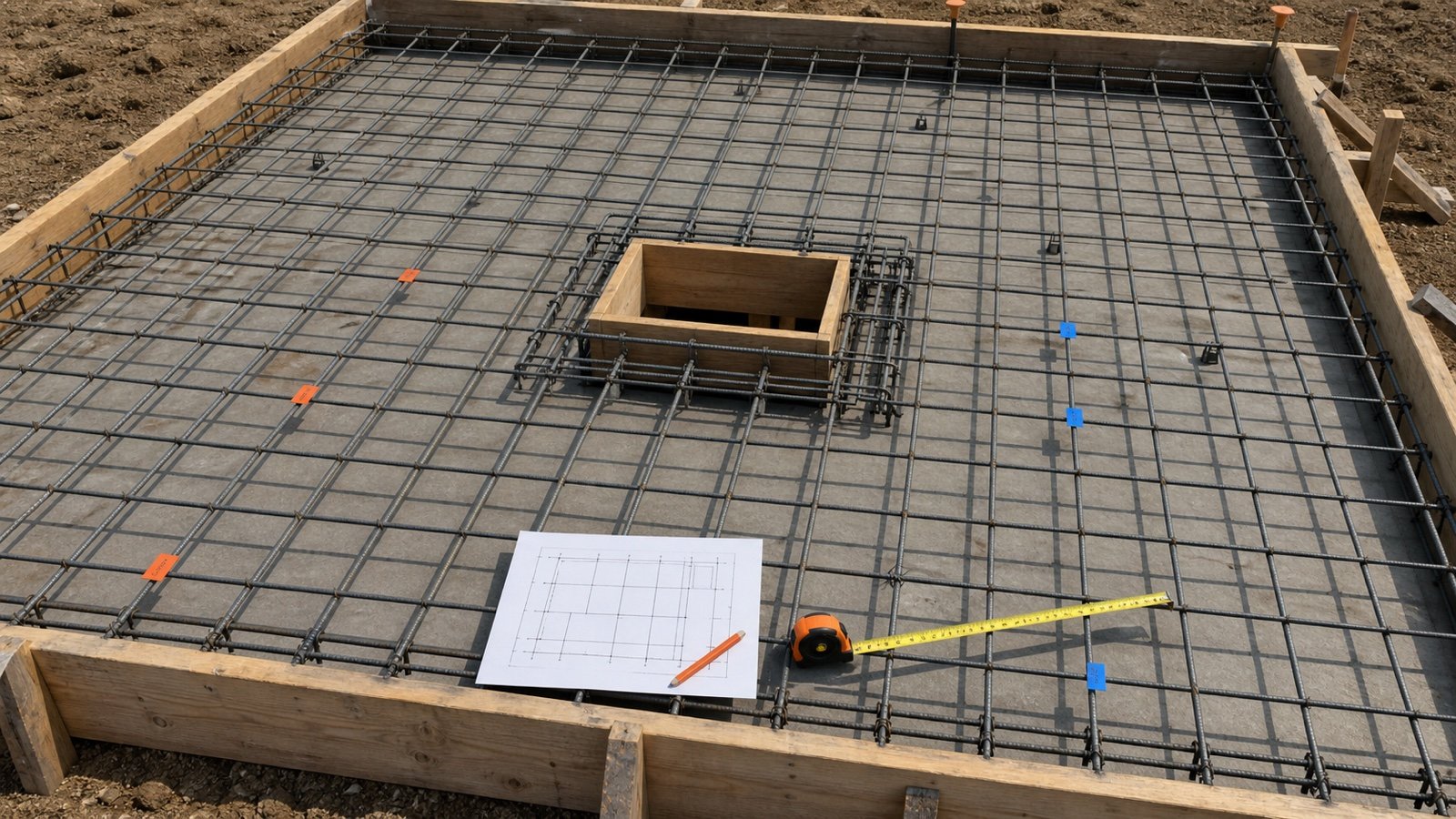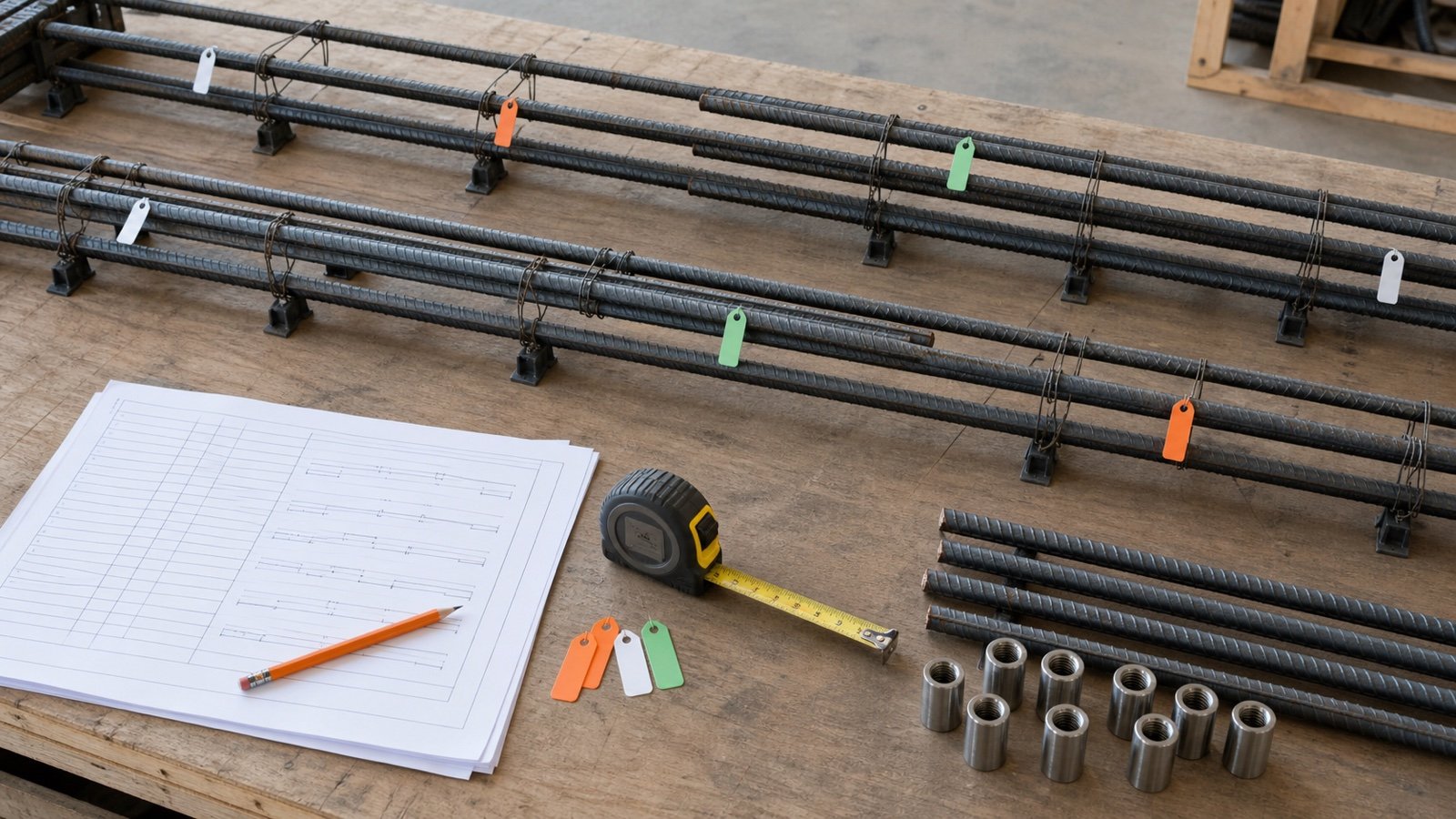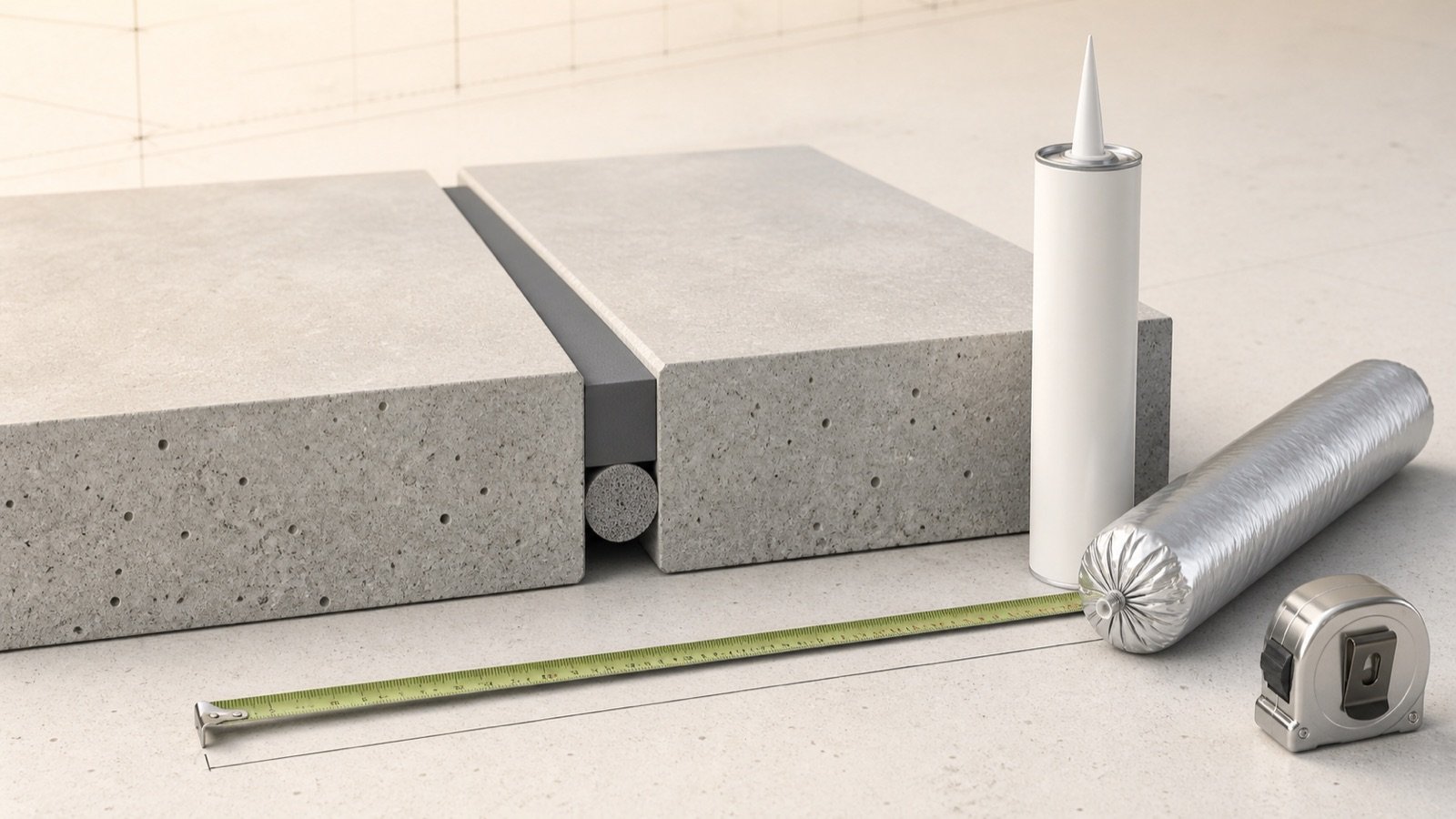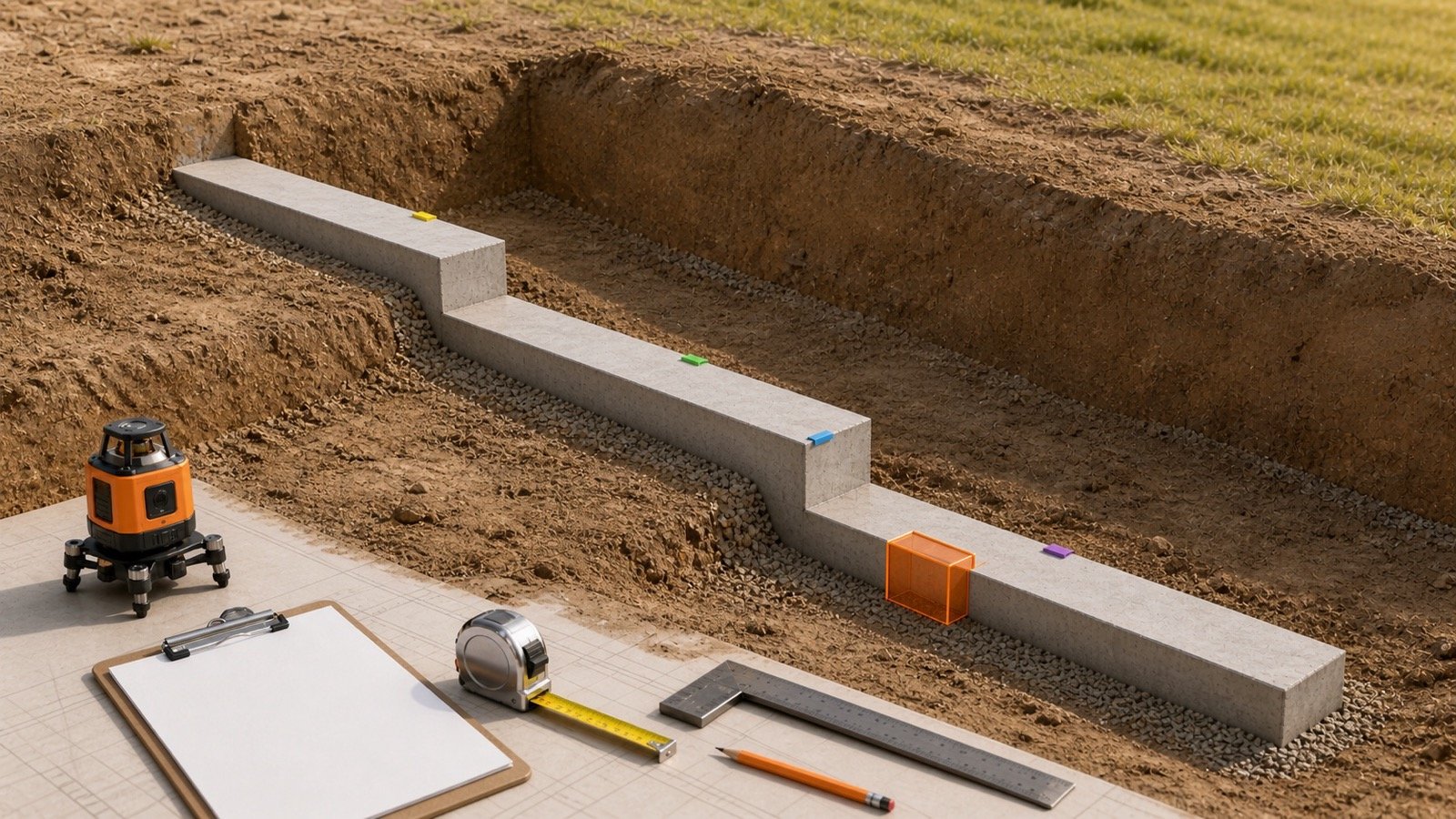
A ready-mix order begins with checked geometry, but the number given to the supplier may also include a documented allowance, a minimum delivered quantity and a selling increment. Combining those additions into one unexplained buffer makes the order difficult to check.
Record measured volume first. Add each later quantity in sequence so the estimator, buyer, supplier and site team can see why the final cubic-yard figure changed.
How many cubic yards of ready-mix concrete should you order?
Order the supplier-rounded planning volume for one compatible concrete group. Calculate every zone without early rounding, divide the total cubic feet by 27, apply a justified allowance, then use the current supplier's delivered minimum and order increment.
A minimum billed quantity, short-load fee threshold and minimum delivered quantity can produce different physical volumes. Only a confirmed delivered minimum belongs in the volume formula.
Use the Ready-Mix Concrete Calculator after the geometry and supplier terms have been checked.
Which volume should appear in the order worksheet?
Show at least four states: measured geometry, planning volume, supplier basis and supplier-rounded order. Each state answers a different question.
| State | Meaning | What can change it |
|---|---|---|
| Measured volume | Checked finished geometry for compatible zones | Dimensions, shape, quantity and approved deductions |
| Planning volume | Measured volume plus a documented allowance | Verified site and takeoff uncertainty |
| Supplier basis | Greater of planning volume and a confirmed minimum delivered quantity | Current physical-delivery terms |
| Supplier-rounded order | Supplier basis rounded once to the current selling increment | Current order increment |
| Commercial charge | Price, fee or minimum invoice basis | Quote and contract terms; kept outside volume |
Measured yd³ = total compatible ft³ ÷ 27
Planning yd³ = measured yd³ × (1 + documented allowance ÷ 100)
Supplier basis = greater of planning yd³ and confirmed minimum delivered yd³
Order yd³ = ceiling(supplier basis ÷ increment) × increment
A supplier increment is optional in the arithmetic. Leave it blank when the supplier has not confirmed one.
How do you calculate measured cubic yards?
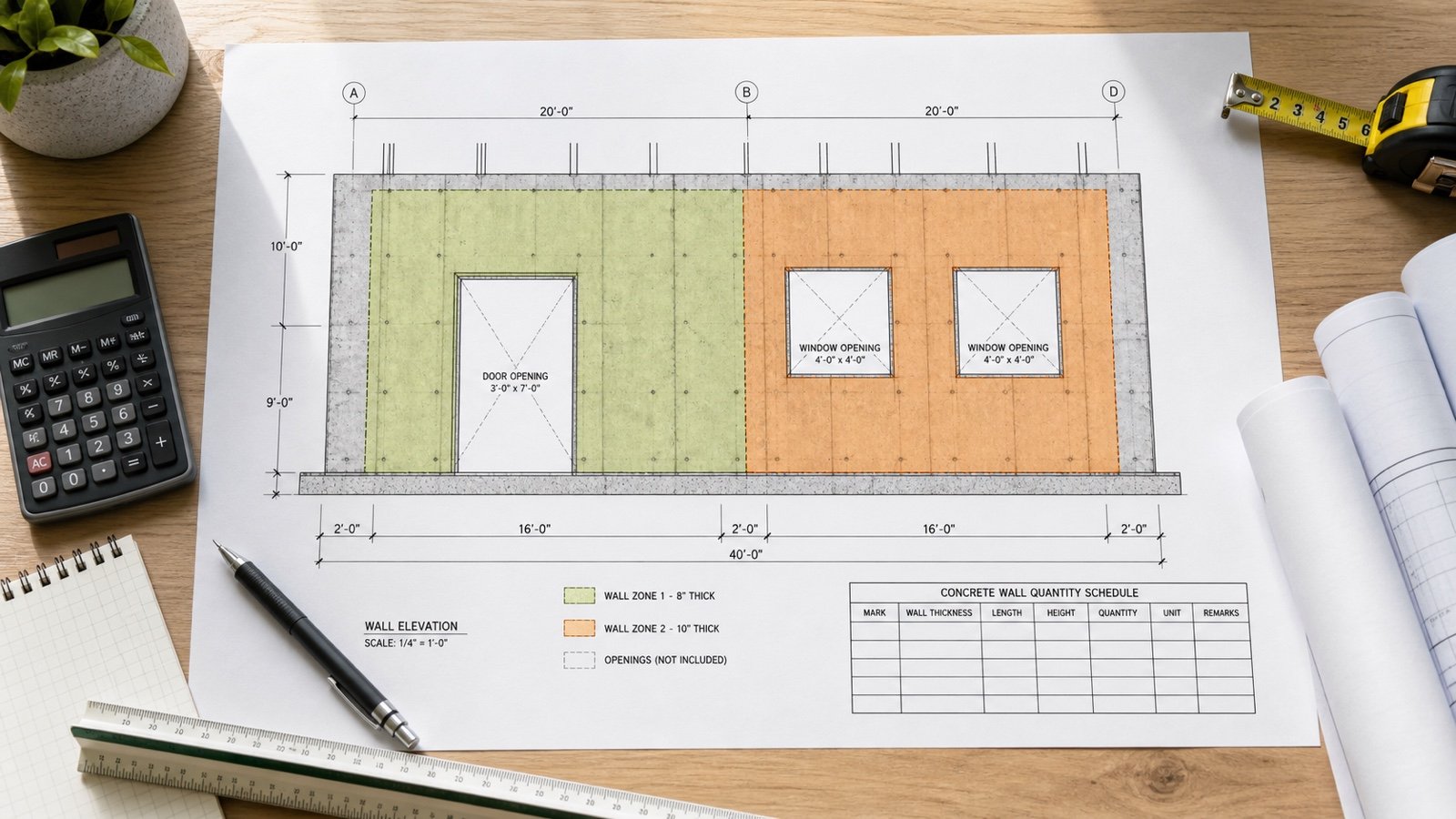
Calculate every zone in consistent units, keep its exact volume and add only compatible zones. For a rectangular zone measured in feet and inches, convert thickness to feet before multiplying.
Rectangular ft³ = length ft × width ft × thickness ft
Circular ft³ = π × (diameter ft ÷ 2)² × depth ft
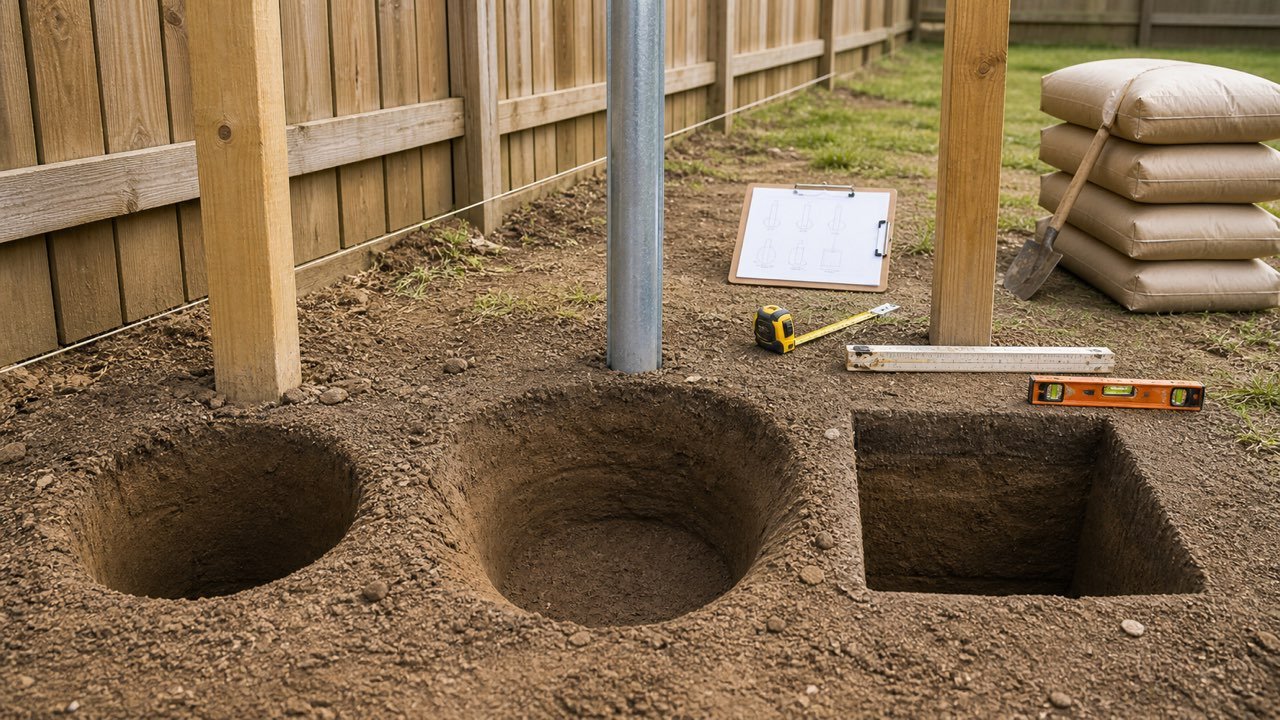
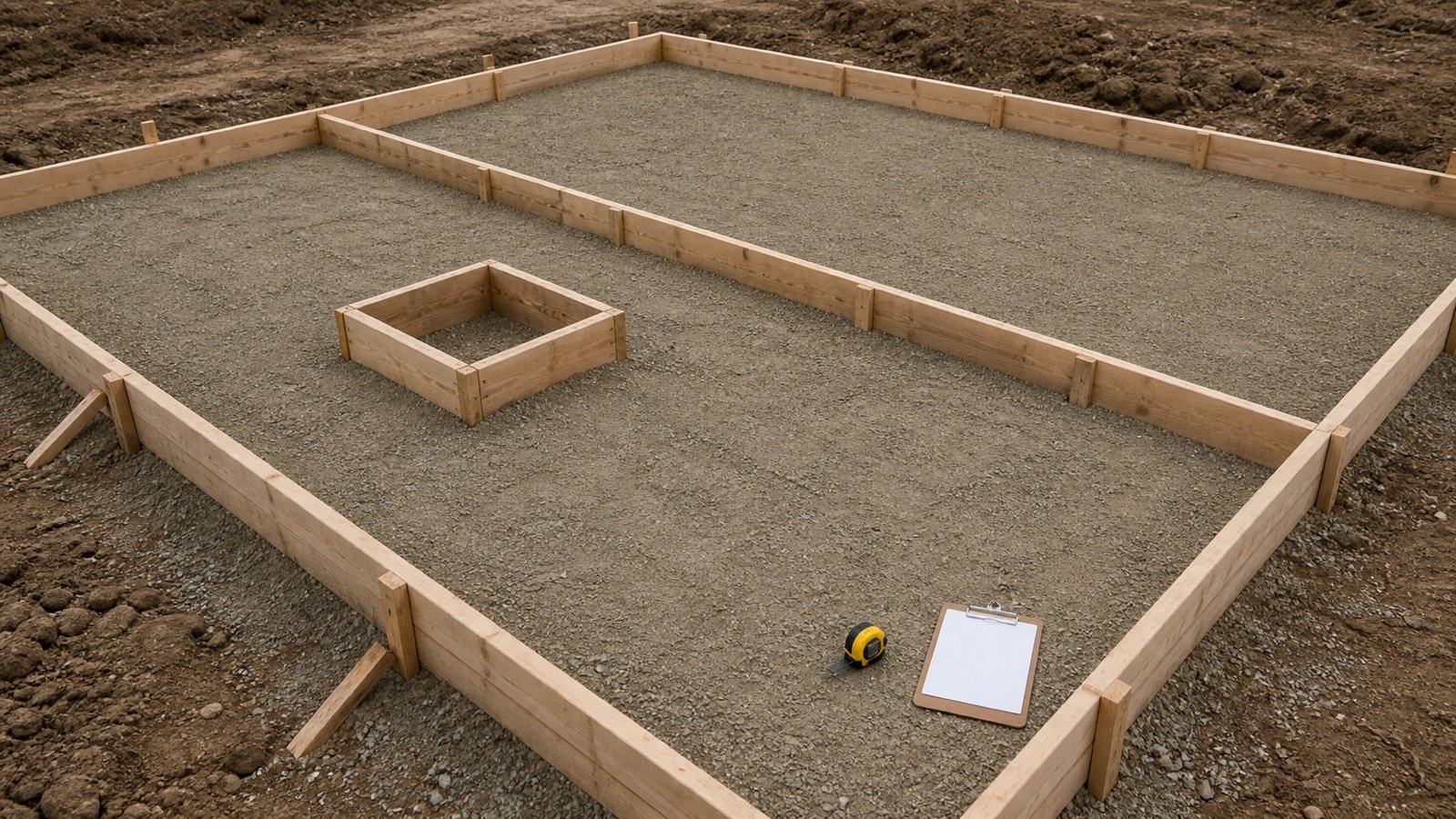
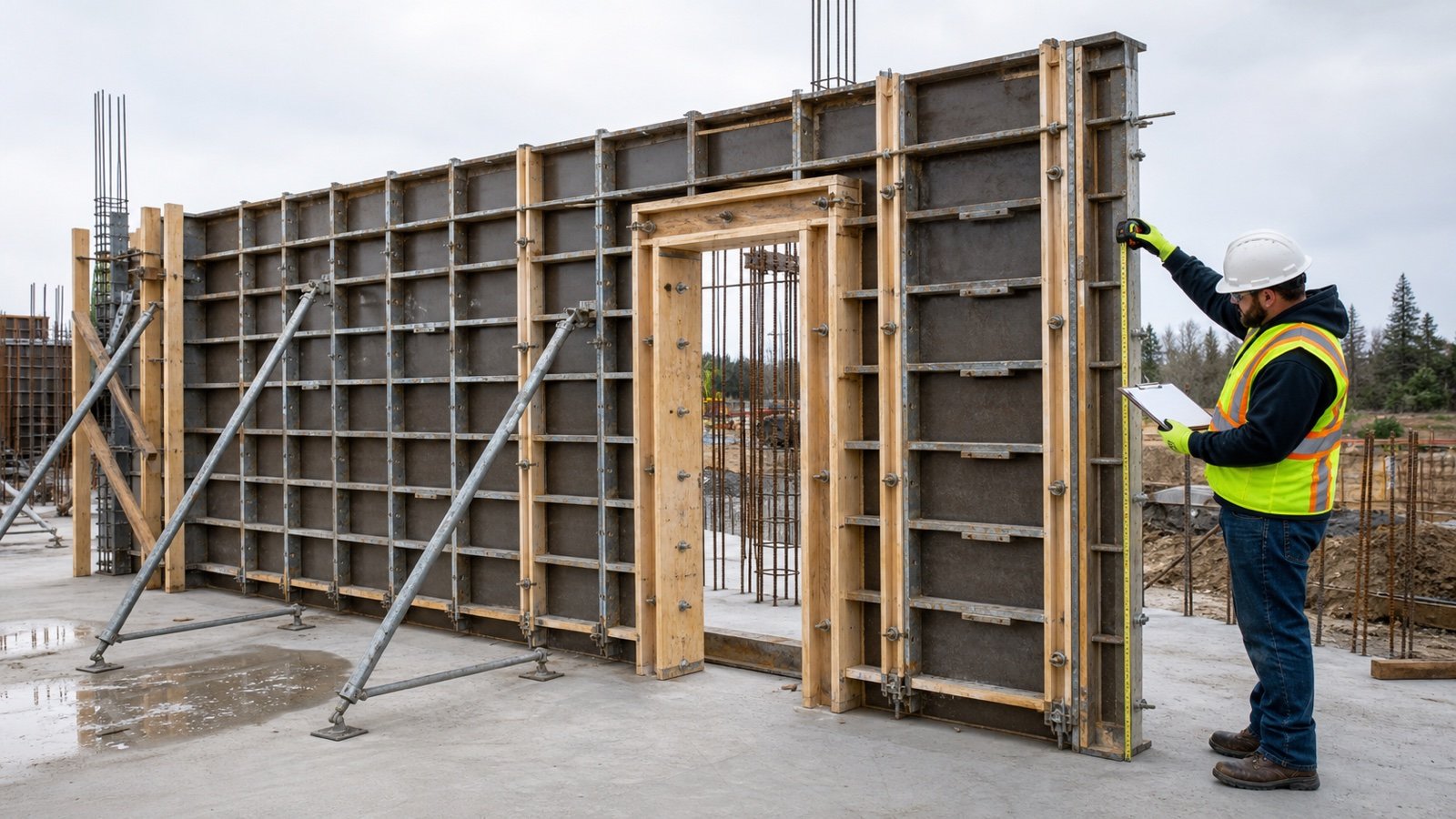
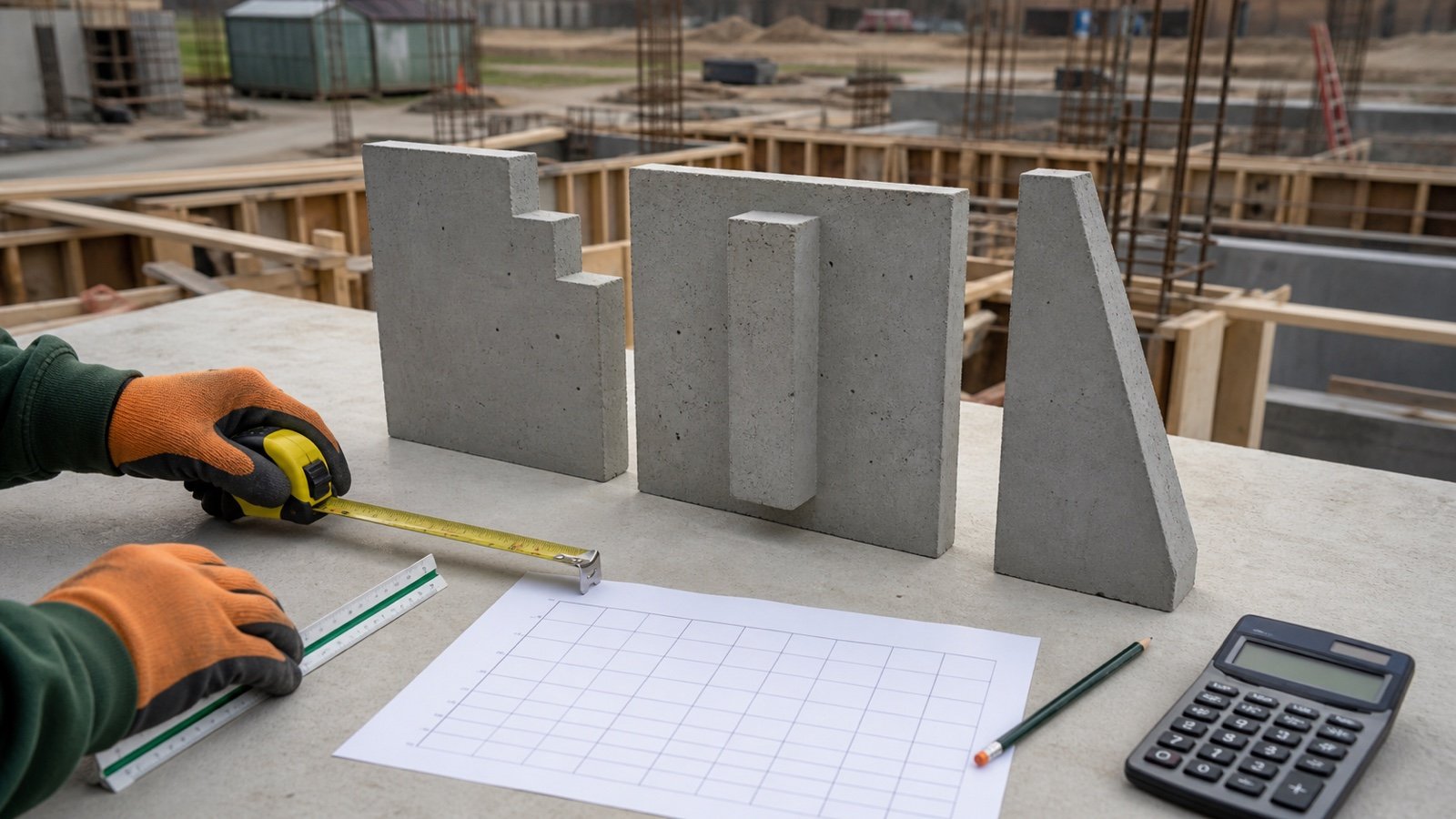
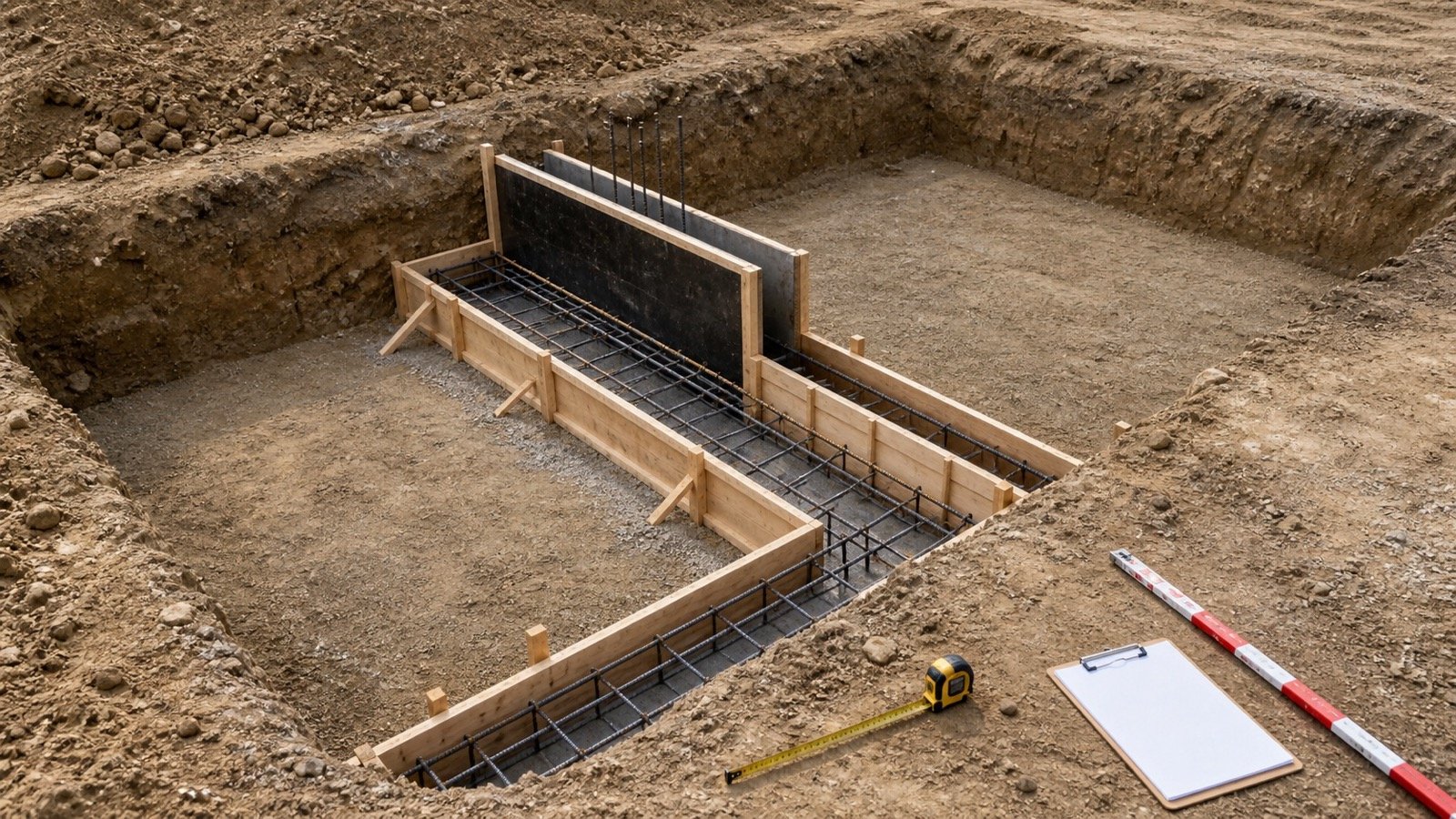
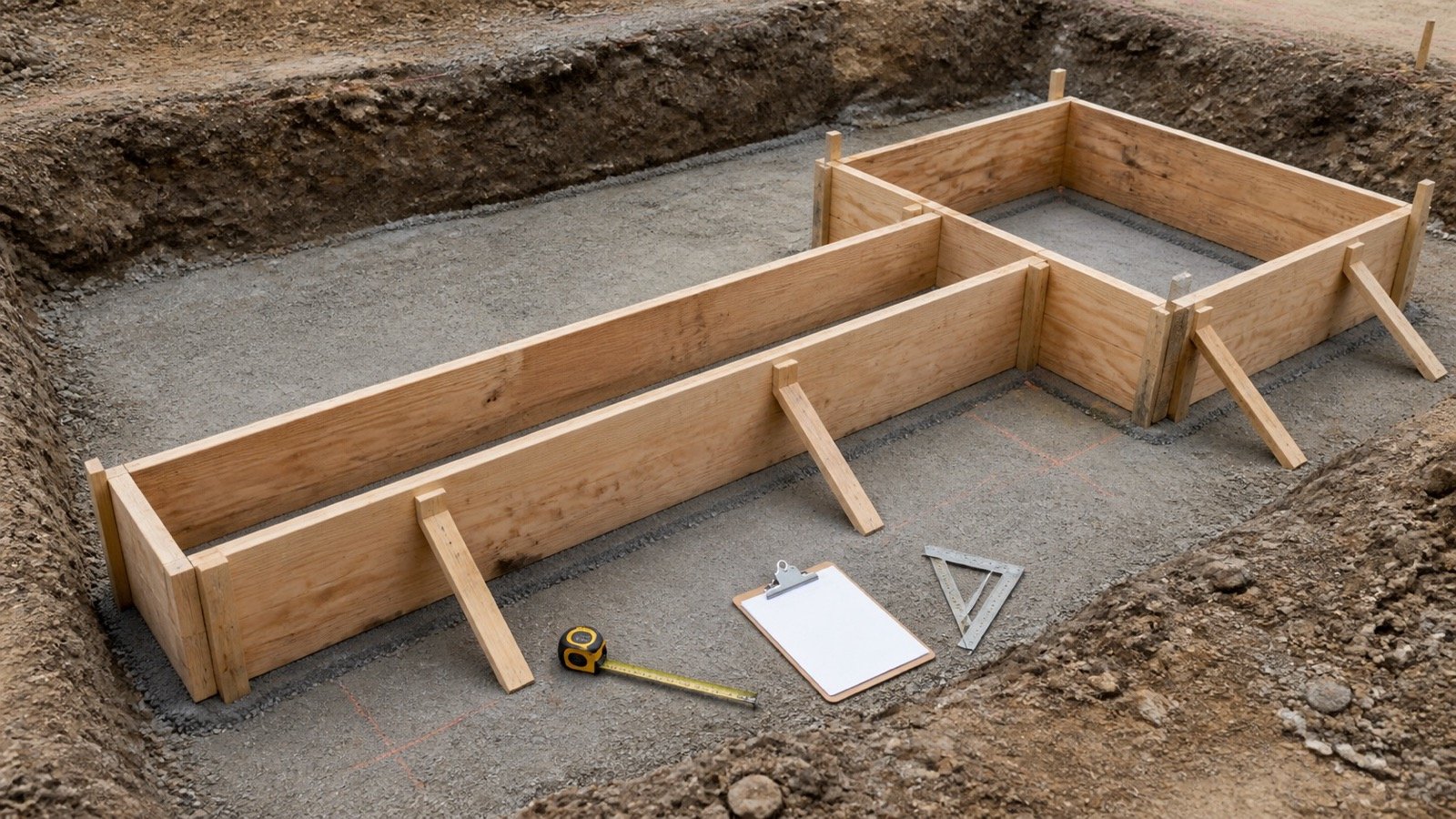
Use the governing drawings and checked field dimensions for thickened edges, beams, footings, steps, slopes and irregular subgrade. Do not force a complex pour into one uniform slab depth.
| Field | Record |
|---|---|
| Zone ID | Drawing, grid, pour or field reference |
| Shape and dimensions | Checked values with units and revision |
| Formula | Shape-specific volume method |
| Unrounded ft³ | Full calculated value |
| Unrounded yd³ | ft³ ÷ 27 |
| Compatibility group | Mix code, placement and acceptance basis |
Worked example: from slab dimensions to a supplier order
A hypothetical rectangular slab measures 30 ft by 20 ft by 4 in. The project record supports a 4% planning allowance, and the selected supplier confirms a 0.25 yd³ order increment.
- Convert thickness: 4 ÷ 12 = 0.333333 ft.
- Measured volume: 30 × 20 × 0.333333 = 200 ft³.
- Measured cubic yards: 200 ÷ 27 = 7.407407 yd³.
- Planning volume: 7.407407 × 1.04 = 7.703704 yd³.
- Increment quotient: 7.703704 ÷ 0.25 = 30.814816.
- Supplier order: ceiling(30.814816) × 0.25 = 7.75 yd³.
- Supplier-rounding addition: 7.75 - 7.703704 = 0.046296 yd³.
- Total above measured geometry: 7.75 - 7.407407 = 0.342593 yd³.
The 4% allowance and 0.25 yd³ increment are example inputs. They do not establish a default for another site or supplier.
Why should compatible zones be rounded only once?
Early rounding can repeat the supplier increment for every zone. Add the unrounded compatible volumes, then apply the increment once to the completed group.
| Method | Arithmetic | Order |
|---|---|---|
| Group rounding | 1.01 + 1.01 + 1.01 = 3.03; round once | 3.25 yd³ |
| Early zone rounding | 1.01 rounds to 1.25 for each of 3 zones | 3.75 yd³ |
| Difference | 3.75 - 3.25 | 0.50 yd³ |
The combined result applies only when all three zones belong to one compatible quantity group. Separate mix codes, placement operations or acceptance records may require separate orders and separate rounding.
What makes concrete zones compatible for one quantity total?
Use one total when the concrete requirements and order record allow the same material to serve every included zone. Geometry alone does not establish compatibility.
- Use the same approved mix code and specification basis.
- Confirm the zones belong to the same planned placement operation.
- Keep separately tested or accepted lots distinct when required.
- Preserve cost, change-order and responsibility boundaries.
- Confirm the supplier can schedule and document the combined quantity.
- Keep incompatible allowance evidence in separate groups.
The planned truck count, vehicle capacity and arrival spacing are later dispatch decisions. They do not change the measured cubic-yard geometry.
How should a planning allowance be selected?
Start at 0% and add an allowance only when project evidence supports it. Record the condition, affected zones, source, approver and percentage or direct volume.
| Condition | Evidence to review | Quantity treatment |
|---|---|---|
| Uneven excavation or subgrade | Survey, field measurements or approved assumption | Model the geometry where practical; document any remaining allowance |
| Form movement or dimensional tolerance | Form inspection and project tolerance | Apply only to affected zones |
| Spillage and handling | Placement method and project records | Use an approved project basis |
| Drawing uncertainty | Revision status and unresolved details | Resolve or isolate the affected quantity |
| Supplier increment | Current quote or order confirmation | Apply after planning volume, not as allowance |
Published percentage ranges describe other projects and cannot prove the right addition for this order.
What is the difference between minimum delivered and minimum billed?
A minimum delivered quantity changes the physical order basis. A minimum billed quantity or short-load charge changes the commercial record. Ask the supplier which term applies.
| Supplier statement | Enter as volume? | Record separately |
|---|---|---|
| “We will deliver at least 4 yd³” | Yes, after written confirmation | Related price and surplus plan |
| “Orders under 4 yd³ have a short-load fee” | No | Fee and threshold |
| “Minimum invoice equals 4 yd³” | No, unless physical delivery also equals 4 yd³ | Invoice basis |
| “We sell in 0.25 yd³ increments” | Use as final order increment | Quote date and supplier |
For example, a 2.2 yd³ planning volume with a 4 yd³ invoice minimum does not automatically create a 4 yd³ delivery. Entering 4 yd³ as delivered volume would invent 1.8 yd³ of concrete unless the supplier confirms that physical quantity.
What should you confirm when placing the order?
Quantity is one line in the ready-mix order. The NRMCA and ASCC small-project checklist also records timing, placement, access, mixture and emergency information.
- Project, location, purchaser and order contacts.
- Final quantity and unit.
- Required date, start time and order confirmation process.
- Approved mix code and project requirements.
- Placement method and site access.
- Truck spacing and placement rate, confirmed through the delivery plan.
- Safety information, washout area and emergency contacts.
- Add-on, change, cancellation, returned-concrete and short-load terms.
This quantity guide does not select strength, slump, air content, aggregate, admixture or placement method. Use the project requirements and qualified parties.
How should order volume be reconciled after delivery?
Keep the pre-order figure distinct from later quantity records. A number printed on a ticket, discharged at the site, placed in forms or returned to the plant describes a different state.
| Record | What it describes |
|---|---|
| Measured | Checked finished geometry |
| Planning | Measured geometry plus documented allowance |
| Ordered | Confirmed supplier quantity |
| Ticketed | Quantity represented by delivery records |
| Discharged | Concrete released at the site under the delivery record |
| Placed | Concrete allocated to approved forms or zones |
| Returned or redirected | Fresh concrete not placed in the planned zones |
| Hardened | Completed work checked against geometry and records |
A difference between these states needs review. Do not silently rewrite the original measured volume to make later records agree.
Common cubic-yard ordering mistakes
- Multiplying feet by inches without converting the depth.
- Rounding every zone before compatible volumes are added.
- Combining different mix codes or placement records.
- Using a universal percentage allowance.
- Applying supplier rounding before allowance.
- Treating a fee threshold as physical concrete.
- Using a universal truck capacity to change order volume.
- Hiding supplier-added quantity inside measured geometry.
- Ignoring thickened zones, steps, slopes or revised dimensions.
- Changing the takeoff after delivery without preserving the revision trail.
The Concrete Bag Rounding guide explains the related whole-package sequence for packaged concrete. Return to the Concrete Planning hub to choose the correct quantity workflow.
Safety and scope limits
A cubic-yard calculation does not design the slab, footing, form, reinforcement, joint, subbase, mixture or placement. Follow the current drawings, specifications, permits, codes, supplier instructions and qualified professional direction.
OSHA states that wet portland cement can cause caustic burns and dermatitis. Use the product safety data sheet and applicable controls for skin, eyes, access, equipment, lifting, traffic and washout.
Sources and source scope
- NIST Guide to the SI Appendix B: unit conversions.
- NRMCA CIP 31, Ordering Ready Mixed Concrete: purchaser and producer ordering context.
- NRMCA and ASCC Checklist for Ordering and Scheduling Ready Mixed Concrete: small-project order and coordination fields.
- OSHA, Concrete and Concrete Products: Controlling Hazards: wet-portland-cement hazard context.
Source scope: NIST supports the unit arithmetic. NRMCA and ASCC support the ordering fields and communication workflow. OSHA supports its U.S. workplace safety context. None sets a universal allowance, selling increment, delivery minimum, fee, truck capacity or project specification.