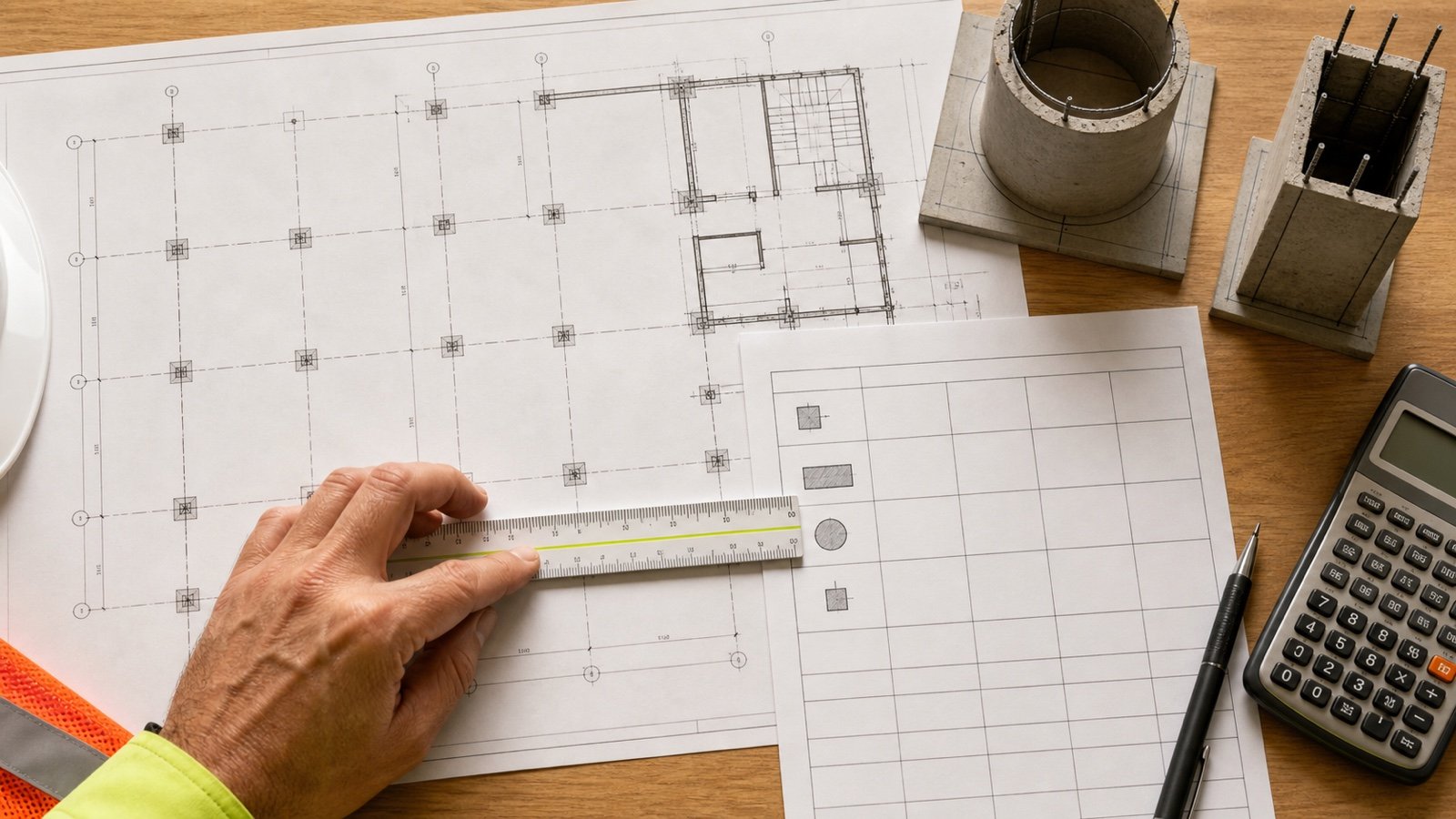
A concrete column takeoff starts with the space inside the form. Outside form dimensions, a footing below the shaft, or a cap above it can change the quantity if they are mixed into one measurement.
This calculator handles one group of identical round, square, or rectangular column shafts. It keeps measured volume separate from an optional planning allowance and converts the result to whole packages using the current mixed yield you enter.
How much concrete do your columns need?
Enter the approved clear inside dimensions, concrete height, and number of identical columns. Add the selected product's current mixed yield to calculate whole packages.
The result is a quantity record. It does not choose a column size, reinforcement, concrete strength, footing, formwork system, placement method, or structural detail.
What does each result mean?
| Result | Calculation | Use |
|---|---|---|
| Cross-section area | Area of the selected round, square, or rectangle | Checks the approved shaft profile |
| Volume per column | Cross-section area × concrete height | Quantity for one shaft |
| Total measured concrete | Volume per column × identical count | Unrounded geometric quantity |
| Planning concrete | Measured quantity after the entered allowance | Documented planning basis |
| Whole packages | Planning volume ÷ current mixed yield, rounded up once | Package-purchase estimate |
Which column shape should you select?
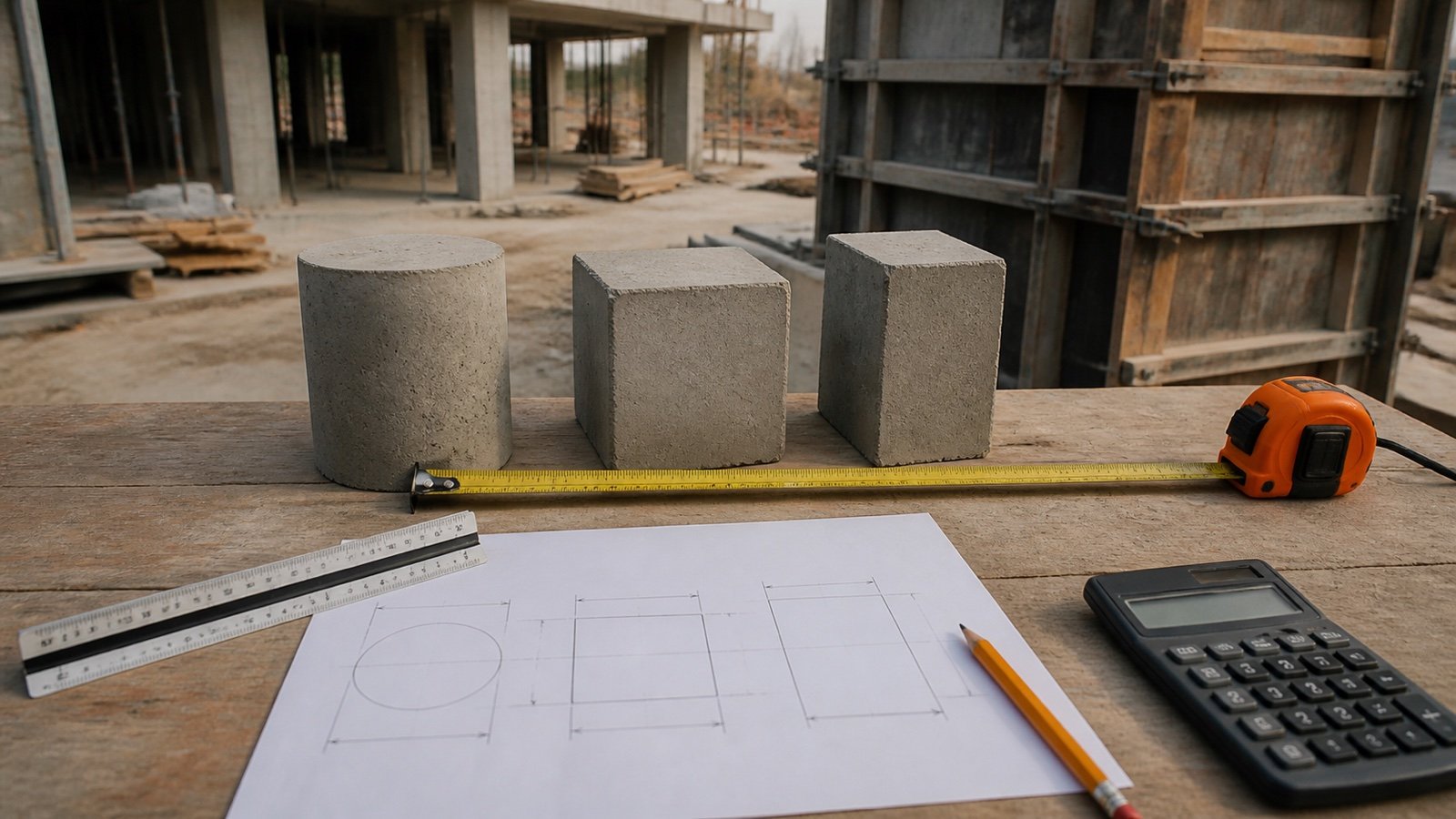
Use round for a cylindrical shaft with one inside diameter. Use square when both clear sides are equal. Use rectangular when the clear width and depth differ.
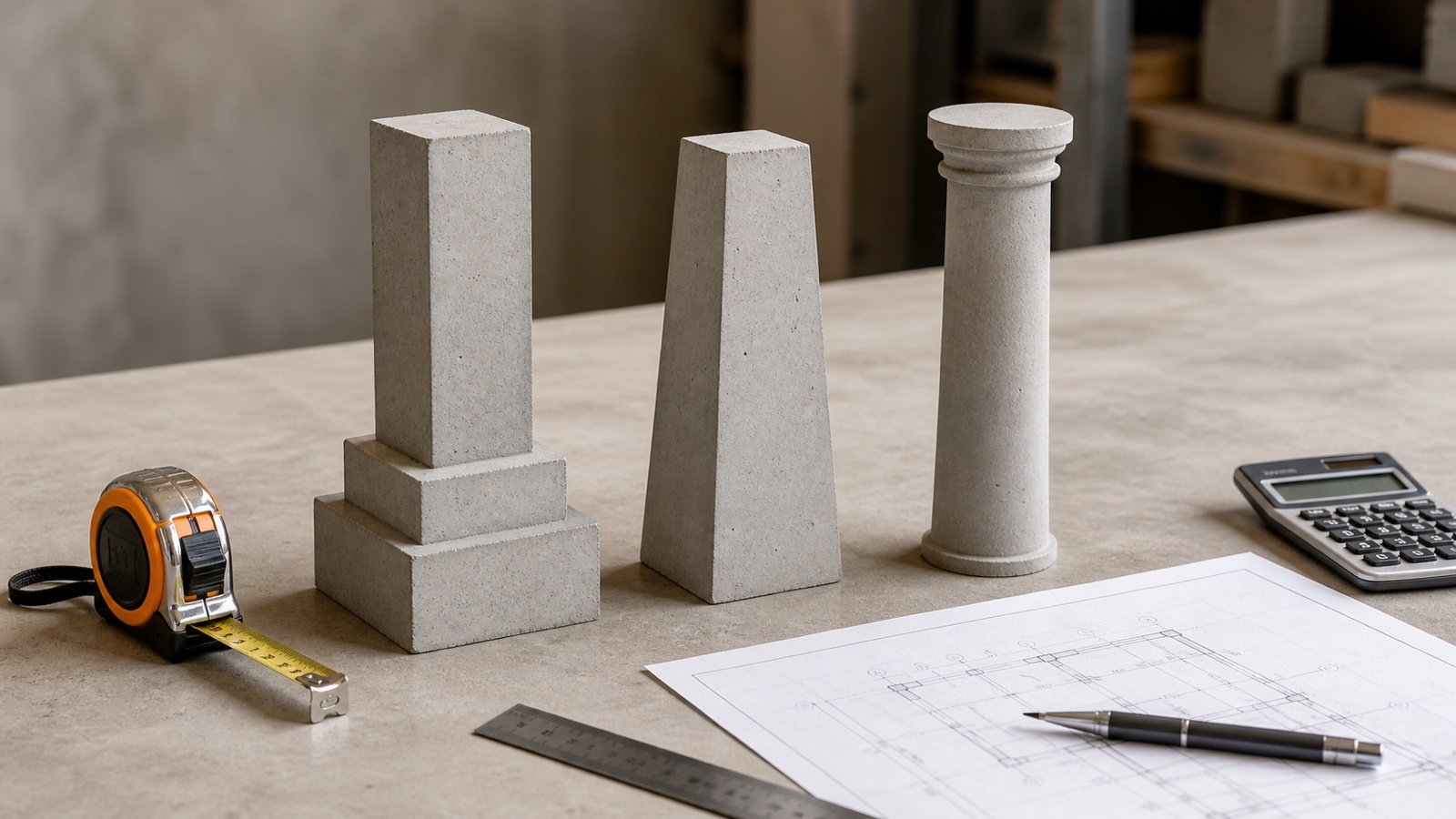
A tapered, flared, stepped, octagonal, L-shaped, hollow, or irregular column needs a different geometry. Split an accepted shape into non-overlapping valid solids or use the Concrete Bags Calculator after an approved known volume has been calculated.
Should you measure inside or outside the form?
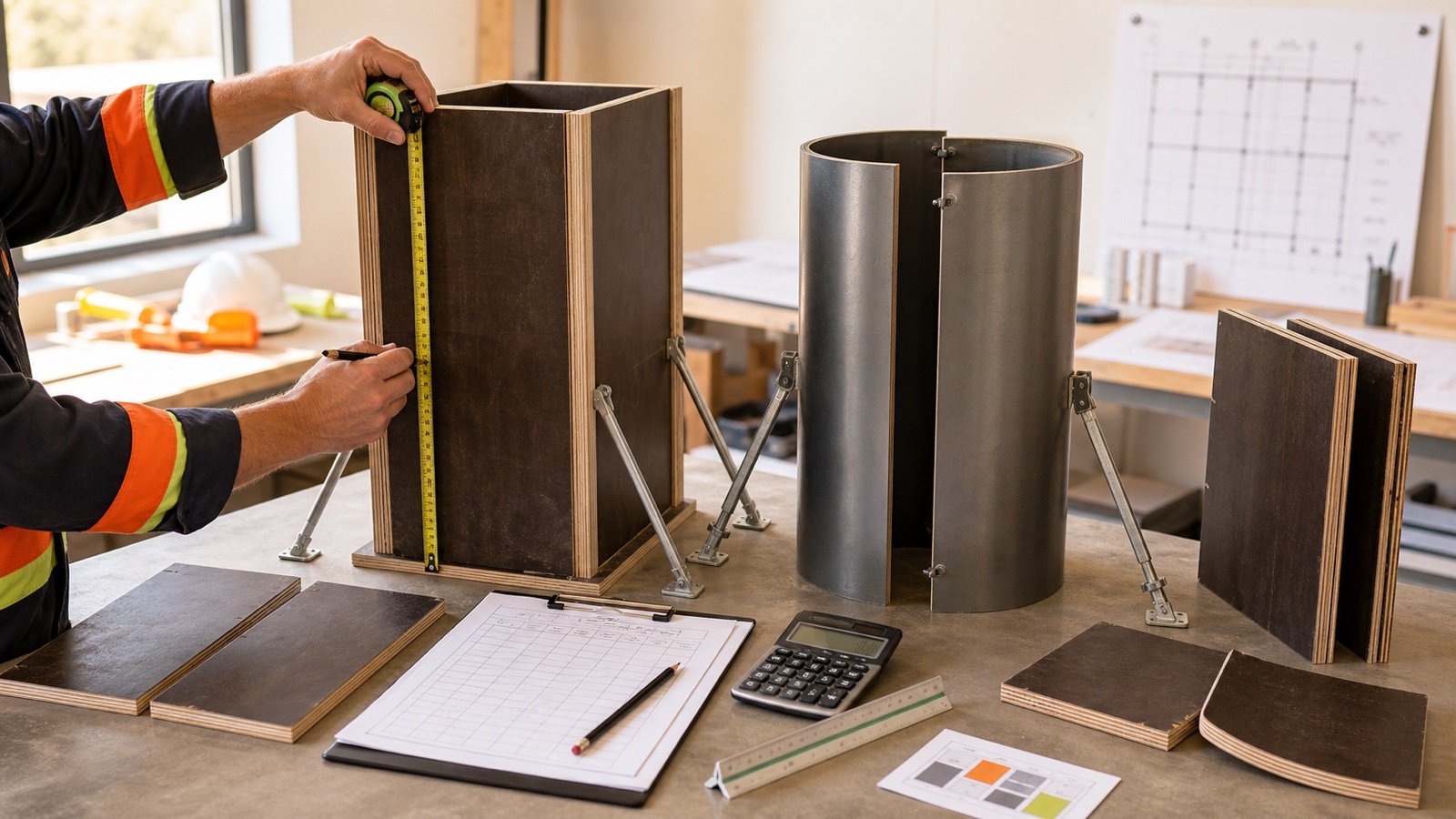
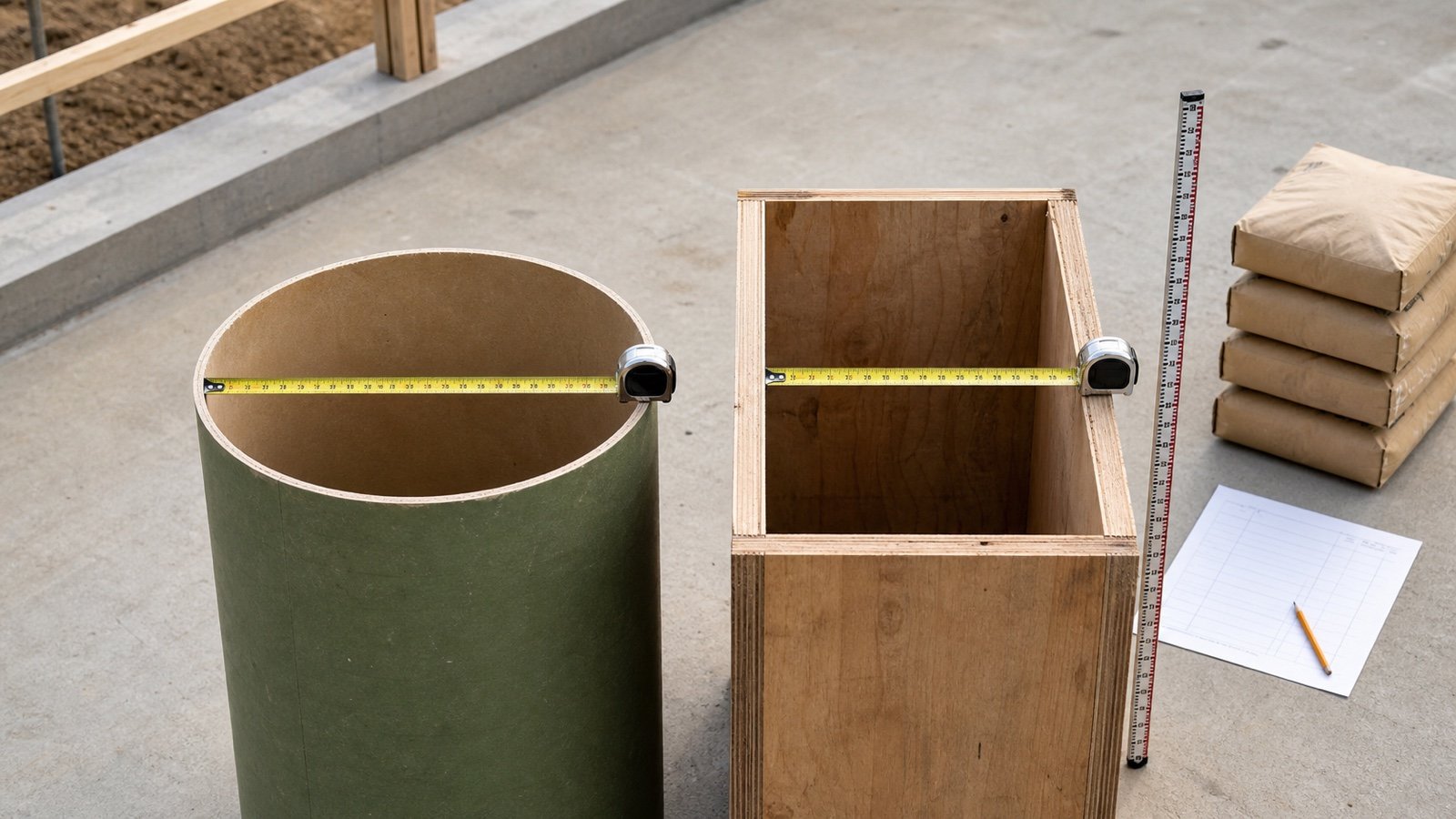
Use the clear inside dimensions because concrete fills that space. Outside form dimensions include the plywood, timber, steel, fiber, or plastic that contains the concrete.
For a round fiber form, measure the clear inside diameter at the concrete boundary. For a timber or panel form, measure the clear width and depth between the faces that touch the fresh concrete. Check the project drawing and form system when the inside size cannot be measured directly.
A 400 mm square outside form built from 18 mm material does not create a 400 mm square concrete column. If the outside dimension includes one 18 mm face on each side, the clear dimension would be 364 mm before other tolerances. The approved drawing and actual assembly control the takeoff.
What formulas does the Concrete Column Calculator use?
Round area = π × (inside diameter ÷ 2)²
Square area = inside side²
Rectangular area = inside width × inside depth
Volume per column = cross-section area × concrete height
Whole packages = ceiling(total measured volume × allowance factor ÷ current mixed yield)
Metric cross-section dimensions use centimetres and height uses metres. Imperial cross-section dimensions use inches and height uses feet. The calculator converts the dimensions before calculating area and keeps full precision until the combined package quotient is rounded upward.
Worked imperial example: 4 round columns
Four approved round column shafts have a 12 in clear inside diameter and an 8 ft concrete height. The selected 80 lb product currently lists an approximate mixed yield of 0.60 ft³ per package.
- Convert diameter: 12 in ÷ 12 = 1 ft.
- Area: π × (1 ÷ 2)² = 0.785398 ft².
- Volume per column: 0.785398 × 8 = 6.283185 ft³.
- Total measured volume: 6.283185 × 4 = 25.132741 ft³, or 0.930842 yd³.
- Exact package quotient: 25.132741 ÷ 0.60 = 41.887902.
- Whole-package result: 42 bags.
The combined quotient rounds once. Rounding 10.472 bags per column to 11 and multiplying by 4 would give 44 bags, which is 2 more than the compatible-group calculation.
Worked metric example: 6 rectangular columns
Six approved shafts measure 30 cm × 45 cm inside the forms and have a 3.2 m concrete height. The project record applies a 5% allowance, and the selected package lists a current 20 L mixed yield.
- Convert the cross-section: 30 cm = 0.30 m and 45 cm = 0.45 m.
- Area: 0.30 × 0.45 = 0.135 m².
- Volume per column: 0.135 × 3.2 = 0.432 m³.
- Total measured volume: 0.432 × 6 = 2.592 m³.
- Planning volume: 2.592 × 1.05 = 2.7216 m³, or 2,721.6 L.
- Package quotient: 2,721.6 ÷ 20 = 136.08, rounded to 137 packages.
The 5% allowance and 20 L yield are example inputs. Replace both with the records for the project and exact product.
How should a mixed column schedule be calculated?
Use one run for columns with the same shape, dimensions, height, product yield, and allowance basis. Create a separate line for every group that changes.
| Schedule condition | Treatment |
|---|---|
| 8 identical round columns | Use quantity 8 and round the compatible package quotient once |
| 2 columns have another diameter | Run a separate diameter group |
| Upper shaft changes section | Calculate each non-overlapping section separately |
| Two products have different yields | Keep separate package calculations |
| Ready-mix supply | Combine checked compatible volumes, then use the producer workflow |
Keep the measured volume for each group before package rounding. A schedule can then be checked against drawings, revisions, form records, and changes without hiding which dimension produced the quantity.
Does the shaft include the footing, pedestal, or cap?
The calculator includes only the constant-section column height entered. Adjacent concrete needs its own accepted geometry.
| Element | Quantity treatment |
|---|---|
| Footing below column | Use the Concrete Footing Calculator or an approved footing schedule |
| Pedestal with another cross-section | Calculate as a separate solid |
| Capital or cap | Use its approved geometry; do not extend the shaft height through it |
| Slab around or through the column | Calculate the slab and column as non-overlapping volumes |
| Haunch, corbel, drop panel, or bell | Use a separate approved takeoff method |
Do not count the same intersection twice. If the shaft height begins at the top of a footing and ends at the underside of a cap, the footing and cap calculations should stop at those same boundaries.
Should reinforcement and embeds be deducted?
Do not automatically deduct reinforcing steel, ties, anchor assemblies, conduits, sleeves, plates, or inserts. Whether a deduction belongs in a formal quantity depends on the project rules and whether the occupied volume is material to the order.
A valid deduction needs verified dimensions, the portion inside the same concrete zone, and a non-overlapping volume. The calculator has no generic reinforcement deduction because bar arrangements and quantity conventions vary. Keep any separate deduction visible in the takeoff record rather than changing the column dimensions.
Why must package yield come from the selected product?
Package mass and mixed yield are different values. Mass identifies the dry material in the package. Mixed yield states the approximate finished volume produced when the named product is prepared as directed.
QUIKRETE Concrete Mix No. 1101 lists approximate yields of 0.30 ft³ for 40 lb, 0.45 ft³ for 60 lb, and 0.60 ft³ for 80 lb packages. Sakrete publishes the same values for named packages of its High-Strength Concrete Mix. These are product examples, not universal conversions for every concrete mix, package, or market.
Copy the exact product name, package size, mixed yield, technical-data revision, and access date. Follow the current water, mixing, placement, temperature, curing, application, and safety instructions.
When are packages the wrong supply method?
A large column schedule may require ready-mixed concrete, a pump, controlled placement sequencing, testing, and a planned delivery rate. A whole-package result does not decide whether hand mixing or packaged material is suitable.
Use the Ready-Mix Concrete Calculator for a checked volume basis. Confirm mixture requirements, supplier selling increments, minimum loads, truck or pump access, placement capacity, waiting time, charges, and the current order policy with the project team and producer.
When should you enter a planning allowance?
The calculator starts at 0%. Enter a percentage only when drawings, specifications, measured form tolerance, accepted field conditions, placement planning, or another project record supports it.
An allowance cannot define an unknown height, repair a wrong form size, choose a concrete mixture, replace a delivery plan, or prove that every package will achieve its listed approximate yield. Keep the measured quantity visible beside the planning quantity.
Common concrete-column quantity mistakes
- Using outside form dimensions instead of the clear inside concrete size.
- Combining several column sizes under one geometry.
- Adding a footing, pedestal, cap, or slab to the shaft height without defining the boundary.
- Double-counting concrete where adjacent solids overlap.
- Using diameter as radius or omitting π for a round column.
- Mixing centimetres with metres or inches with feet inside one formula.
- Rounding every column to whole bags before combining an identical group.
- Using package mass as mixed yield.
- Applying a fixed allowance without a project basis.
- Treating a quantity result as structural approval.
What safety and design limits apply?
Column dimensions and reinforcement require current drawings, specifications, codes, loads, materials, site conditions, and responsible design. This calculator does not assess stability, form pressure, bracing, lifting, access, concrete placement, curing, inspection, or structural capacity.
For covered United States construction work, OSHA 29 CFR 1926.701 requires protection against impalement hazards from protruding reinforcing steel. Use the project safety plan and applicable law for the actual location. Wet portland cement can harm skin and eyes, so follow the product safety data sheet and applicable controls for contact, dust, lifting, mixing equipment, and washing.
What should the column quantity record contain?
- Column mark, group count, drawing or model revision, and calculation date.
- Shape, clear inside dimensions, concrete height, units, and measurement source.
- Volume per column, total measured volume, and any separately calculated adjacent elements.
- Allowance, reason, approval source, and planning volume.
- Product, package, current mixed yield, exact quotient, whole packages, and capacity above the planning quantity.
- Ready-mix producer or supplier basis, field changes, unresolved conditions, and checker.
Use the Concrete Post Hole Calculator when concrete fills an excavated hole around a post. Use the Concrete Footing Calculator for strip, pad, or stepped footing groups. Return to the concrete planning hub for related tools and guides. The calculation methodology explains conversions, assumptions, precision, and rounding, and the corrections page explains how to report a calculation or source issue.
Sources and scope
- NIST Handbook 44 (2026), Appendix C: unit relationships used for inch, foot, cubic-foot, cubic-yard, litre, and cubic-metre conversion.
- QUIKRETE Concrete Mix No. 1101 SPEC-DATA and Sakrete High-Strength Concrete Mix: named-product package-yield examples.
- OSHA 29 CFR 1926.701 and OSHA concrete-products hazard guidance: the stated United States workplace safety context.
Source scope: NIST supports unit relationships. Manufacturer records support only their named products. OSHA supports the cited United States workplace boundary. These sources do not set a universal column size, reinforcement detail, allowance, product, yield, concrete mixture, placement method, supplier order, or structural design.
Review note: Saleem Sial owns the research and editorial record. Formula fixtures, source checks, build validation, and rendered QA form the internal publication gate. Waseem Sial, External Reviewer and Engineer, is listed for ongoing external review; no completed review date is claimed.