
Paint Calculator: Wall & Ceiling Paint
Calculate net wall and ceiling area, coated area, exact paint volume and full containers using separate current coverage records.
Open Paint Calculator: Wall & Ceiling PaintConstruction workflow
Measure wall and ceiling area, deduct openings, apply separate coat and coverage records, and calculate full paint containers.
1 working calculator 4 supporting resources
Available now
Each calculator solves one defined quantity task and keeps its assumptions, formula, units, and limits visible.
Calculate net wall and ceiling area, coated area, exact paint volume and full containers using separate current coverage records.
Open Paint Calculator: Wall & Ceiling PaintSupporting resources
These guides and charts answer separate decisions around the material calculation.
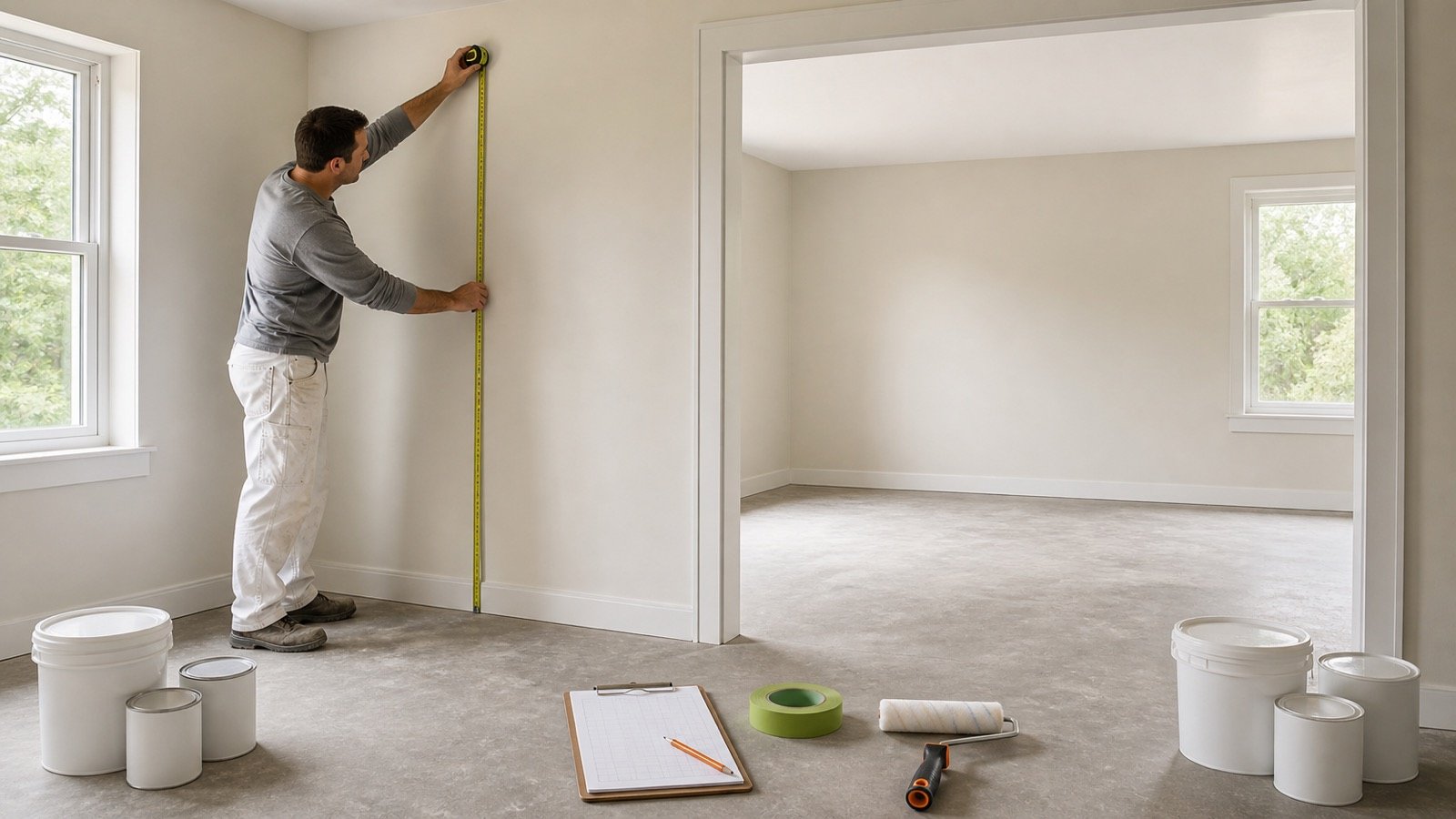
Measure walls, ceilings and openings, group rooms by paint product, calculate coated area, and round exact litres or gallons to full containers.
Read How Much Paint Do I Need? By Room
Plan primer and finish-paint quantities as separate product records using the approved coat count, coverage rate, surface area and container size.
Read Paint Coats and Primer Guide
Compare current paint container sizes, round an exact volume into full cans, test mixed-size orders and record package surplus without combining unlike products.
Read Paint Container Sizes: Order Guide
Read product paint coverage, convert ft² per US gallon and m² per litre, check coat scope, and use the rate in a paint quantity calculation.
Read Paint Coverage: Gallons and LitresPaint quantity planning begins with the surfaces assigned to one product. Walls and ceilings often use different paints, coat counts, spread rates and container sizes, so keep those records separate.
The Paint Calculator calculates net wall area from room dimensions or a checked wall-area total. It deducts up to 2 opening groups, applies the entered wall coat count and divides the coated area by the current product coverage.
An optional ceiling line uses its own area, coats, coverage and container size. The results show exact paint volume, full containers and the volume left after container rounding for each product.
The How Much Paint Do I Need? guide provides a room-by-room worksheet. It explains measured openings, compatible product groups, wall and ceiling separation, and why exact room volumes should be added before package rounding.
Run separate calculations when the product, color, sheen, coverage, coat count or container size changes. Add compatible unrounded paint volumes before rounding only when one product and container supply all listed zones.
The calculator does not select a coating, diagnose a substrate, decide whether primer is needed, set a coat count, predict application loss, approve surface preparation or confirm color coverage.
Use the current product data sheet and label, inspect the surface, and confirm project and local safety requirements before purchase or work.
Coverage can change with the product, surface and application method. Enter the rate that applies to the planned work instead of relying on a site-wide preset.
The calculation methodology explains formula, unit and rounding checks. Report a formula or source issue through the corrections route.