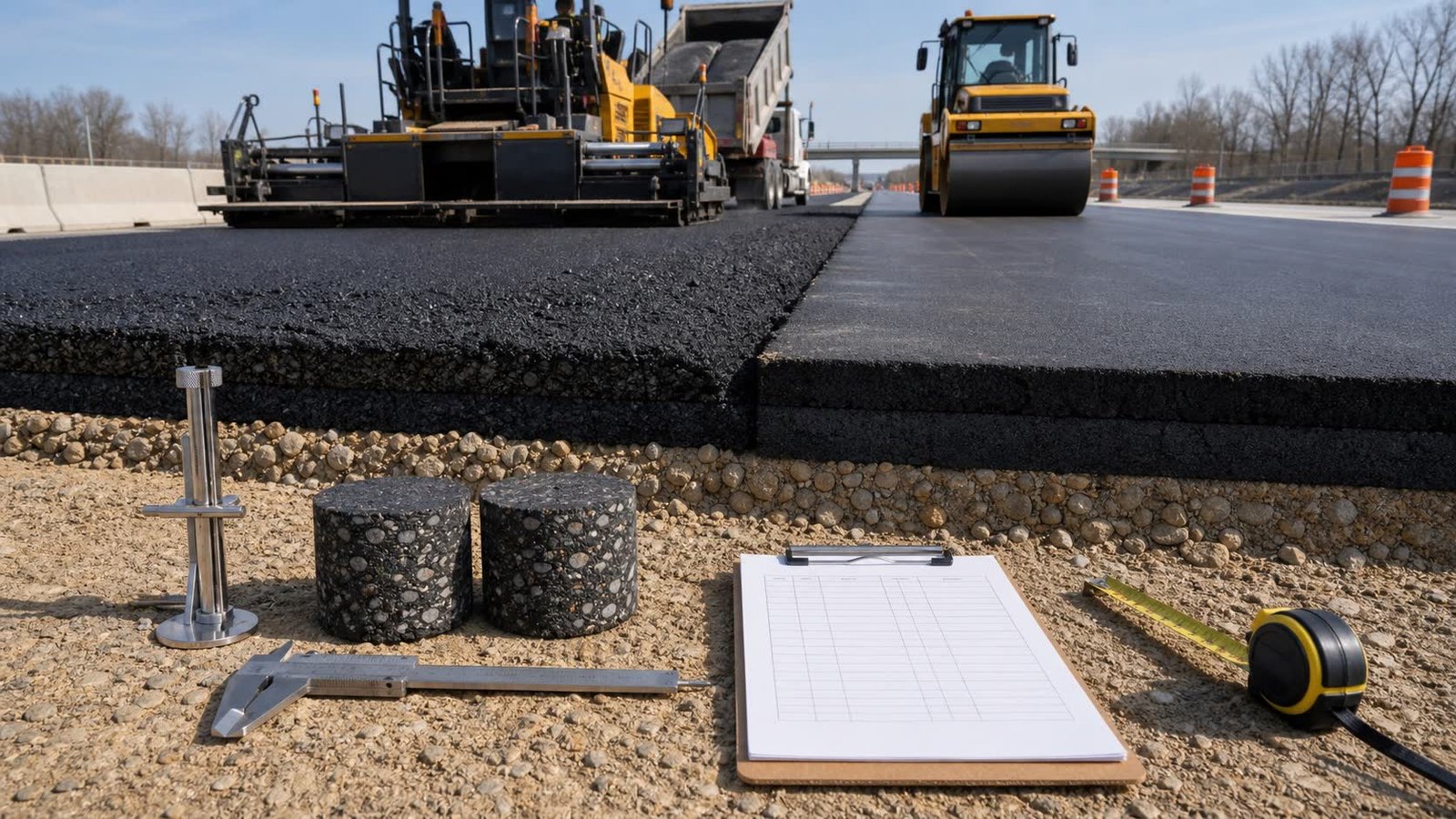
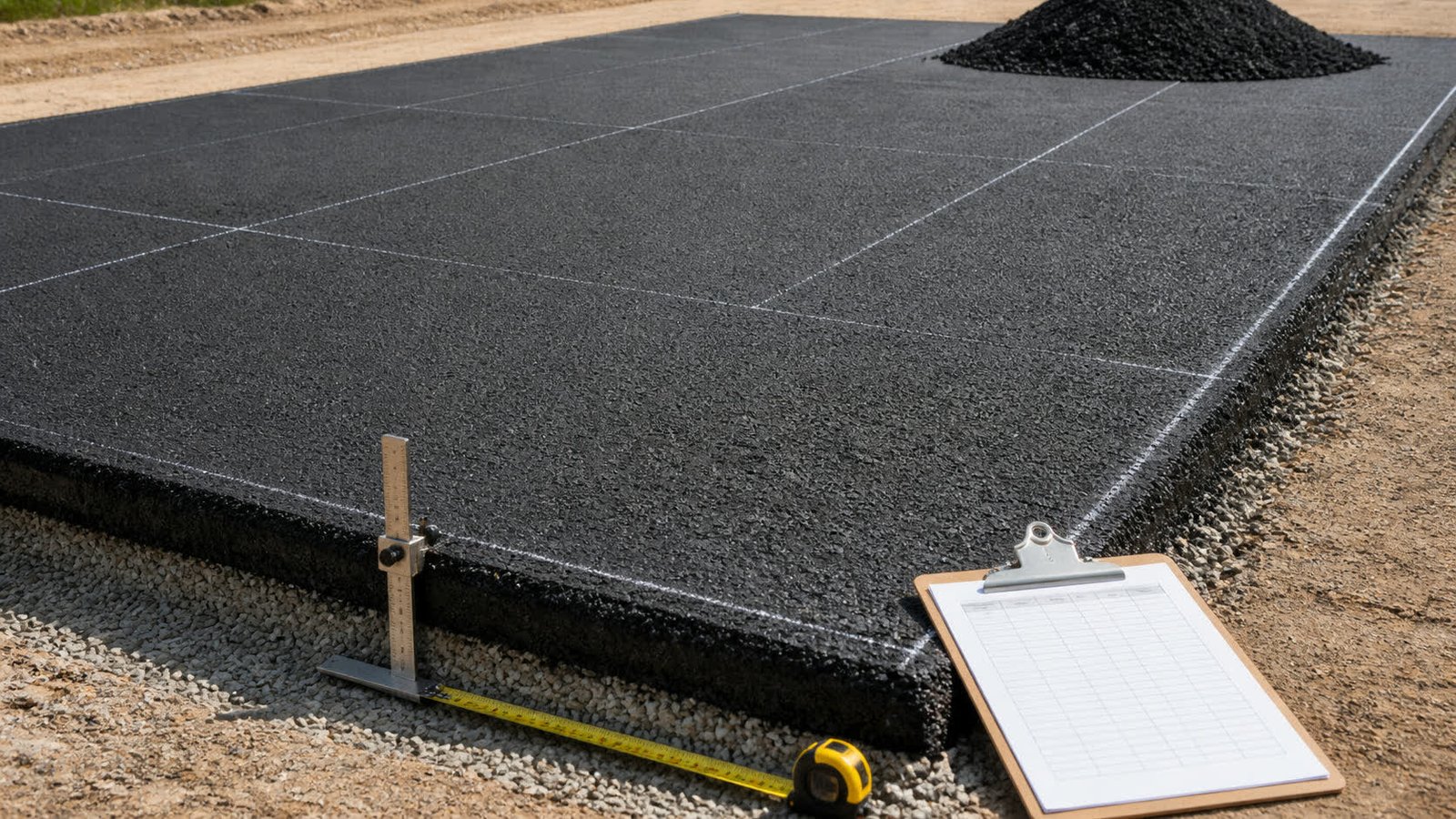
Asphalt quantity planning starts with the paved area and accepted compacted depth. A mass order also needs an in-place density for the selected mixture and project condition.
Which asphalt quantity tool is available?
The Asphalt Calculator measures rectangular, circular, or checked known-area paving sections. It shows compacted volume first, then uses an entered in-place density for metric tonnes or U.S. short tons.
The tool keeps an entered planning allowance, supplier mass increment, and usable truck capacity on separate lines. It has no preset mixture, compacted depth, density, allowance, price, or payload.
Which guides support the calculator inputs?
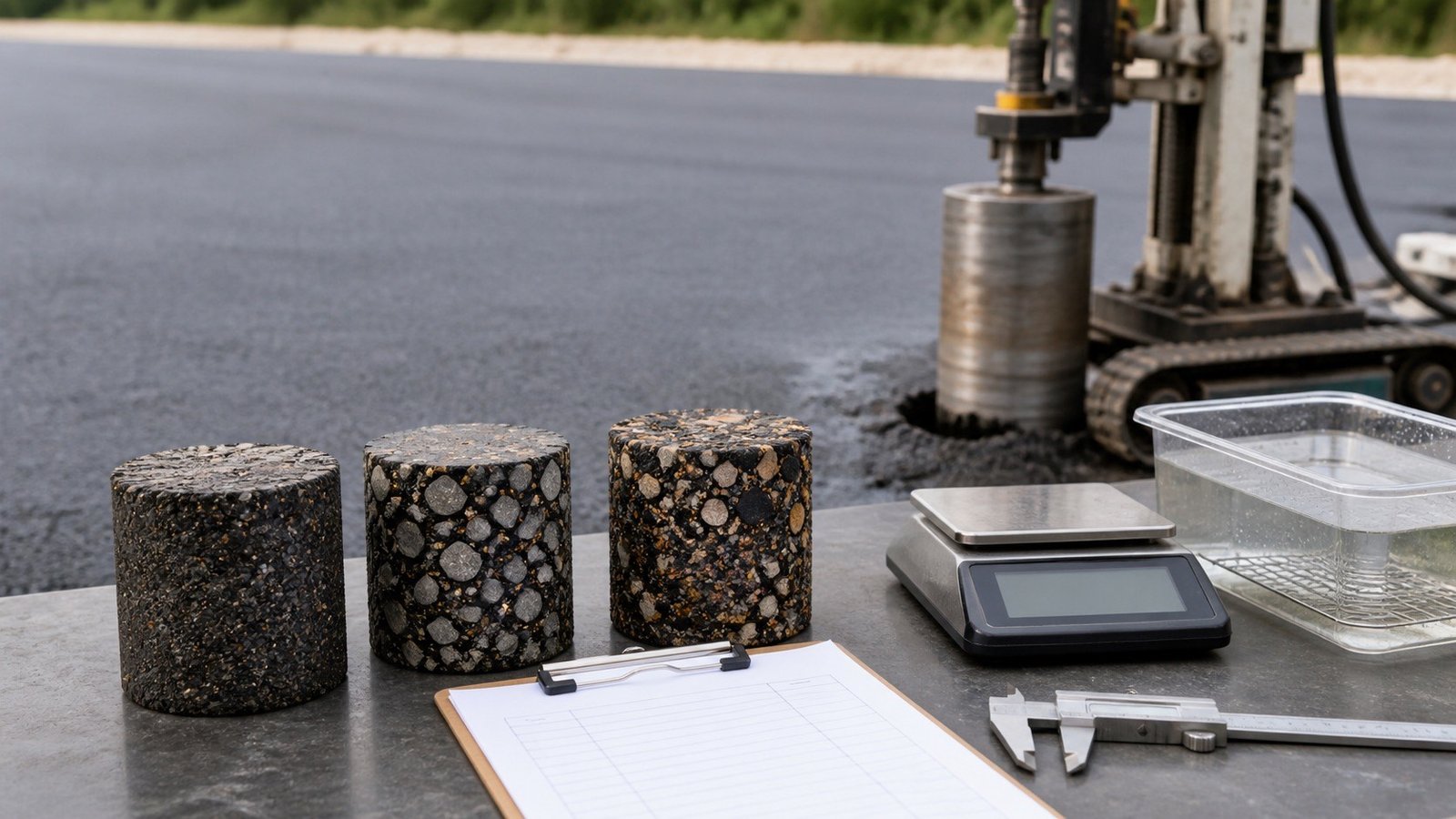
The Asphalt Density and Weight Guide explains how to identify a compacted unit-weight record, distinguish Gmb, Gmm, percent density and loose state, convert lb/ft³ and kg/m³, and carry the selected value into the calculator.
The Asphalt Compacted vs Loose Thickness Guide identifies the compacted depth used for volume, keeps loose screed setup separate, records individual lifts, and shows how a depth revision changes quantity.
Which records should you check before calculating?
- Current drawing, survey, field dimensions, paved limits, exclusions, and revision.
- Accepted compacted depth for each lift or section.
- Selected mixture and the approved in-place density basis.
- Project allowance and its documented reason.
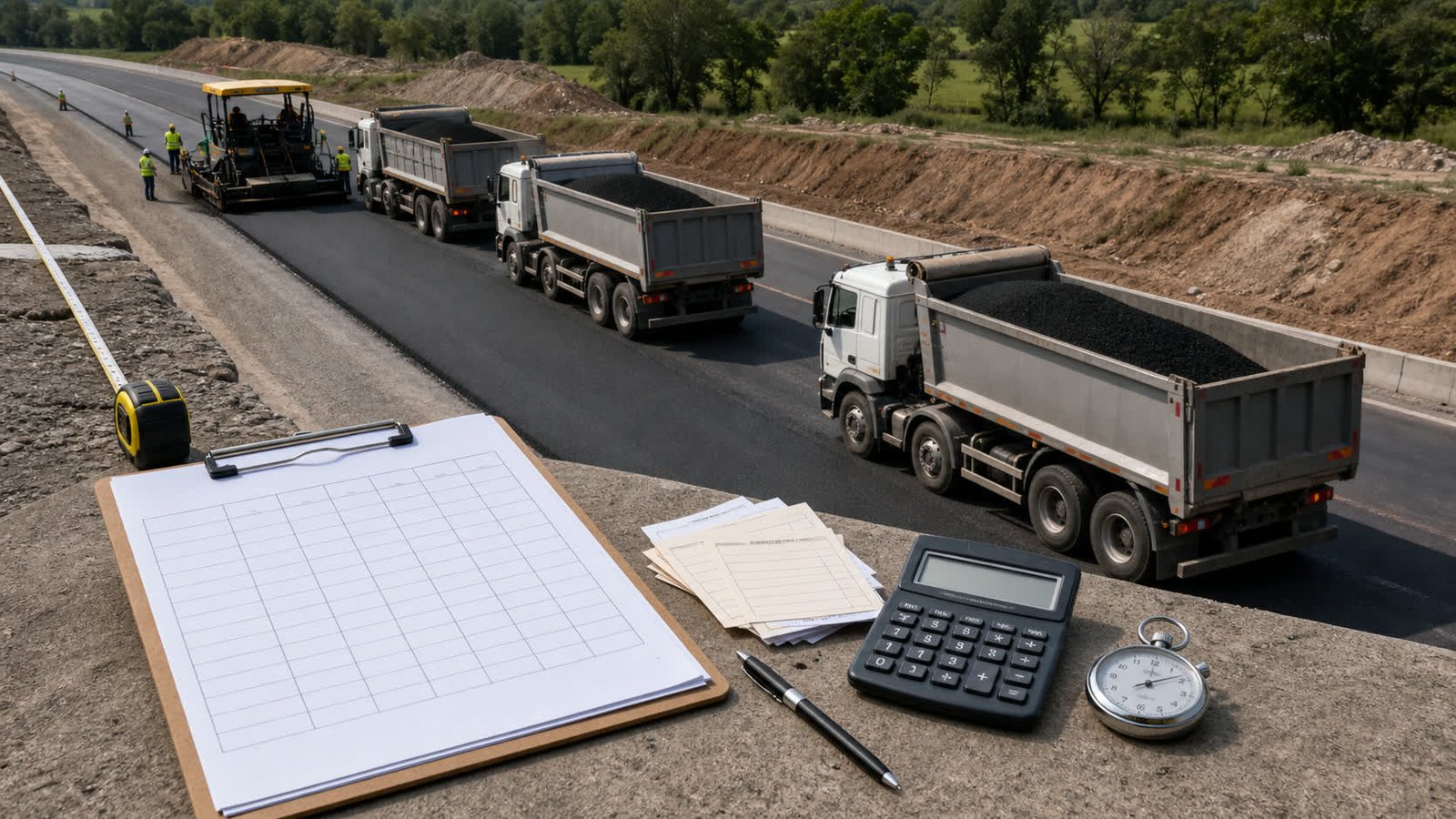
- Supplier order increment, usable truck capacity, route limits, and delivery terms.
Run separate calculations when lifts use different mixtures, depths, density records, or delivery plans. Combine unrounded quantities only when they describe compatible states.
Which decisions remain outside the quantity tool?
The calculator does not design pavement, select an asphalt mixture, establish target density, set lift thickness, plan milling, calculate tack coat, choose weather limits, set rolling patterns, approve traffic control, or verify acceptance.
Use the project drawings, specifications, producer information, current safety documents, site measurements, delivery tickets, testing records, and qualified decisions that apply to the work.
Keep volume and mass states labelled.Record compacted volume, entered density, measured mass, allowance, supplier rounding, accepted deliveries, and remaining quantity as separate fields. This keeps a changed assumption visible during review.
The calculation methodology explains formula, unit, assumption, and rounding checks. Use the corrections route to report a formula or source issue.