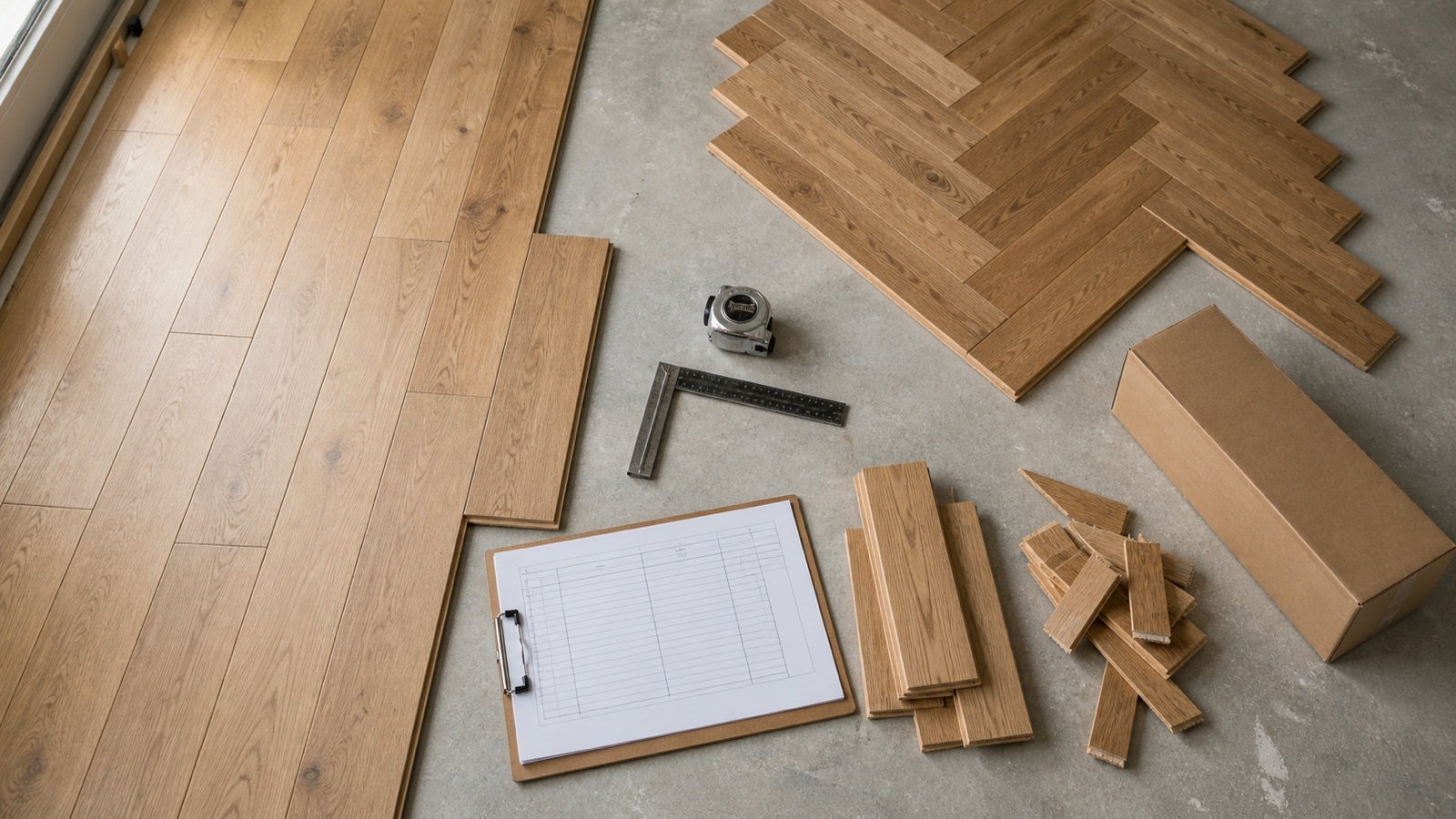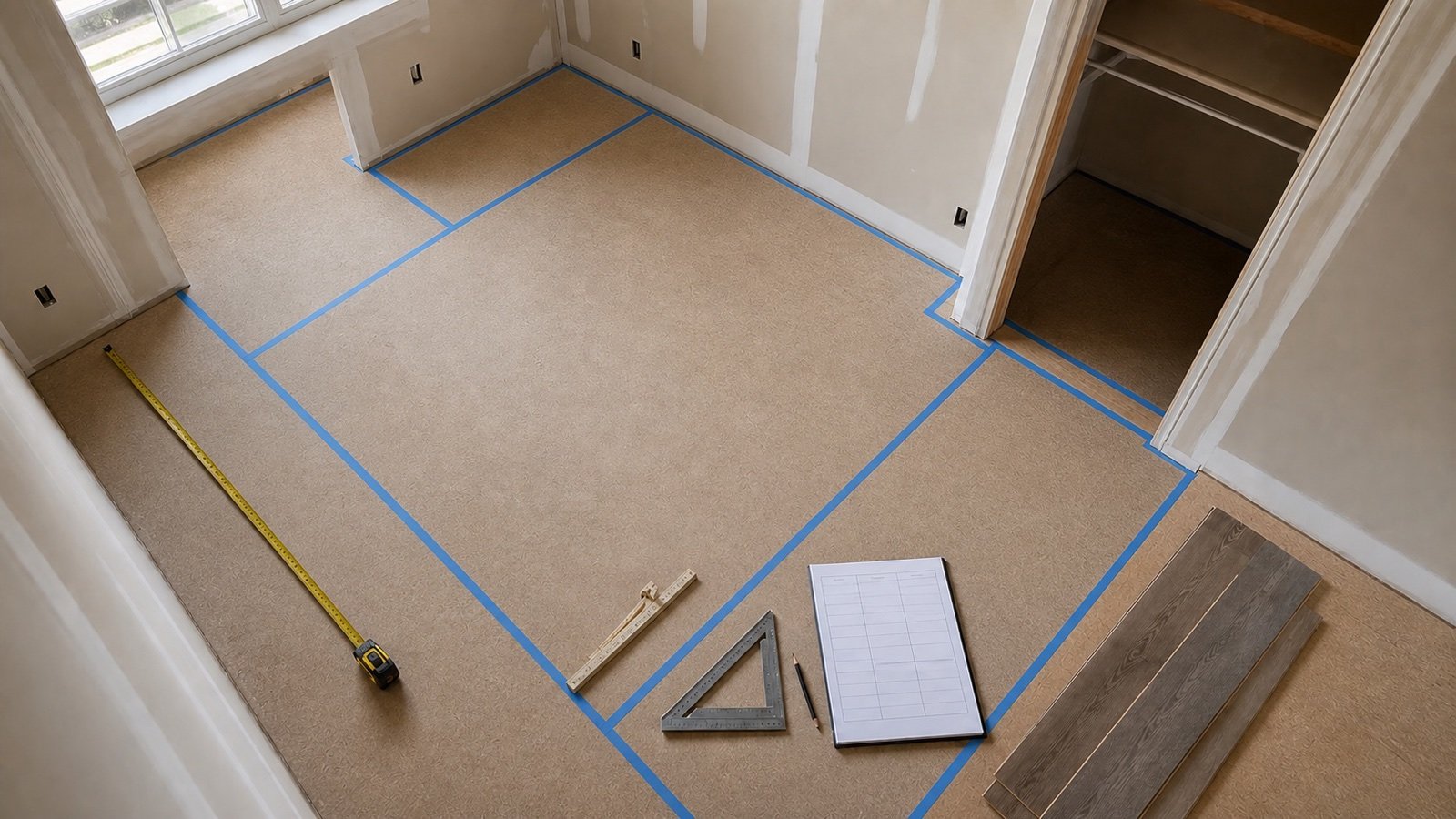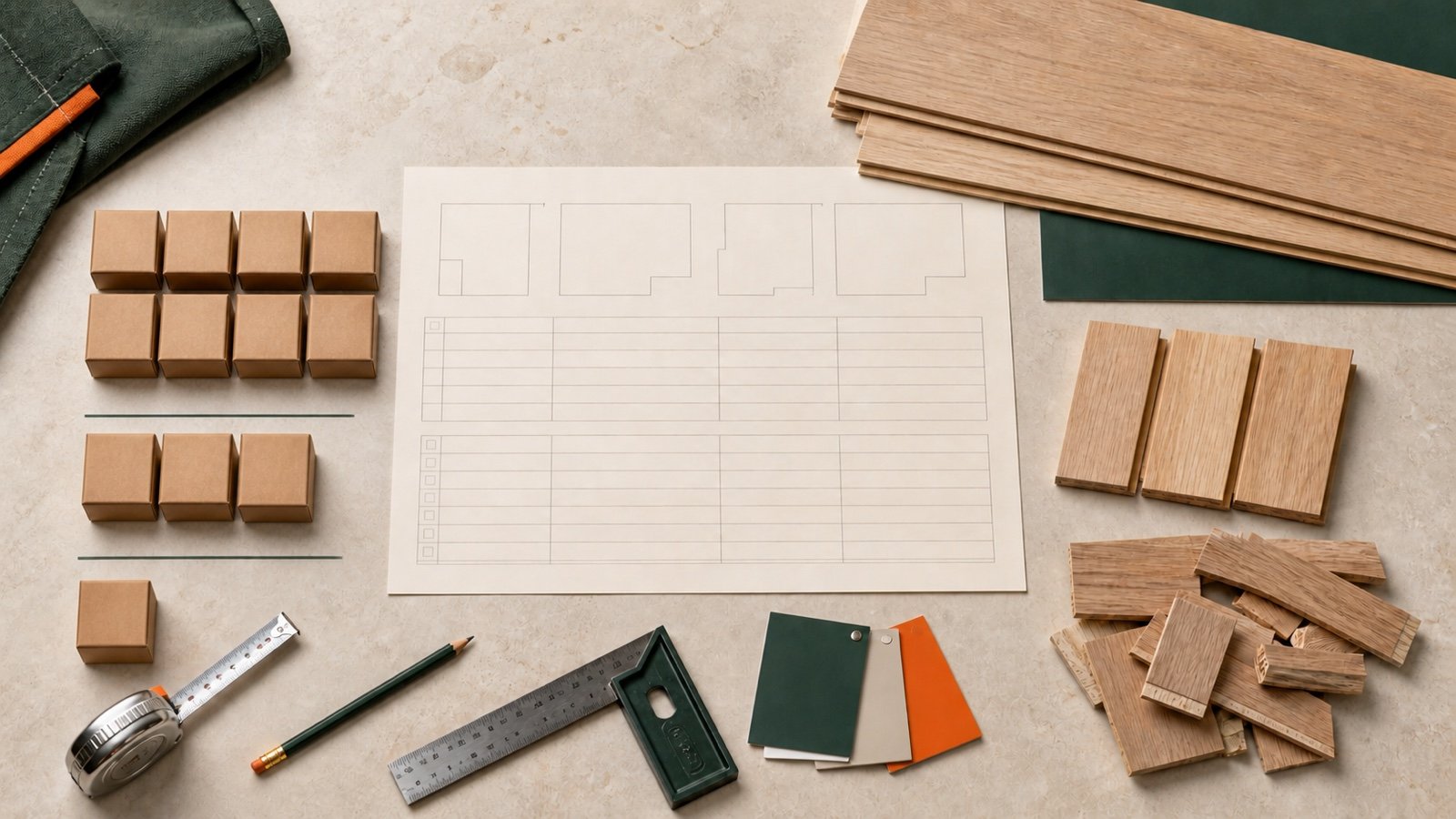
A flooring order can change between the room takeoff and the final leftover count. Boxes may be backordered, rejected, replaced, opened, returned or retained for repairs, so the approved estimate needs a record that survives each handoff.
This worksheet keeps room area, package math and physical inventory in separate columns. It gives the buyer, supplier and installer one place to see what was planned, what arrived and what remains after the floor is complete.
What should a flooring order worksheet contain?
A flooring order worksheet should contain 4 checkpoints: quantity release, purchase order, receiving and closeout. Each checkpoint should show the date, source record, responsible person, unit and status of every quantity.
Keep boxes, pieces and area in separate columns. Convert between them only when the accepted product record provides a reliable package coverage, pieces-per-box count or piece-face area.
Receiving and closeout fields should explain later changes. They should not silently overwrite the room area, allowance or box coverage that produced the order.
Which columns belong in the worksheet?
Use enough columns to identify the product, reproduce the order and resolve a discrepancy. A single field called “total” cannot show whether it means planned area, ordered boxes or usable material on site.
| Worksheet block | Required fields | Control question |
|---|---|---|
| Room schedule | Room ID, revision, net area, product and layout group | Can these areas use the same material supply? |
| Quantity release | Net area, approved allowance, planning area, box coverage, exact ratio, installation boxes and reserve boxes | Can another person reproduce the order? |
| Purchase order | Supplier, product code, color, package, order number, date, boxes ordered and seller terms | Was the approved product and quantity released? |
| Receiving | Boxes received, backordered, rejected, replaced and accepted for use | What is physically present and usable? |
| Closeout | Installed area, unopened boxes, usable loose material, rejected material, accepted returns, retained reserve and storage location | Can every remaining quantity be located or resolved? |
Add photographs, delivery tickets, supplier messages and marked plans as attachments rather than compressing their evidence into a short note. Use product and package identifiers exactly as supplied.
How do the 4 checkpoints work?
Freeze each checkpoint after approval, then carry its values forward. A later checkpoint can record a correction with its reason and date, but the earlier value should remain visible.
1. Quantity release
The quantity release turns approved rooms into installation boxes and any separately approved reserve. It should name the measurement revision, product, package coverage, allowance basis and seller increment.
Use How to Measure Flooring Area for Boxes for the accepted room areas, the flooring package-label guide for carton coverage, and the flooring allowance guide for cuts, rejected material and reserve stock.
2. Purchase order
The purchase-order block records what was actually released to the supplier. Keep installation boxes and reserve boxes on separate lines even when the supplier receives one combined box total.
Record substitutions as new product decisions. A similar color name or price does not prove that coverage, profile, installation instructions or appearance match the approved material.
3. Receiving
The receiving block records a physical count and condition check. Ordered boxes are not received boxes, and a supplier promise is not a delivered replacement.
NWFA's 2025 wood-floor guidelines call for condition records around delivery and inspection before installation. Mannington's current ADURA Rigid instructions also require inspection before installation. Apply the selected product's current instructions, then record the accepted, rejected and unresolved quantities.
4. Closeout
The closeout block records what was installed, retained, returned, rejected or disposed of. Complete it after installation and after the supplier resolves documented claims or returns.
Keep a return candidate open until the seller accepts it. Keep a rejected carton open until it is credited, replaced, accepted for another use or otherwise resolved.
How should rooms be grouped before box rounding?
Combine unrounded planning areas only when the rooms use the same product, color, package coverage, layout basis, allowance decision and shared material supply. Separate the rooms when any of those conditions changes.
| Condition | Combine before box rounding? | Reason |
|---|---|---|
| Same product and one shared installation supply | Usually yes | Compatible full pieces and approved offcuts can move between the listed rooms |
| Same product name but different color or package coverage | No | The material and package records differ |
| Straight field and directional herringbone field | No | The layout, profiles and allowance basis may differ |
| Separate purchase orders or phases with no shared stock | No | One room cannot use material held for the other order |
| One room needs a separately retained repair box | Combine installation area if compatible; list the reserve separately | Repair stock is an ownership decision, not installation-area demand |
Write the grouping decision beside the room rows. This prevents a later editor from combining unlike products merely to reduce the box count.
Worked example: 3 rooms, 11 installation boxes and 1 reserve
Bedroom A has 86 ft², Bedroom B has 67 ft² and the hall has 41 ft². All 3 areas use the same product, package, color, layout basis and shared supply.
- Combined net area: 86 + 67 + 41 = 194 ft².
- Approved installation allowance: 8%.
- Planning area: 194 × 1.08 = 209.52 ft².
- Accepted package coverage: 20 ft² per box.
- Exact box ratio: 209.52 ÷ 20 = 10.476 boxes.
- Installation quantity: round up to 11 boxes.
- Separately approved reserve: 1 sealed box.
- Total purchase order: 12 boxes covering 240 ft².
The order has 30.48 ft² more stated coverage than the 209.52 ft² planning area. The reserve accounts for 20 ft². The other 10.48 ft² is the package-rounding margin above the installation plan, not a measured post-install leftover.
Why not round every room separately?
Separate rounding would produce 5 boxes for Bedroom A, 4 for Bedroom B and 3 for the hall, for 12 installation boxes. Combining the compatible planning areas requires 11 installation boxes.
The 1-box difference is valid only because the approved material supply is shared. If the rooms use separate colors, orders or phases, round each independent stream on its own worksheet.
Which flooring worksheet formulas should be visible?
Show the formulas beside the result so the next person can reproduce the order. Keep full precision through the division and round once to the confirmed seller increment.
Planning area = net area × (1 + approved installation allowance ÷ 100)
Installation boxes = ceiling(planning area ÷ accepted coverage per box)
Total boxes ordered = installation boxes + approved reserve boxes
Boxes outstanding = boxes ordered − boxes physically received
Unopened boxes at closeout = retained sealed boxes + accepted returned boxes + unresolved return candidates
Do not subtract a rejected box from received boxes. It was physically received and then assigned a rejected status. Use another field for usable boxes accepted for installation.
How should a delivery discrepancy be recorded?
Record physical count, condition and status on separate lines. Attach the delivery ticket and evidence, then add the supplier's response without predicting its outcome.
For the 12-box order, assume 11 boxes arrive and 1 remains backordered. Inspection accepts 10 boxes and places 1 received carton in a rejected-pending status.
| Status | Boxes | Meaning |
|---|---|---|
| Ordered | 12 | Quantity released to the supplier |
| Physically received | 11 | Cartons counted at delivery |
| Backordered | 1 | Ordered carton not yet received |
| Accepted for use | 10 | Received cartons that passed the applicable inspection |
| Rejected pending resolution | 1 | Received carton held from use while the supplier responds |
The worksheet cannot show 12 received. It also cannot show a replacement or credit until that event occurs. Update the status with the transaction date and reference when the supplier resolves it.
What should be checked when flooring arrives?
Check identity, quantity, visible condition and the selected product's delivery or installation requirements before material is installed. Stop and document a mismatch that can affect use, appearance, coverage or warranty handling.
- Supplier and purchase-order reference.
- Manufacturer, product code, color, format and package coverage.
- Box, bundle or lot identifiers where supplied.
- Physical carton count and delivery condition.
- Visible product condition under the applicable inspection instructions.
- Site condition records required by the selected product.
- Photographs and written notice for a discrepancy.
- Supplier response, replacement, credit or other resolution reference.
NWFA says unacceptable visual appearance or manufacturing quality should be identified before wood flooring is installed. Its guidance also notes that installation is treated as acceptance of product aesthetic quality. Check the contract, product instructions and applicable warranty terms for the selected job rather than applying that statement to every flooring system.
How do you reconcile flooring after installation?
Reconcile closeout in the units that the records can support. Count sealed boxes as boxes, count full loose pieces as pieces, and measure irregular offcuts only when their dimensions and usability are recorded.
An area reconciliation can work for a fixed-format product when stated package coverage, pieces per box and piece-face area agree. It can mislead for random-length bundles, mixed widths, nominal dimensions or package coverage based on another measurement convention.
Checked area example
Use a hypothetical product with 8 pieces per box and 2.5 ft² per piece. Each box reconciles to 20 ft², so 12 boxes contain 240 ft² of stated coverage.
- Installed floor area: 194 ft².
- Measured unusable cuts: 11 ft².
- Rejected material: 5 ft².
- Usable identified loose pieces and offcuts: 10 ft².
- One sealed reserve box: 20 ft².
240 ft² purchased = 194 ft² installed + 11 ft² unusable cuts + 5 ft² rejected + 10 ft² usable loose + 20 ft² reserve
The total closes at 240 ft². This is a control check for the stated fixture. It does not prove that a real product's nominal plank dimensions reconcile to the coverage printed on its carton.
How should opened boxes and loose offcuts be recorded?
Record opened material by usable full pieces and identified offcuts, not by a guessed fraction of a carton. Include product identity, dimensions, edge or locking profile, condition and storage location.
| Material | Record | Do not assume |
|---|---|---|
| Full loose pieces | Piece count, product ID, dimensions and condition | Every piece remains usable for any room |
| Rectangular offcuts | Length, width, profile edges, orientation and condition | Area alone proves reuse |
| Directional pieces | Left/right or pattern form plus count | Mirror profiles are interchangeable |
| Damaged pieces | Damage, evidence and supplier resolution | Damage automatically creates a credit |
| Mixed unidentified pieces | Hold for identification or record as unresolved | Similar appearance proves a product match |
A useful offcut must still satisfy the selected layout, minimum length, joint spacing, edge profile and condition rules. Link the closeout row to the allowance record when the project tracked planned offcut reuse.
When is an unopened box returnable?
An unopened box is a return candidate until the seller confirms that it meets the applicable return terms. Record requested, accepted, returned and credited as separate statuses.
Check the exact product, packaging condition, purchase date, order type, restocking fee, minimum return increment and proof-of-purchase requirement. Special orders, discontinued products, color or lot restrictions and damaged packaging can change the result.
Do not remove a candidate from the closeout inventory when it is loaded into a vehicle. Remove it when the seller accepts the return, then record any credit separately.
How should repair stock be handed over?
List repair stock by product, package or piece count, owner and storage location. Retained material should remain identifiable and stored under the selected manufacturer's requirements.
Mannington's consumer installation guidance recommends keeping extra material for possible future repairs. That supports recording a reserve, but it does not set the quantity or guarantee a later match.
- Keep the product and package labels with the retained material.
- Record sealed boxes and loose pieces separately.
- Identify the room or product stream the material serves.
- Record who accepted custody and where it is stored.
- Preserve required environmental and storage conditions.
- Do not promise that future stock will match the installed floor.
Which mistakes make a flooring worksheet unreliable?
- Using the ordered quantity as the received count.
- Overwriting the approved room area after a delivery change.
- Combining products or colors only to reduce whole-box rounding.
- Mixing ft², m², boxes and pieces in one total.
- Counting reserve stock inside the allowance and adding it again as a box.
- Calling package-rounding margin measured leftover before installation.
- Recording a backorder as available stock.
- Installing questioned material before the applicable inspection is resolved.
- Calling an unopened carton returnable without seller acceptance.
- Removing a return from inventory before the seller receives it.
- Recording a supplier credit before it is issued.
- Converting random-length or mixed-width packages to exact piece area without evidence.
- Keeping loose offcuts without dimensions, product identity or storage location.
What should the final supplier and installer handoff include?
Send the frozen quantity release, purchase order, receiving record and current discrepancy log. Close the file with the installed-area and leftover record after open supplier items are resolved.
- Project, room schedule and drawing revision.
- Product, color, format, package coverage and applicable instructions.
- Net area, allowance basis, planning area and exact box ratio.
- Installation boxes, reserve boxes and total ordered.
- Supplier, order, delivery and return terms.
- Received, accepted, backordered, rejected, replaced and credited quantities.
- Installed area and measured cut or rejected material where recorded.
- Unopened return candidates and accepted returns.
- Retained sealed boxes, usable loose pieces, owner and storage location.
- Dates, names, photographs and transaction references for every change.
How do you start the worksheet from the calculator?
Open the Flooring Calculator after the room schedule, allowance and package coverage are approved. Copy the net area, planning area, exact box ratio, whole installation boxes and package surplus into the quantity-release block.
Add reserve boxes as their own line, then freeze the release before placing the order. Return to the Flooring Quantity Planning hub for the full cluster workflow. The calculation methodology explains unit conversion and rounding, and the corrections route accepts documented calculation or source issues.
Safety, contract and accounting limits
This worksheet supports quantity control. It does not approve an installation system, substrate, moisture condition, storage method, cutting process, contract claim, warranty decision, return, tax treatment or legal inventory record.
Flooring cartons can be heavy, and flooring work can involve sharp edges, saws, dust, adhesives and existing materials that need controlled handling. Follow the selected product instructions, project requirements and applicable workplace controls. Obtain qualified advice when an existing floor or adhesive may contain hazardous material.
Sources and source scope
- NWFA Installation Guidelines, revised 2025: wood-floor pre-install appearance and manufacturing-quality review, delivery condition records, documentation and package context.
- Mannington ADURA Rigid Installation Guidelines, rev. 03.25.2026: one product system's inspection-before-installation requirement.
- Mannington, What To Expect From Your Floor Installation: product-dependent extra-material context, possible delivered damage and retained repair material.
- NIST Net Contents of Packaged Goods FAQs, updated 2026-03-06: scope of accurate package quantity statements and package-lot requirements.
- NIST Handbook 44 (2026), Appendix C: exact U.S. customary area relationships and published SI conversions.
Source scope: NWFA supports wood-floor practices. Mannington sources apply to their stated product or manufacturer context. NIST supports package-quantity context and unit relationships. These sources do not approve this project's order, establish a defect rate, accept a return, issue a credit or guarantee future matching stock.
Review note: Saleem Sial owns the research and editorial record. Arithmetic fixtures, source checks, build validation and rendered QA are completed before publication. Waseem Sial is listed as External Reviewer and Engineer for ongoing external review; no completed review date is claimed.